
Create Railways Refuelled
作者:rebot | 分类:模组
Minecraft 版本: 1.20.1
平台: fabric forge quilt
标签: game-mechanics technology transportation
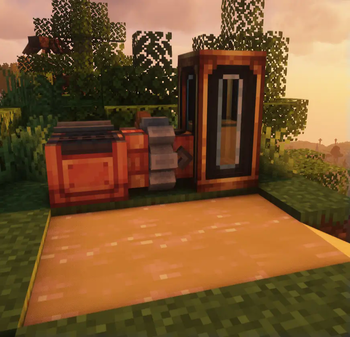
Create Railways Refuelled
A really simple collection of datapacks which modify fuels used in Steam N' Rails
Mods Supported
Mods ## Minecraft - [Remove Lava](https://modrinth.com/datapack/create-railways-refuelled/version/PjSdVVds) ## Crafts & Additions - [Add Bioethanol](https://modrinth.com/datapack/create-railways-refuelled/version/1.0.0) - [Add Seed Oil](https://modrinth.com/datapack/create-railways-refuelled/version/W7UzSfMd) ## Ad Astra - [Add Fuel](https://modrinth.com/datapack/create-railways-refuelled/version/4aZKUxaD) ## Create: The Factory Must Grow - [Diesel](https://modrinth.com/datapack/create-railways-refuelled/version/svAlKndu) ## Create: Diesel Generators - [Biodiesel](https://modrinth.com/datapack/create-railways-refuelled/version/Kz9Lw7vH) - [Ethanol](https://modrinth.com/datapack/create-railways-refuelled/version/5M9bXlX9) - [Plant Oil](https://modrinth.com/datapack/create-railways-refuelled/version/i6Cupwjz) - [Gasoline](https://modrinth.com/datapack/create-railways-refuelled/version/G92SvyPx) - [Diesel](https://modrinth.com/datapack/create-railways-refuelled/version/ALg34iZF)Note
The "Realistic Train" option from Steam N' Rails has to be enabled for those datapacks to make sense
How to enable realistic trains 1. Press Escape 2. Find that button and press it  3. Press "Configure..." 4. Press "Access Configs of other Mods" 5. Search for "Railways" and click it 6. Go to "Server Config" 7. Press "Realism" 8. Enable "Realistic Trains" 9. Save config and enjoy!请登录后举报
暂无评论,抢个沙发吧~