CraftUI
作者:rebot | 分类:模组
Minecraft 版本: 1.21.4
平台: fabric
标签: library utility
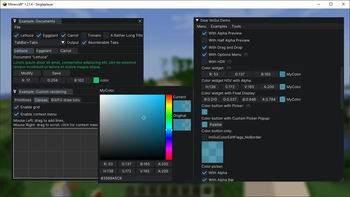
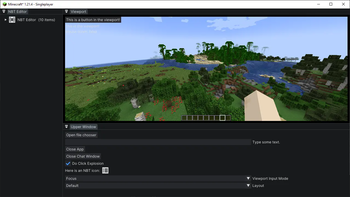
CraftUI
A framework to use Dear ImGui in Minecraft
Over the past few years, I've noticed a growing use of ImGui in utility mods such as Flashback. However,
due to technical constraints, none of these mods can be compatible with each other (and if they are, they're extremely jank).
CraftUI is a framework that attempts to fix this. Being a minecraft-specific wrapper for Dear ImGui, it handles mounting
and rendering the ImGui native code, cross-mod compatibility, as well as providing a set of extra, Minecraft-specific utility systems.
Note: This framework is still in development, and public API functionality might change.
It also doesn't support all Minecraft versions right now.
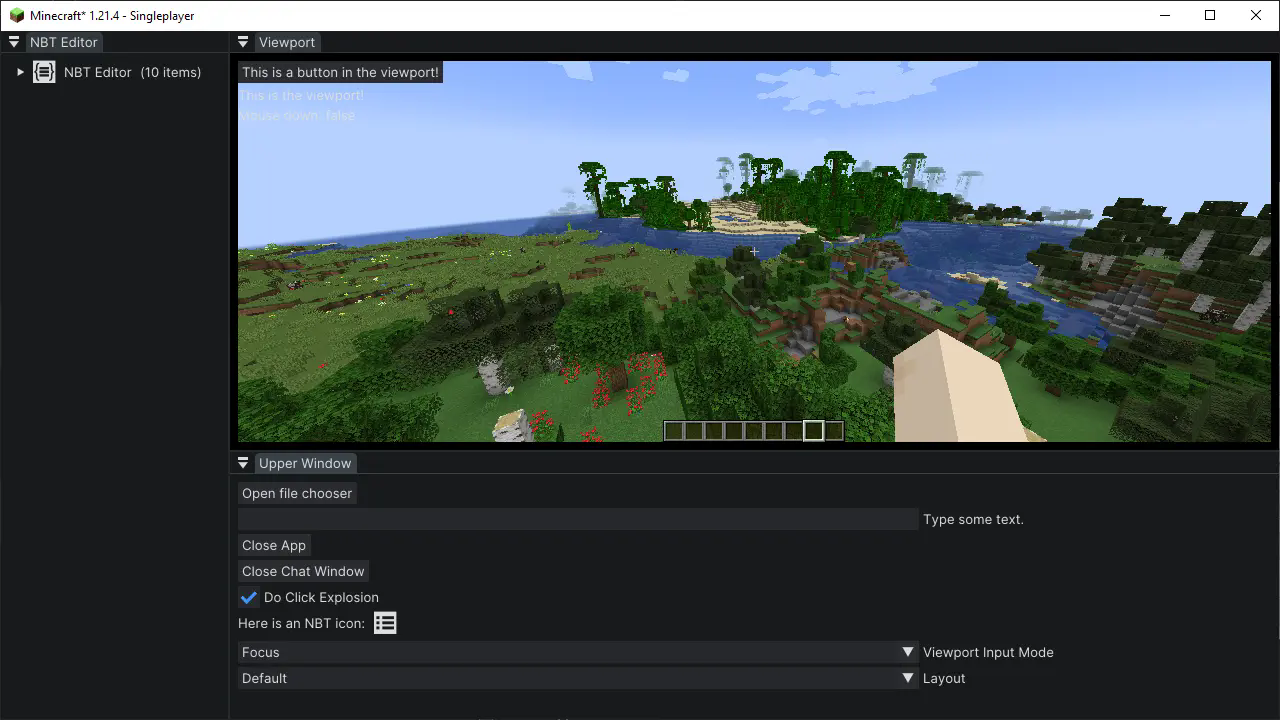
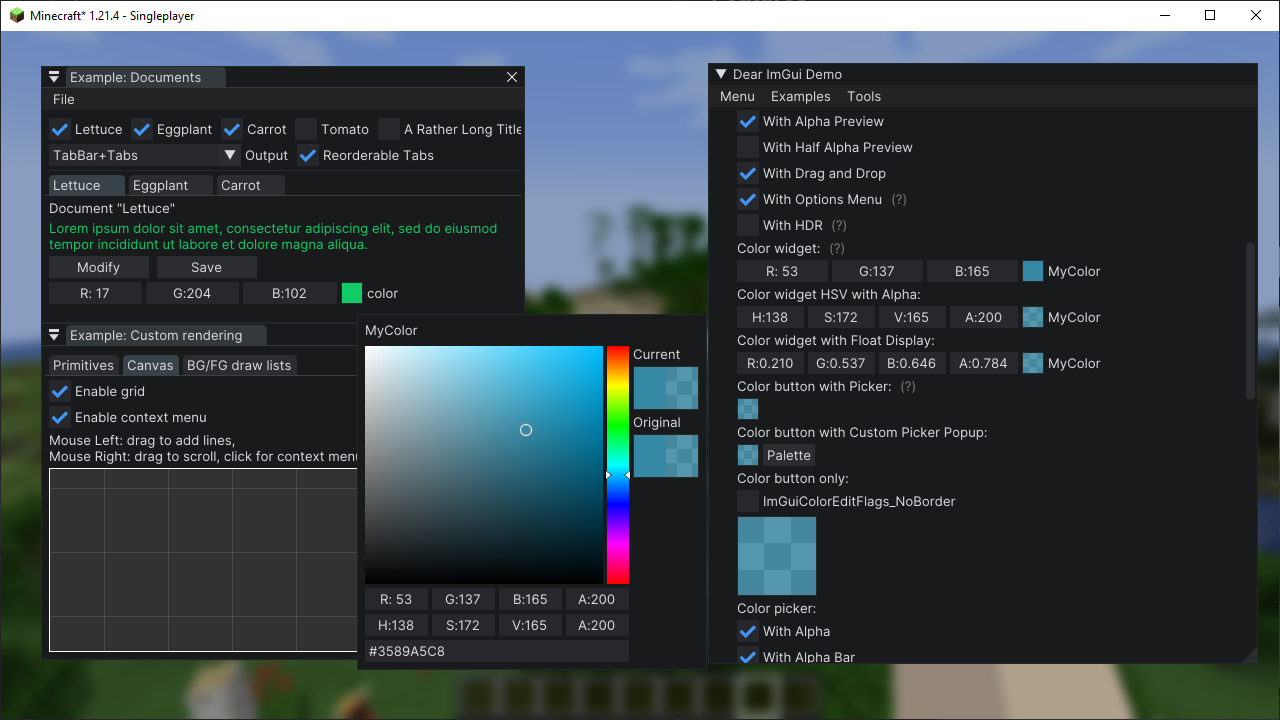
Examples
Features
CraftUI is built on ImGui Java, and by extension, contains all its features.
On top of that, it also includes:
- Resource-pack-based font loading
- User-definable themes (also resource-pack-based)
- Game viewport resizing via dock-space
- Native file browser access
- Other various utilities
Getting Started
To preface, it's important to have a basic understanding of Dear ImGui, and specifically ImGui Java, before using this library.
Any questions pertaining ImGui on its own will be redirected there.
With that said, to install, add the following to the repositories section of your buildscript:
repositories {
    // ...
    maven { url = 'https://jitpack.io' }
}
Then, in your dependencies section, add the following, replacing [version] with the desired version:
dependencies {
    // ...
    modImplementation 'com.github.Igrium:CraftUI:[version]'
}
And don't forget to add it as a dependency in fabric.mod.json!
Once you have the framework installed and building, you can create a new UI application by extending CraftApp:
public class ExampleApp extends CraftApp {
    @Override
    protected void render(MinecraftClient client) {
        // ImGui rendering code here
    }
}
Now, to open the UI, call:
AppManager.openApp(new ExampleApp());The app will now render atop the game until it is closed with exampleApp.close(). See testmod for a more in-depth example.
Important Notes:
- Due to the size of the included native libraries, it is not recommended to bundle the framework itself with your mod.
- The package
com.igrium.craftui.implis not considered part of the public API, and could change without warning!
请登录后举报
请 登录 后赞助作者。
暂无评论,抢个沙发吧~