
MTR:Japan-ticket-MOD
作者:rebot | 分类:模组
Minecraft 版本: 1.20.4
平台: fabric
标签: transportation
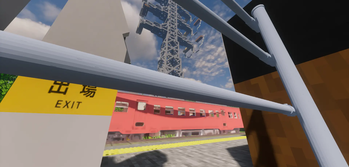
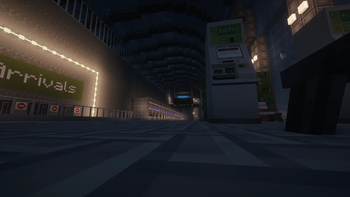
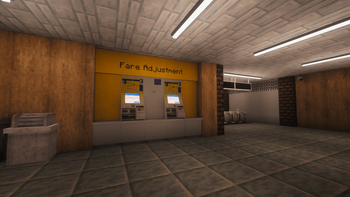
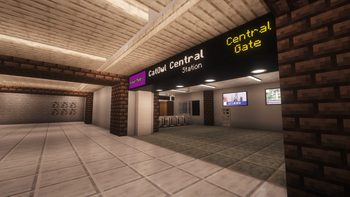
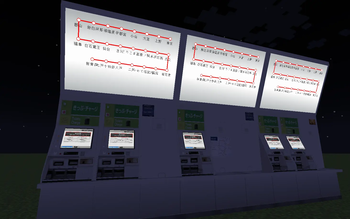
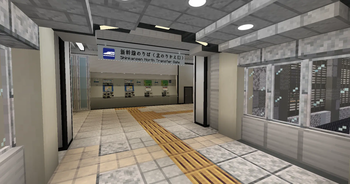


You can also use it with Forge by using Sinytra Connector!**
MJTM adds a realistic Japanese railway ticketing system to MTR, bringing authentic ticket purchasing, fare calculation, and station operations into Minecraft.
Instead of simply opening gates, players can buy tickets from ticket machines, use IC cards, pass through ticket gates, transfer between railway companies, purchase commuter passes, reserve seats, and travel using realistic Japanese fare systems.
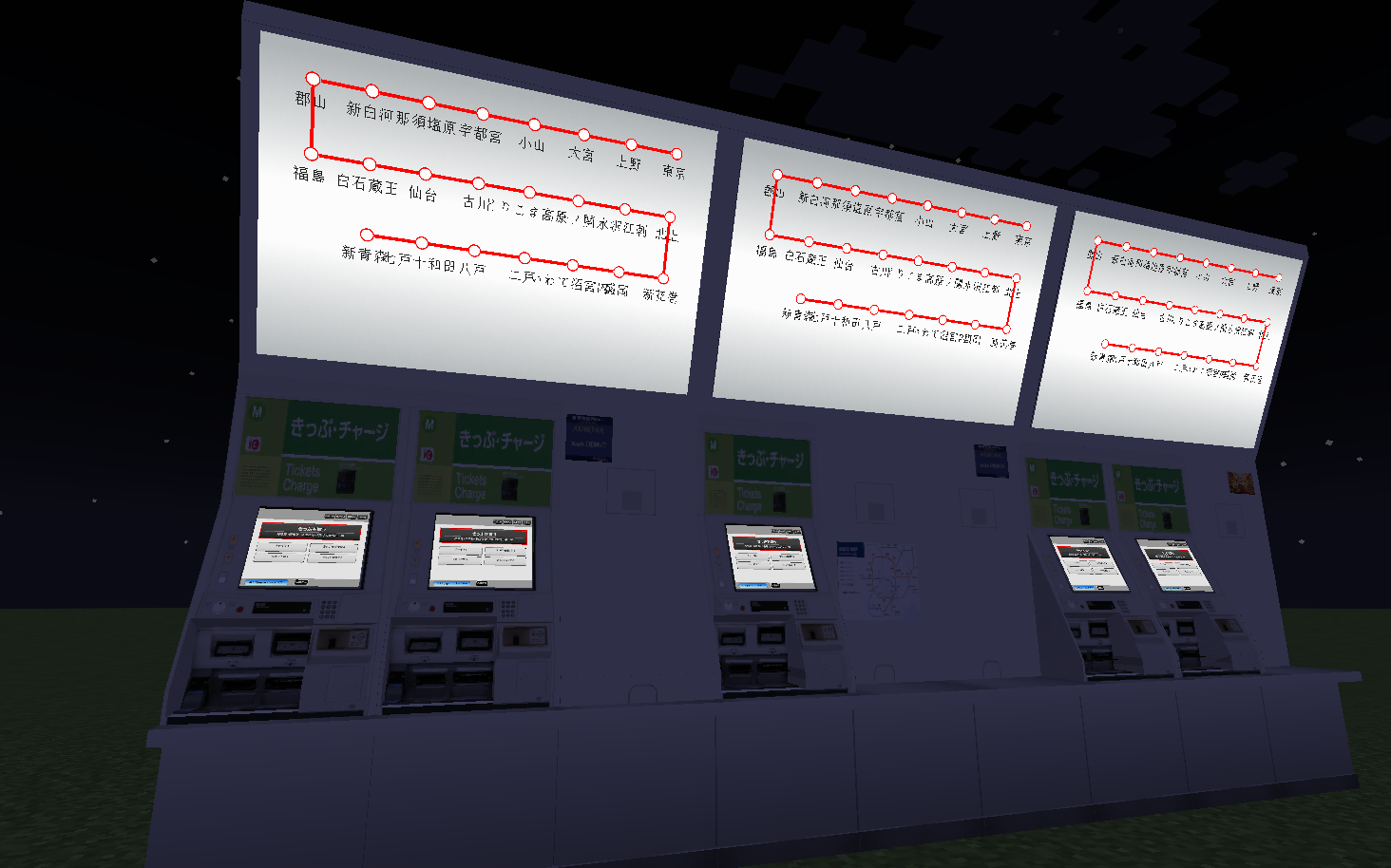
MJTM is designed for both survival gameplay and large multiplayer railway servers, allowing operators to build fully functional railway networks with customizable fare tables, multiple railway companies, and realistic passenger experiences.
This mod works with both MTR4 and MTR3—it runs regardless of the MTR version!
📖 Setup Guide (Click to Expand) # MJTM Guide --- # Items ## Wrench The **Wrench** is the most important setup tool in MJTM. It is required for configuring: * Ticket Gates * IC Gates * Transfer Gates * Ticket Machines * Fare Adjustment Machines * Other MJTM blocks Most configuration screens are opened by: **Sneak + Right Click** When looking at a configurable block while holding a wrench, a setup preview will appear above the block showing its current settings. --- ## Smartphone The **Smartphone** is used for ticket reservations. Features: * Reserve tickets remotely * Receive reservation tickets from ticket machines * Access notifications * Receive coupons after making reservations Each reservation can grant coupons that can be used in supported ticket systems. --- ## Notice Tool The **Notice Tool** allows railway operators to send messages directly to player smartphones. Features: * Send announcements * Send promotional campaigns * Send sales to specific presets * Manually end active campaigns Players can view these messages in the smartphone notification tab. --- ## Tickets Tickets are obtained from ticket machines and used at ticket gates. Features: * Standard railway tickets * Express tickets * Reserved-seat tickets * Transfer tickets Transfer tickets contain a transfer order and must be used at transfer gates in the correct sequence. --- ## IC Cards and Commuter Passes ### IC Card The IC Card is a stored-value smart card. Features: * Convenient tap-in/tap-out travel * Automatic fare calculation * Automatic balance deduction Fares are calculated using: * Entry station configured on the gate * Exit station configured on the gate * Fare tables configured in the ticket machine preset --- ### Commuter Pass A commuter pass allows unlimited travel between selected stations for a specified period. Features: * Configurable validity period * Station-to-station travel * Round-trip support --- # Ticket Gate Setup MJTM provides several types of gates. --- ## IC Gate The IC Gate is a ticket gate that only supports IC cards. Features: * Realistic gate sounds * Realistic error sounds * Ticket insertion animations removed * IC-only operation --- ## Entry Gate Configure the gate mode as **Enter**. ### Setup Select: * One or more Presets * One or more Lines * One or more Stations Multiple selections are useful when a preset contains several lines and tickets should be accepted across all of them. ### Behavior When a valid ticket is inserted: 1. The gate opens 2. The ticket is returned 3. The player takes the ticket back 4. The gate closes This simulates real Japanese entry gates. --- ## Exit Gate Configure the gate mode as **Exit**. ### Setup Select: * One Preset * One Line * One Station ### Flexible Matching The setting: **Require All Matches** can be disabled. When disabled, only the station name must match. This allows: * Shared station exits * Large terminals * Multiple railway operators using the same exit area ### Behavior When a valid ticket is inserted: 1. The gate opens 2. The ticket is collected 3. The gate automatically closes after 60 ticks The ticket is not returned. --- # Transfer Gate Setup Transfer gates are used when changing from one railway service to another. ### Setup Configure: #### Before Transfer * Preset * Line * Station #### After Transfer * Preset * Line * Station In most cases the station name remains the same and only the operator or line changes. Examples: * Tokyo Station * Shin-Osaka Station * Major interchange hubs ### Behavior When a valid transfer ticket is inserted: 1. The transfer is validated 2. The ticket enters the gate 3. The ticket is returned 4. The gate behaves similarly to an entry gate The transfer order must match the ticket's transfer data. --- # Ticket Machine Setup MJTM uses a hierarchical structure: ``` Preset └─ Line └─ Station ``` Think of a **Preset** as a railway company or fare network. --- ## Creating a Preset Create a preset first. A preset contains: * Lines * Stations * Fare tables * Ticket types * Vehicle data --- ## Creating Lines Inside a preset, create one or more railway lines. Examples: * Tokaido Shinkansen * Yamanote Line * Chuo Line --- ## Creating Stations Stations are added inside a line. When at least two stations exist, fare entries appear between them. Click a fare entry to configure the fare. These fares are used for: * Ticket purchases * IC card fare calculations * Commuter pass calculations --- # Vehicle Configuration Vehicles can be created inside a preset. Each vehicle can be: * Reserved Seat * Non-Reserved Seat Configure: * Vehicle name * Car number * Fare multiplier ### Fare Multiplier Examples: | Value | Result | | ----- | --------- | | 0.0 | Base fare | | 0.5 | 1.5× fare | | 1.0 | 2.0× fare | --- # Ticket Type Configuration Ticket types are created inside a preset. First select the line used for fare calculation. The purchase screen will use this line's fare table. --- ## Basic Ticket Default settings: * Ticket name * Ticket fare multiplier Multiplier examples: | Value | Result | | ----- | --------- | | 0.0 | Base fare | | 0.5 | 1.5× fare | | 1.0 | 2.0× fare | --- ## Express Fare Enable **Express Fare**. Additional settings become available: * Express service name * Express fare multiplier Examples: * Nozomi * Hikari * Kodama * Rapid * Limited Express Express fare multipliers are applied separately from vehicle multipliers, matching real-world Japanese railway systems. A multiplier of **0** can be used if only the service name is desired. --- ## Vehicle Selection Mode Enable **Vehicle Selection**. You can then select previously created vehicles. When enabled: * Ticket name settings disappear * Ticket pricing is based on the selected vehicle * Players choose vehicles during purchase Examples: * Green Car * Reserved Seat * Sleeper Car * Premium Class --- # Buying Tickets Ticket machines provide several options: * Buy IC Card * Add IC Balance * Collect Reserved Tickets * Buy Commuter Pass * Buy Tickets IC cards and commuter passes use the base fare system. --- ## Ticket Purchase Flow ### 1. Select Ticket Type Choose the ticket to purchase. --- ### 2. Choose Seat Type Depending on configuration: * Non-Reserved Seat * Reserved Seat If only one option exists, the choice is automatic. --- ### 3. Select Vehicle If reserved seating is enabled: Choose one of the configured vehicles. Examples: * Car 1 * Car 5 * Green Car --- ### 4. Select Stations Choose: * Departure Station * Arrival Station --- ### 5. Add Transfers (Optional) Transfers can be added if required. Each transfer repeats the station selection process. --- ### 6. Final Confirmation Review: * Ticket information * Route * Vehicle * Transfers * Total fare Then confirm the purchase. --- # Ticket Machine Decorations MJTM includes decorative ticket machine variants. Available versions: * Ticket machine with random posters * Ticket machine without posters Poster variants are selected automatically when placed, allowing stations to feel more varied and realistic. 📙 Major Features (Click to Expand) ## Features ### 🎫 Realistic Ticket System Purchase and use various types of railway tickets. * Standard Tickets * Express Tickets * Reserved Seat Tickets * Transfer Tickets --- ### 💳 IC Cards Travel by simply tapping in and out. * Stored-value IC cards * Automatic fare calculation * Automatic balance deduction * Multi-line fare support --- ### 🚉 Realistic Ticket Gates Several gate types are available. * Entry Gates * Exit Gates * IC-only Gates * Transfer Gates Each gate behaves similarly to real Japanese railway stations. ### 🚄 Reserved Seating Configure vehicles such as: * Green Car * Reserved Seat * Sleeper Car * Premium Class Each vehicle can have its own fare multiplier. --- ### 📱 Smartphone System Players can: * Reserve tickets remotely * Receive reservation tickets * View notifications * Receive promotional coupons Railway operators can send announcements and campaigns directly to players.

请登录后举报
请 登录 后赞助作者。
暂无评论,抢个沙发吧~