
Tubarcev's Anomalies For Tubakerta
作者:rebot | 分类:模组
Minecraft 版本: 1.21.1
平台: fabric
标签: game-mechanics
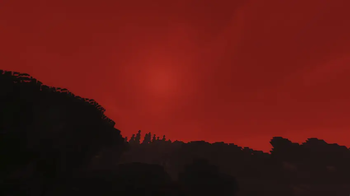
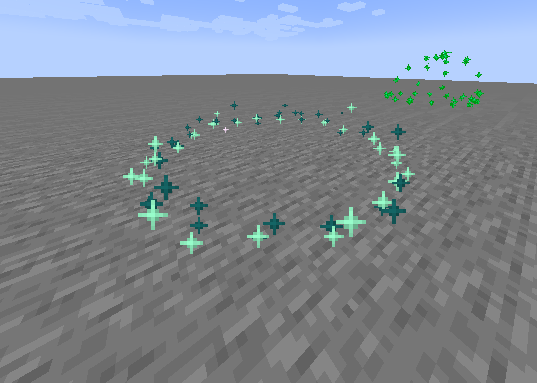
⚠️ IMPORTANT: This project is currently in early Alpha development. Many features are still being worked on, mechanics are subject to changeю.
Overview This mod brings the harsh, unforgiving environment of the S.T.A.L.K.E.R. universe into Minecraft. It introduces anomaly, immersive visual effects.
Current Features (Early Build) Even in this early stage, the core technical foundation and several mechanics are implemented:
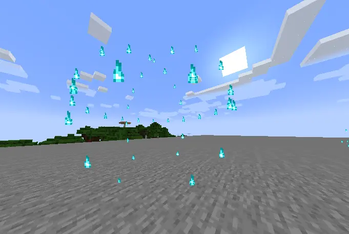
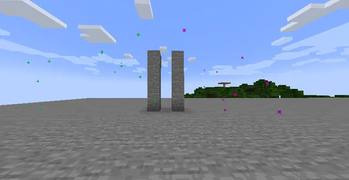
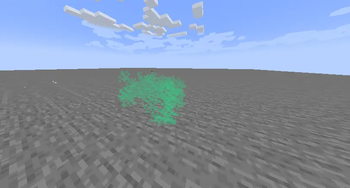
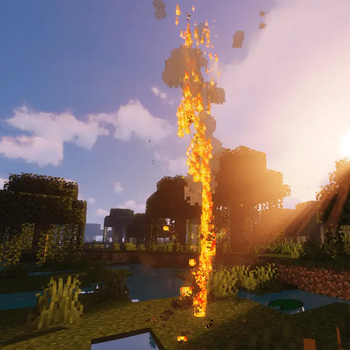
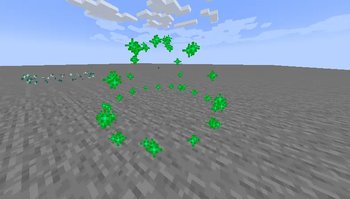
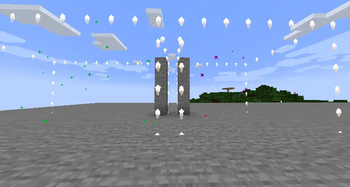
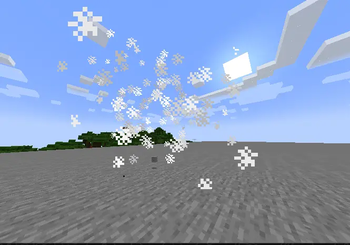
Anomalies: Encounter classic anomalies in the world, currently including Burner (Жарка), Electra (Электра), and Gas (Газировка).
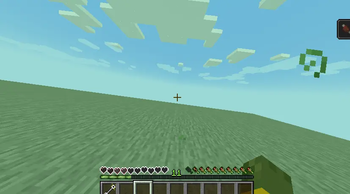
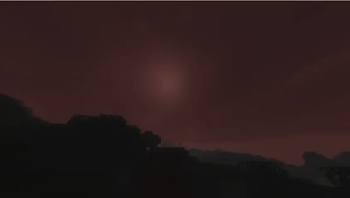
Radiation & Psi-Emissions. Entering irradiated or Psi-zones applies custom visual screen effects to the player and affects gameplay.
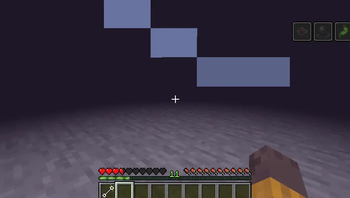
Management Tools: Includes a specialized remote control panel item for interacting with or managing the mod's systems.
Custom Client Rendering: The mod features a modular structure with a dedicated client-side system specifically built for rendering anomaly particles, precise damage zones, and immersive screen distortions.
In future:
Protective gear (gas masks, scientific suits) to counter radiation and Psi-emissions.
Integration of and bolts for safe navigation.
Shader Compatibility (Ejection Mechanics)
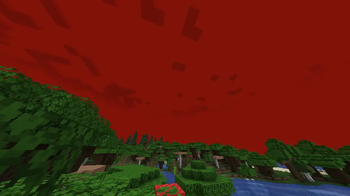
Atmospheric Emission mechanics were implemented with smooth transitions of sky and fog colors. In a vanilla game (without shaders), everything works automatically.
If you play with shaders (Sodium + Iris):
The shaders completely overlap the vanilla rendering of the sky. To make the Ejection look cinematic and the sky turn red, you need to add a special interceptor code to your shaderpack. So far, only Sildur's Vibrant Shaders:
How to adapt the shader:
- Open the shaderpacks folder in the game directory.
- Open the archive of your shader ('Sildurs Vibrant Shaders v1.56.zip`: https://www.curseforge.com/minecraft/shaders/sildurs-vibrant-shaders) just like a regular folder.
- Follow the path
shaders/and find the file `final.fsh'. - Open it in any convenient text editor (Notepad++ is recommended).
- Replace the code inside with this one: https://gist.github.com/Light-Tubar/db551516c33e92899e3b6f710d897a55
- Save the changes to the
final' file.fshand confirm the archive update. - In the game, press the
Rkey to reset the shaders.
请登录后举报
暂无评论,抢个沙发吧~