
? Custom Outline
作者:rebot | 分类:光影包
Minecraft 版本: 1.21.11-pre1 1.21.11-pre2 1.21.11-pre3 1.21.11-pre4 1.21.11-pre5 1.21.11-rc1 1.21.11-rc2 1.21.11-rc3 1.21.11 26.1-snapshot-1 26.1-snapshot-2 26.1-snapshot-3 26.1-snapshot-4 26.1-snapshot-5 26.1-snapshot-6 26.1-snapshot-7 26.1-snapshot-8 26.1-snapshot-9 26.1-snapshot-11 26.1-pre-1 26.1-pre-2 26.1-pre-3 26.1-rc-1 26.1-rc-2 26.1-rc-3 26.1 26.1.1 26.1.2
平台: minecraft
标签: core-shaders tweaks utility
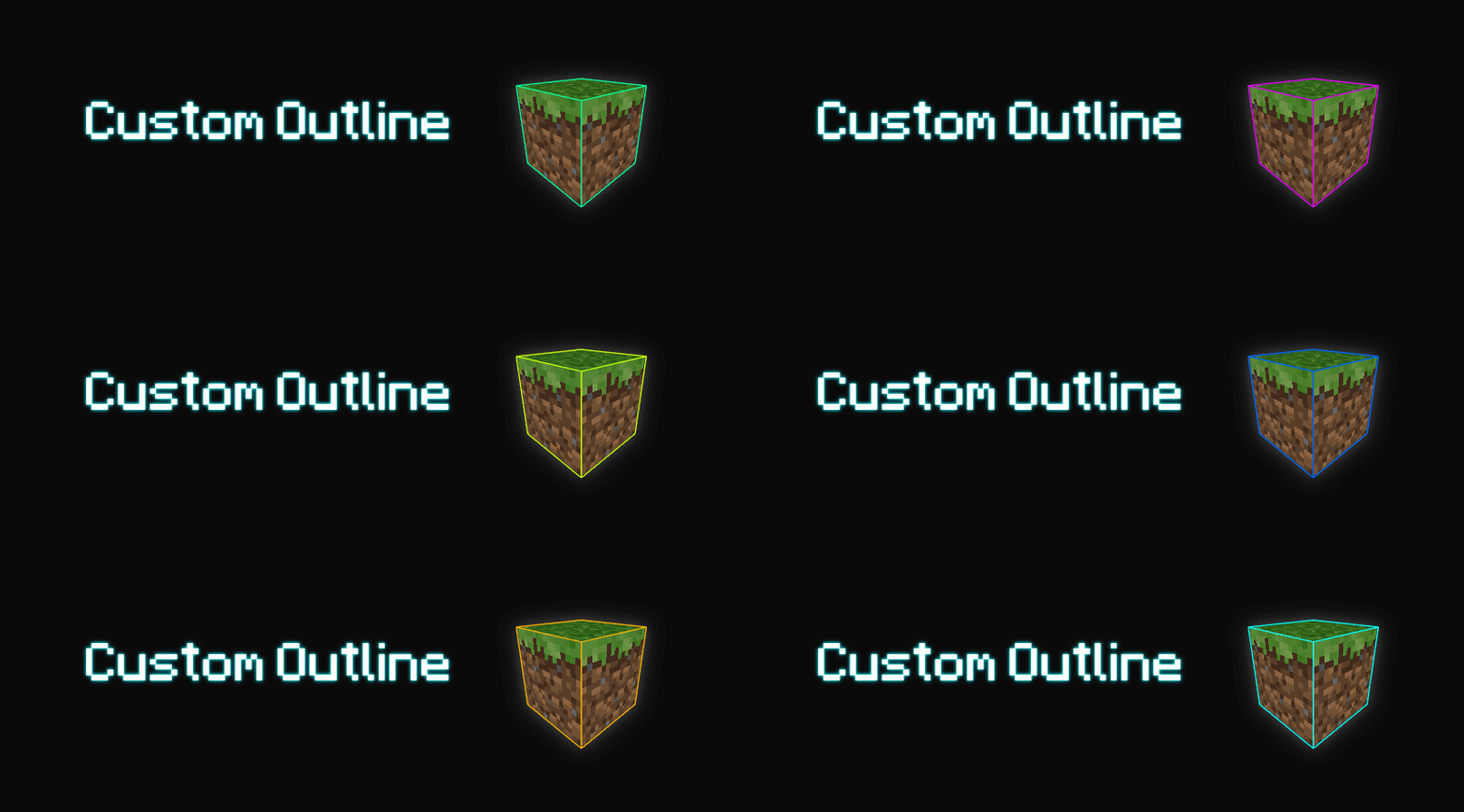
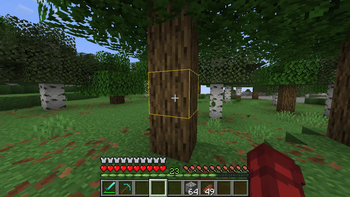
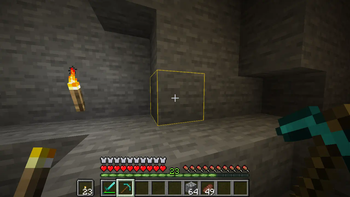




This pack allows you to fully customize the block outline color in Minecraft, giving your game a personalized visual style.
By default, it comes with the color #ffcc0080 
Customize Outline
There are two ways to set your own outline color:
1. Manual Method:
Edit the rendertype_lines.vsh file directly at:
assets/minecraft/shaders/core/rendertype_lines.vsh
Modify the line:
temp = vec4(1.0, 0.8, 0.0, 0.5); // RGBA
Replace with your desired RGBA values.
2. Web Generator:
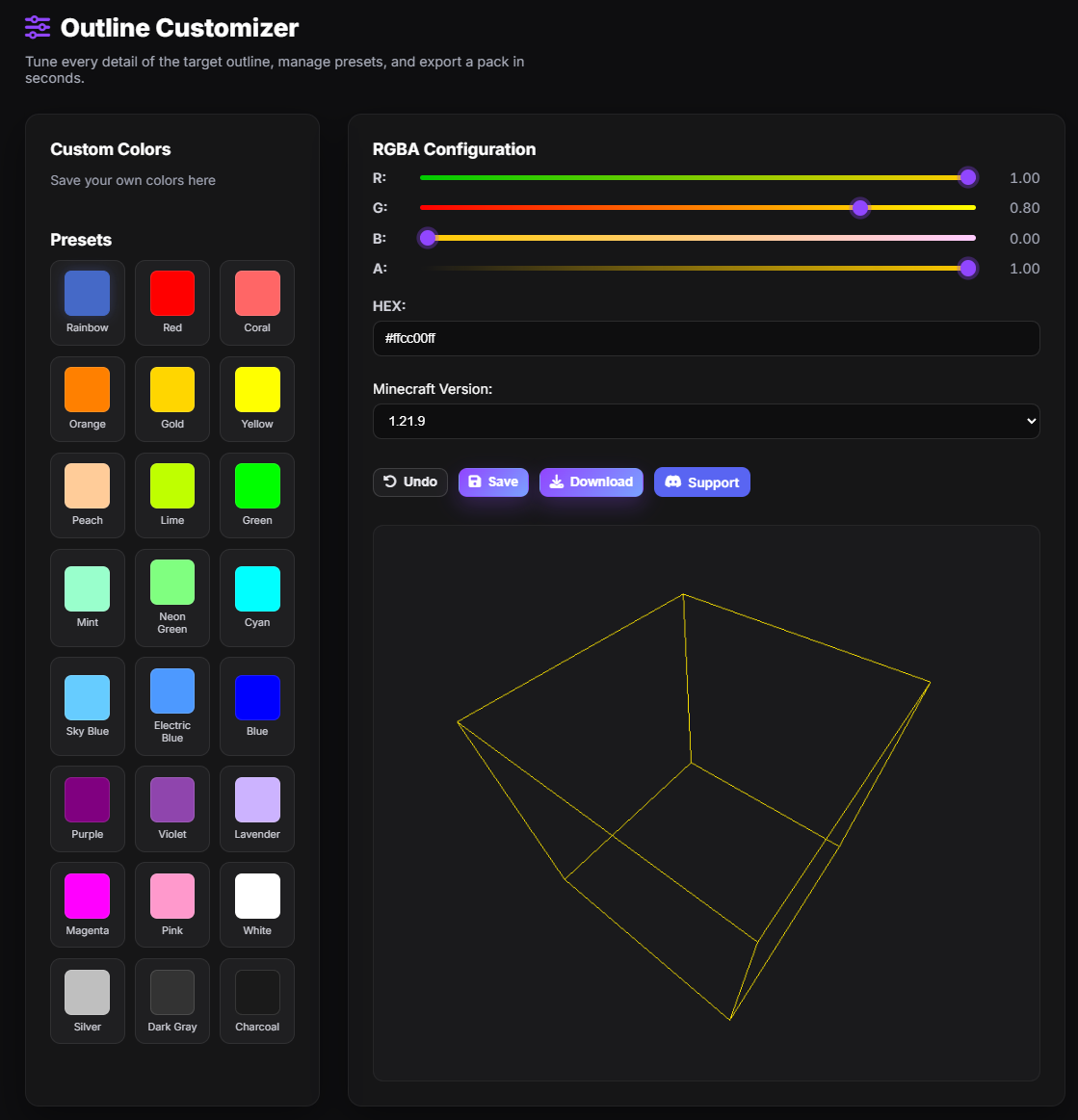
Use the custom generator to create a pack in your desired color. Choose from sliders, HEX input, presets, or save your own.
Open the Custom Outline Generator
⚠️ Compatibility
Not compatible with shaderpacks (e.g. Iris, Optifine) as they override core shaders.
If you would like to use shaders with a custom outline. You will need to use shaders that have their own custom outline option such as:
Complementary Reimagined
Complementary Unbound
or Photon Shader
Need help or have a suggestion?
Reach out on GitHub or join the Discord.
请登录后举报
暂无评论,抢个沙发吧~