
Axis World Editor
作者:rebot | 分类:模组
Minecraft 版本: 26.2
平台: fabric forge neoforge quilt
标签: game-mechanics management utility


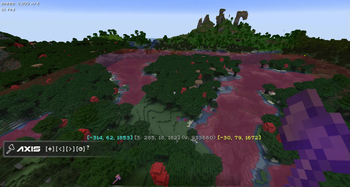
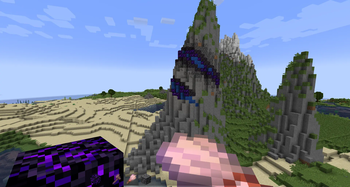
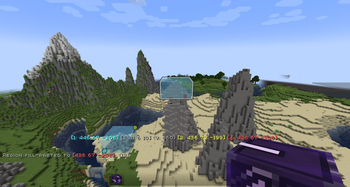
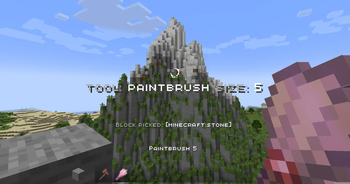


💡 Features
Axis - is all-in-one vanilla toolset for easy and convenient real-time world editing.
⚙️ Performance & Core Algorithms
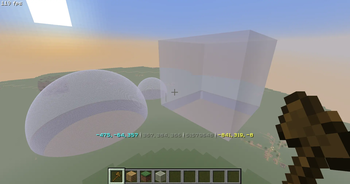
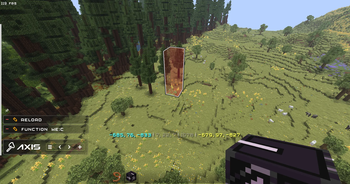
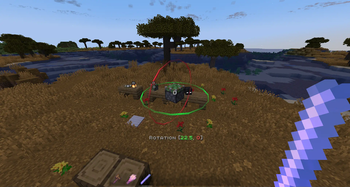
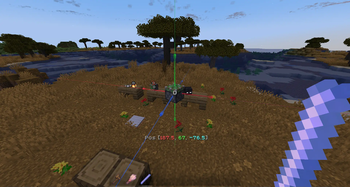
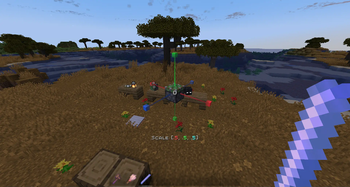
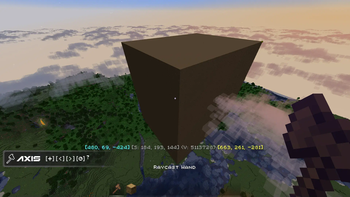
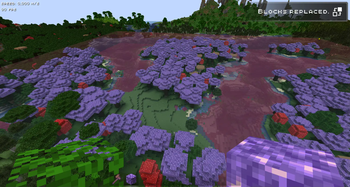
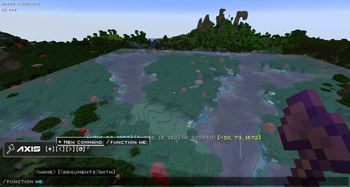
🛠️ Tools and Commands **Tons of Tools and Commands** for speeding up your building process**ℹ️ You will find a complete list of tools and commands, as well as their purposes, in the in-game wiki.** 🔧Tools 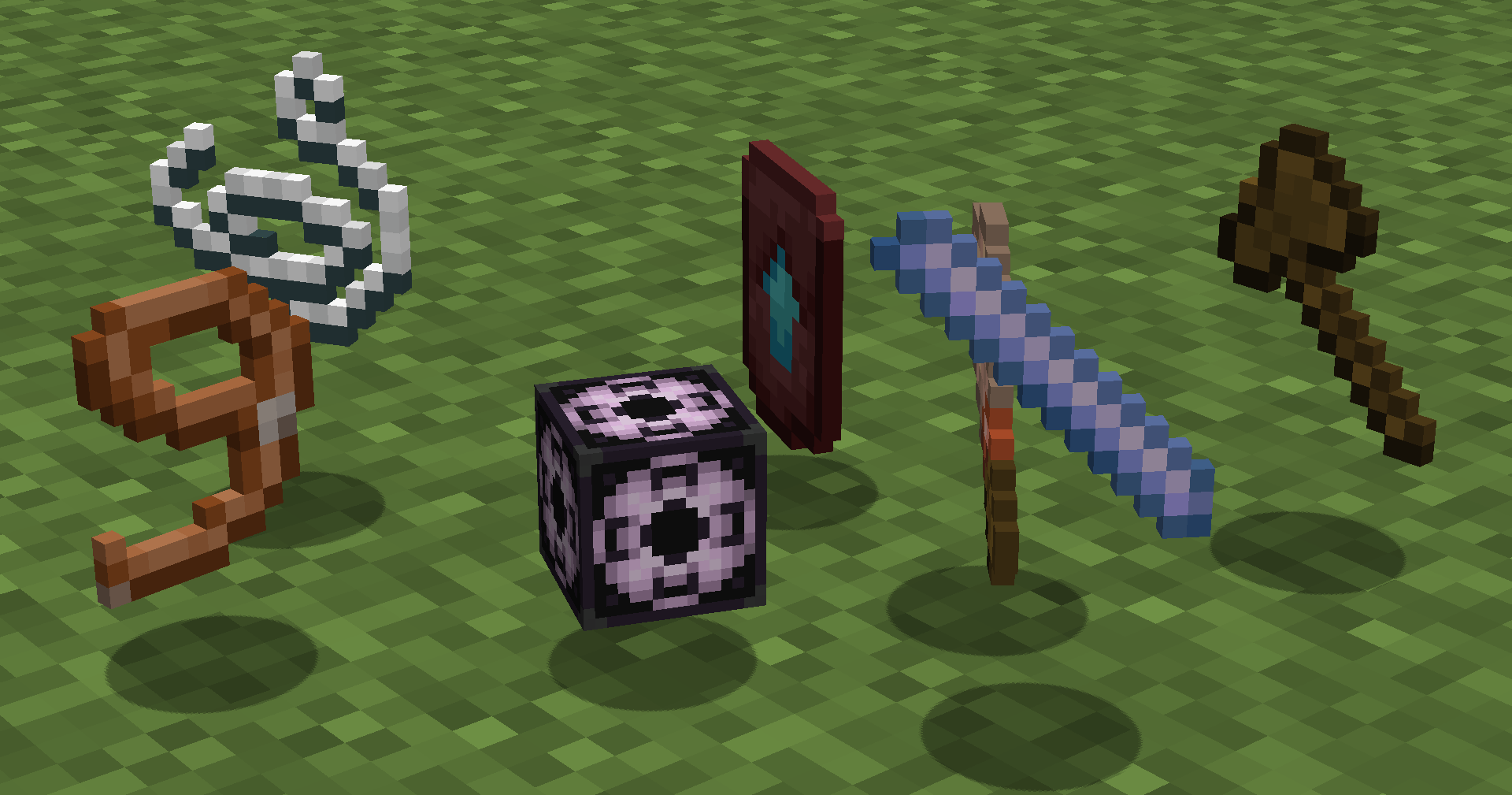 Automatically run functions based on your actions. Each tool has several modes. **Throw** (default:**Q**) to change **mode**, put in **offhand** (default:**F**) to change **tool**. **How to use (X) tool?** Look at the item tooltip, or open the detailed documentation using `/function we:help`. | Tool | Modes | Description | | :--- | :--- | :--- | | **Selector (Axe)** | **Raycast** **Mid air 15** **Mid air 10** **Mid air 5** | Left and Right-mouse clicks to set both region corners. | | **Resize** | **1** **10** **Double** **Lasso** | Left and Right-mouse clicks to resize region in the direction you are facing. | | **String** | **Raycast** **Mid air 30** **Mid air 20** **Mid air 10** | Use it to measure distance by clicking LMB and RMB. | | **Paste brush** | **Fill-paste (10/20/30/Ray)** **Replace-paste (10/20/30/Ray)** | Right-mouse click to paste (clone) selected region to any other place. | | **Block brush** | **Diameter 1** **Diameter 3** **Diameter 5** **Diameter 7** | Left-mouse click to pick block, Right-mouse click to paint. | | **Display Modification** | **Scale - 0.5, 0.125, 0.015625** **Move - 0.5, 0.125, 0.015625** **Rotate - 22.5, 5.625, 1.40625** | | [[↑Collapse all]](https://modrinth.com/datapack/axis) 💻 Commands 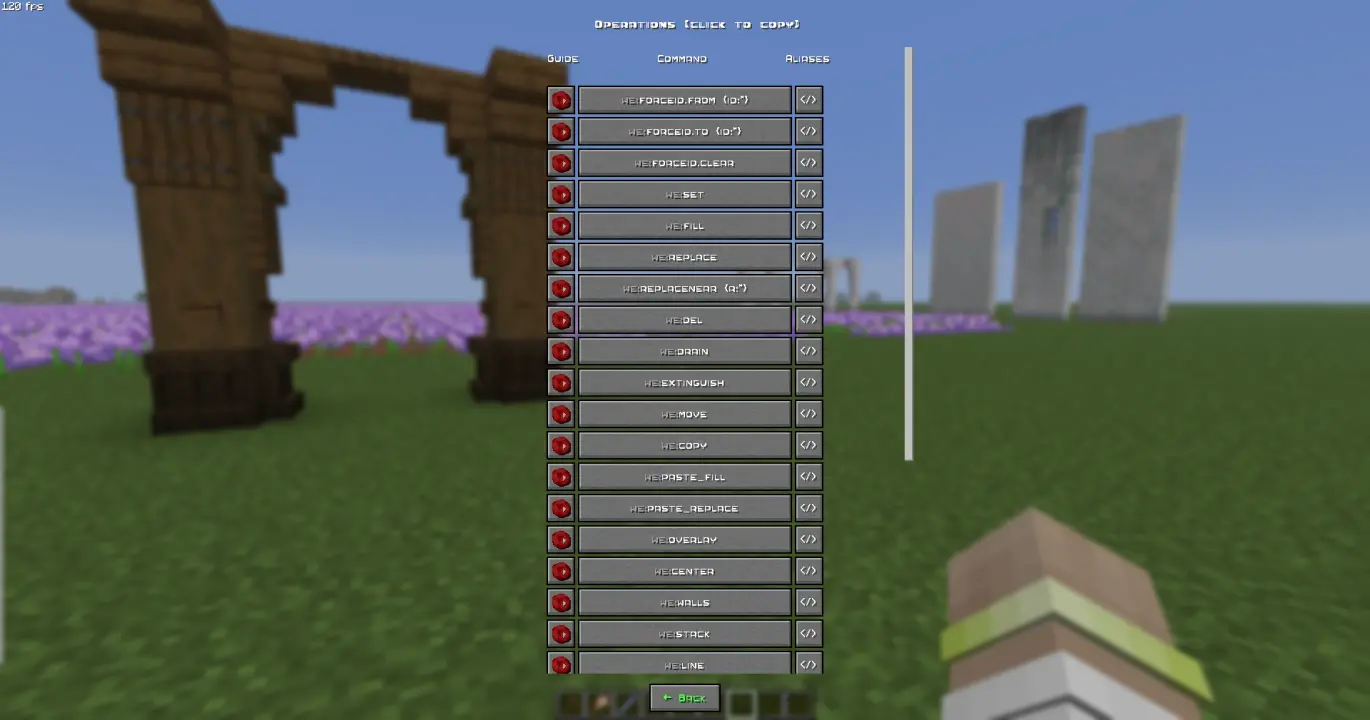 Manual use. `/function we:help` for more info. **How to use (X) command?** All the user commands are available on the path `/function we:`. To view each command description, run `/function we:help`. You need OPerator rights in the world where you want to use the datapack. ### Basic | Command | Aliases | Description | | :--- | :--- | :--- | | **help** | **h** | Opens help page | | **settings** | **config** | Opens settings page | | **wand** | **w** **get** | Gives you tool for selecting regions. You can take wooden axe from your creative inventory and it will become wand.
Click left mouse button to set the first point of the region, Click right mouse button to set the second point of the region. Both points create a region between them.
Read tooltips for more info about using tools and modes. | | **uniwand** | | Opens UI with all the tools for you to choose | | **flight** | | Opens the flight settings menu | | **pin** | | Allows you to pin up to 10 custom commands above the Axis chat menu, and use them with a mouse click. Format: /function we:pin {slot:2,cmd:'say Hello World!'} the value 1 = 8 chunks, the value 0.5 = 4 chunks, etc.) | | **d/glow_color** | | Changes the color of the glow effect outline. Decimial format | | **d/interpolation_ticks** | | Sets the amount of ticks needed to interpolate from state1 to state2 in game ticks (State = scale, rotation, etc.) (1 second = 20 game ticks) | | **d/teleportation_ticks** | | Sets the amount of ticks needed to interpolate from pos1 to pos2 in game ticks (Pos = xyz position) (1 second = 20 game ticks) | | **d/reset_brightness** | | Resets block and sky brightness overrides | | **d/reset_culling** | | Resets culling width, height, and view range | | **d/reset_glow** | | Resets glow color and removes the glow outline | | **d/reset_interpolations** | | Resets interpolation and teleportation duration | | **d/reset_position** | | Resets position / snaps entity to the block grid | | **d/reset_rotation** | | Resets rotation. (resets only the entity format rotation, not the quaderion format rotation) | | **d/reset_scale** | | Resets scale | | **d/remove** | **delete** | Deletes the selected display entity | [[↑Collapse all]](https://modrinth.com/datapack/axis) 🚀 Smart Forceloading **Smart Forceloading** - edit millions of blocks even in unloaded chunks safely. **50+ Million blocks successfully replaced (in one go)** 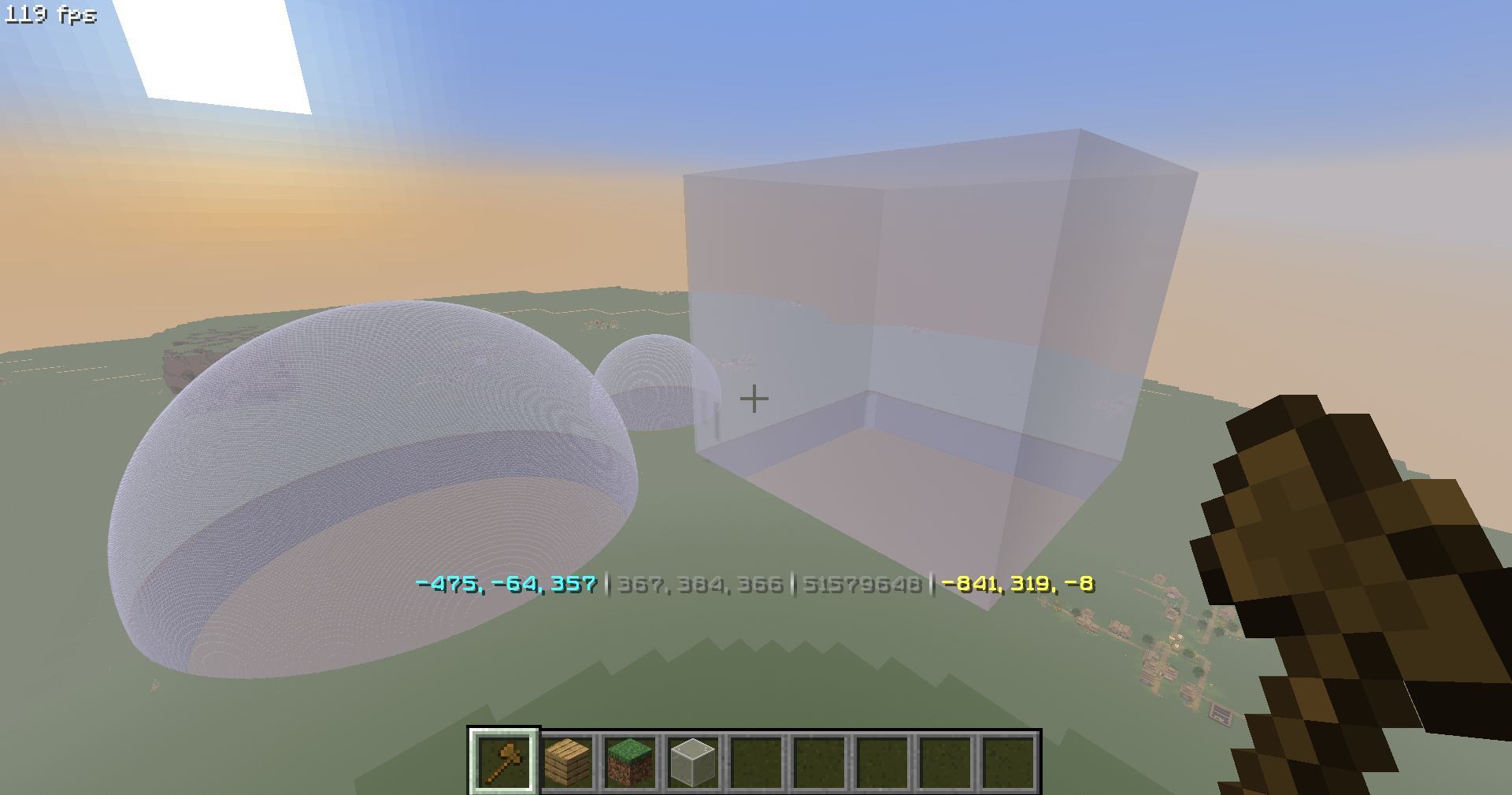 📖 Undo / Redo **Undo / Redo** - so you could revert up to 58.000 actions. (in a row) 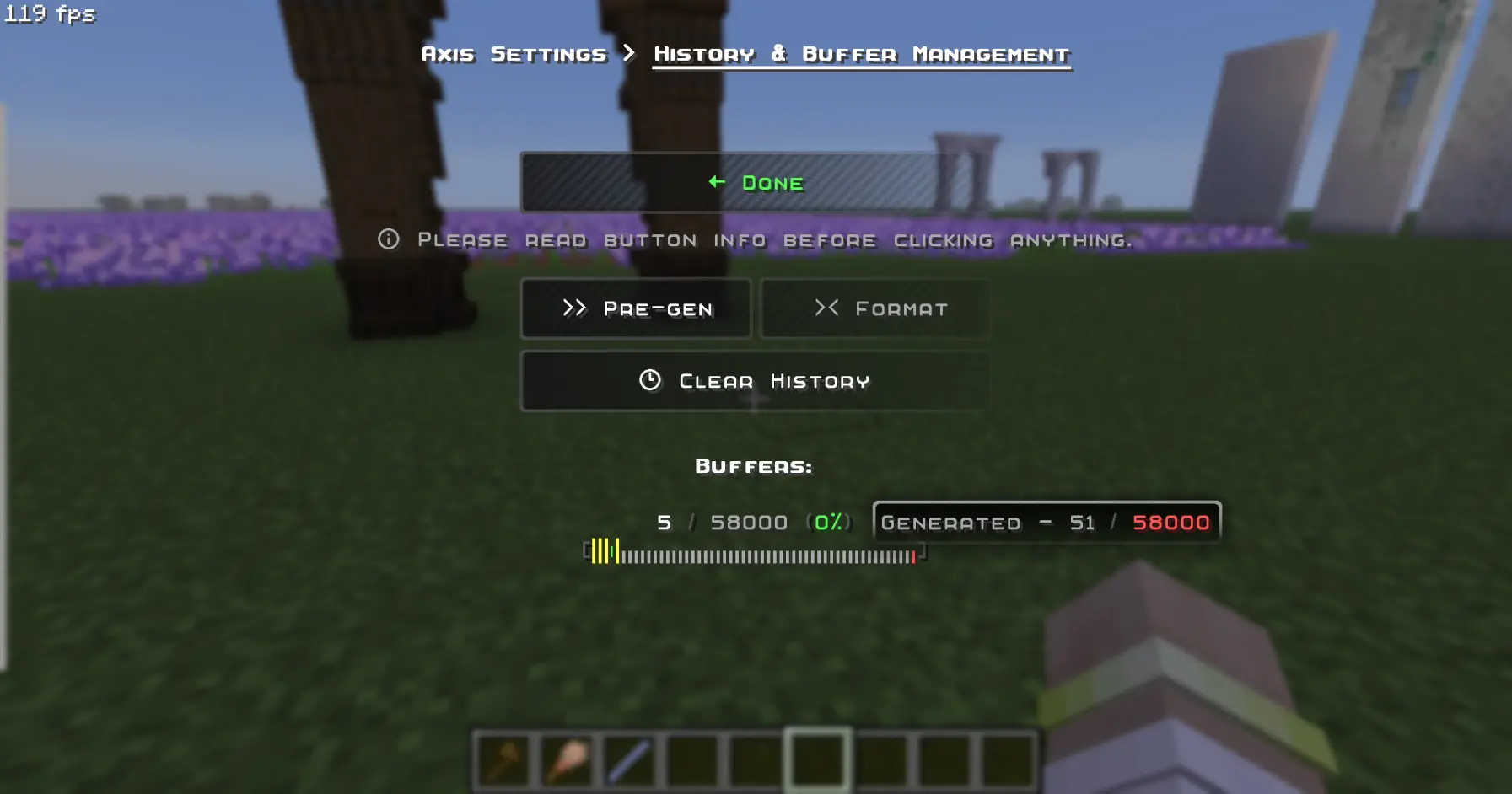 🪄 Display-Entity Modification **Display-Entity Modification** - Create and edit models directly in-game. 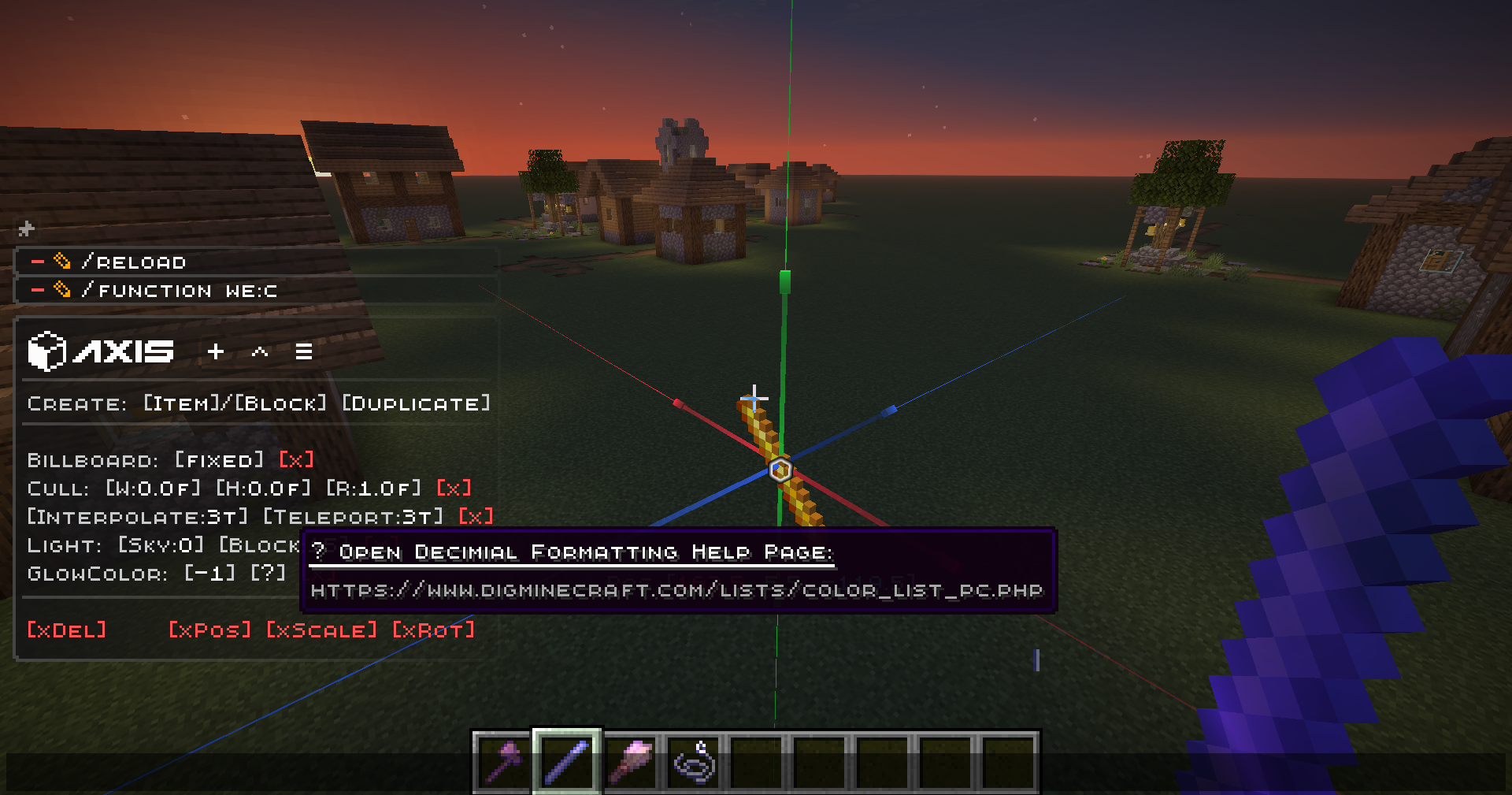 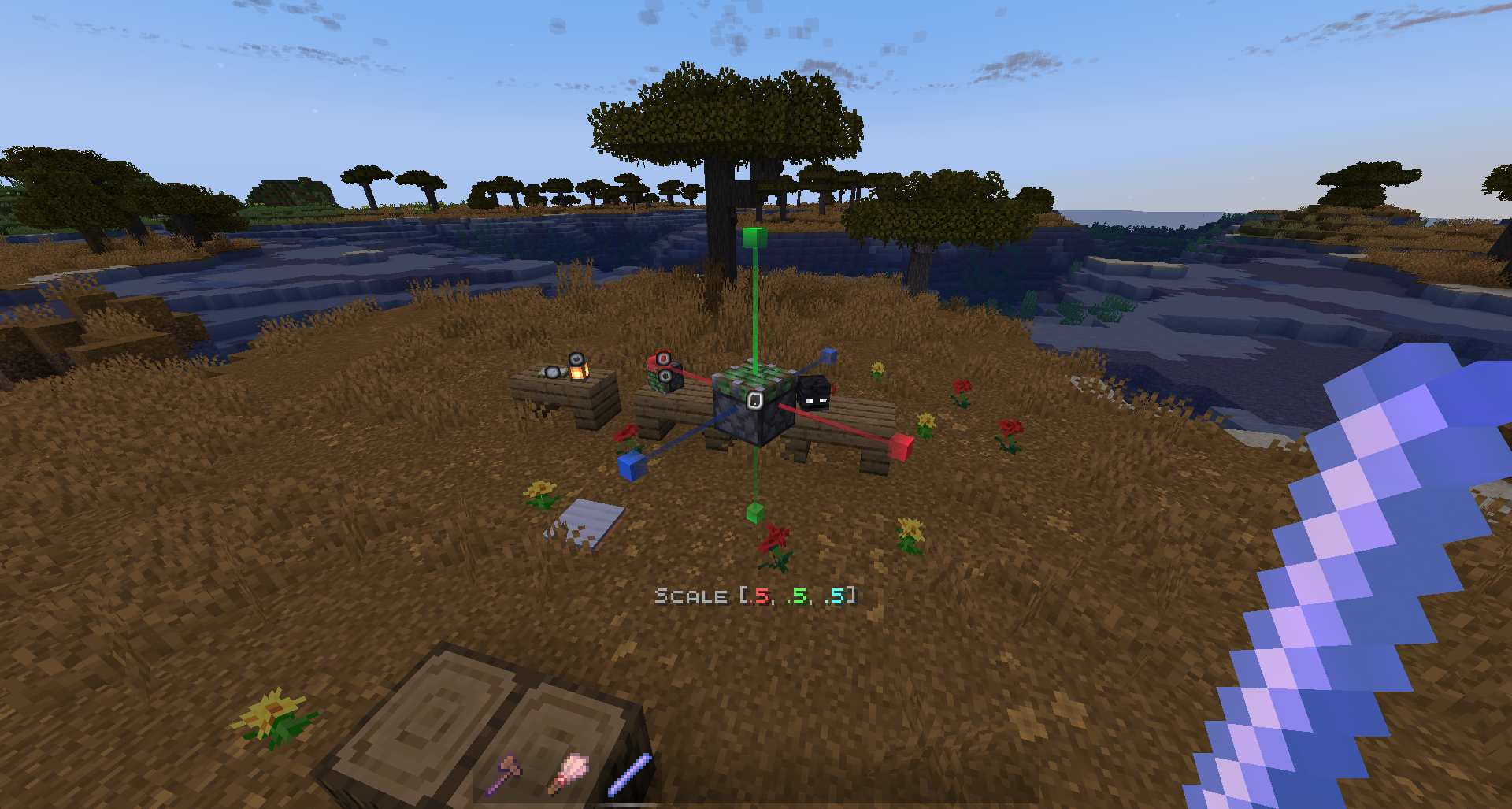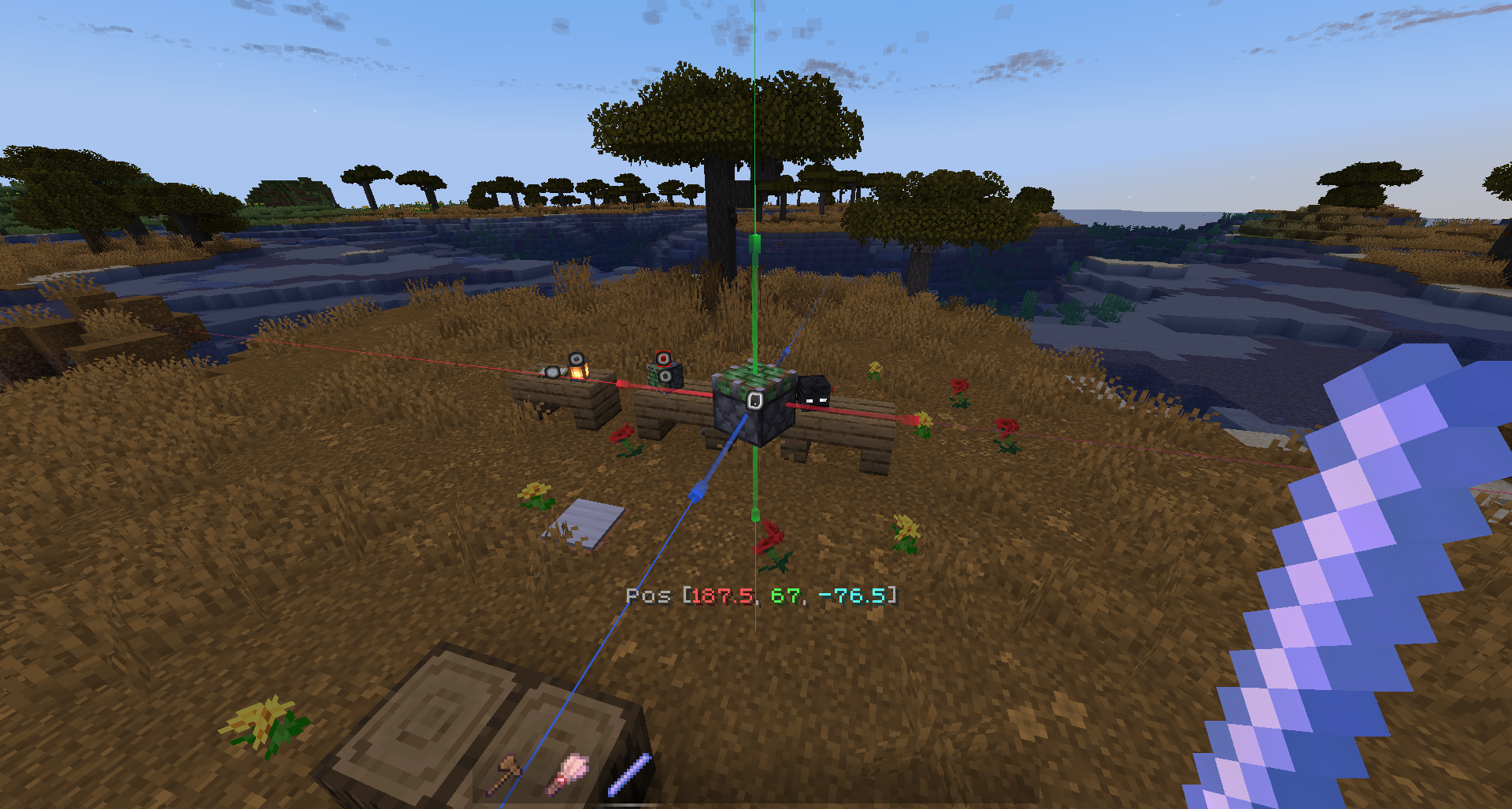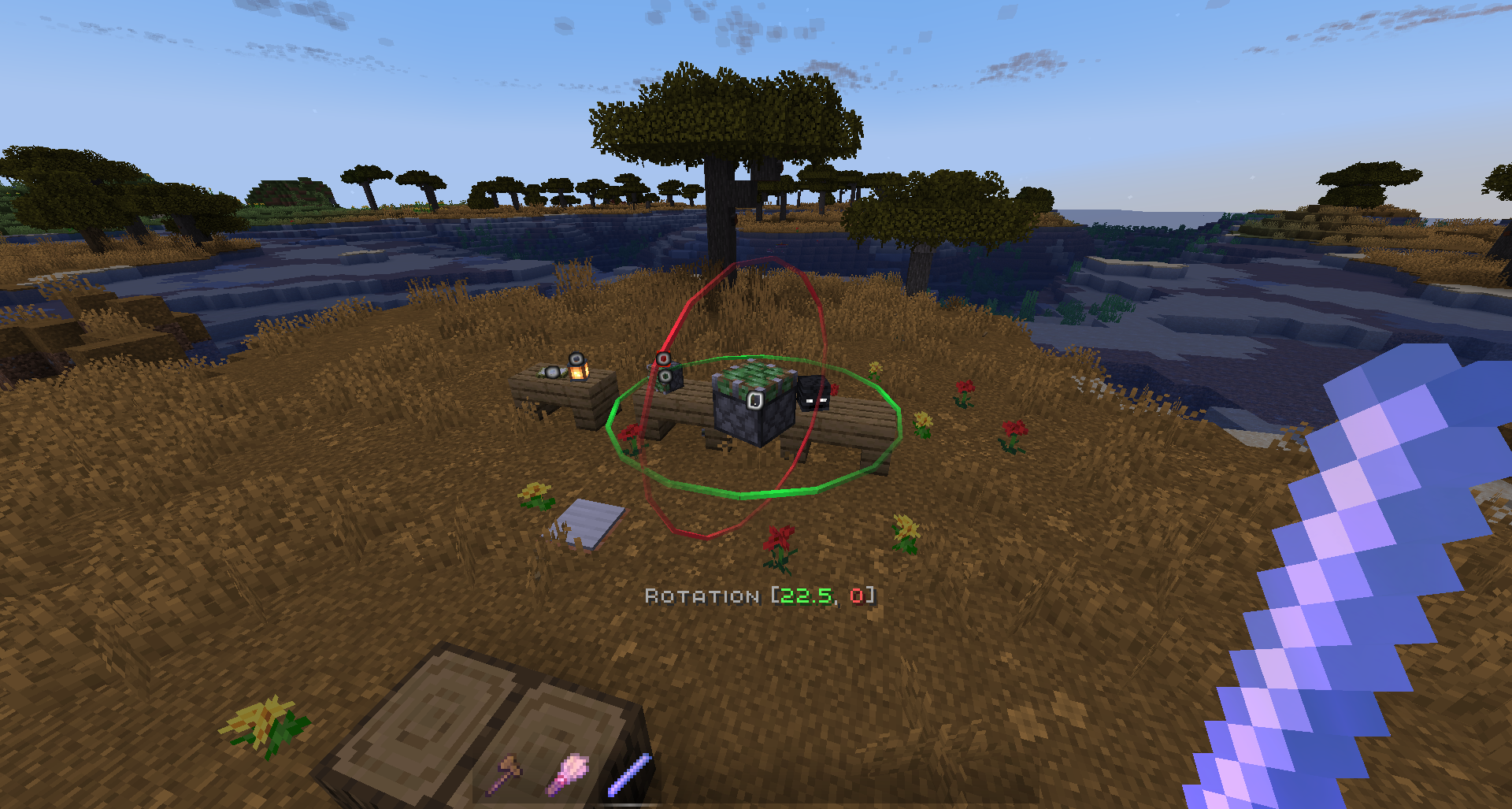 [[↑Collapse all]](https://modrinth.com/datapack/axis) 🧩 Custom & Modded Support Every command **Supports Custom & Modded** blocks, biomes, and dimensions. **Pasting trees from Biomes O Plenty mod, consisting of modded blocks, using the PasteBrush tool:** 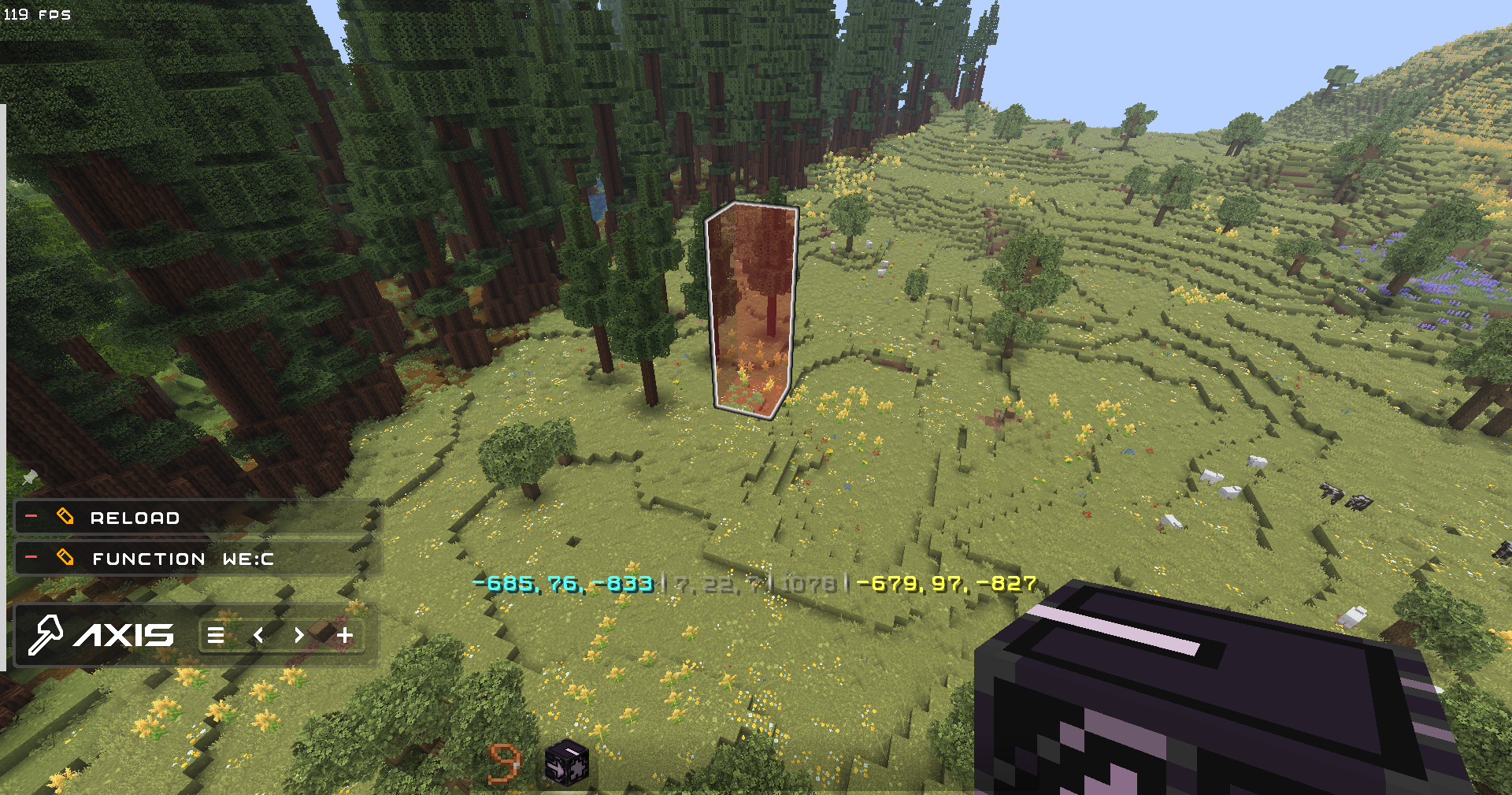
✨ QOL
- Settings to disable all the features you don't like, and Help Menu containing descriptions for every feature and command in the datapack
- Ghost-Flight and Boost-Flight creative abilities
- Pinning Commands to the chat for further use in 1 click!
- Fast-Typing via chat-menu - you don't have to write "/function:we" every time - just click 1 button!
- Multi-Hotbar - quickly swap 9 independent hotbars
- Hot-Reload - Press key combination for instant /reload: useful for datapackers and mapmakers
🎨 Visuals & Sounds
- Color-Themes - Customize the interface appearance with presets or HEX-code colors
- Highlighting Markers (entities) with text displays
- Nice Sound Effects & Visual Previews for actions
🌐 Localizations
Don't use Google in parallel with building!
- English (en_us) - GamerGoBC
- Deutsch (de_de) - Corrwinn
- Русский (ru_ru) - GamerGoBC
- More coming soon... join the Discord server if you want to help!
📚 Guides
📦 Installation Video请登录后举报
请 登录 后赞助作者。
暂无评论,抢个沙发吧~