
HeadLocator
作者:rebot | 分类:模组
Minecraft 版本: 1.21.11 26.1 26.1.1 26.1.2 26.2-rc-1 26.2-rc-2
平台: datapack
标签: game-mechanics utility
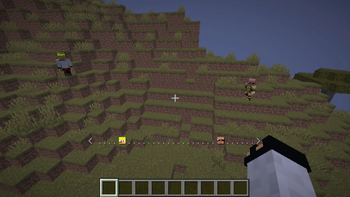
Head Locator
Find your friends at a glance with a vanilla-style locator bar made from player heads.
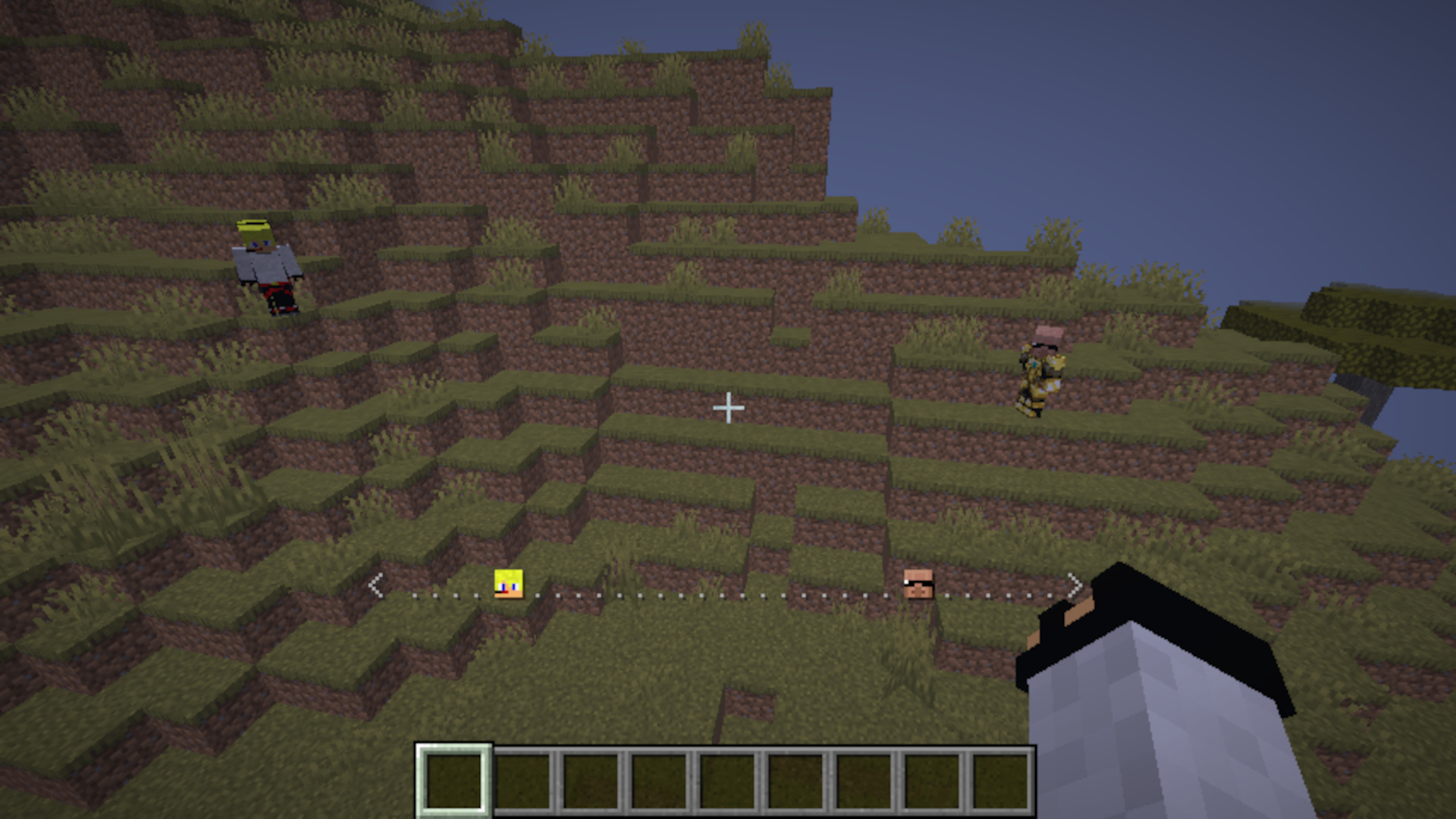
Head Locator replaces the dots of Minecraft's locator bar with the actual heads of nearby players. Look around and the bar updates in real time, showing who is in front of you and in which direction, without requiring a resource pack or client-side mod.
Features
- Displays each player using their own skin and head
- Tracks players across a 120° field of view
- Fades head icons with distance, similar to the vanilla locator bar
- Shows the nearest player when multiple players occupy the same slot on the bar
- Works automatically for every player in the world
- Ignores spectators as locator targets
- Requires no resource pack and no mods
How it works
The locator appears in the action bar at the bottom of the screen. As you turn, other players in the same dimension move across the bar to reflect their direction relative to you. Their heads become darker as they get farther away, making direction and approximate distance easy to read without opening a map or using coordinates.
Head Locator disables the vanilla locator bar while installed so the two displays do not overlap.
Compatibility
Head Locator is a server-side data pack for Minecraft Java Edition 1.21.11 and newer. Players can join with an unmodified client and do not need to install anything themselves.
Always download the release that matches your Minecraft version from the Versions tab.
Installation
- Download the correct version of Head Locator.
- Open your world's folder, then open the
datapacksfolder. - Place the downloaded
.zipfile inside. - Join the world or run
/reloadif it is already open.
A confirmation message will appear in chat when the data pack loads successfully.
For a new single-player world, you can also select More → Data Packs during world creation and add the downloaded file there.
Uninstallation
Before removing the data pack, run:
/function headlocator:uninstallThis removes Head Locator's objectives, storage, marker, and action-bar display. You can then delete the data pack from the world's datapacks folder. If desired, restore the vanilla locator bar afterward with /gamerule locator_bar true.
Credits
- Development: EclairDeFeu360
- Original idea: Goldawn [YouTube] [Twitch]
- Direction calculation: super_sword from the Minecraft Commands community
Support the creators
- EclairDeFeu360: Buy Me a Coffee
- Goldawn: Join on YouTube or subscribe on Twitch
请登录后举报
请 登录 后赞助作者。
暂无评论,抢个沙发吧~