
Collectibles
作者:rebot | 分类:模组
Minecraft 版本: 1.20.3 1.20.4
平台: datapack
标签: adventure game-mechanics minigame
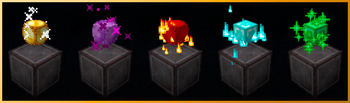
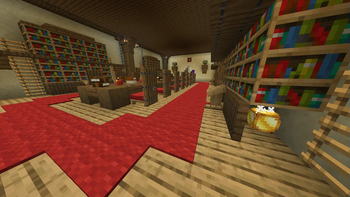
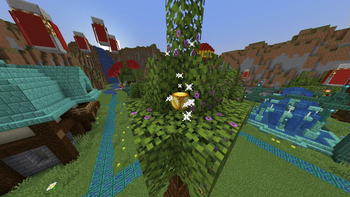
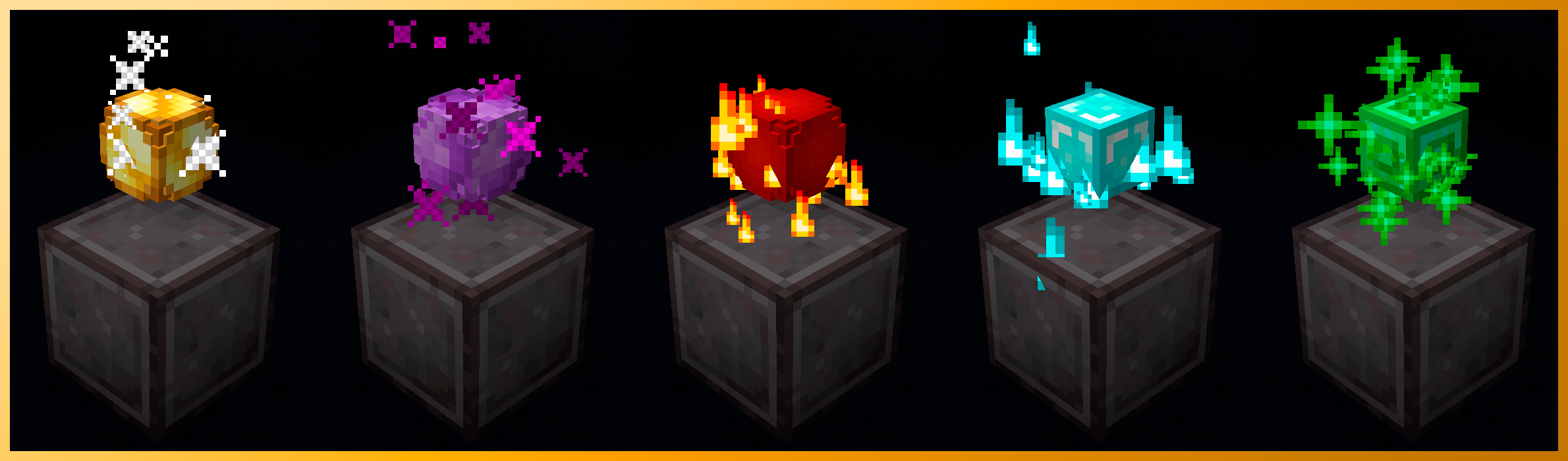
Collectibles Datapack
This datapack adds customizable collectibles for servers or lobbies for example. Each player can collect them.
You can hide them or turn them into parkour objectives.
There is also a ScoreBoard that shows each player collectibles.
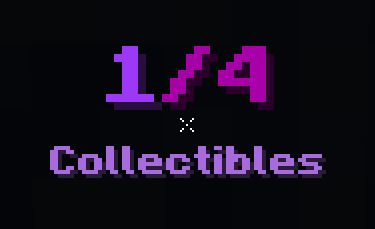
When a player collects one, a title is displayed to show how much progress has been made, showing how many collectibles they have found and how many exist.
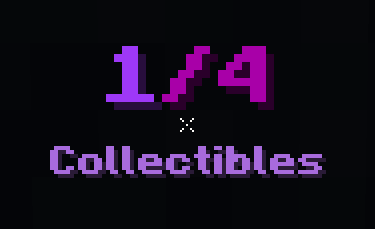
(This title is not default, it is the Purple Text Palette preset)
How to use the Datapack
The first step after you enable the datapack in game is to perform this command: /function collectibles:setup
This will enable other functions and features.
After this you can access the items with: /function collectibles:adminitems
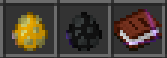
The first item is the Collectible Spawner. It will spawn a collectible on the block you use it.
The second one is the Collectible Remover. It removes all collectibles around the block you use it. IMPORTANT: If you remove a collectible, but someone already found it, the max number of collectibles is lowered by 1 but the player who had found it will retain the point.
The third item is the Cutomization Guide, with some explainations on how to customize the collectibles skin and particles.
Some useful Functions and Commands
ScoreBoard
The ScoreBoard can be activated with the command /scoreboard objectives setdisplay sidebar Collectibles
If you are familiar with commands you can modify how the scoreboard looks using them.
The default appearance:
Reset Collectibles
Using /function collectibles:resetcolls you can delete all Collectibles, but only the ones that are in charged chunks due to Minecraft limitations and as happens when you use the remover, the players' points are not removed, so only use this if you know what you are doing.

Reset Player Collectibles
Using /function collectibles:resetplayercolls you can delete all ONLINE players' Collectibles points making it possible to get the ones they already got. This is a testing feature and I do not recommend using it, but if you know how to do it without problems, it exists.
Uninstall
If you want to disable this datapack, I recommend using the command /function collectibles:uninstall. This function removes the ScoreBoards and some data before disabling the datapack with /datapack disable "file/Collectibles-V1.0.zip" (maybe the datapack name changes)
Collectible Customization
With the Customization Guide you can change the skin, particles and text colors. The book has explanations on how to do it and some presets. Anyways, I see how the complete customization of the skin is the most difficult part to understand, so here is an explanation with images:
Skin/Head Full Customization
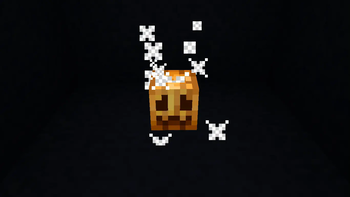
If you want to use a head from Minecraft Heads you first have to choose a head, (for example this Carved Pumpkin):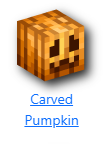
Then you need to find at the bottom the "Value" of the head in the "For Developers" section: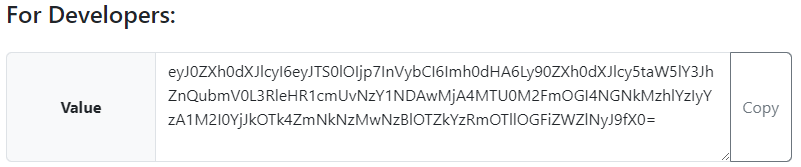
That is the text you have to copy and then paste in the next command replacing :
/data merge storage collectibles:id {HeadValue:"<value>"}
After this, all the collectibles should have this head as the skin.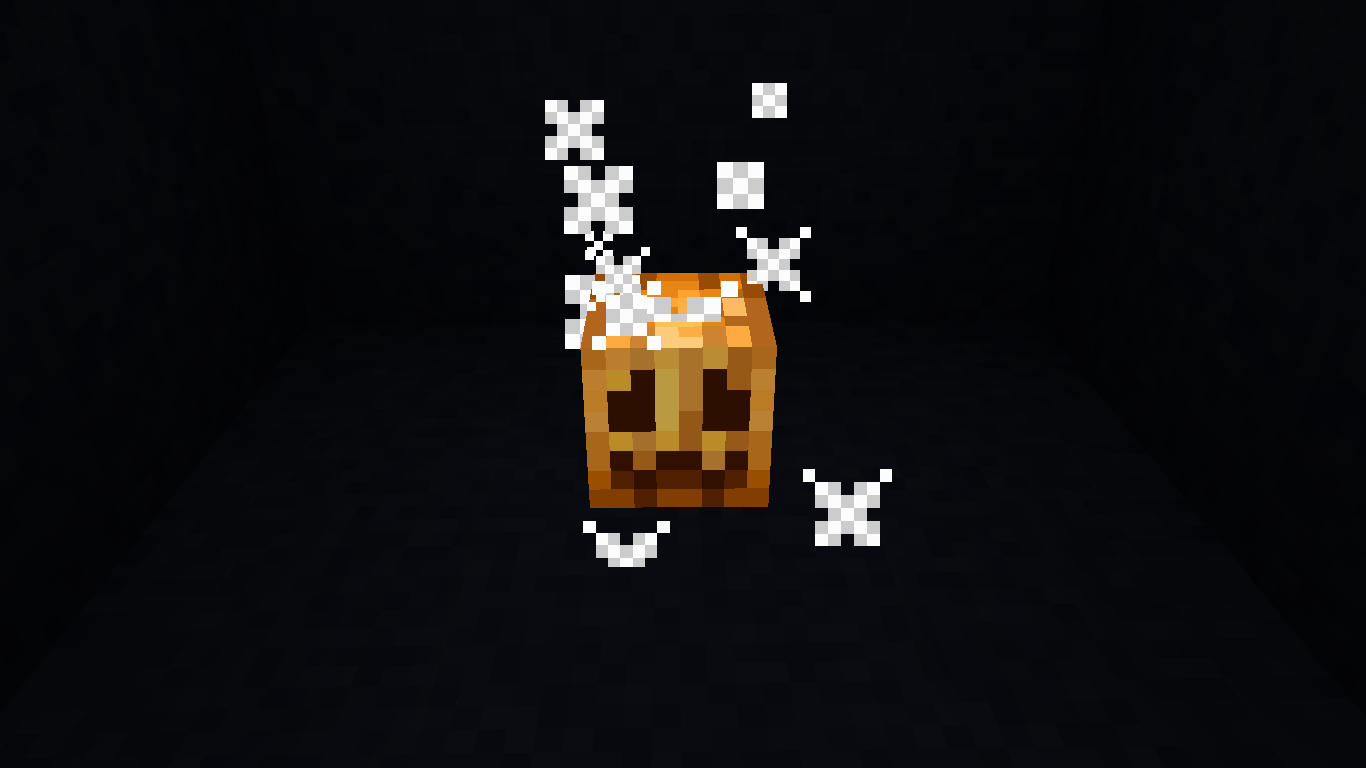
请登录后举报
暂无评论,抢个沙发吧~