
Carpet MITE
作者:rebot | 分类:模组
Minecraft 版本: 1.6.4
平台: legacy-fabric
标签: game-mechanics utility
Carpet MITE
A powerful MITE utility mod that provides advanced features such as world tick rate manipulation and fake player management.
✨ Features
⏱️ Tick Rate & Dummy Player Control
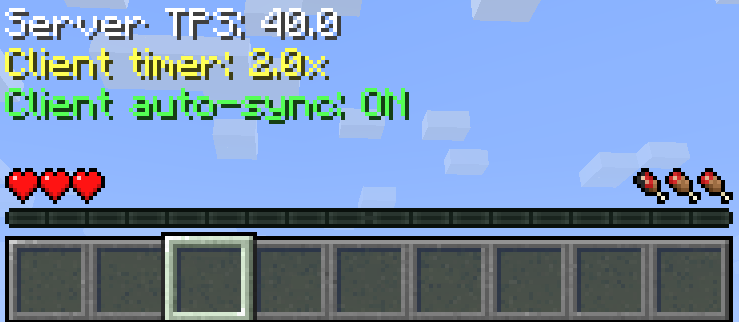
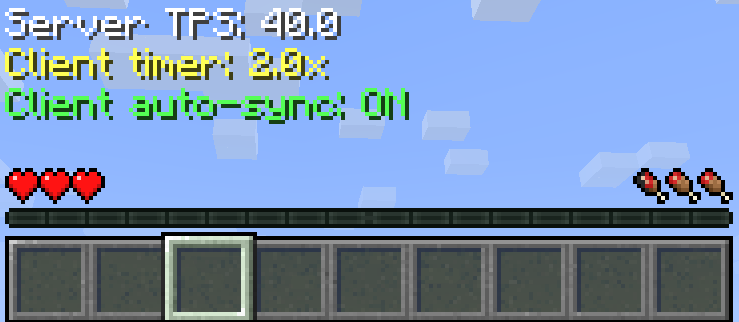
- Time Manipulation: Modify the world's tick rate (TPS) to speed up or slow down time.
- Client-Server Sync: Advanced options to synchronize or desynchronize client and server speeds for unique effects.
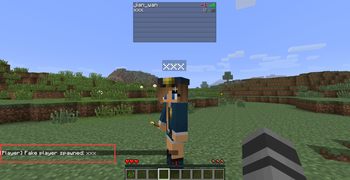
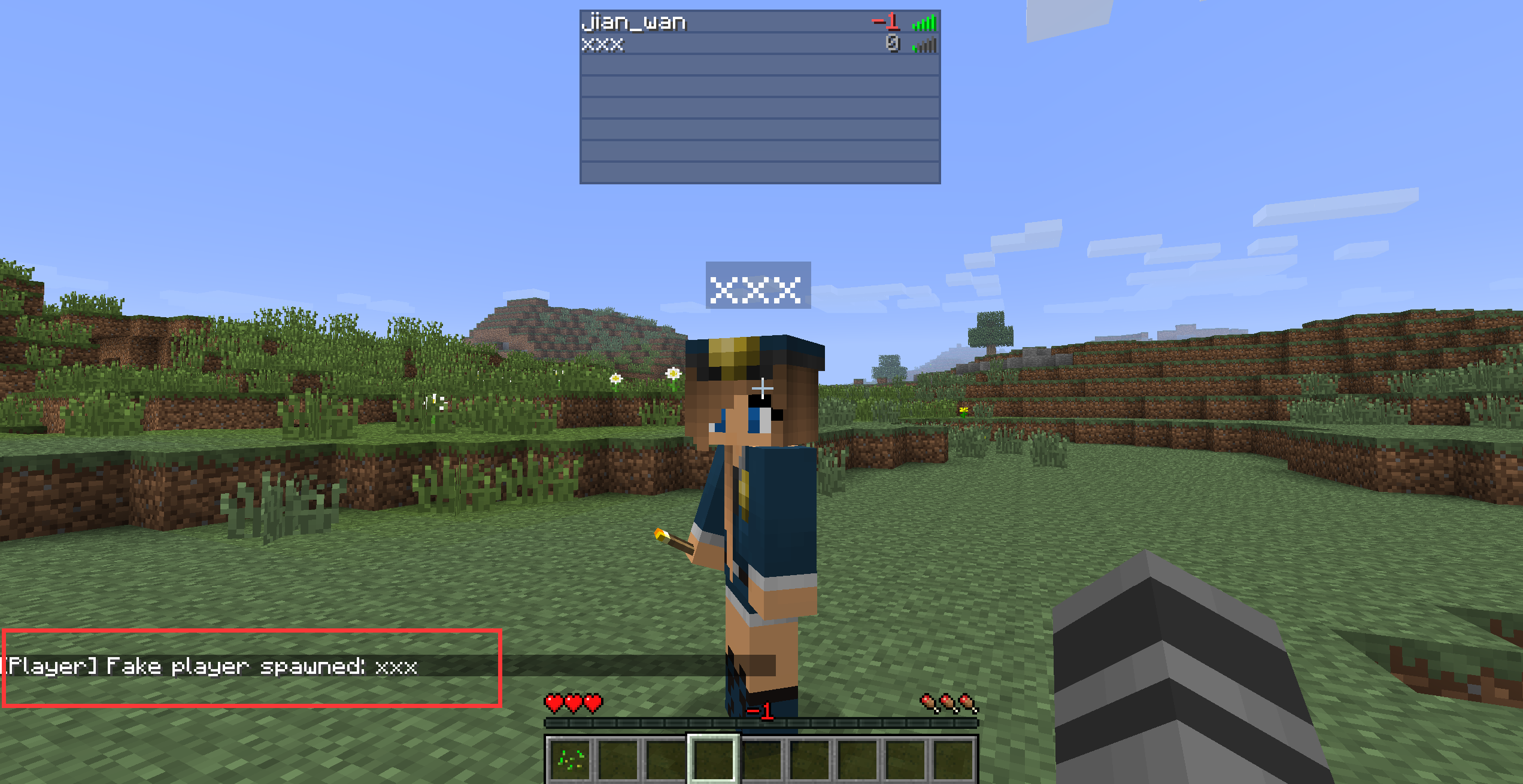
- Dummy Players: Spawn, manage, and remove dummy players for testing or other purposes.
⚙️ Advanced Usage: Tick Control
This mod allows you to control the flow of time in the game. Here is how to use the speed manipulation features:
A Usage Scenario:
- First, enter
/tick clientrate sync onto synchronize the client and server speeds. - Then, enter
/tick rate 40to set both the client and server speeds to 2x (60 for 3x, 1 for 0.05x). - To restore the normal speed, enter
/tick rate 20. - Note: If you skip
/tick clientrate sync onand directly enter/tick rate 40, only the server speed will double while the player's speed remains unchanged.
📜 Command Reference
Tick Commands
| Command | Description |
|---|---|
/tick health [ticks] |
Returns the average time the game spends on various tasks. |
/tick freeze |
Stops processing of entities, world time, block updates, and redstone. |
/tick step [ticks] |
Advances the world by a given number of game ticks while the game is frozen. |
/tick rate [tps] |
Changes the TPS (ticks per second). |
/tick clientrate [multiplier] |
Changes the client speed. |
/tick clientrate sync (on/off) |
Toggles client speed synchronization, off by default. |
/tick warp [ticks] [cmd] |
Runs the game as fast as possible for a set amount of time. |
Fake Player Commands
| Command | Description |
|---|---|
/player spawn [playername] |
Spawns a dummy player. |
/player kill [playername] |
Kills a dummy player. |
/player remove [playername] |
Removes the dummy player. |
/player list |
Lists all dummy players. |
/player invincible [playername] (on/off) |
Enable/Disable invincibility for Fake players. |
💾 Configuration
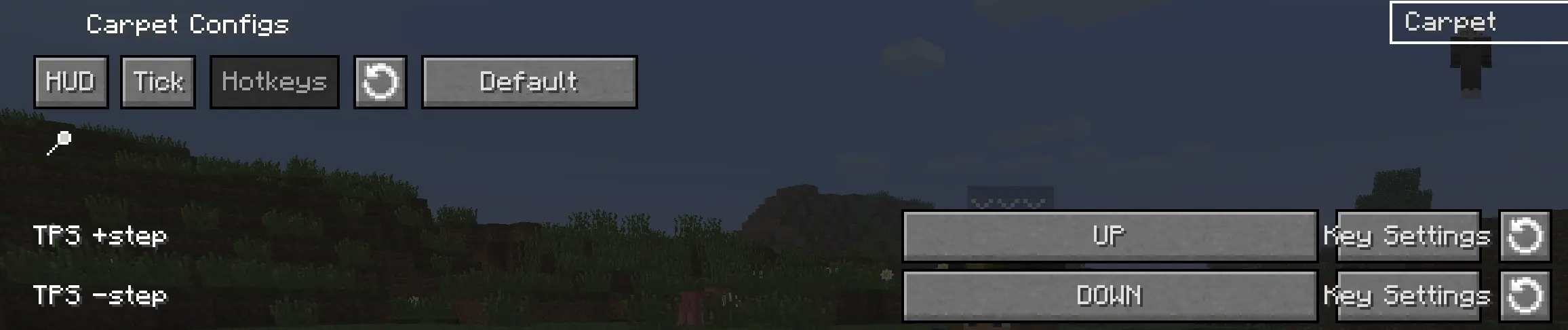
You can also enable 'Show Tick HUD', adjust the TPS step, and configure hotkeys in the mod's configuration screen.


请登录后举报
请 登录 后赞助作者。
暂无评论,抢个沙发吧~