
Custom Chat Alerts
作者:rebot | 分类:模组
Minecraft 版本: 1.21.11
平台: fabric
标签: utility
Cosmic Chat Alerts
A client-side Fabric mod that lets you create custom chat notifications through a
fully in-game UI. Set a phrase or regex pattern to watch for, choose a sound, and
the mod plays it whenever a matching message appears. Works on any server with no
server-side installation required.
Features
Sound Alerts
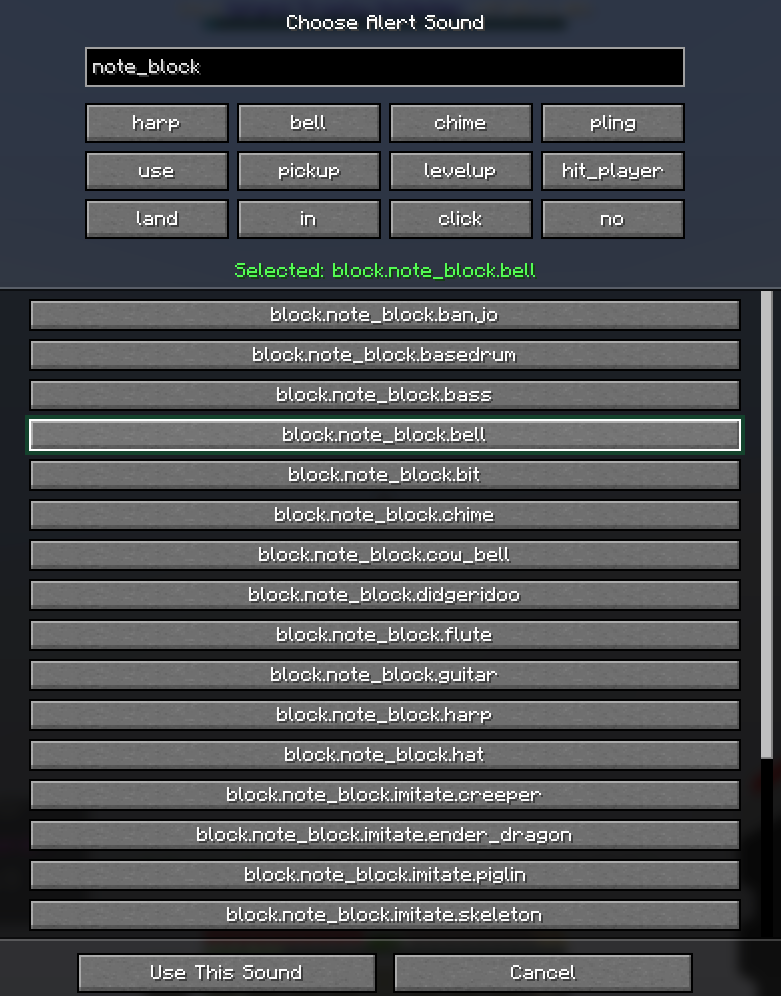
Choose any in-game sound as your alert tone from a searchable picker with a
quick-pick row for common choices. Sounds can be previewed before confirming.
Volume is configurable per alert (0–200%) with automatic preview playback as you
adjust the slider.
Pattern Matching
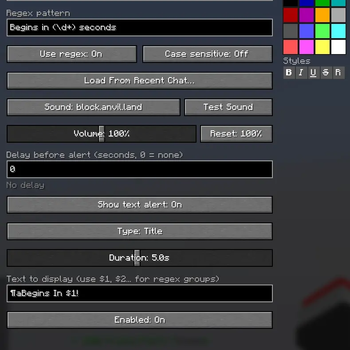
Alerts can match by plain text substring or full Java regular expression, with an
optional case-sensitive toggle per alert.
On-Screen Text Alerts
Pair any alert with on-screen text displayed as a Title, Subtitle, or Action Bar
message. Use $1, $2, … to embed regex capture groups into the displayed text —
for example, detect "(\d+) seconds left" and display the number as a subtitle.
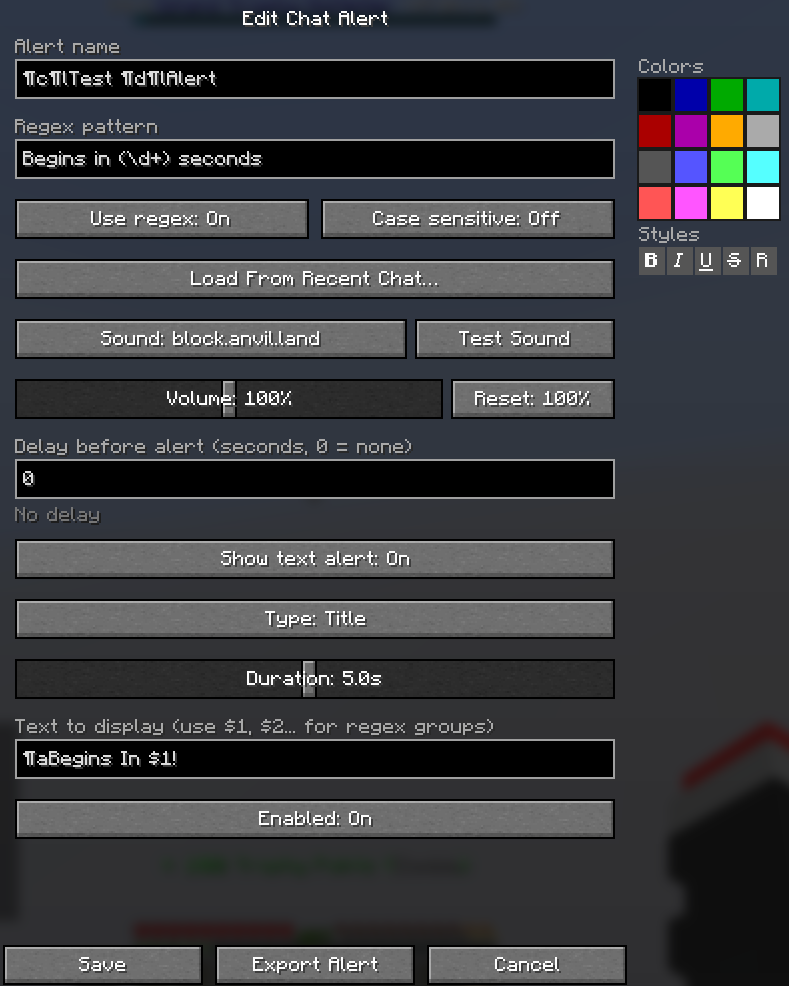
Time Delay
Trigger an alert a set number of seconds after a message is detected, with decimal
precision. Useful for countdowns — detect the start of an event and receive a
reminder when it is about to end.
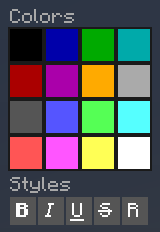
Formatting Palette
An inline color and style palette sits directly in the alert editor. Click any of
the 16 color swatches or 5 style buttons to insert the formatting code at your
cursor — no manual color codes required.
Load From Recent Chat
Browse your last 100 chat messages and load any one directly into the pattern
field when creating or editing an alert.
Import & Export
Share alerts with other players using a compact JSON export code. Copy it from
the editor, send it however you like, and the recipient can paste it directly into
the Import screen.
Alert Management
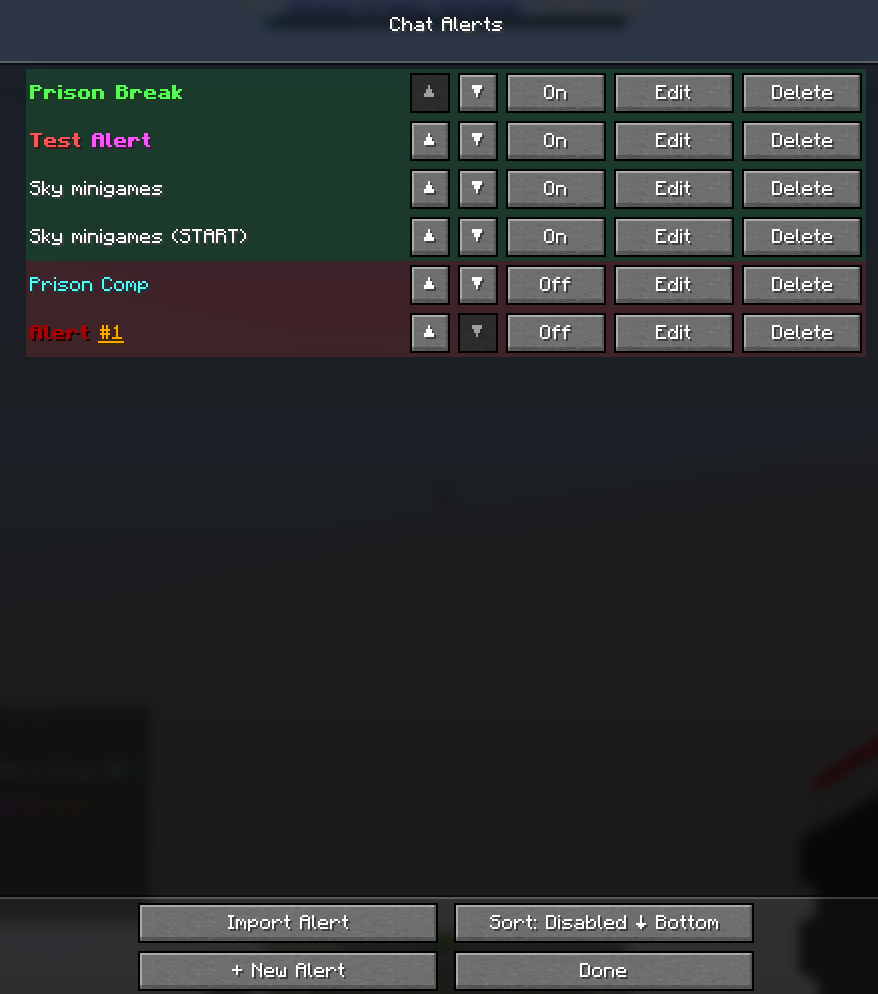
- Name alerts for easy identification
- Enable or disable alerts individually without deleting them
- Reorder alerts with per-row ▲ / ▼ buttons, or sort all disabled alerts to the
bottom in one click - Green and red row tinting provides an instant visual overview of active alerts
Getting Started
Bind a key to "Open Chat Alerts" under the Chat Alerts category in
Controls — it is unbound by default. The UI can be opened from anywhere, including
the main menu.
Example Use Cases
- Server event starting soon — plain text match on
"begins in 30 seconds" - Time remaining on screen — regex
"(\d+) seconds left"with display text$1 - Name mention detection — regex
"(?i)YourName"with case-sensitive off - Delayed reminder — detect an event start message, set a 300-second delay
- Multiple keywords — regex
"(keyword1|keyword2|keyword3)"
Installation
- Download the .jar file from this Modrinth project
- Add the Cosmic Chat Alerts jar to your mods folder
Client-side only. No server installation required. Settings are stored in
config/cosmic-chat-alerts.json.
Requires: Fabric API
Environment: Client only
Minecraft: 1.21.11
请登录后举报
请 登录 后赞助作者。
暂无评论,抢个沙发吧~