
Pixelshot
作者:rebot | 分类:模组
Minecraft 版本: 26.1 26.1.1 26.1.2
平台: neoforge
标签: utility










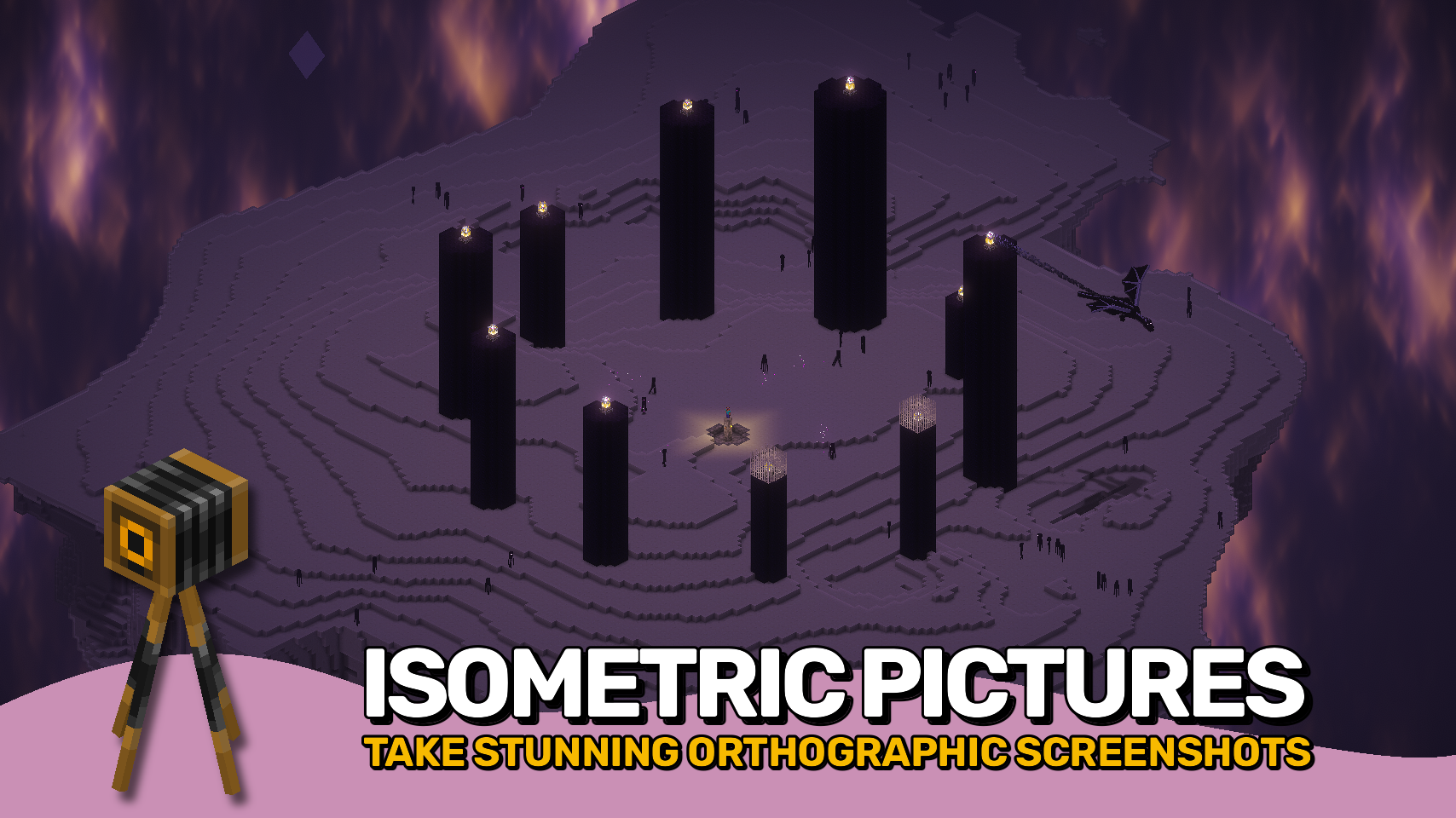
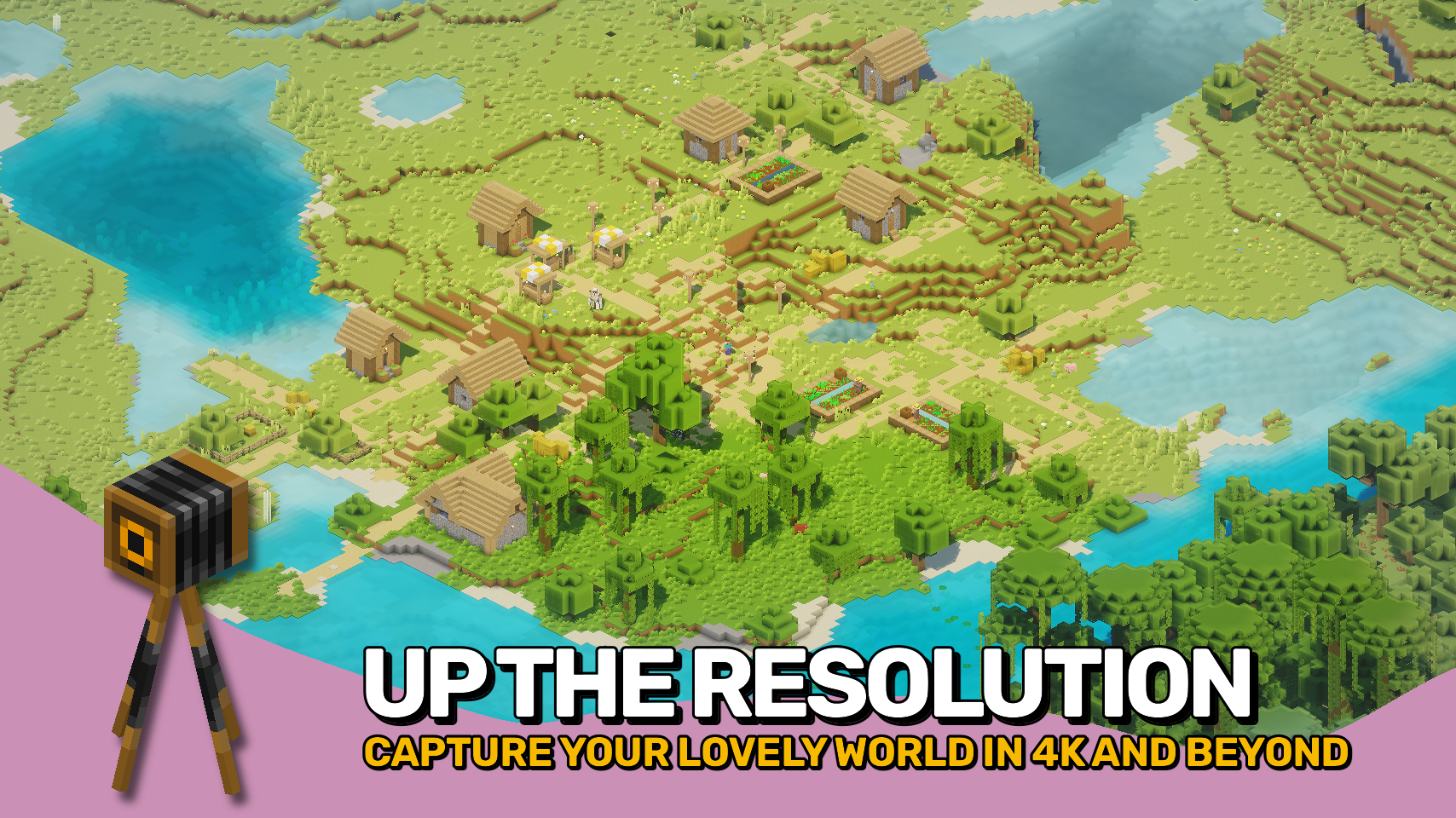
Pixelshot brings powerful camera tools to Minecraft, making it easy to capture your world in amazing new ways. It features an adjustable orthographic camera for smooth isometric views, a high-resolution screenshot mode for ultra-clear images up to 16K, and panoramic capture for creating full 360° backgrounds for your main menu screen.
With its built-in orthographic camera, you can zoom far away from your player and see the world from a whole new angle. Perfect for building showcases, maps, and cinematic shots. Easily adjust zoom, rotation, and view settings through a simple menu or use quick keybinds for smooth control.
Whether you want to show off a massive build, capture a perfect wallpaper, or design your own menu background, this mod makes every shot look absolutely stunning.

- ? Orthographic Camera: Capture your world with a clean, isometric view.
- ? Adjustable Zoom and Angle: Fine-tune your perspective through the menu or quick keybinds.
- ? High-Resolution Screenshots: Take crystal-clear images up to 16K for amazing detail.
- ? Panoramic Shots: Capture full 360° views to use as your custom main menu background.
- ⌨️ Easy Controls: Switch angles or zoom levels instantly with smooth preset keys.
- ? Even Better Together: Works perfectly with the Freecam mod by hashalite for free camera movement.
- ⚙️ Using with Sodium: Disable Use Block Face Culling for best visuals.


⏩ INSTALLATION REQUIRED ON CLIENT
⏩ REQUIRES PUZZLES LIB TO BE INSTALLED (FABRIC & NEOFORGE)
⏩ REQUIRES FABRIC API TO BE INSTALLED (FABRIC)
⏩ REQUIRES FORGE CONFIG API PORT TO BE INSTALLED (FABRIC)

If available for a mod, configuration is possible directly from in-game using the mod menu (requires Mod Menu by Prospector to be installed on Fabric). Please note that on older Minecraft versions installing Forge Config Screens is also a requirement.
For manual configuration using an external text editor all files are found at .minecraft/config, named as MOD_ID-client.toml, MOD_ID-common.toml, or MOD_ID-server.toml, depending on the type of config. Not all types might exist for a mod, if any at all.

? Massive thanks to BarracudaATA for their amazing Mineshot mod, which first inspired my journey into Minecraft modding many years ago. While this project has been rebuilt from the ground up, Mineshot remains the core inspiration behind it.
? Huge thanks to pascallj for keeping Mineshot alive with Mineshot Revived, which kept the spirit of the original going and inspired me to create a fully modern version of my own.


请登录后举报
暂无评论,抢个沙发吧~