
Minecraft Emote
作者:rebot | 分类:模组
Minecraft 版本: 1.21
平台: fabric quilt
标签: social
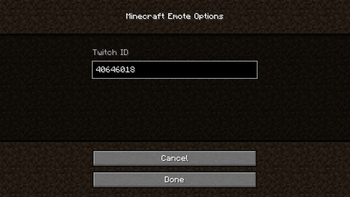
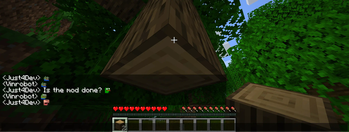
Minecraft Emote
7TV, FrankerFaceZ and BetterTTV emotes in Minecraft!
Install
- Install and setup FabricMC (wiki)
- Download release from Modrinth or GitHub for your Minecraft version
- Install the mods in the .minecraft/mods or using a custom launcher
- Launch the game and start Chatting!
Usage
Emotes
Currently, the mod supports 7TV and FrankerFaceZ emotes.
They can be used by typing emote_name in chat.
For example, peepoHey will be replaced with the  emote.
Warning: This is only client-side, so other players will only see the emote if they have the mod installed.
Configuration
The mod can be configured using the ModMenu mod or by editing the configuration file.
ModMenu
The mod can be configured using ModMenu (GitHub).
To open the configuration, click on the mod in the mod list and then on the config button.
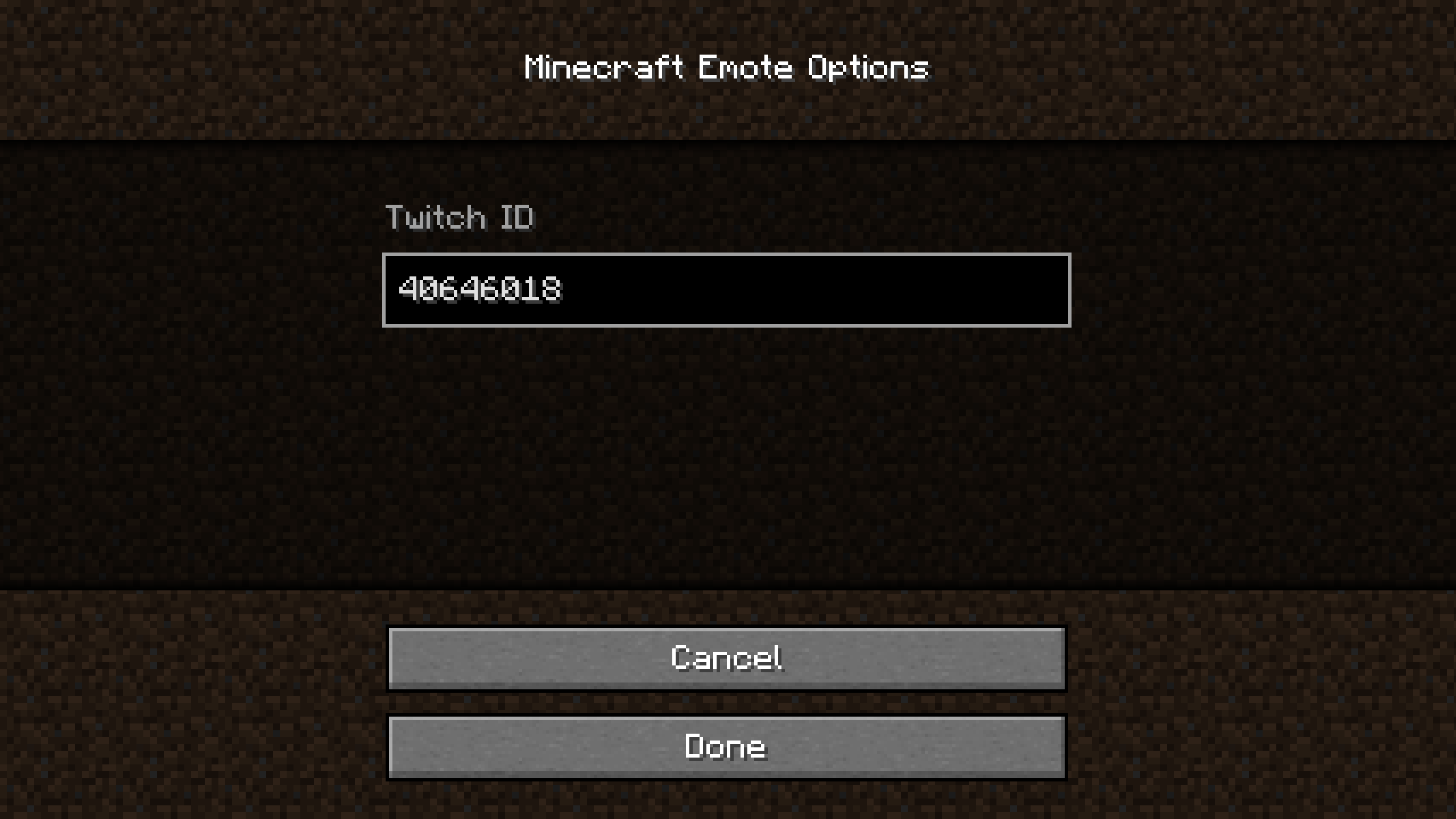
The Twitch ID is the ID of the Twitch channel you want to use for the emotes.
The Twitch ID is not the name of the channel.
To get the ID, you can use this website.
I will add a way to get the ID in-game in the future.
File
The configuration file is located in .minecraft/config/mcemote.json.
If modified, the game must be restarted for the changes to take effect.
The content is the following:
{
    "twitchId": "40646018"
}
The twitchId is the ID of the Twitch channel you want to use for the emotes.
The Twitch ID is not the name of the channel.
To get the ID, you can use this website.
请登录后举报
请 登录 后赞助作者。
暂无评论,抢个沙发吧~