
Adaptive Tooltips
作者:rebot | 分类:模组
Minecraft 版本: 26.2
平台: fabric neoforge
标签: game-mechanics utility
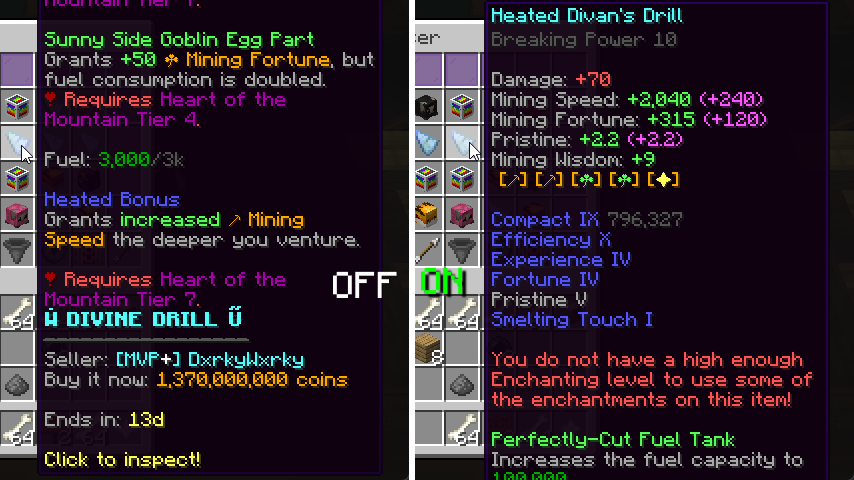
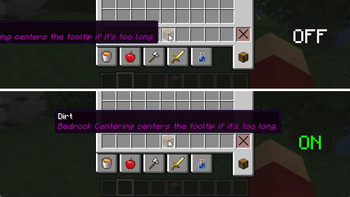
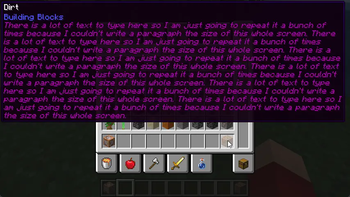

AdaptiveTooltips
Highly configurable tooltip rendering, so you can always read them!
Why was this mod created?
Vanilla tooltips are not very smart: this mod aims to fix that. In vanilla, there are a lot of
situations (especially when modded) where you just cannot read a tooltip due to it being just too long
to fit on the screen. There are many solutions!
AdaptiveTooltips aims to dream up and implement these solutions into Minecraft for a vanilla-like
tooltip experience without the frustrations.
Features
There are many methods in which AdaptiveTooltips can save your tooltips from the clutches of the bezels;
below are a list of all the (toggleable) options to fix this.
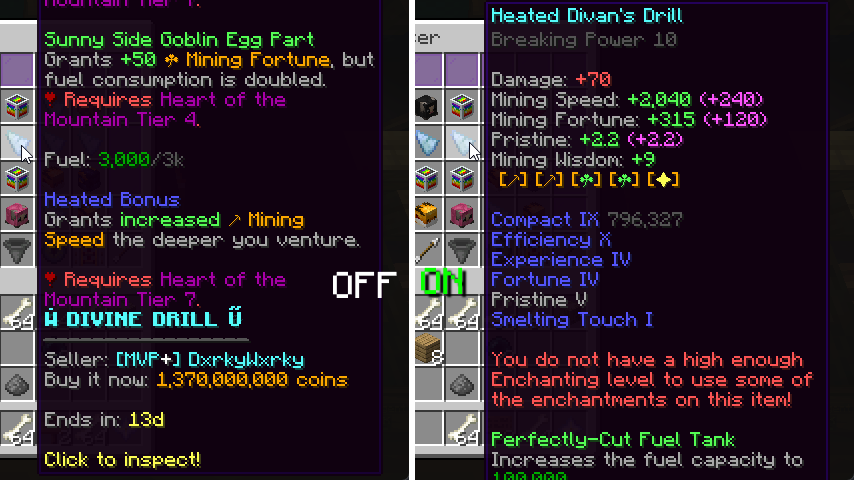
Text Wrapping
There is one very obvious fix to tooltips going off-screen horizontally: text wrapping! If a line
is too long to fit on your screen, AdaptiveTooltips intelligently splits it into however many
necessary, using words as cut-offs to not interrupt your reading.
There are multiple methods of wrapping:
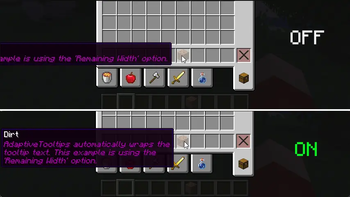
Screen Width- The mod wraps with a max line width of the width of your screen (minus 15). Intended to be paired
with Bedrock Centering option.Remaining Width- Allows tooltip lines to fill a maximum of what's left until the tooltip reaches the end of the
screen, picking either the left or the right depending on which would require less wrapping.Half Screen Width- Only allows tooltips to have a width of half of the screen.Smart- Wraps lines that are considerably longer than the others, with a hard limit of 3/4 of the screen width.
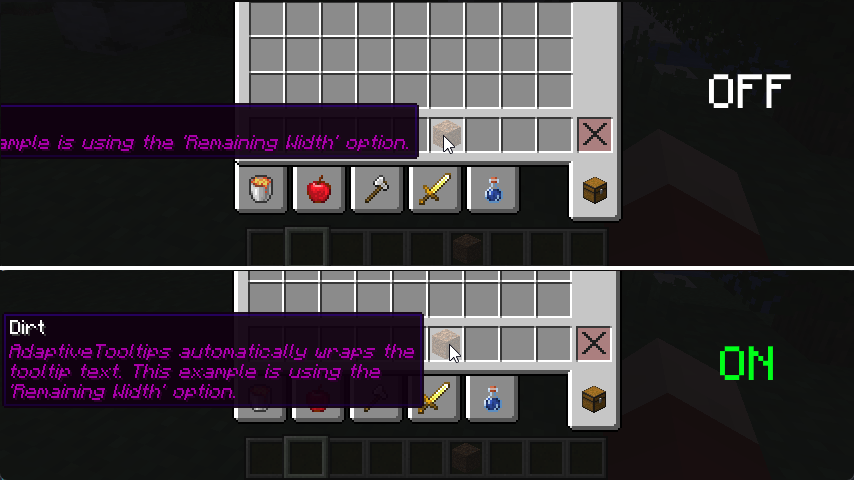
screenshot is using Remaining Width wrapping method
Prioritize Tooltip Top
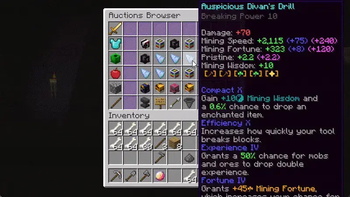
I'm actually surprised even Mojang didn't think of adding this one, by default, tooltips that are taller than
your screen limit their bottom to the edge of the screen, not the top. This results in you being able to read
the (often less important) bottom of the tooltip instead of the top. This fix addresses that.
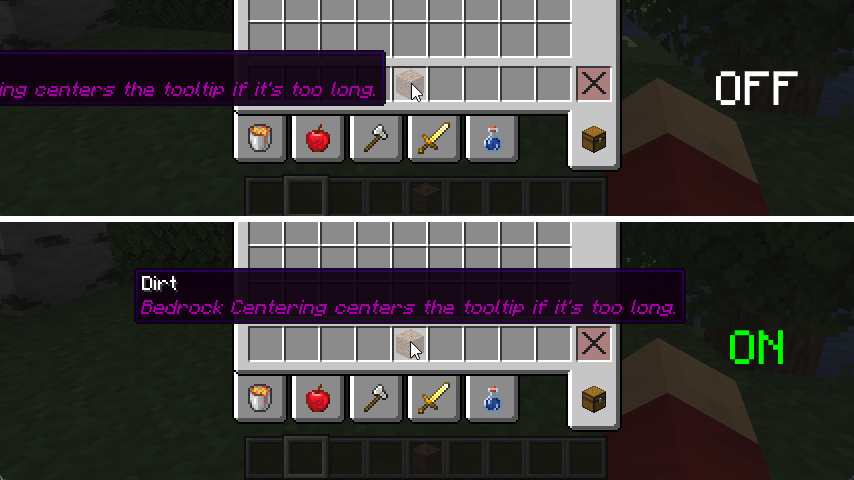
Bedrock Centering
This feature grants parity between Java and Bedrock Edition. By default, Bedrock automatically centers
the tooltip if it is too long to fit on either the left or the right, this adds that. For the best
experience, it is best to pair this with Screen Width Text Wrapping.
Align To Corner
When all else fails, this feature is a good fallback. If after all the above features fail to keep the
tooltip on the screen, AdaptiveTooltips just places the tooltip in any of the 4 corners of the window,
determining that based on the least obstruction of the mouse cursor.
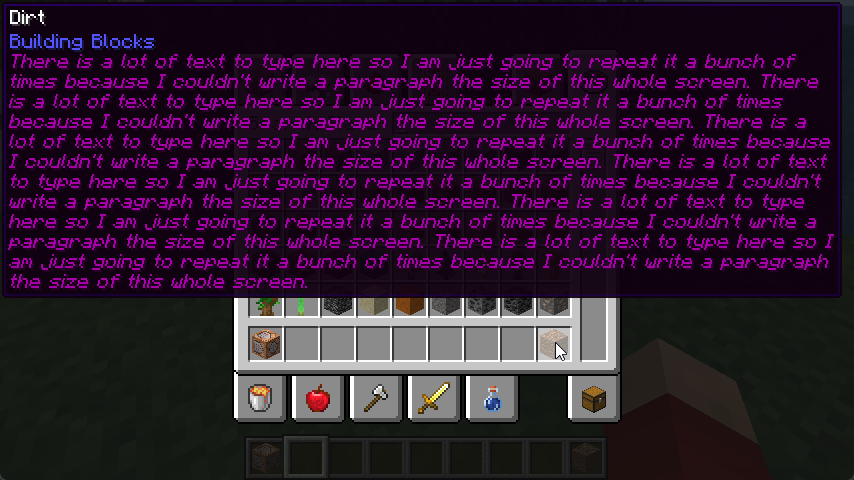
Tooltip Scrolling
Yes, that's right, scrolling. It's been tried on Fabric many a times with little success with annoying
edge-cases and bugs that make using scrolling annoying, but I've fixed all grievances! You can scroll
vertically and horizontally with smooth animations and fine-tuning from the scroll direction to the
sensitivity of the scrolling. AdaptiveTooltips is also smart and knows the difference between two different
tooltips and discards scrolling data when necessary.

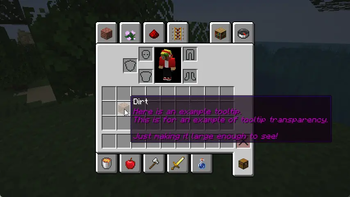
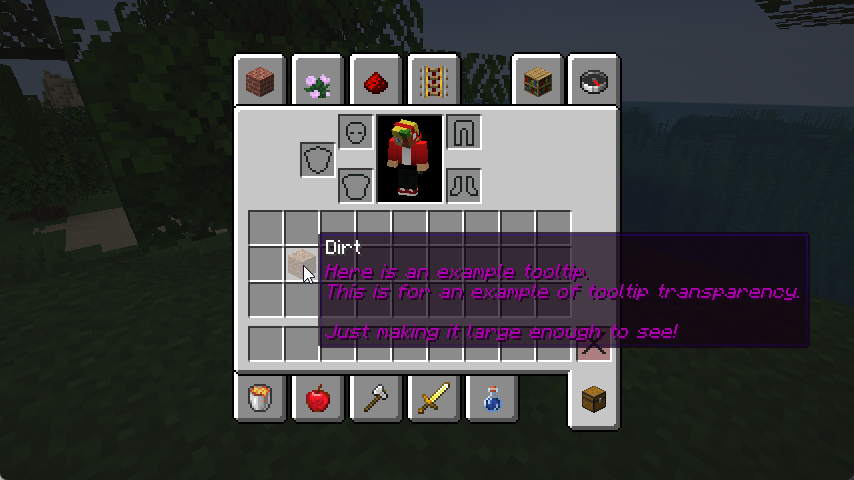
Transparency Modification
You may be bothered that tooltips may obstruct the view of the next few items in your inventory, this
fix aims to mitigate that by allowing you to adjust the transparency of the tooltip, allowing you to
decide what's best for in terms of visibility and transparency.
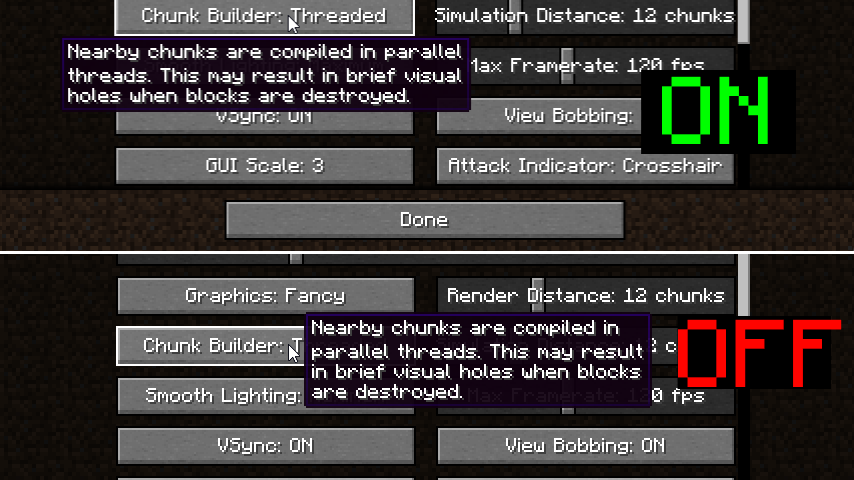
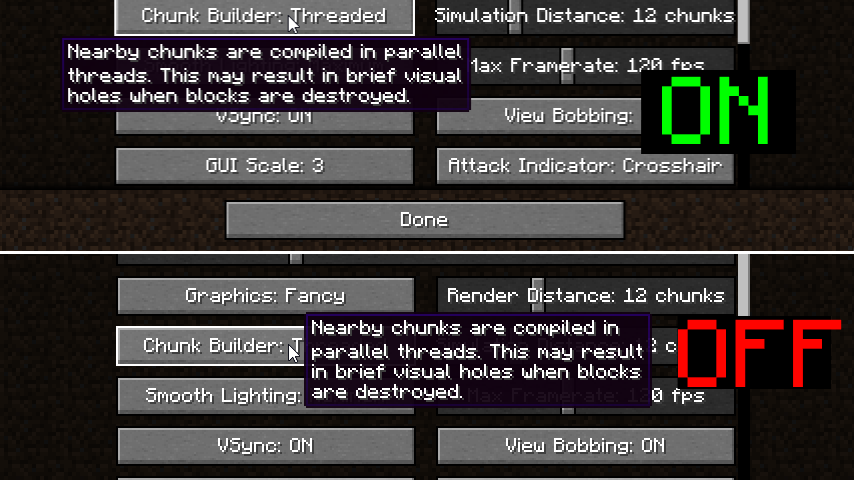
YACL-style GUI Tooltips
Capture the style of YetAnotherConfigLib's tooltip positioning
by placing tooltips above or below a hovered button.
License
This mod is under the Mozilla Public License 2.0.
请登录后举报
请 登录 后赞助作者。
暂无评论,抢个沙发吧~