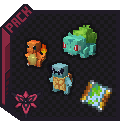
AZOTH Cobblemon Minimap Icons
作者:rebot | 分类:数据包
价格:0 墨喵币
下载量:0
点赞:0
版本 1.1.0
本资源为搬运资源,原资源地址:
https://modrinth.com/resourcepack/azoth-cobblemon-minimap-icons
资源信息
Minecraft 版本: 1.21 1.21.1
平台: minecraft
标签: entities gui modded

资源介绍
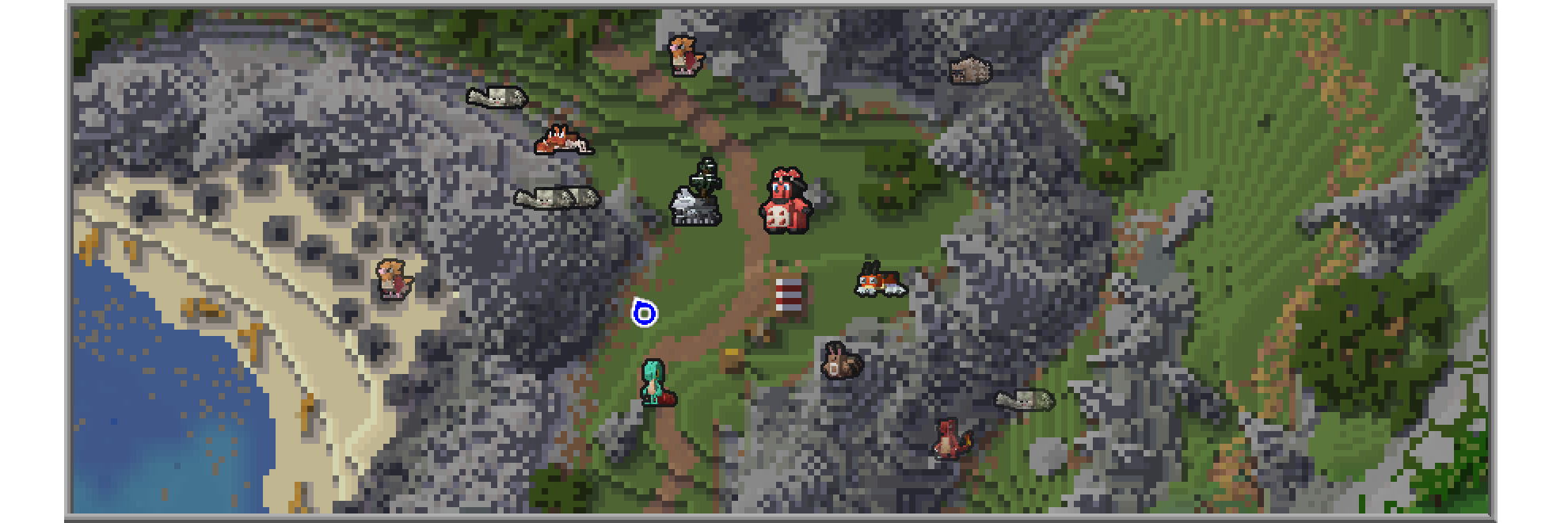
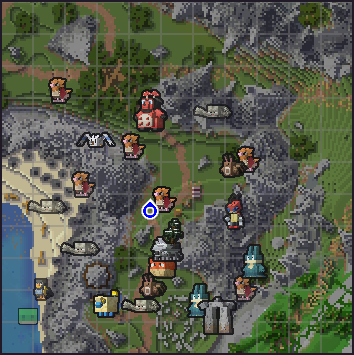
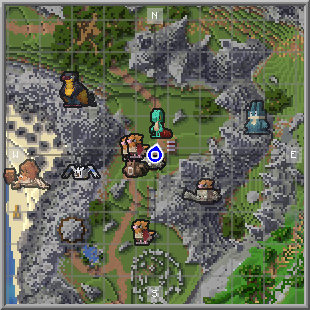
This Resource Pack adds Cobblemon-style icons for modeled Pokémon in either JourneyMap or Xaero's Minimap.
Journeymap Guide
Enable Pokémon Icons
- Open the in-game menu and go to Journeymap Settings (
Jkey by default). - Click Options from the button list on the lower part of your screen.
- Select Minimap Preset or Full Map Preset depending on your preferences.
- Set Mob Display → Outlined Icons.
- Adjust Entity Icon Size as desired.
Xaero’s Minimap Guide
Enable Pokémon Icons
- Open the in-game menu and go to Xaero's Minimap Settings (
Ykey by default). - Select Entity Radar Settings.
- Change Display Icons to Always.
- Adjust Entity Icon Scale as desired.
下载太慢?试试 墨喵加速站,支持 Modrinth 和外网直链高速下载! 用的人越多,下载的越快!
下载与版本
评论(0)
请 登录 后发表评论。
举报此资源
请登录后举报
暂无评论,抢个沙发吧~