Fake Player Plugin (FPP) 图标

Fake Player Plugin (FPP)

作者:rebot | 分类:模组

价格:0 墨喵币 下载量:0 点赞:0 版本 1.6.6.12.7
本资源为搬运资源,原资源地址: https://modrinth.com/mod/fake-player-plugin-(fpp)
资源信息

Minecraft 版本: 1.21 1.21.1 1.21.2 1.21.3 1.21.4 1.21.5 1.21.6 1.21.7 1.21.8 1.21.9 1.21.10 1.21.11

平台: bungeecord folia paper purpur velocity

标签: game-mechanics management mobs
资源介绍

FakePlayerPlugin

Version
MC
Platform
Java
License: MIT
GitHub
Modrinth
Discord
Wiki
GitHub Sponsors
Patreon

Advanced Fake Player Spoofer for Paper/Purpur/Folia 1.21+
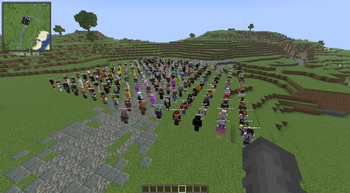
Create realistic fake players — full tab-list entries, physical in-world bodies, skins, combat, pathfinding, automation, and multi-server proxy support with proxy-merged shared database.


✨ Features

Core (Ships with fpp.jar)

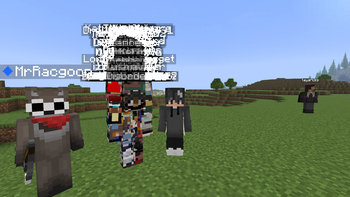
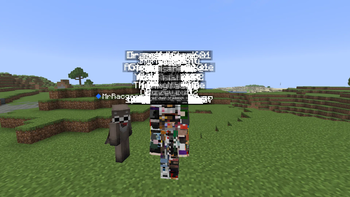
  • ? Realistic Fake Players — Full tab-list integration, join/leave messages, server count spoofing
  • ? Physical Bodies — NMS ServerPlayer entities with hitboxes, collision, damage, death & respawn
  • ? Skins — Auto-resolve from Mojang, per-bot skin commands, custom pool support
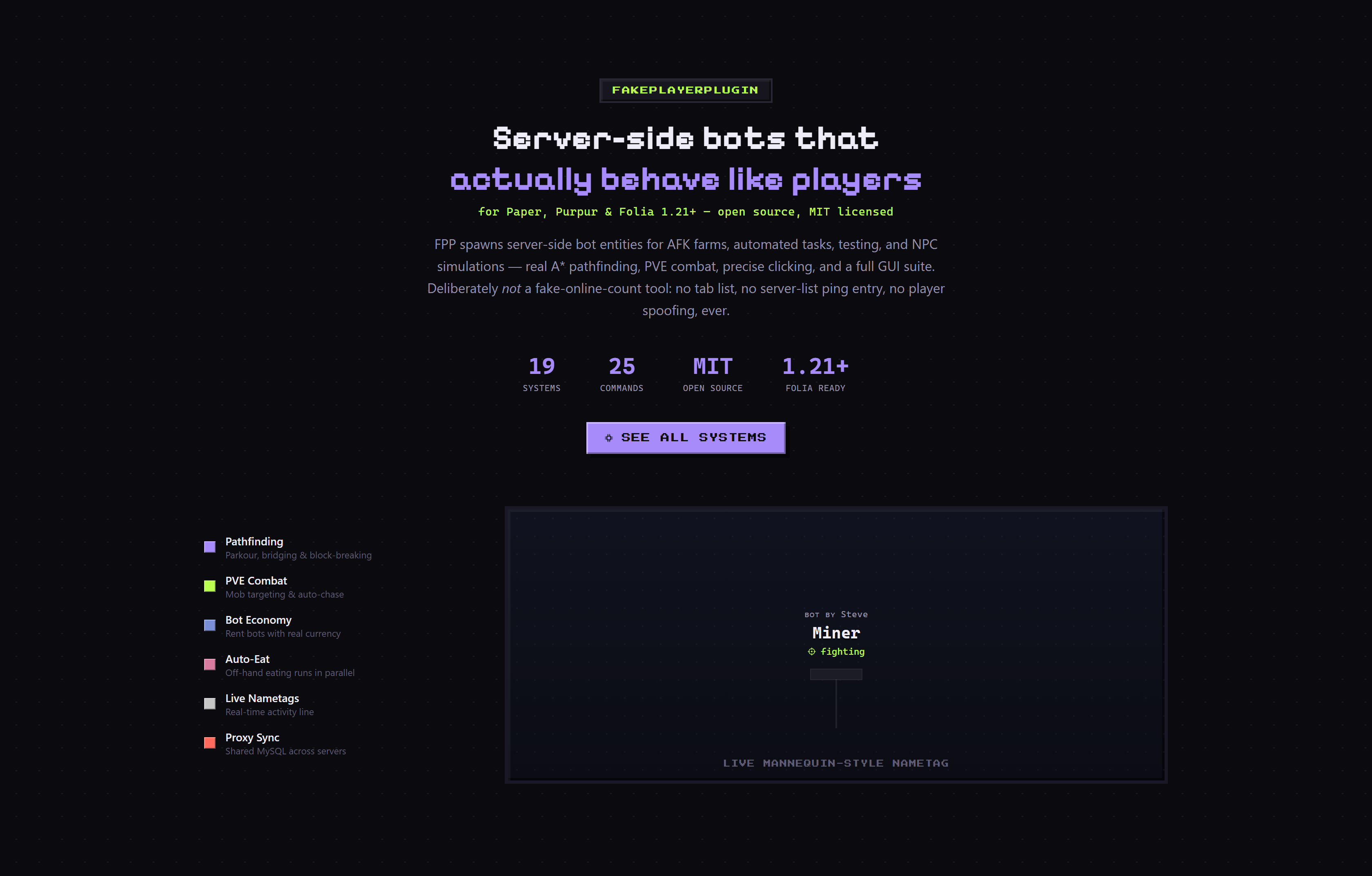
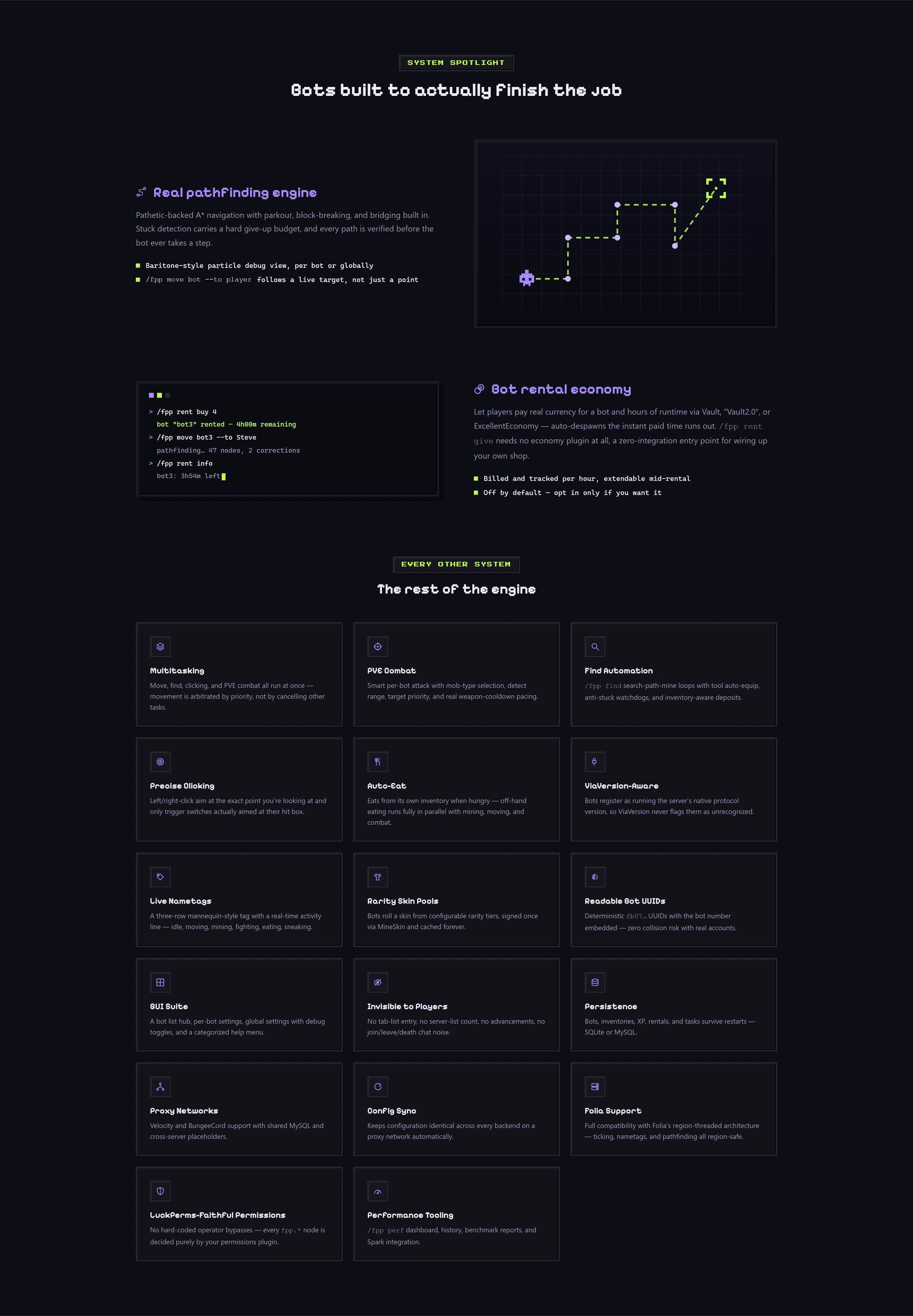
  • ? Pathfinding & Automation — A* navigation, follow, roam, find-and-mine, sleep, auto-eat, auto-place-bed
  • ⛏️ Area Mining & Block Placing — Cuboid region mining (/fpp mine) and placement (/fpp place) with supply-container restocking
  • ⚔️ PvE Combat — Per-bot attack settings, hunt mode, melee cooldowns
  • ⚙️ Per-Bot Settings GUI — Shift+right-click any bot for inventories, pathfinding toggles, PvE settings, and automation overrides
  • ? Persistence — Bot positions, tasks, and inventories survive restarts (YAML or database)
  • ?️ Database — SQLite (local) or MySQL (network / multi-server with proxy-merged shared tables)
  • ? Proxy Support — Velocity & BungeeCord with companion plugins; proxy-merged database shares live bot registry and player counts across all backends
  • ? Config Sync — Push/pull config across backend servers via shared MySQL
  • ? Extension API — Drop .jar files into plugins/FakePlayerPlugin/extensions/ to load third-party addons
  • ? Random Name Generatorbot-name.mode: random generates realistic Minecraft-style usernames on the fly
  • ? Badword Filter — Leet-speak normalization, auto-rename, remote word list
  • ? PlaceholderAPI80+ placeholders for scoreboards, tab headers, cross-server counts, and more
  • ? WorldEdit & WorldGuard--wesel selection flag for mine/place; region-aware PvP protection
  • ? Simulated Ping — Tab-list latency display per bot
  • ? Folia Support — Full compatibility with Folia's region-threaded architecture

Extension (fpp-spoof.jar)

Some advanced subsystems require the fpp-spoof.jar extension:

  • ? AI conversations (/msg replies with personalities)
  • ? Fake chat / broadcast messaging
  • ? Swap system / peak-hours scheduler
  • ? Bot groups
  • ? Ping command (/fpp ping)
  • ? Stored right-click commands (/fpp cmd)

? Installation

  1. Download fpp.jar from Modrinth or build from source.
  2. Drop the JAR into your server's plugins/ folder.
  3. Restart the server. The plugin will create plugins/FakePlayerPlugin/ with configs and data folders.
  4. Configure permissions and plugins/FakePlayerPlugin/config.yml as needed.
  5. Run /fpp reload to apply most config changes without restarting.

Optional Dependencies

  • PlaceholderAPI — enables placeholder expansion (%fpp_count%, %fpp_total%, etc.)
  • LuckPerms — prefix/suffix support and bot group assignment
  • WorldGuard — bot PvP region protection
  • WorldEdit--wesel flag for area mining/placing

? Quick Start

# Grant yourself admin access
/lp user <you> permission set fpp.admin true

# Spawn your first bot
/fpp spawn

# Open its settings
shift+right-click the bot entity

# Teleport it to you
/fpp tph <bot>

# Make it follow you
/fpp follow <bot> <player>

⌨️ Commands

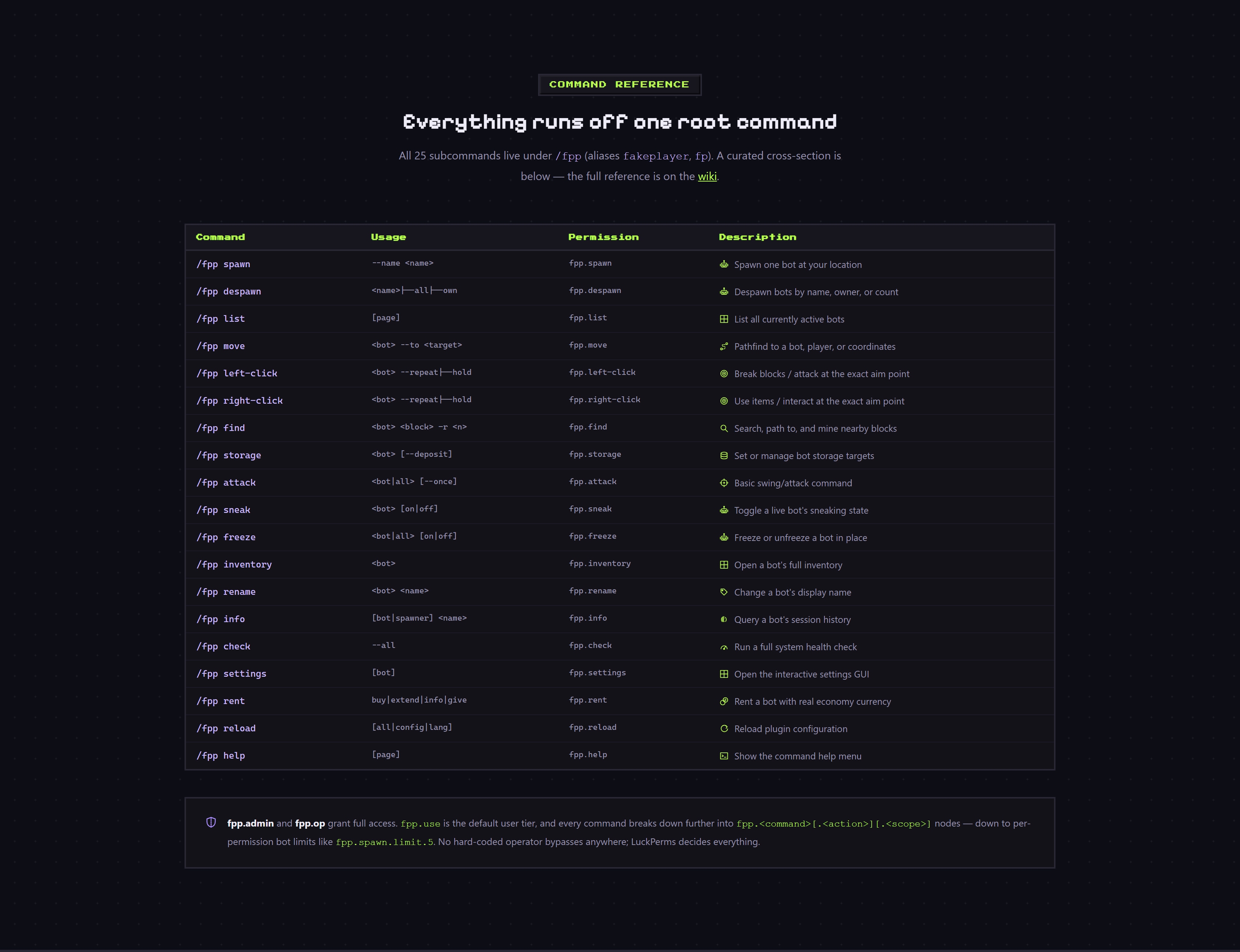
All commands are prefixed with /fpp (aliases: fakeplayer, fp).

Command Usage Description Permission
spawn [amount] [world [x y z]] [--name <name>] [--random-name] [--notp] [<bottype>] Spawn fake player bots fpp.spawn (admin) / fpp.spawn.user (user)
despawn <name> \| all \| --count <n> \| --random [--count <n>] Remove bot(s) fpp.despawn
list [page] List active bots fpp.list
tph [botname\|all] Teleport bot(s) to you fpp.tph
tp [botname] Teleport to a bot fpp.tp
xp <bot> Collect XP from a bot fpp.xp
move <bot\|all> --to <player> \| --coords <x> <y> <z> \| --roam [x,y,z] [radius \| infinite \| forever \| unbounded] \| --stop Navigate bot fpp.move
mine <bot> [--once\|--stop\|--pos1\|--pos2\|--start\|--wesel] \| --stop Mine blocks fpp.mine
place <bot> [--once\|--stop\|--wesel] \| --stop Place blocks fpp.place
use <bot> [--once\|--stop] \| --stop Right-click automation fpp.use.cmd
attack <bot\|all> [--mob [type]] [--range <n>] [--type <mob>] [--priority nearest\|lowest-health] [--move] [--stop] \| --hunt [<mob>] [--range <n>] [--priority <mode>] [--stop] PvE attack / hunt fpp.attack
follow <bot\|all> <player\|--start> \| <bot\|all> --stop Follow a player fpp.follow
find <bot> <block> [-r <n> \| --radius <n>] [-c <n> \| --count <n>] [--prefer-visible] \| <bot> --stop \| --stop Find and mine blocks fpp.find
sleep <bot\|all> <x y z> <radius> \| <bot\|all> --stop Auto-sleep at night fpp.sleep
stop [<bot>\|all] Cancel active tasks fpp.stop
freeze <bot\|all> [on\|off] Freeze/unfreeze fpp.freeze
inventory <bot> (alias: inv) Open bot inventory fpp.inventory
storage <bot> [storage_name\|--list\|--remove <name>\|--clear] Manage supply containers fpp.storage
extension (bare) \| --list Open marketplace link or list extensions (implied admin)
save Force-save all bots fpp.save
setowner <bot> <player> Transfer ownership fpp.setowner
rename <oldname> <newname> Rename a bot fpp.rename
info [bot\|spawner] <name> Bot info / session history fpp.info
stats Plugin statistics fpp.stats
badword <check\|update\|status> Manage badword filter fpp.badword
migrate <backup\|status\|config\|lang\|names\|db> Backup / migrate data fpp.migrate
reload [all\|config\|lang\|extensions] Hot-reload config fpp.reload
settings [bot] Open settings GUI fpp.settings
help [page] Show help menu fpp.help

Quick Examples

/fpp spawn 5                          # Spawn 5 bots
/fpp spawn --name Steve               # Spawn a bot named "Steve"
/fpp spawn --notp                     # Spawn at last known location (if persisted)
/fpp spawn world_nether 100 64 -200   # Spawn in another world
/fpp spawn 3 afk                      # Spawn 3 bots with "afk" bot-type preset
/fpp despawn all                      # Remove all bots
/fpp despawn --random --count 3       # Remove 3 random bots
/fpp move bot1 --to Notch             # Navigate to player
/fpp move bot1 --roam 500,64,200 25   # Roam in 25-block radius
/fpp mine bot1 diamond_ore --wesel    # Mine using WorldEdit selection
/fpp place bot1 --once                # Place one block
/fpp attack bot1 --hunt --range 16    # Hunt mobs
/fpp follow bot1 Notch                # Follow a player
/fpp find bot1 diamond_ore --radius 64 --count 20
/fpp sleep bot1 100 64 200 50         # Set sleep origin
/fpp stop bot1                        # Stop all tasks
/fpp freeze bot1 on                   # Freeze bot
/fpp inv bot1                         # Open inventory
/fpp storage bot1 chest1              # Register container
/fpp rename bot1 builder_01           # Rename bot
/fpp info bot1                        # Show session history

? Permissions

FPP uses a two-tier permission system.

Wildcards

Node Default Description
fpp.admin op Full admin access (same as fpp.op)
fpp.op op Full access to all commands
fpp.use true User-tier: spawn (1 bot), tph, xp, info (own bots)

Key Nodes

  • Spawn: fpp.spawn, fpp.spawn.user, fpp.spawn.limit.1 through fpp.spawn.limit.100
  • Despawn: fpp.despawn, fpp.despawn.bulk, fpp.despawn.own
  • Movement: fpp.move, fpp.move.to, fpp.move.stop
  • Automation: fpp.mine, fpp.place, fpp.use.cmd, fpp.attack, fpp.attack.hunt, fpp.find, fpp.follow, fpp.sleep, fpp.stop
    • fpp.mine.wesel — WorldEdit selection for mining area
    • fpp.place.wesel — WorldEdit selection for placement area
  • Management: fpp.freeze, fpp.rename, fpp.rename.own, fpp.inventory, fpp.storage, fpp.setowner, fpp.save, fpp.settings
  • System: fpp.reload, fpp.migrate, fpp.badword
  • Bypass: fpp.bypass.max, fpp.bypass.cooldown
  • Notify: fpp.notify — update notifications on join

Quick Setup

# Admin
/lp group admin permission set fpp.admin true

# User
/lp group member permission set fpp.use true

# Custom bot limit (5)
/lp user Alice permission set fpp.spawn.limit.5 true

# Bypass cooldown for VIPs
/lp group vip permission set fpp.bypass.cooldown true

# Hide /fpp from guests
/lp group guest permission set fpp.command false

? Placeholders

Requires PlaceholderAPI. 80+ placeholders — all prefixed with %fpp_.

Server-Wide (16 placeholders)

Placeholder Description
%fpp_count% Total bots (local + remote)
%fpp_local_count% Bots on this server
%fpp_network_count% Bots on other proxy servers
%fpp_max% Global bot cap ( if unlimited)
%fpp_real% Real players online
%fpp_total% / %fpp_online% Total players (real + bots) on this server
%fpp_network_total% Total players + bots across ALL backends (NETWORK mode)
%fpp_network_real% Total real players across ALL backends (NETWORK mode)
%fpp_network_bots% Total bots across ALL backends (NETWORK mode)
%fpp_frozen% Frozen bot count
%fpp_names% Comma-separated bot names (includes remote in NETWORK mode)
%fpp_network_names% Remote bot names
%fpp_version% Plugin version
%fpp_config_version% Config version number
%fpp_uptime% Plugin uptime (e.g. 4h 12m)

Server Performance (2 placeholders)

Placeholder Description
%fpp_server_tps% Server TPS
%fpp_server_uptime% Server uptime

Extensions (2 placeholders)

Placeholder Description
%fpp_extensions% Number of loaded extensions
%fpp_extensions_names% Comma-separated extension names

Settings / Toggles (28 placeholders)

Placeholder Returns
%fpp_chat% on / off
%fpp_skin% Skin mode
%fpp_body% Always on
%fpp_pushable% / %fpp_damageable% / %fpp_tab% / %fpp_ping% on / off
%fpp_max_health% Max HP
%fpp_network% / %fpp_network_mode% on / off (NETWORK mode)
%fpp_server_id% Server ID
%fpp_persistence% on / off
%fpp_spawn_cooldown% Cooldown seconds
%fpp_chunk_loading% / %fpp_chunk_loading_radius% on / off or radius value
%fpp_head_ai% / %fpp_swim_ai% on / off
%fpp_auto_eat% / %fpp_auto_place_bed% / %fpp_auto_milk% on / off
%fpp_prevent_bad_omen% / %fpp_fall_damage% / %fpp_respawn_on_death% on / off
%fpp_hurt_sound% / %fpp_join_message% / %fpp_leave_message% / %fpp_death_message% on / off
%fpp_peak_hours% / %fpp_swap% / %fpp_metrics% / %fpp_update_checker% on / off
%fpp_badword_filter% / %fpp_database% on / off
%fpp_database_mode% Database mode

Per-World

Placeholder Description
%fpp_count_<world>% Bots in world
%fpp_real_<world>% Real players in world
%fpp_total_<world>% Total in world

Player-Relative (13 placeholders)

Placeholder Description
%fpp_user_count% Player's bot count
%fpp_user_max% Player's bot limit (respects permission overrides)
%fpp_user_names% Player's bot names
%fpp_user_ping% First bot's ping
%fpp_user_ping_avg% Average ping of player's bots
%fpp_user_frozen% Number of player's frozen bots
%fpp_user_oldest% / %fpp_user_newest% Name of oldest/newest bot
%fpp_user_uptime% / %fpp_user_total_uptime% Combined uptime of player's bots
%fpp_user_total_damage% Total damage taken by player's bots
%fpp_user_deaths% Total deaths of player's bots
%fpp_user_count_<world>% Player's bot count in specific world

Per-Bot (22 placeholders)

Placeholder Description
%fpp_ping_<bot_name>% Specific bot's ping
%fpp_health_<bot_name>% Bot's current health
%fpp_health_max_<bot_name>% Bot's max health
%fpp_world_<bot_name>% Bot's current world
%fpp_loc_x_<bot_name>% / %fpp_loc_y_<bot_name>% / %fpp_loc_z_<bot_name>% Bot's coordinates
%fpp_frozen_<bot_name>% / %fpp_sleeping_<bot_name>% yes / no
%fpp_owner_<bot_name>% / %fpp_spawned_by_<bot_name>% Who spawned the bot
%fpp_pve_<bot_name>% yes / no
%fpp_displayname_<bot_name>% Bot's display name
%fpp_uuid_<bot_name>% Bot's UUID
%fpp_spawn_time_<bot_name>% When bot was spawned (ISO format)
%fpp_task_<bot_name>% Current active task (mining, moving, etc.) or idle
%fpp_following_<bot_name>% Who the bot is following (if any)
%fpp_damage_<bot_name>% Total damage taken by bot
%fpp_deaths_<bot_name>% Bot's death count
%fpp_type_<bot_name>% Bot's type (AFK, MINER, BUILDER, etc.)
%fpp_chat_<bot_name>% yes / no (bot chat enabled)
%fpp_skin_<bot_name>% Bot's skin name

Ping

Placeholder Description
%fpp_ping_all% Bot ping if sender is bot, else real player ping
%fpp_avg_ping% Average across all local bots
%fpp_player_ping% Sender's real ping

?️ Configuration

Main file: plugins/FakePlayerPlugin/config.yml

Key sections:

  • limits — max bots, user limits, spawn cooldowns
  • persistence — save/restore bots on restart
  • bot-name — name sources and formatting
  • badword-filter — profanity filtering
  • body — entity settings (pushable, damageable, item pickup)
  • combat — health, fall damage, hurt sounds
  • death — respawn behavior
  • chunk-loading — keep chunks loaded around bots
  • automation — auto-eat, auto-place-bed, auto-milk, bad-omen prevention
  • head-ai — smooth head rotation
  • swim-ai — automatic upward swimming
  • collision — push radius, strength, separation
  • database — SQLite / MySQL settings
  • config-sync — cross-server config push/pull
  • performance — position-sync distance tuning
  • heartbeat — network liveness publishing
  • attack-mob — default targeting range and priority
  • logging.debug — per-subsystem debug flags
  • metrics — FastStats usage statistics
  • pathfinding — A* tuning (gap walking, block break/place, node limits, stuck thresholds)
  • skin — mode, pool, overrides, mineskin integration
  • ping — random fake ping (requires fpp-spoof.jar)

The plugin includes an automatic config migrator (current version: 73). Do not edit config-version manually.


? Documentation


? Support


⚖️ License

MIT License. See LICENSE.


Made with ❤️ by Bill_Hub

📥 下载与版本
评论(0)
登录 后发表评论。

暂无评论,抢个沙发吧~

举报此资源

请登录后举报

🔥 相关推荐
Yuushya Modelling

价格:0 墨喵币
下载量:0

查看详情
Cloudbuster

价格:0 墨喵币
下载量:0

查看详情
Aesthetic Stairs

价格:0 墨喵币
下载量:0

查看详情
CapX1[ASMR Edition]

价格:0 墨喵币
下载量:0

查看详情