
Discord-Linker
作者:rebot | 分类:模组
Minecraft 版本: 1.21.11
平台: fabric
标签: management optimization social

Discord-Linker
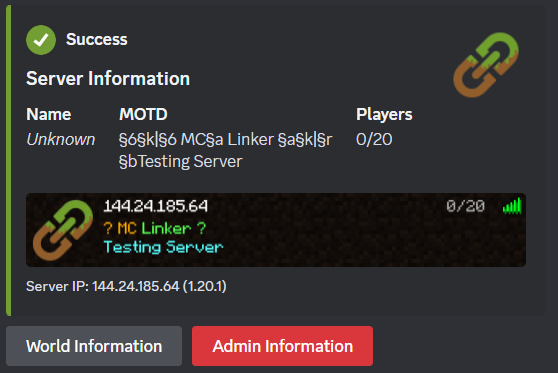
The server-side plugin/mod for MC Linker — the easiest way to connect your Minecraft server with Discord.
No custom bot creation or configuration files needed!
Features
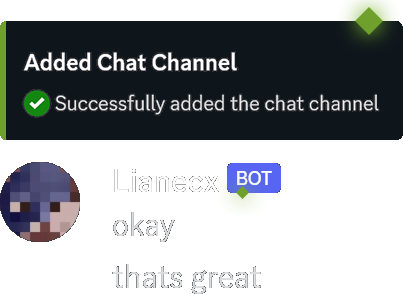
- Chat Bridge — Relay messages bidirectionally between Minecraft and Discord
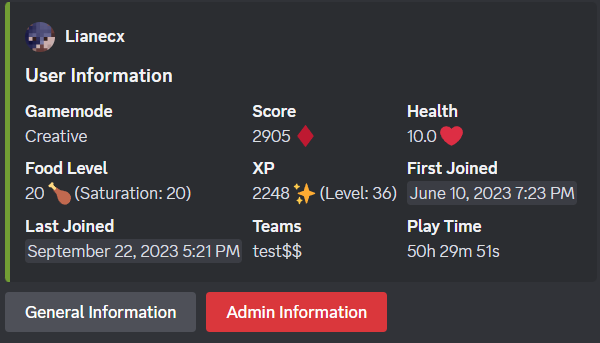
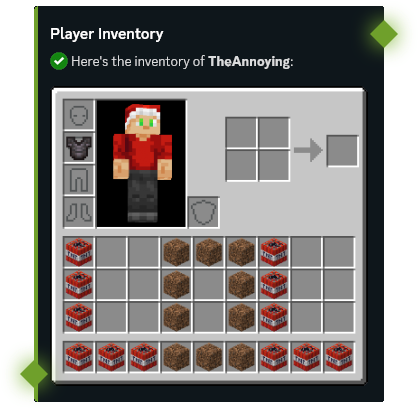
- Player Stats — View player statistics, advancements, and inventories from Discord
- Command Execution — Run Minecraft commands directly from Discord with tab completions
- Server Moderation — Ban, kick, and manage players from Discord
- Account Linking — Connect Discord accounts with Minecraft players
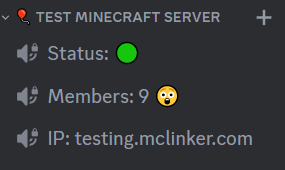
- Status Channels — Display live online player counts in Discord
- Synced Roles — Sync Discord roles with Minecraft teams or LuckPerms groups
- Console Forwarding — Forward your server console output to a Discord channel
Setup
- Invite the MC Linker Discord bot from the App Directory or from Top.gg
- Download the plugin
- Install it on your Minecraft server and restart
- Run
/connect pluginin Discord and follow the instructions - You can now run
/chatchannel add #channelin Discord to set up a chat bridge
In-Game Commands
| Command | Description |
|---|---|
/linker reload |
Reload configuration and reconnect |
/linker connect <code> |
Connect server to Discord bot |
/linker disconnect |
Disconnect server from Discord |
/linker bot_port [port] |
Get or set the bot port (for custom-bot connections) |
/linker debug |
Toggle debug mode |
/verify <code> |
Verify your Minecraft account with Discord |
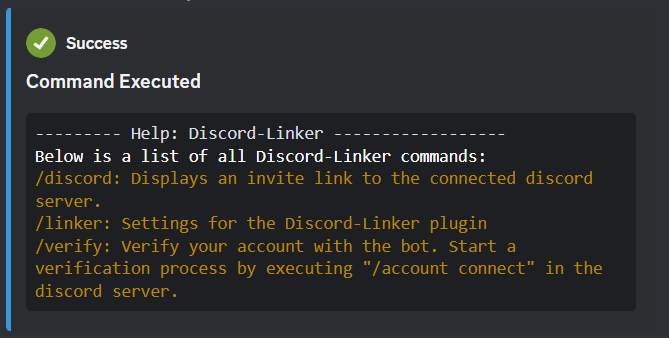
/discord |
Get the Discord server invite link |
/dm <user> <message> |
Send a Discord DM to a user (accepts Discord username/id or, if linked, MC username/uuid) |
Plugin Integrations (Hooks)
Discord-Linker supports optional integrations with popular permission plugins to power the Synced Roles feature:
| Hook | Platform | Description |
|---|---|---|
| LuckPerms | All platforms | Sync Discord roles with LuckPerms groups. Supports live group change events. |
| Vault | Spigot only | Sync Discord roles with any Vault-compatible permission plugin's groups. |
If both LuckPerms and Vault are present, LuckPerms takes priority. Vanilla Minecraft teams are used as a fallback when neither hook is available.
Discord Bot Commands
Run /help in Discord for a full list of commands, or check the MC Linker Guide for more details.
请登录后举报
请 登录 后赞助作者。
暂无评论,抢个沙发吧~