
Modpack Configuration Checker
作者:rebot | 分类:模组
Minecraft 版本: 1.20.6
平台: fabric
标签: management utility
Please file any bugs in the issue tracker here
Modpack Configuration Checker
Modpack Configuration Checker is a highly configurable mod that allows modpack creators to customise Minecraft to better support modpacks. It allows features such as displaying webpages on launch to features such as checking the modpack user has assigned enough RAM to the modpack. This mod significantly expands amount of options a modpack author has.
The mod can easily be configured from in game (instructions below). However without configuration Modpack Configuration Checker verifies that at least 2gb of RAM has been assigned to a modpack, greatly increasing performance and minimising crashes.
Some of the features the mod offers:
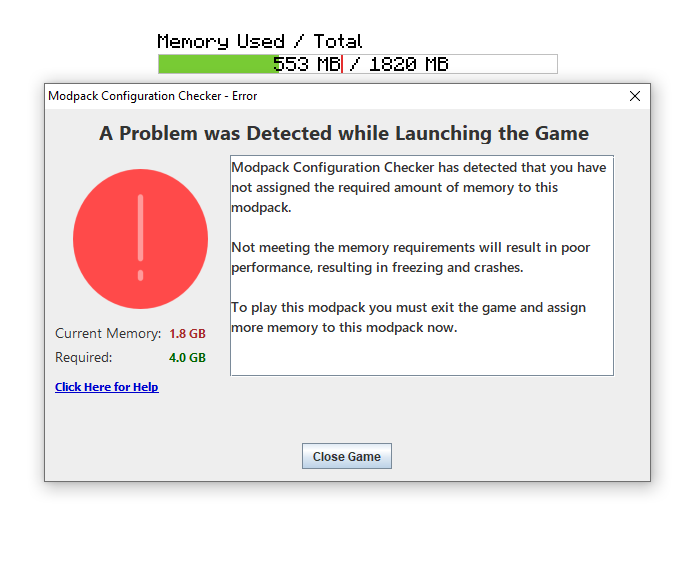
- Setting a required amount of RAM that is needed for the modpack to run. If this requirement is not met it alerts the user and closes the game.
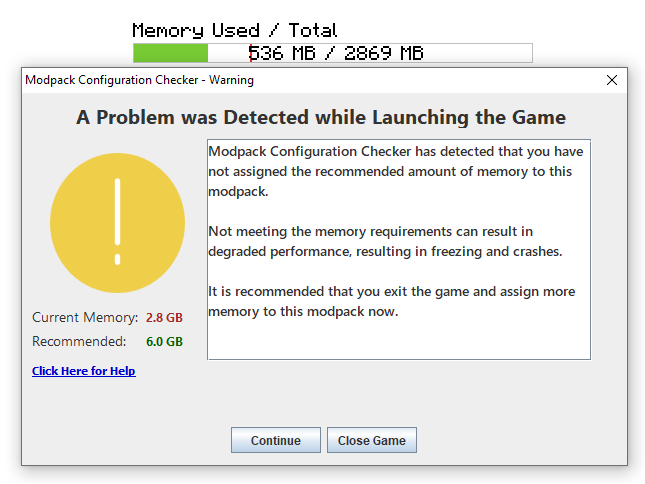
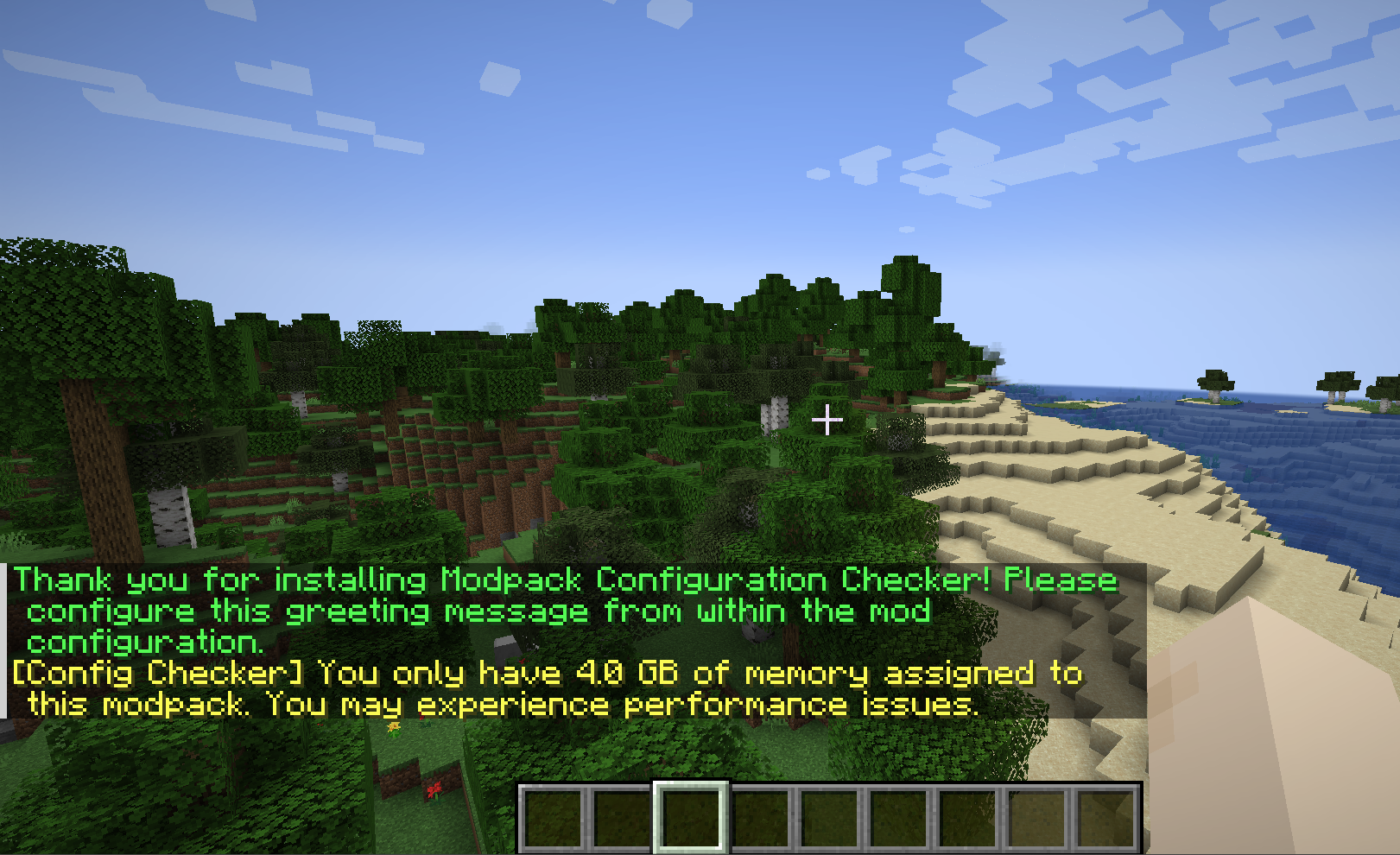
- Setting a recommended amount of RAM that is recommended for the modpack to run. If this requirement is not met then the user is alerted.
- Setting a website to open as the game launches. Useful for opening modpack website or support pages.
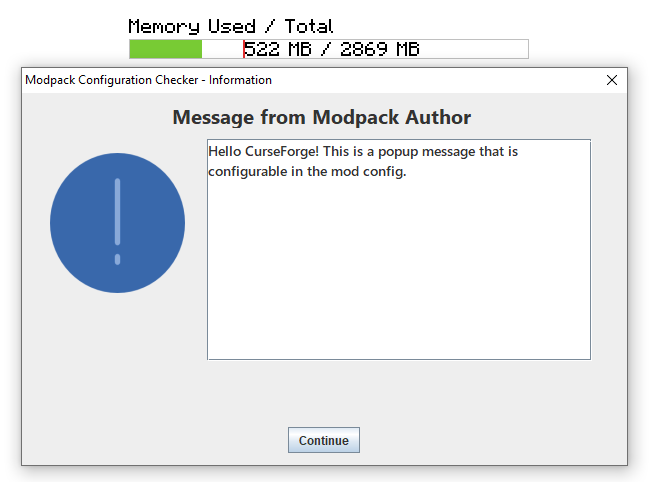
- Setting a custom message to be displayed as the game loads for example to display credits.
- Setting custom messages to be displayed when RAM requirements not met. Useful for making the mod fit in with the feel of your pack.
- Ability to change if message boxes appear on top of other windows.
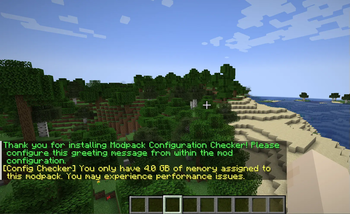
Set custom greeting messages that appear in chat when a game is loaded.
License
Feel free to use this mod in any modpacks and post on other forums. Just make sure to put a link back here.
Screenshots


Configuration Guide
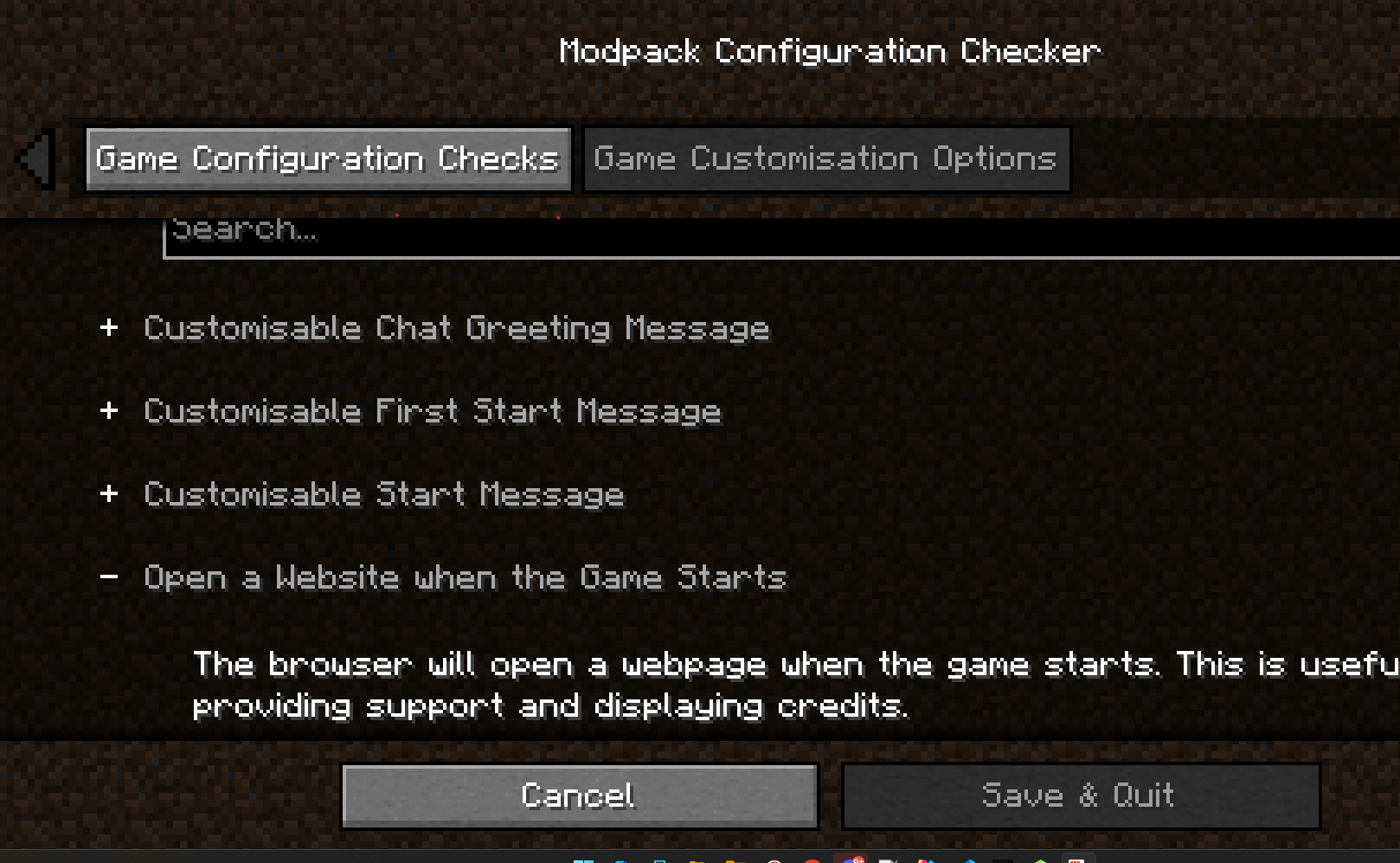
All mod options can be configured in game using the graphical configurator.~~~~ Spoiler Step 1) Click on the 'Mods' button on the main menu screen.  Step 2) Select 'Modpack Config Checker from the list of mods the left.  Step 3) Click on the 'Config' button in the bottom left.  Notes: If you are unsure of what a setting does, hovering over it will display a small description which should make things clearer. However if you are still unsure, experiment! Or if you prefer, either send me a PM or leave a comment on this thread. I will be happy to explain any of the mods mechanics to you. 请登录后举报
请 登录 后赞助作者。
暂无评论,抢个沙发吧~