
Animated Timer
作者:rebot | 分类:模组
Minecraft 版本: 1.21 1.21.1 1.21.2 1.21.3 1.21.4 1.21.5 1.21.6 1.21.7 1.21.8 1.21.9 1.21.10 1.21.11 26.1 26.1.1 26.1.2 26.2
平台: datapack
标签: game-mechanics utility




Introduction
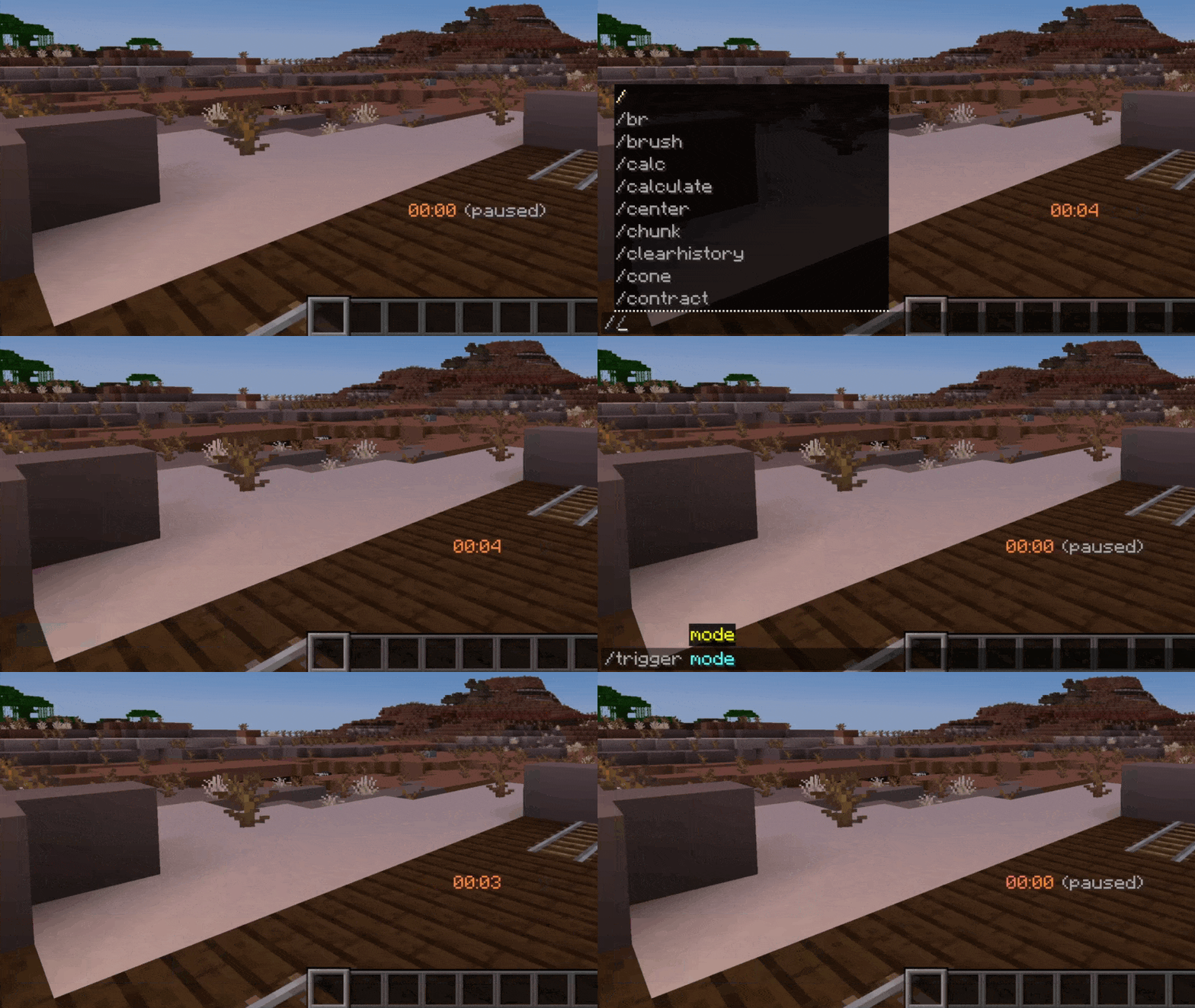
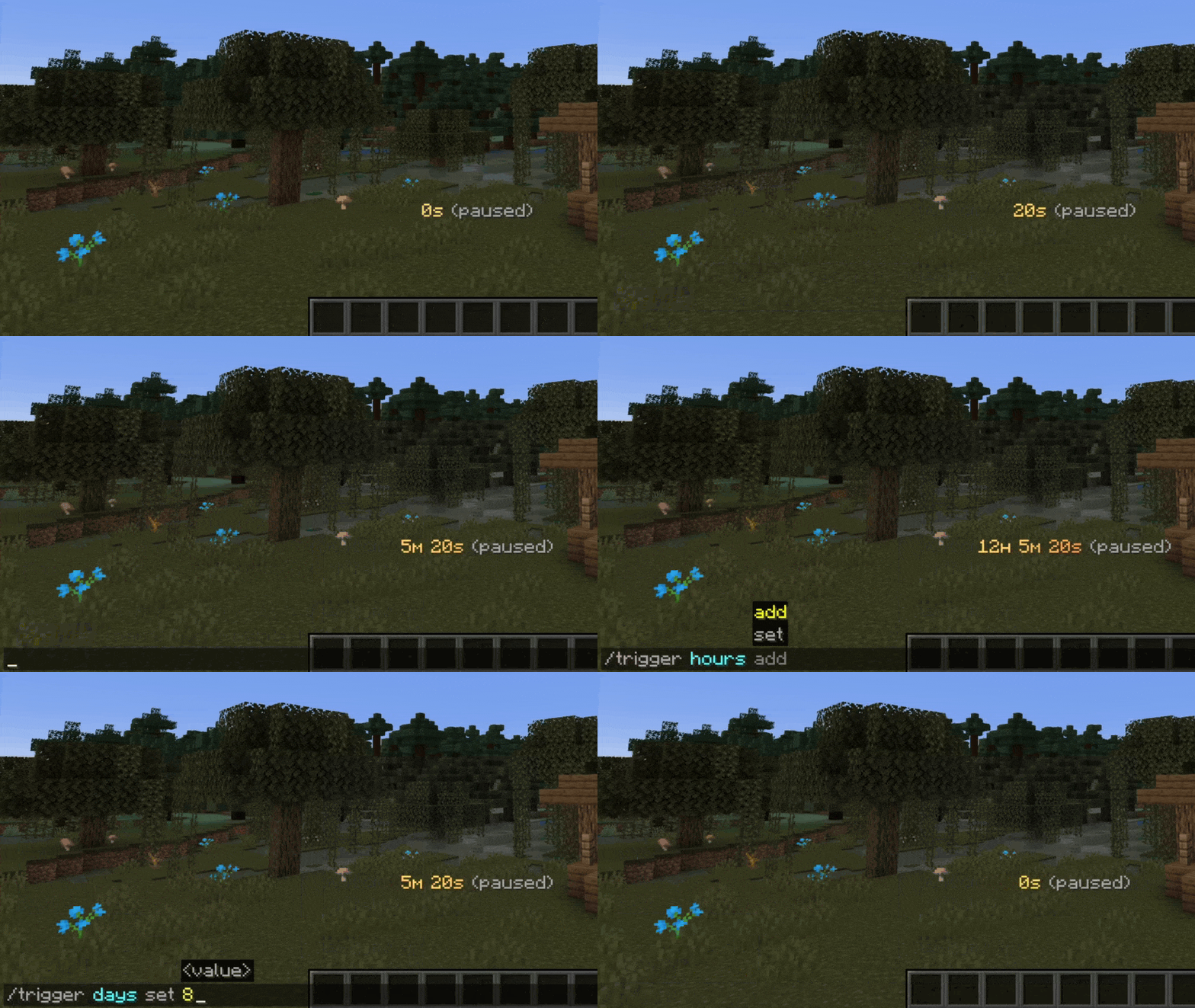
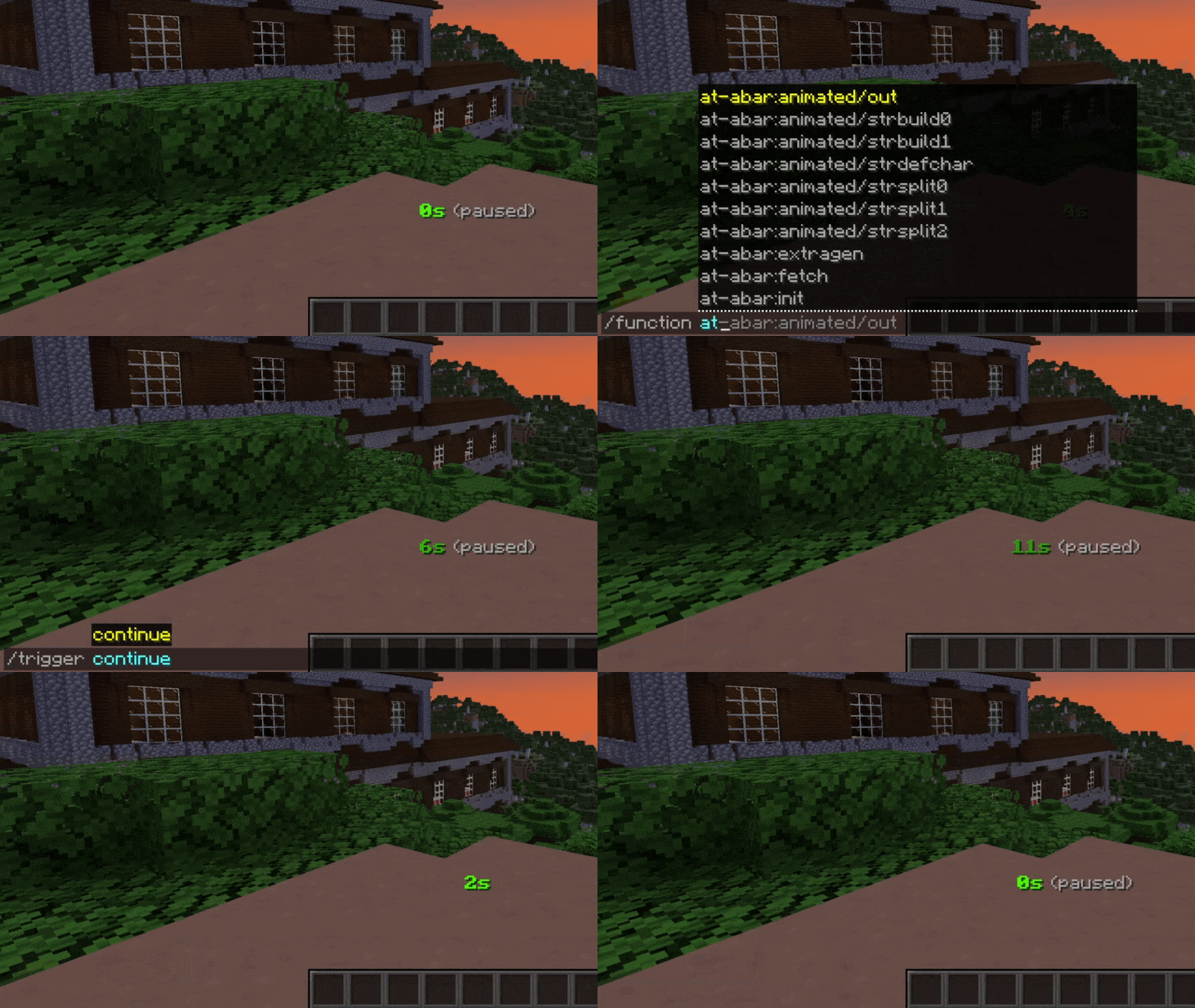
Animated Timer (AT) data pack adds an in-game timer via the actionbar field of Minecraft’s HUD. A wide range of functions ensures a simple yet versatile configuration, allowing you to customize your timer according to your likings and needs.
Features
In its original and unmodified state, features include:
- Count-up & count-down
- Multiple render (display) types
- Both static (never changing) and animated (always changing) color configuration
- General style configuration (bold & italic text)
- Pre-built animations
- Profiles (ability to save current configuration & load at a later time)
- Trigger scoreboards for complete configuration & interaction even if cheats are disabled
- Advanced features for map makers (facilitated embedding into external projects)
Controlling the timer
AT can be controlled the following way:
| Description | Cheats enabled | Without cheats |
|---|---|---|
| Start / resume the timer | /function at:continue | /trigger continue |
|
| Pause the timer | /function at:pause | /trigger pause |
|
| Set timer to its initial value and start it | /function at:reset | /trigger reset |
|
| Set timer to zero and stay paused | /function at:reboot | /trigger reboot |
Manually setting time
In some situations, you may want to alter the current time manually. This can be done either with a function in the at-time namespace or with /trigger:
| Description | Cheats enabled | Without cheats |
|---|---|---|
| Add one second | /function at-time:add/second |
|
| Remove one second | /function at-time:remove/second |
|
| Set seconds | /function at-time:set/seconds/10 | /trigger seconds set 10 |
|
| Add one minute | /function at-time:add/minute |
|
| Remove one minute | /function at-time:remove/minute |
|
| Set minutes | /function at-time:set/minutes/15 | /trigger minutes set 15 |
|
| Add one hour | /function at-time:add/hour |
|
| Remove one hour | /function at-time:remove/hour |
|
| Set hours | /function at-time:set/hours/3 | /trigger hours set 3 |
|
| Add one day | /function at-time:add/day |
|
| Remove one day | /function at-time:remove/day |
|
| Set days | /function at-time:set/days/7 | /trigger days set 7 |
Note: The above functions that include at-time:set are just examples. In fact, a multitude of set functions are available for use.
Timer modes
AT is counting up by default but count-down is also available. You can toggle between both count modes with a single command:
| Description | Cheats enabled | Without cheats |
|---|---|---|
| Switch between timer modes | /function at-conf:mode | /trigger mode |
How to upgrade
- Download latest data pack version
- In your datapacks directory, replace old version with new one
- Reload your game, either with
/reloador through re-joining your world
Are you interested?
If you would like to find out more about configuration or how to integrate this timer into your projects, please check out the AT Docs site.
Roadmap
- Add option to trigger a pause at specific game events (player dies, dragon defeated, ...)
- Add gradient generator for custom animations
- Implement timer modes / render patterns "realtime" & "in-game time"
- Add display option (show timer in bossbar or scoreboard title)
- Implement timer configuration UI using new dialog feature
Inspiration
This project was inspired by German content creator BastiGHG who often uses a similar version of this timer in his videos and streams.
请登录后举报
请 登录 后赞助作者。
暂无评论,抢个沙发吧~