
Server Shader Gate & Enforcer
作者:rebot | 分类:模组
Minecraft 版本: 1.21.8 1.21.9 1.21.10
平台: bukkit
标签: game-mechanics utility


Description
Server Shader Gate & Enforcer (SSGE) – a client-side mod and server-side plugin that requires players to install a shader and use specific shader options to play on the server.
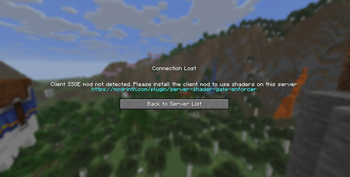
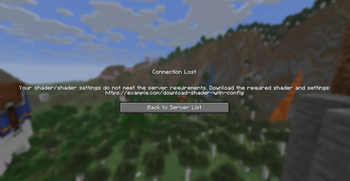
Upon connecting to the server, the SSGE client mod automatically sends its configuration data about the current shader and its settings to the server plugin. The server plugin compares the received data with its own configuration. If the data matches, the player is allowed onto the server. Otherwise, the connection is refused.
The mod requires Iris and Fabric API to work.
Сonfiguration
The configuration file of the mod – ssge_mod.json;
the configuration file of the plugin for the server – ssge.yml
Use /ssge reload to reload the plugin configuration.
Sending and receiving a link
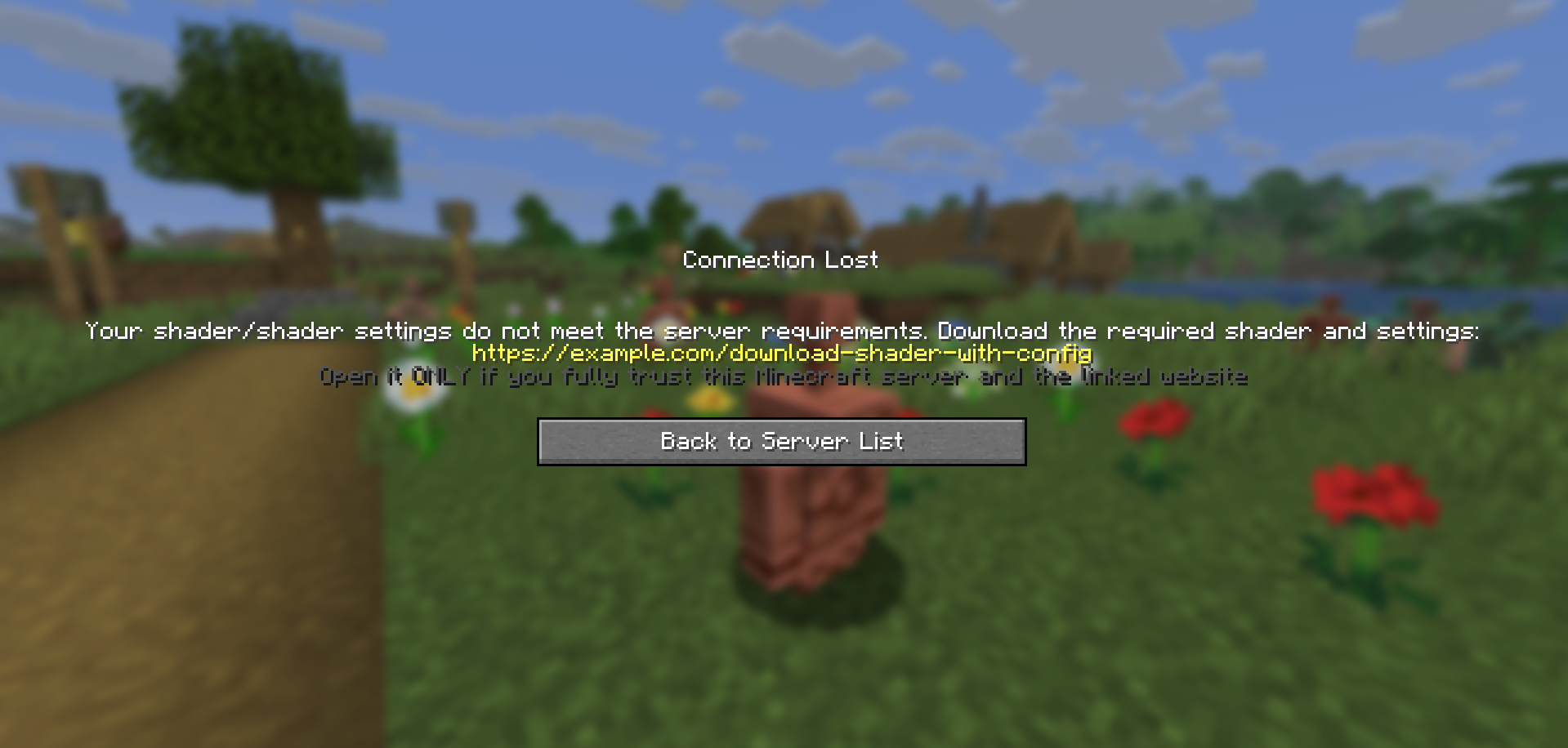
If a player has the client mod installed but their configuration does not match the server’s, the plugin sends them a download link before kicking the player.
The client mod receives the link, saves it to the file ssge_link.txt in the .minecraft/config directory, and automatically opens the file for the user.
Be careful: the server administrator may provide a malicious link to harm your system or steal your data. Always check the link using online scanners and do not open it if it looks suspicious. If you detect a threat, report the server on the hosting platform or listing website.
When placing a link in the plugin configuration, follow these guidelines:
-
The link should not be excessively short or long.
-
The link should be readable and not contain random strings.
-
Avoid shortened URLs or redirects to third-party resources.
-
The link must not lead to websites containing malware, scripts, or suspicious content.
-
If the link leads to a file-sharing service, it should point directly to a
.zipfile or afoldercontaining the shader and settings. -
If your Minecraft server has its own website, it’s better to create a dedicated download page.
-
The link should not point to any installer files (
.exe,.msi,.jar, etc.). -
The website should not require registration, phone numbers, email, or other personal data.
For example
Let's say we want all players on our server to play using thejinxedartist's MC VHS shader.
Then the plugin configuration can be like this:
require_enabled: true              <––
shader_file: 'MCVHSV2.zip'         <––  Required
shader_options: 'MCVHSV2.zip.txt'  <––   values
size_shader: 275232                <––
size_options: 79                   <––
shader_hash: "e59a3d139..."        <––
require_shader: true
require_options: true
link: https://modrinth.com/shader/mc-vhs
exempt_players: ["Admin", "You"]
The mod configuration must match the plugin configuration and be like this:
{
  "shaderFile": "MCVHSV2.zip",
  "shaderOptions": "MCVHSV2.zip.txt",
  "sizeShader": 275232,
  "sizeOptions": 79,
  "shaderHash": "e59a3d139...",
  "enableShaders": true
}
If the player has a different configuration, the server will kick him.
请登录后举报
请 登录 后赞助作者。
暂无评论,抢个沙发吧~