
Wadleee's PVP Pack
作者:rebot | 分类:资源包
Minecraft 版本: 1.21.11
平台: minecraft
标签: 16x combat themed
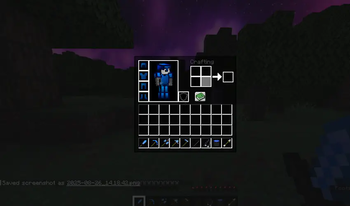
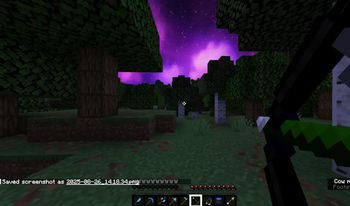
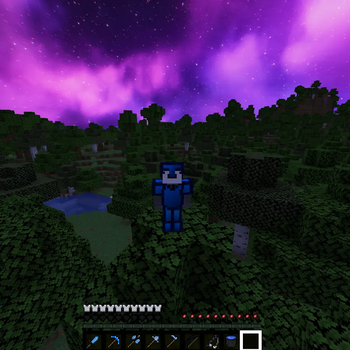
Noticing that most, if not all PVP packs are made for older versions of Minecraft, I decided to make one to use for the newest version of Minecraft, 1.21.8(atm).
What is Wadleee's PVP Pack?
Wadleee's PVP Pack includes many reskins of items, blocks, and the user interface for style, and to give it more of a minimalistic feel. It is also designed especially for a better experience during in-game combat.
The Textures That I Have Reskinned Include:
- All Swords
- All Pickaxes
- All Axes
- All Shovels
- All Hoes
- Fishing Rod
- Golden Apple
- Bow
- Shield(reskin)
- Shield(slightly lowered for more visibility)
- GUI
- All Wooden Log Types
- Crosshair
- Skybox
- All Armor
- Outlines on All Ore
- All Wool Colours
- Crossbow
- Mace
- Ender Pearl
- Obsidian
- End Crystal
Why Get This Pack?
Going back to one of the reasons I created this pack in the first place, this pack works for the newest Minecraft version. Atleast for what I've seen, most PVP resource packs usually only work for older versions of Minecraft(which I understand because of the different PVP mechanics for older versions, and servers that include in game combat support older versions). Since the resource pack is made to work for older versions, that means, obviously, the pack is limited to older versions of the game. This pack works as an alternative if the activities you do in game require playing on the newest Minecraft version.
This is not the only reason you may like this pack, because if you prefer something more sleek or stylish than the default Minecraft textures, this pack may be for you. There is also a black and purple, and Black and White theme I did for most of the textures that I reskinned.
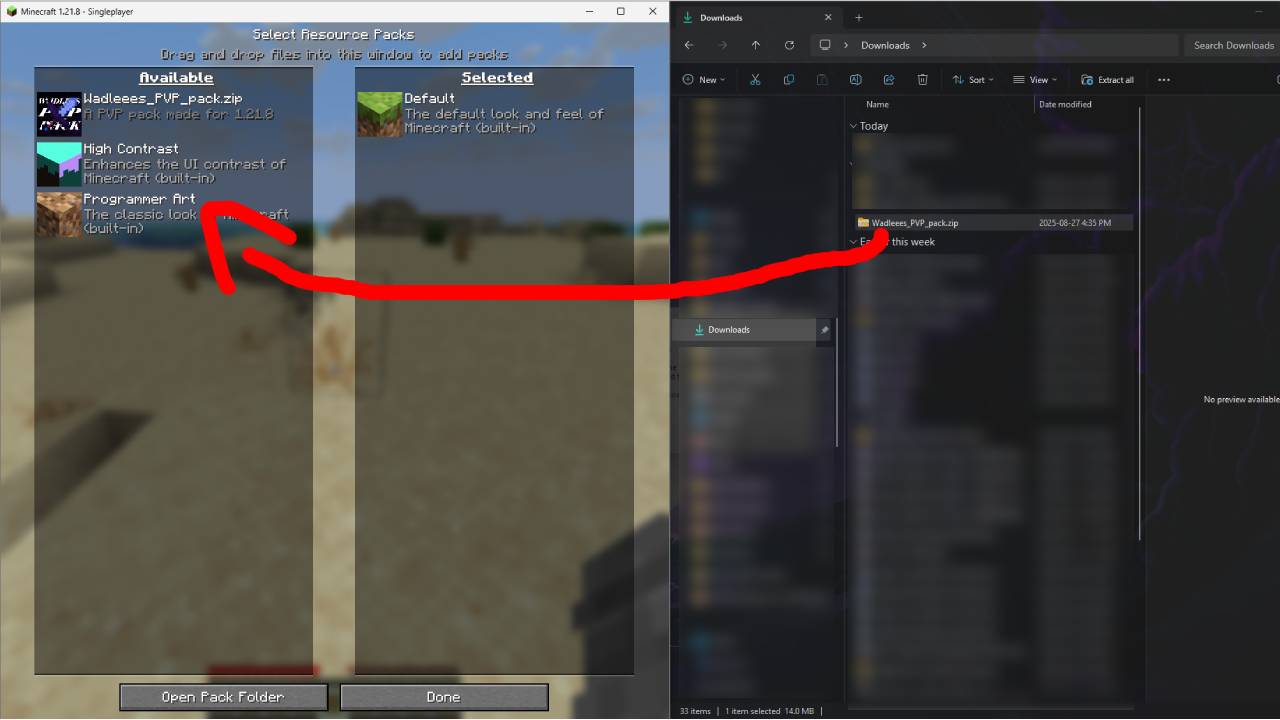
Installation Guide
Download the Pack

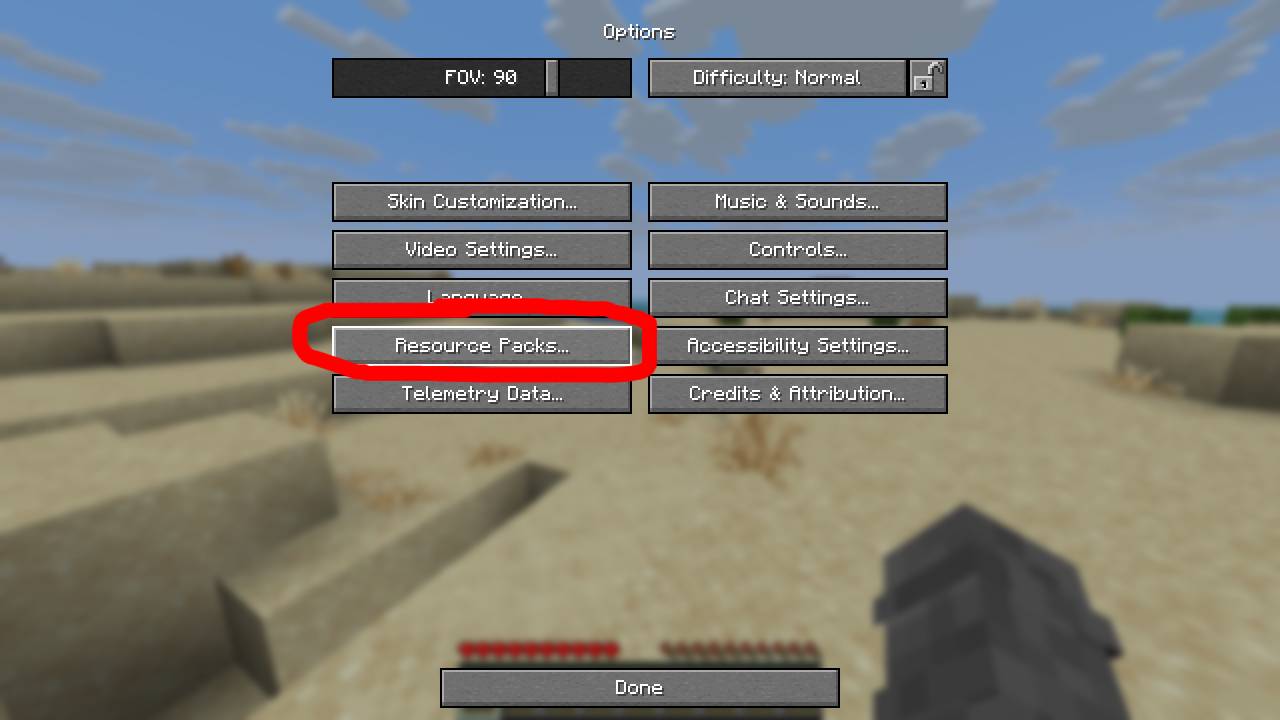
Open Minecraft and go to options > Resource Packs
Drag and drop into Minecraft
Please Note That You Must Use OptiFine In Order To See The Custom, Nighttime Skybox
请登录后举报
请 登录 后赞助作者。
暂无评论,抢个沙发吧~