
Orchard
作者:rebot | 分类:模组
Minecraft 版本: 26.2
平台: neoforge
标签: adventure worldgen
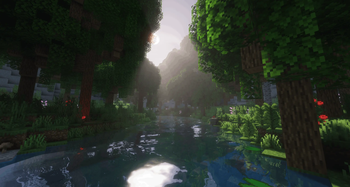
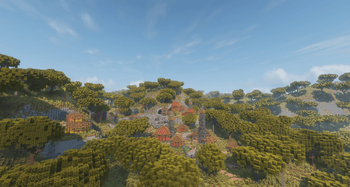
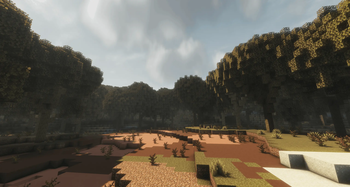
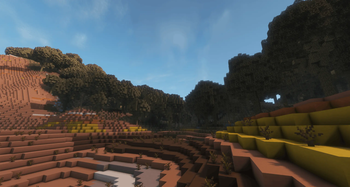
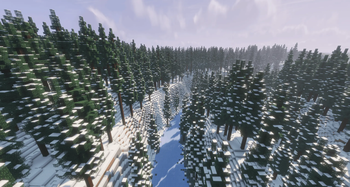
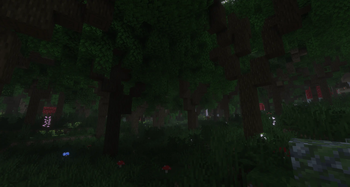
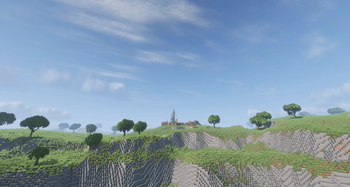
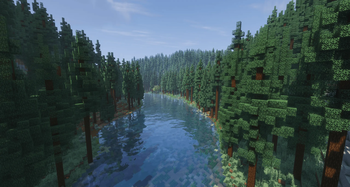
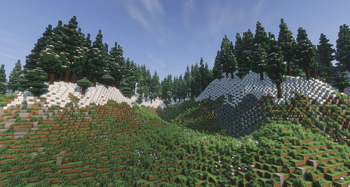
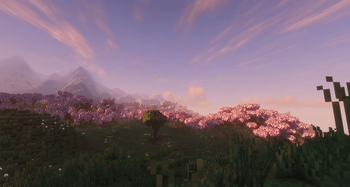
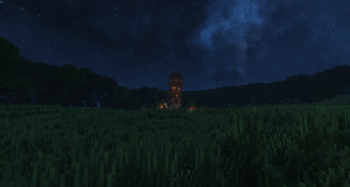
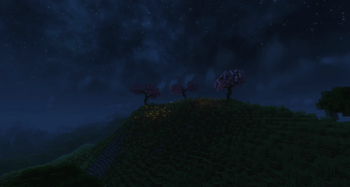
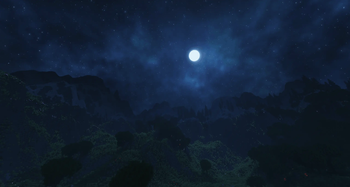
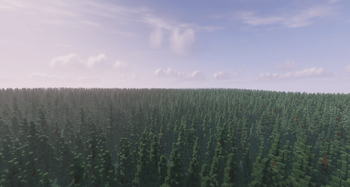
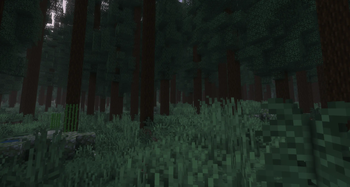
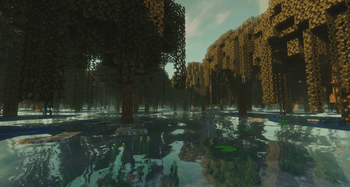
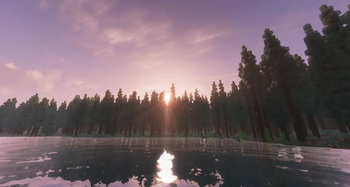
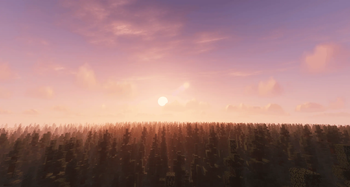
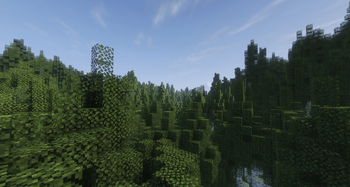
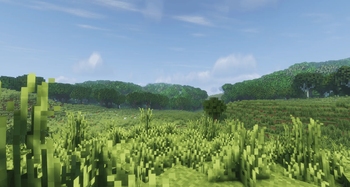
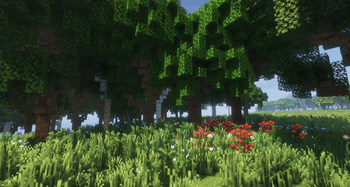
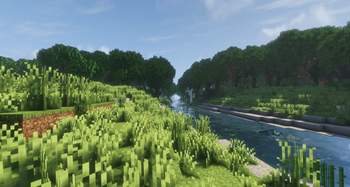
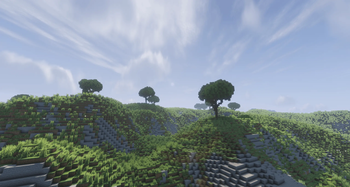
Orchard
All the images featured in
galleryare using our example config and the recommended mods
What is orchard
Simply said, orchard is a mod adding custom build trees to minecraft and giving you the ability to replace any tree and fungi in Minecraft with a custom .nbt structure that you can create and customize however you like.
Bundled versions
If you don't want to customize your trees yourself and are just looking for a premade config, you can download the bundled versions, which already include the full configuration.
Why You'll Love It
- Endless variety With orchard you have the ability to add anything you want and as much as you want to the Minecraft flora
- Biome-specific trees Make certain designs only appear in specific biomes.
- Rare finds Mark special designs as rare so they only appear occasionally.
- Underground roots Gives you the ability to offset trees so you can easily add roots to your trees
- Zero client needed Works entirely server-side. Join any server running Orchard and enjoy the enhanced worldgen without installing anything.
- Hot reload Easily reload the mod and apply changes using
/orchard reload
Supported Tree Types
Oak, birch, spruce, pine, jungle, acacia, dark oak, cherry, swamp, azalea, mangrove, plus nether fungi (warped, crimson) and huge mushrooms (red, brown).
Commands
All commands are run in-game and require operator permissions.
| Command | What it does |
|---|---|
/orchard reload |
Reloads all config files from disk |
/orchard status |
Shows all registered tree definitions, whether their NBT files exist, and their weights |
/orchard stats |
Shows runtime statistics (cache hits, placements, etc.) |
/orchard list |
Lists all loaded definitions with their full properties |
/orchard create <name> <pos1> <pos2> |
Captures a region and saves it as an NBT file in config/orchard/generated/ |
/orchard test <name> |
Places a structure at your position (with optional rotation) |
/orchard what |
Shows your current biome and which definitions would match |
/orchard find <query> |
Searches through all definitions and NBT files by name |
/orchard validate |
Checks all your config files for parsing errors |
/orchard nbt info <name> |
Shows you the tree and file size |
/orchard clearcache |
Clears all cached .nbt files |
Getting Started
Orchard makes it easy to get started adding custom trees to your world. You simply install the mod and put it into your mod folder and start creating designs.
1. Setup The Folder
Orchard loads your trees from:
config/orchard/nbt/
config/orchard/data/
All your .nbt files should be put in nbt/ and all the .json configs should be put in data/
2. Create Structures
Orchard gives you the ability to easily save blocks to .nbt files using the /orchard create command, but you can also use other tools like WorldEdit, Axiom, and vanilla structure blocks.
3. Create A Config
Orchard will only load your trees if you have a configuration entry in data/, but no worries creating one is straightforward:
{
  "nbt": "mytree.nbt",
  "tree_type": "oak"
}
The nbt field tells orchard which file to load and the tree_type field tells orchard which tree to replace
More Options
You can also control more using the other json options we have.
{
  "nbt": "mytree.nbt",
  "tree_type": "oak",
  "weight": 2,
  "min_spacing": 5,
  "biomes": ["#minecraft:is_forest"],
  "origin_y_offset": -2,
  "rare": false
}| Field | What it does |
|---|---|
weight |
Higher = more common (default: 1) |
min_spacing |
Minimum distance between your custom trees |
biomes |
Limit which biomes your tree spawns in |
origin_y_offset |
Shift the tree down to create underground roots |
rare |
Only 2.5% chance to spawn |
Multiple Variants
Add multiple config files with the same tree_type and Orchard will randomly pick between them. Give them different weights to control how often each appears.
Premade Configs
Premade configs are available on our Discord server
Other Versions
Currently, Orchard supports NeoForge and Fabric only. If you'd like to help accelerate development, contributions are always welcome!
Mod Recommendations
We recommend using the mod with some other mods for the best experience
- Lithosphere
- Wilderness
- Stony Cliffs Are Cool
- FallingTree
- Solas Shader
- Concurrent Chunk Management Engine (NeoForge)
Documentation
If you want to create your own config for Orchard and don't know where to start, we encourage you to look at: GitHub Docs
请登录后举报
请 登录 后赞助作者。
暂无评论,抢个沙发吧~