
SortCraft
作者:rebot | 分类:模组
Minecraft 版本: 26.2
平台: neoforge
标签: storage utility
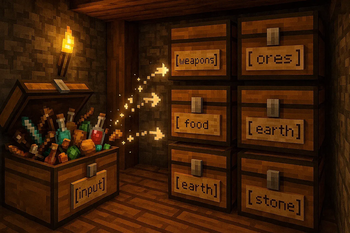







SortCraft
SortCraft is a multi-chest item sorter without the redstone. Label chests with signs like [ores] or [tools], right-click your input chest, and items instantly sort themselves. Categories live in simple YAML files you control.
Visually build and organize your categories using our companion webapp CategoryCraft! You can even load mod jar files to see your modded items!
View our quickstart video or jump to the 5-Minute Quick Start section below for concise instructions.
📦 How It Works
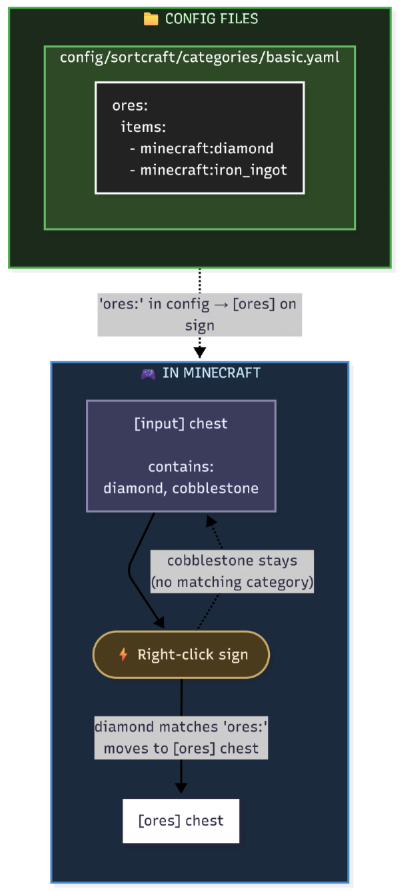
You define categories in YAML config files. Sign text must match your category names. That's it!
What It Looks Like In-Game
| Input Chest | Destination Chest |
|---|---|
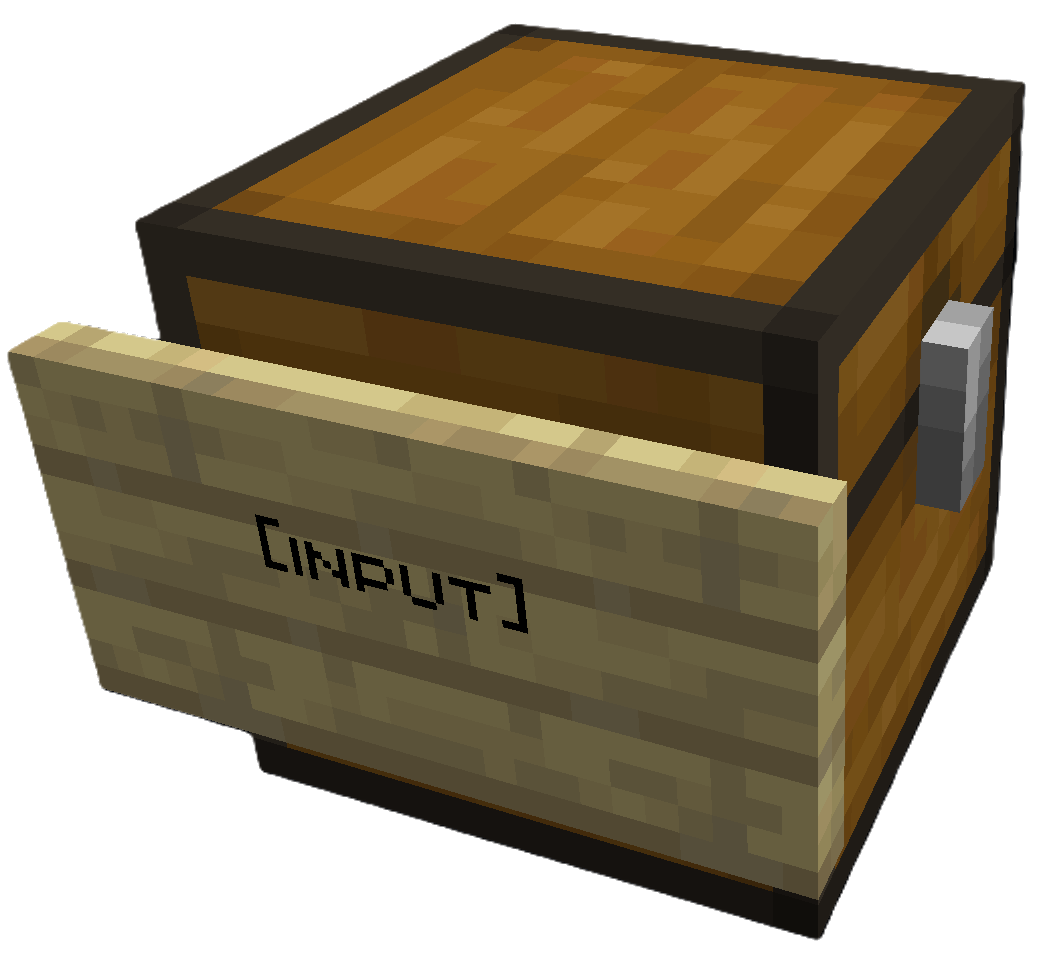 |
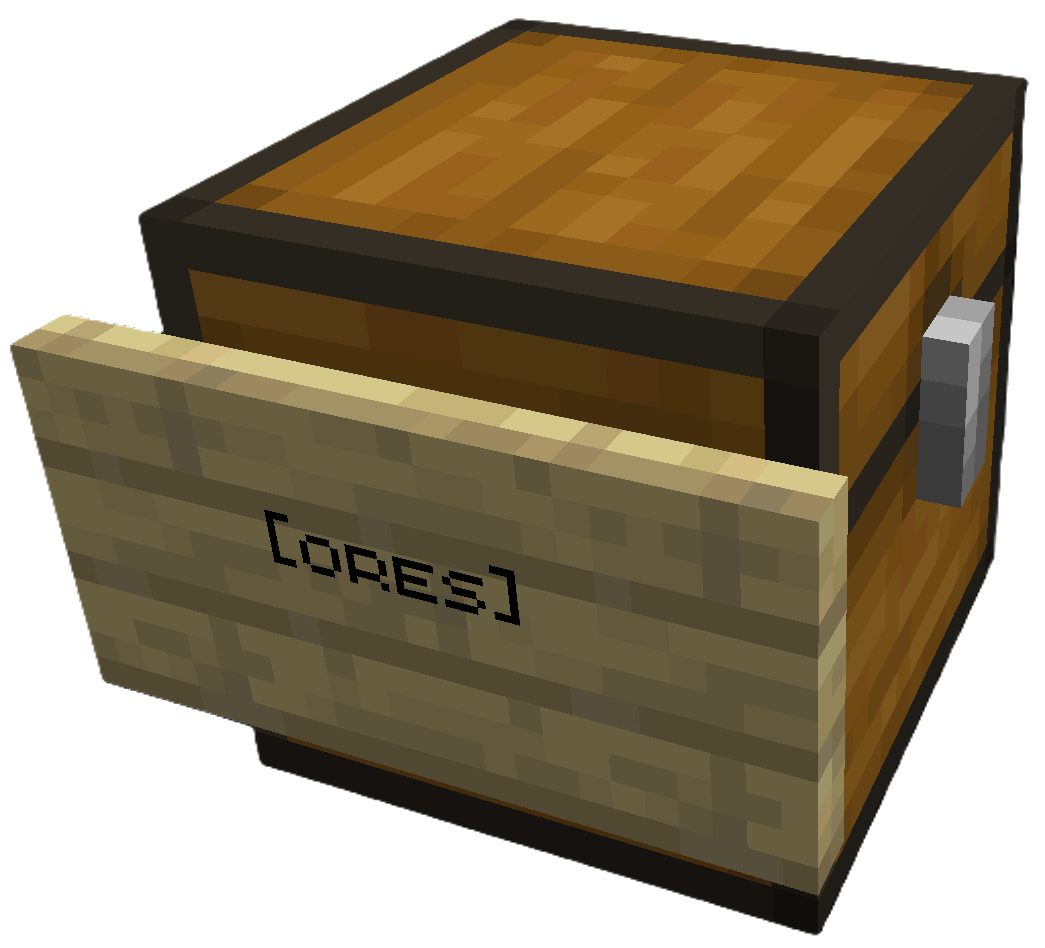 |
Place [input] sign on your source chest |
Place [ores] sign (or any category) on destination |
Right click the [input] sign to sort. All destination chests must be within a configurable search radius of the input chest (default 64 blocks).
Modded Storage: SortCraft works with modded storage blocks like Storage Drawers and Sophisticated Storage. Any block that exposes a Fabric Transfer API
Storage<ItemVariant>or NeoForgeIItemHandlercan be used as a source or destination.
Share Configs: Write a CategoryCraft share ID on the input sign to use a shared category configuration instead of the global one. See Share Configs for how to get a share ID and set it up.
🚀 5-Minute Quick Start
1. Create a category file
Create config/sortcraft/categories/basic.yaml:
ores:
  items:
    - minecraft:diamond
    - minecraft:iron_ingot
    - minecraft:gold_ingot
    - minecraft:copper_ingot
OR use CategoryCraft to build your categories visually.
OR look at the following examples:
2. Build your storage
- Place a chest and attach a sign with
[input]on any line - Place another chest and attach a sign with
[ores]on any line
3. Sort!
Put diamonds, iron, gold, or copper in the input chest, then right-click the [input] sign. Items matching your ores: category move to the [ores] chest.
📚 Documentation
| Guide | Description |
|---|---|
| Commands | All /sort commands |
| Configuration | YAML syntax, priorities, includes, item tags |
| ↳ Concise Example | Quick reference |
| ↳ Full Example | What I use on my server |
| Filters | Sort by enchantments, durability, custom names |
| Regex Patterns | Match items with patterns like /.*:.*_sword/ |
| Core Concepts | Priority system, category inheritance, stacking |
| Troubleshooting | Common issues and solutions |
| Audit Logging | Server admin logging features |
请登录后举报
请 登录 后赞助作者。
暂无评论,抢个沙发吧~