
Simple Displays
作者:rebot | 分类:模组
Minecraft 版本: 1.21 1.21.1 24w39a
平台: fabric forge neoforge quilt
标签: decoration game-mechanics utility
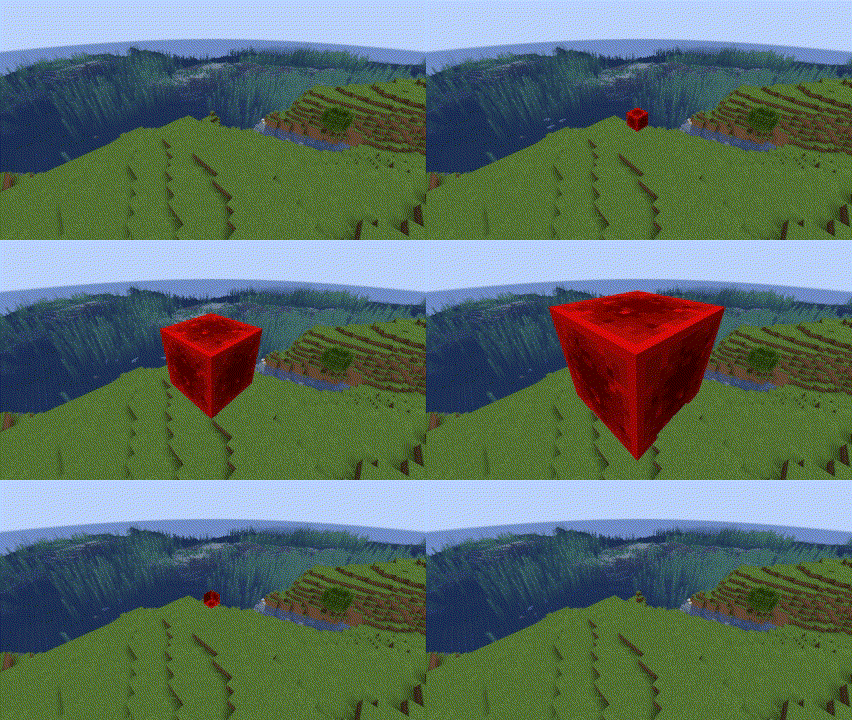
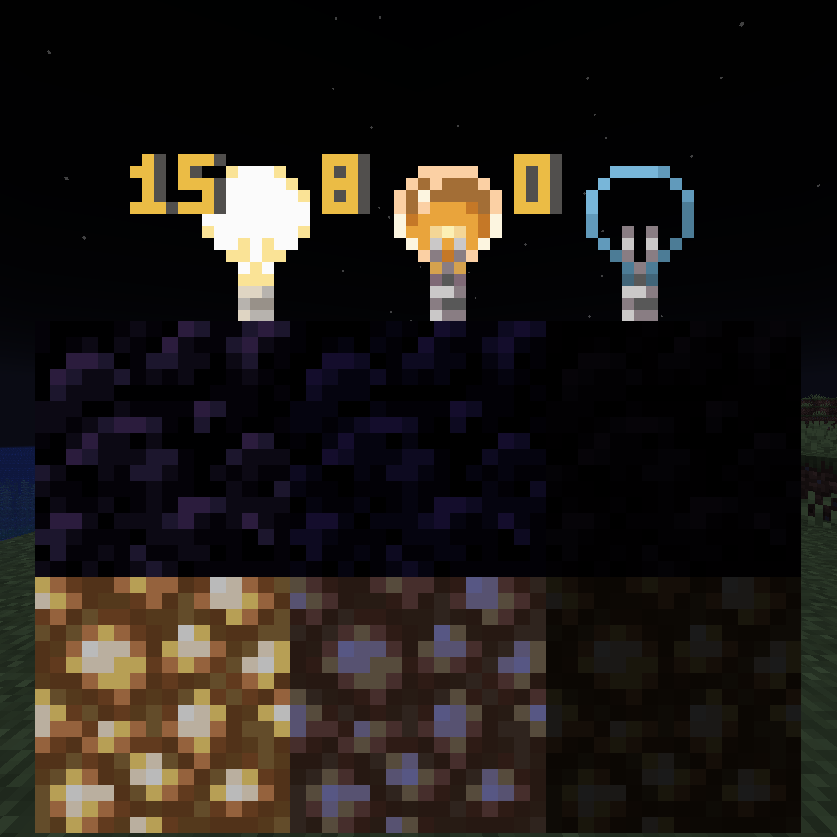
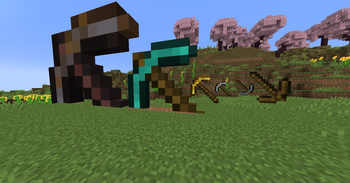
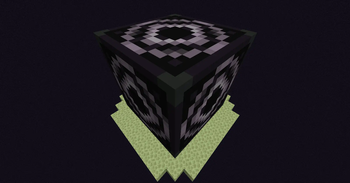
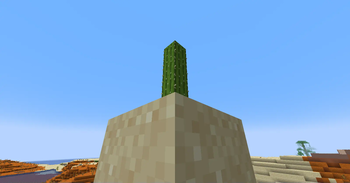
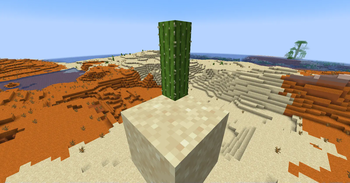
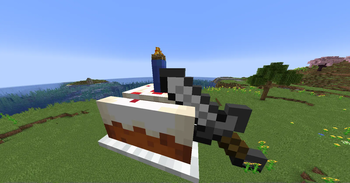
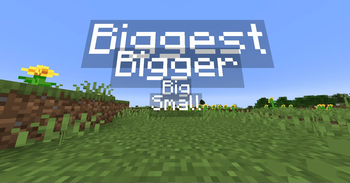
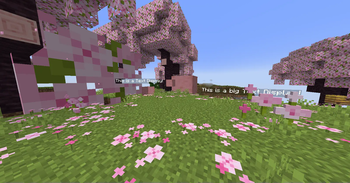
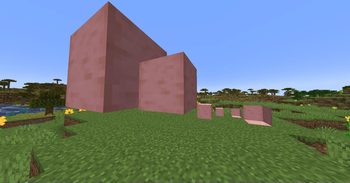
Intended & Designed for Creative Use or by Server Operators Only.
Feedback & Bug Reports
To Provide Feedback or a Bug Report, please submit a form here.
Operator Status
Operator Only Mode is set to on by default. As an operator run /function sdsetting:oponly to toggle it off & on. While Op Only mode is on, commands can only be run by /function sdfunction:[command] by typing that and without the /trigger.
Regular Simple Displays
Simple Displays is a datapack that you can include in your world! It adds multiple /trigger commands, which are the main interactions with this datapack. The commands are the following:
| Item Display Entity | Text Display Entity | Block Display Entity |
|---|---|---|
| /trigger ToggleBrightness | /trigger ToggleBrightness | /trigger ToggleBrightness |
| /trigger CycleItemBillboard | /trigger CycleTextBillboard | /trigger CycleBlockBillboard |
| /trigger CycleItemRotation | /trigger CycleTextRotation | /trigger CycleBlockRotation |
| /trigger CycleItemScale | /trigger CycleTextScale | /trigger CycleBlockScale |
| /trigger KillItemDisplay | /trigger KillTextDisplay | /trigger KillBlockDisplay |
| /trigger PlaceItemDisplay | /trigger PlaceTextDisplay | /trigger PlaceBlockDisplay |
| /trigger PrecisePlaceItemDisplay | /trigger PrecisePlaceTextDisplay | /trigger PrecisePlaceBlockDisplay |
| /trigger ReplaceItemDisplay | /trigger ReplaceTextDisplay | /trigger ReplaceBlockDisplay |
| /trigger CycleItemStyle |
Operator Only Custom Commands:
These Commands are more complicated commands that allow for more dynamic selection of things for Display Entities. This is only available for 1.20.3 and Higher. Replace X with one of the listed or custom variables.
Operator Only Custom Command Descriptions - `/function sdcustom:place_custom_block {block:X}` (Any Block id. No need to add Minecraft:) - `/function sdcustom:place_custom_item {item:X}` (Any Item id. No need to add Minecraft:) - `/function sdcustom:place_custom_text {text:X,color:X}` (Text: What you want on the display, Color: [Legacy Minecraft Colors](https://minecraft.wiki/w/Formatting_codes)) - `/function sdcustom:precise_custom_block {block:X}` (Any Block id. No need to add Minecraft:) - `/function sdcustom:precise_custom_item {item:X}` (Any Item id. No need to add Minecraft:) - `/function sdcustom:precise_custom_text {text:X,color:X}` (Text: What you want on the display, Color: [Legacy Minecraft Colors](https://minecraft.wiki/w/Formatting_codes)) - `/function sdcustom:replace_custom_text {text:X,color:X}` (Text: What you want on the display, Color: [Legacy Minecraft Colors](https://minecraft.wiki/w/Formatting_codes)) - `/function sdcustom:set_custom_billboard {type:X,billboard:X}` (type: entity - Make sure to add _display -, billboard: fixed, vertical, horizontal, or center) - `/function sdcustom:set_custom_scale {type:X,scale:X}` (type: entity - Make sure to add _display -, Scale of Entity) - `/function sdcustom:set_full_custom_scale {type:X,scale1:X,scale2:X,scale3:X}` (type: entity Make sure to add _display , Scale: X, Y & Z of Entity)Item Display Entity:
Item Displays are entities that display items in multiple ways. This datapack uses commands to add, modify, and change these item displays in a simplified way. You can place them and modify these entities in 5 ways, item it displays, size, style, rotation, and billboard!
Item Display Command Descriptions - **CycleItemBillboard**: `Cycles the "Billboard" of Item Displays (From Fixed > Vertical > Horizontal > Center > Fixed).` - **CycleItemRotation**: `Cycles the "Rotation" of Item Displays (From South > West > North > East > South)` - **CycleItemScale**: `Cycles the "Scale" of Item Displays (From 1x > 2x > 8x > 16x > -1x > -2x > 1x).` - **KillItemDisplay**: `Kills Item Display Directly next to you.` - **PlaceItemDisplay**: `Places an Item Display at the center of the block of where you are (and uses your held item).` - **PrecisePlaceItemDisplay**: `Places an Item DIsplay at where you are (and uses your held item).` - **ReplaceItemDisplay**: `Replaces the Item of the nearest Item Display (uses your held item).` - **CycleItemStyle**: `Cycles Rendering Style of Item Displays (From Fixed > Third Person > First Person > Head > GUI > Ground > Fixed)Block Display Entity:
Block Displays are entities that display blocks in multiple ways. This datapack uses commands to add, modify, and change these block displays in a simplified way. You can simply place them and modify these entities in 4 ways, block it displays, size, rotation, and billboard! Note, Block Displays only display blocks with hitboxes, blocks such as redstone dust and rails won't be placed
Block Display Command Descriptions - **CycleBlockBillboard**: `Cycles the "Billboard" of Block Displays (From Fixed > Vertical > Horizontal > Center > Fixed).` - **CycleBlockRotation**: `Cycles the "Rotation" of Block Displays (From South > West > North > East > South)` - **CycleBlockScale**: `Cycles the "Scale" of Block Displays (From 1x > 2x > 8x > 16x > -1x > -2x > 1x).` - **KillBlockDisplay**: `Kills Block Display Directly next to you.` - **PlaceBlockDisplay**: `Places a Block Display at the center of the block of where you are (and uses the item directly below you).` - **PrecisePlaceBlockDisplay**: `Places a Block DIsplay at where you are (and uses the item directly below you).` - **ReplaceBlockDisplay**: `Replaces the Block of the nearest Block Display (and uses the item directly below you).`Text Display Entity:
Text Displays are entities that display text in many ways. This datapack uses commands to add, modify, and change these text displays in a simplified way. You can simply place them and modify these entities in 4 ways, text it displays, size, rotation, and billboard!
Text Display Command Descriptions - **CycleTextBillboard**: `Cycles the "Billboard" of Text Displays (From Fixed > Vertical > Horizontal > Center > Fixed).` - **CycleTextRotation**: `Cycles the "Rotation" of Text Displays (From South > West > North > East > South)` - **CycleTextScale**: `Cycles the "Scale" of Item Displays (From 1x > 2x > 8x > 16x > 1x).` - **KillTextDisplay**: `Kills Text Display Directly next to you.` - **PlaceTextDisplay**: `Places a Text DIsplay at the center of the block of where you are (and uses your held item's name).` - **PrecisePlaceTextDisplay**: `Places a Text DIsplay at where you are (and uses your held item's name).` - **ReplaceTextDisplay**: `Replaces the Text of the nearest Text Display (uses your held item's name).`请登录后举报
请 登录 后赞助作者。
暂无评论,抢个沙发吧~