
Ping It!
作者:rebot | 分类:模组
Minecraft 版本: 26.2
平台: neoforge
标签: social
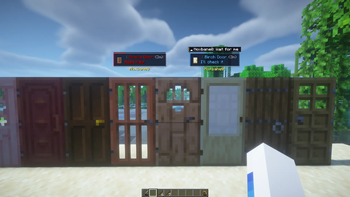
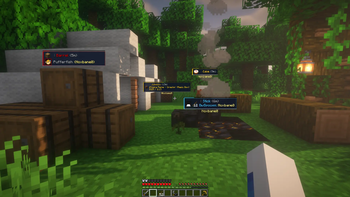
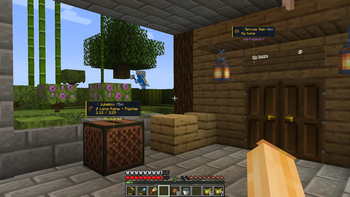
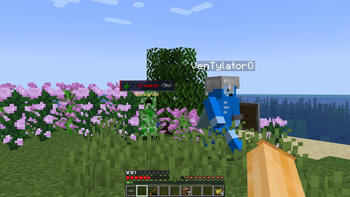

Ping It!
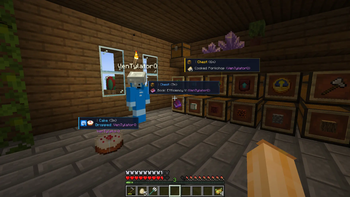
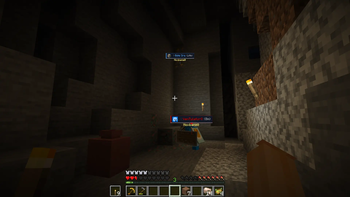
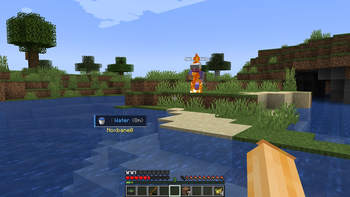
Ping It! is a fast, configurable communication tool for Minecraft. Point at a
block, mob, player, or item—or open a container and ping an item in one of its
slots—to share a clear marker with your team without stopping to type in chat.
Features
- Quick pings: Tap the ping key to mark what you are looking at. The mod
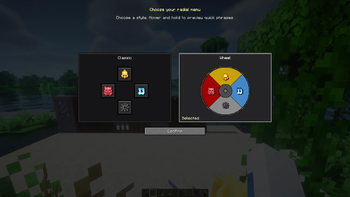
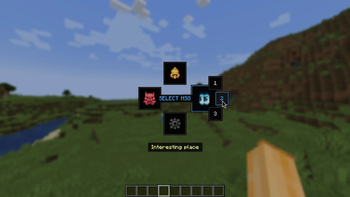
chooses Look, Alert, or Danger automatically. - Radial communication: Hold the ping key to open either the Classic or
Wheel radial menu. Choose a ping type, attach a quick phrase to a new ping,
or reply to an existing ping with one. - Blocks, entities, and items: Mark locations, blocks, players, mobs,
dropped items, and other useful world targets. Smart Raycast can ignore
visual clutter such as grass, vines, torches, glass, and barriers. - Container and inventory pings: Open a chest, hopper, barrel, storage
entity, or your own inventory. Move the cursor over a non-empty item slot and
press the ping key to share that exact item with other players. Press it
again to cycle the slot between Look, Alert, and Danger. Several marked slots
are grouped into one readable card. - Readable ping cards: Use detailed, compact, or adaptive cards with the
target name, author, player face, distance, note, lifetime bar, and a stem to
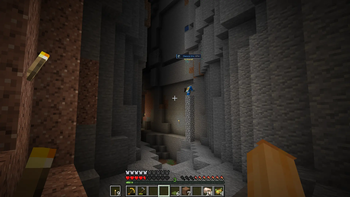
the marked location. Nearby pings can be grouped to reduce screen clutter. - World and off-screen guidance: Optional compass, sonar waves, block
outlines, edge arrows, edge sonar, behind-wall fading, and distance display
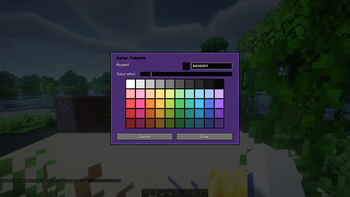
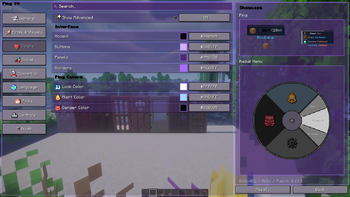
help you find pings in busy scenes. - Sounds and visual customization: Configure separate sounds and colors
for each ping type, distance-based volume, card size, display range, fading,
sonar shapes, and more. Local custom OGG sounds can be loaded from
config/ping-it/audio. - Team-friendly multiplayer: When Ping It! is installed on the server,
the server validates, synchronizes, refreshes, merges, and removes shared
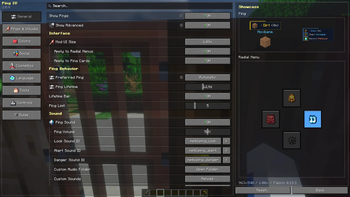
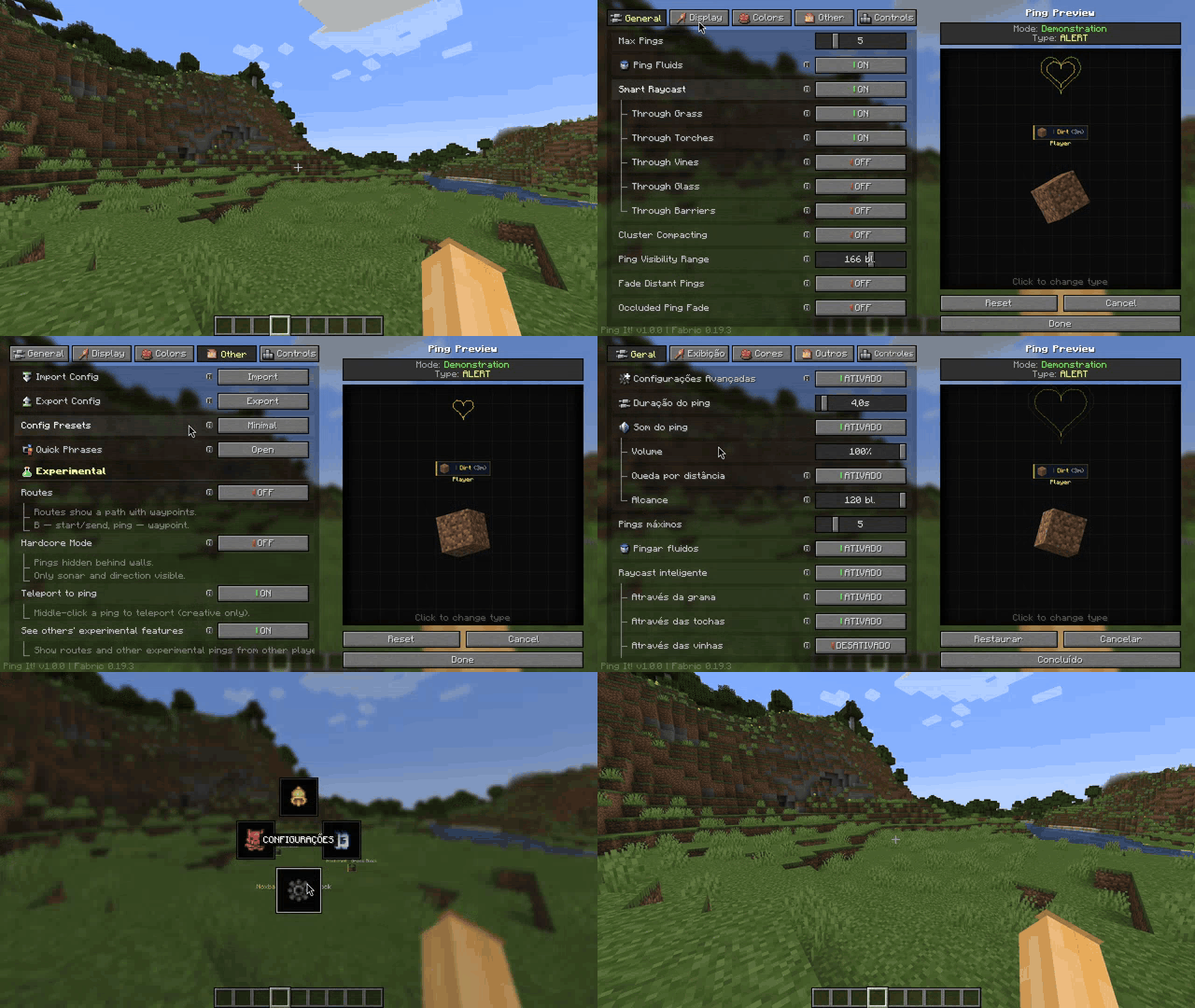
pings. Server operators can configure limits, range, lifetime, and replies. - Personal controls: Searchable settings, advanced options, language
selection, quick-phrase editing, a local player blocklist, import/export,
temporary ping hiding, and configurable keybinds are included.
How to use
- Tap the ping key (V by default) to place a quick ping.
- Hold the ping key to open the radial menu and choose a ping type or
quick phrase. - Open an inventory, hover over an item slot, and press the ping key (V by
default) to mark that exact item. Empty slots and crafting/result slots are
ignored. - Hold Shift and tap the ping key while looking at your own ping to remove
it.
All keybinds can be changed in Minecraft's Controls menu or in Ping It!'s
settings.
Multiplayer
For shared multiplayer pings, install Ping It! on both the clients and the
server. The server-side component keeps target validation, ping lifetime,
duplicate merging, replies, and server limits consistent for everyone.
Client preferences such as colors, language, sounds, visibility, and the
blocklist remain local.
Credits
- Noxbane — Developer
- Kylon — Artist
- VenTylator — Tester
请登录后举报
请 登录 后赞助作者。
暂无评论,抢个沙发吧~