
JoJo Stands
作者:rebot | 分类:模组
Minecraft 版本: 1.21 1.21.1
平台: fabric forge neoforge quilt
标签: adventure magic utility

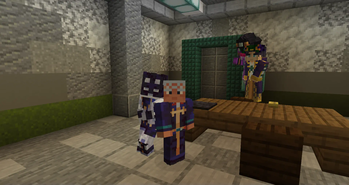
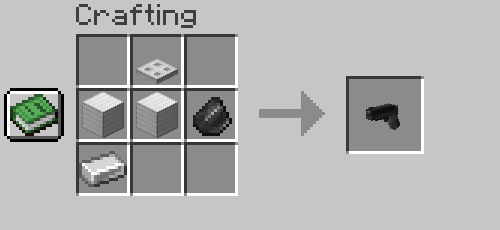
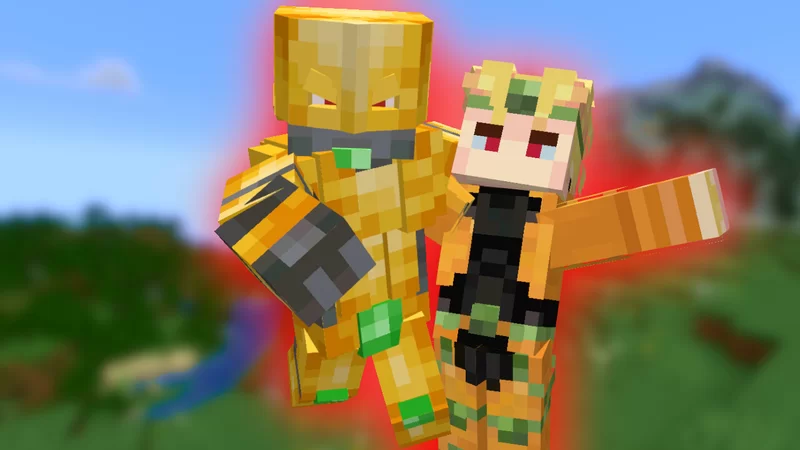
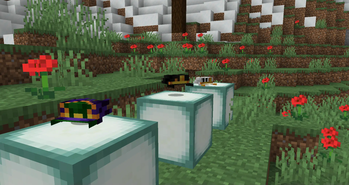
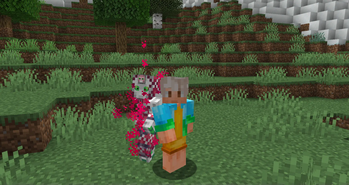
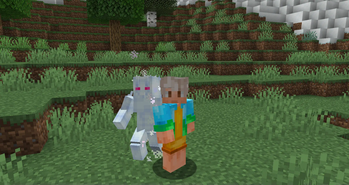
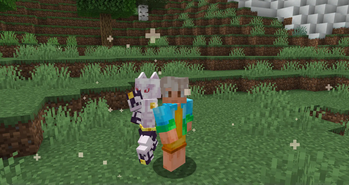
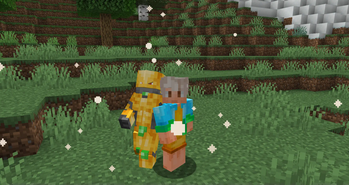
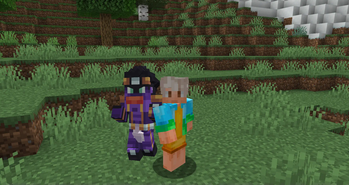
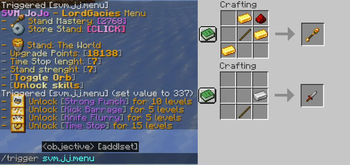
SVM JoJo is a datapack that aims to bring accurate experience of gameplay with stand abilities as well as fighting against bosses, the datapacks also adds cosmetics, progression and custom advancements!
FAQ
Q - How to get stands? - Craft and use stand arrow or use a disc of a stand
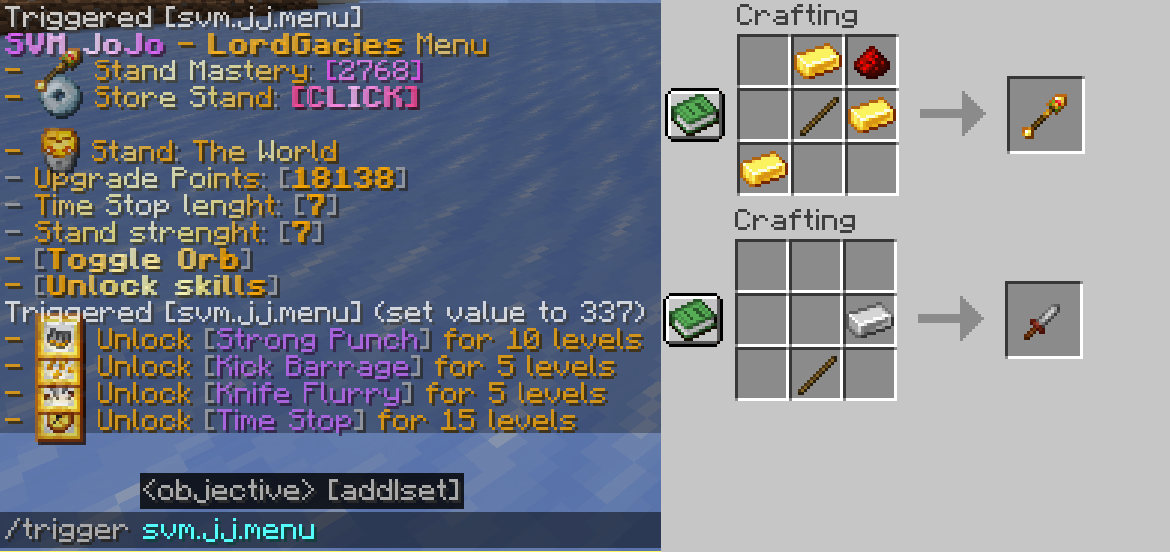
Q - How do I use abilities? - Use /trigger svm.jj.menu command and click "Unlock Moves" then unlock your moves, to check the activation, check out advancements tab of the stand
Q - How do I get Stand Points? - Complete new advancements and kill mobs
Q - How do I get rid of a stand? - Use /trigger svm.jj.menu command and click "Store Stand [CLICK]"
Q - Is this multiplayer friendly? - Yes, you can bash your friends head with Star Platinum :)
Q - What stands are there? - 6 as for now, Star Platinum, The World, King Crimson, Killer Queen and Weather Report and Whitesnake, however Killer Queen can obtain Stray Cat and Bites The Dust
Latest update video
Installation
Datapack
Download newest full version of the datapack
For new world
In "Singleplayer", click "Create New World", then go into ""More" and click "Data Packs", then click "Open Pack Folder" and datapack folder will open, then just drag/copy-paste the downloaded file to the opened folder, then click on the datapack in-game so it's in "Selected" instead of "Available".
For existing world
In "Singleplayer", select your world where you want to install the pack, click "Edit" and then "Open World Folder", then go into "datapacks" folder and drag/copy-paste the downloaded file to the opened folder.
Resourcepack
In "Options", click "Resource Packs..." and click "Open Pack Folder", now just drag-drop the datapack, go back to Minecraft and go to "Options", then "Resource Packs", click the SVM JoJo Pack and click "Done" and that should load your resources
(In short, assets are inside of the Datapack file, so just copy-paste it in the resourcepack folder)
Mod
Mod version doesn't require anything besides putting the downloaded file to .minecraft/mods folder
How to install mods & datapacks with the Modrinth App
请登录后举报
请 登录 后赞助作者。
暂无评论,抢个沙发吧~