
Animated! Chainsaw Man
作者:rebot | 分类:资源包
Minecraft 版本: 1.21.4
平台: minecraft
标签: gui themed vanilla-like
![ONE PIECE [JAVA] 🌅 Minecraft Texture Pack](https://i.imgur.com/deKEZfM.png)

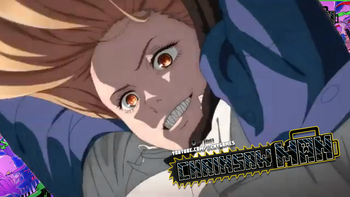
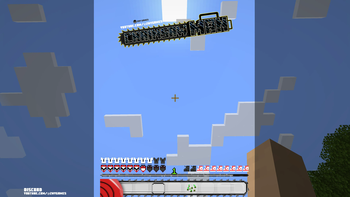
Today, I'm excited to present a new custom hotbar inspired by the intense world of Chainsaw Man🪚
@znygames

🗒|DESCRIPTION
This time, the theme is "Chainsaw Man." I hope you like it!
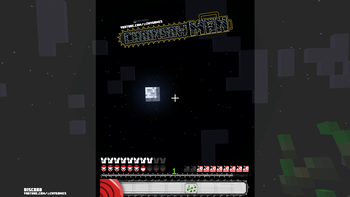
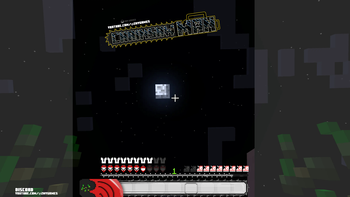
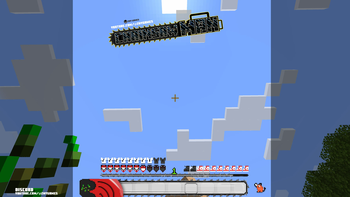
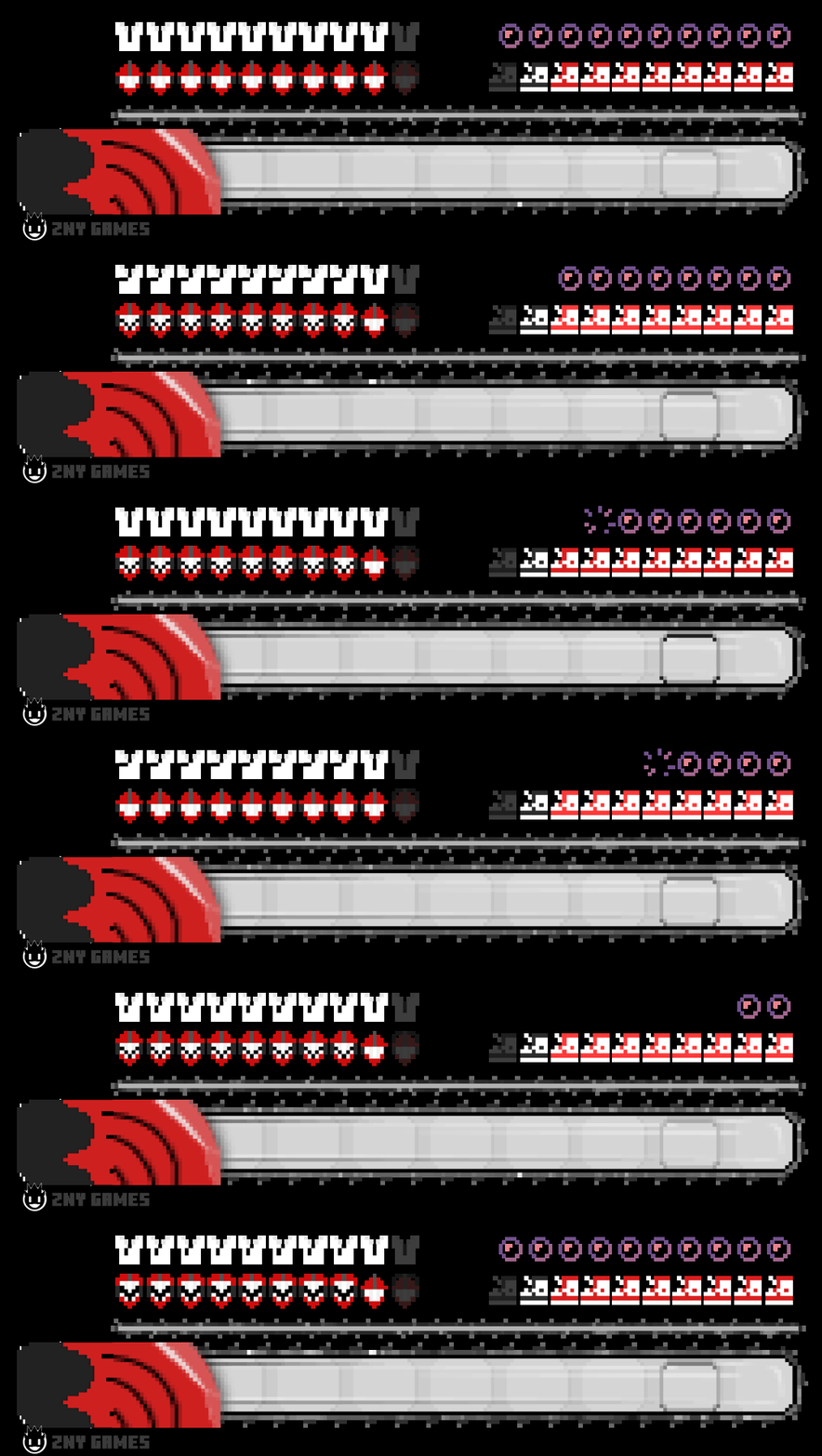
I tried to represent and animate elements from the anime, aiming to capture its essence in the hotbar. The texture pack includes a new hotbar and new icons, such as the hunger bar and more, all designed to reflect the Chainsaw Man theme.
Dive into your Minecraft world with this dynamic and exciting look!
New! with this pack:
- animated hotbar
🎞|TRAILER
💬|SOCIAL
(っ^▿^)۶🍸🌟🍺٩(˘◡˘ )
DISCORD ▶️ visit me!
Hey,
We invite you to join our Discord community where you can connect with fellow players, share your ideas, and report any bugs you encounter. Whether you have suggestions for improving the hotbar or need support with any issues, our community is here to help. Let’s build, explore, and create together!


🖼|EXAMPLE


more examples in the picture gallery above ⬆️
🛈 |INSTALL
Note: If you encounter any issues, make sure that the texture pack is compatible with your version of Minecraft, and that you have followed all of the steps correctly.
VANILLA - Open Minecraft: Launch Minecraft and click on the "Options" button. - Go to the "Resource Packs" section: In the options menu, select "Resource Packs" to open the resource packs screen. - Move the texture pack to the correct location: Locate the folder where your Minecraft resource packs are stored. The default location is usually in the "resourcepacks" folder under your Minecraft game directory. Move the downloaded .zip file to this folder. - Select the texture pack in Minecraft: Back in the resource packs screen, select the texture pack that you just moved to the resource packs folder. The texture pack should now be listed in the "Selected Resource Packs" section. - Apply the changes: Click on the "Done" button to apply the changes and enable the texture pack. - Enjoy the new texture pack: Start a new game or load a saved game, and the new texture pack should now be in effect.
🔗|BEDROCK VERSION


💖| THX!
See you in the next pack!

请登录后举报
请 登录 后赞助作者。
暂无评论,抢个沙发吧~