
Dyeable
作者:rebot | 分类:模组
Minecraft 版本: 26.2
平台: fabric
标签: decoration game-mechanics
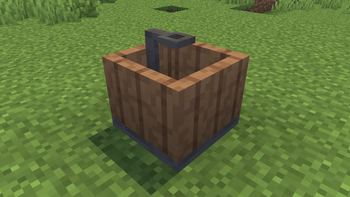
Dyeable
This mod introduces a "vanilla-style" way to mix dyes to create millions of unique dye colors, craft custom wallpapers, and paint nearly any block in the game!
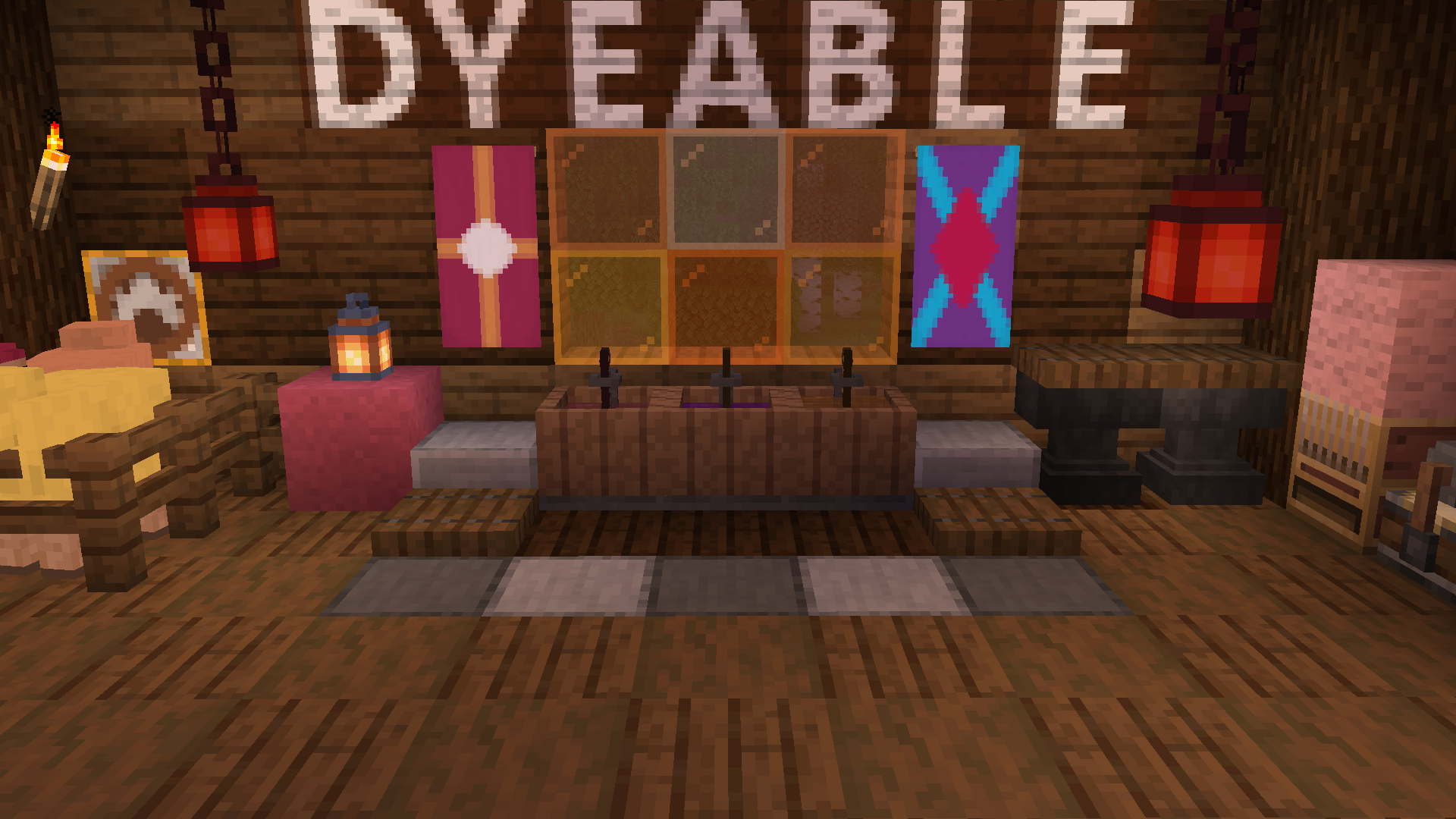
Features
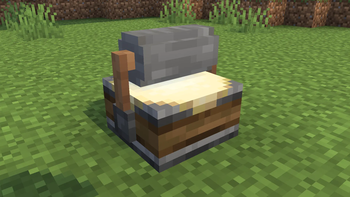
Dye Vat
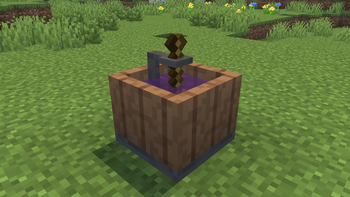
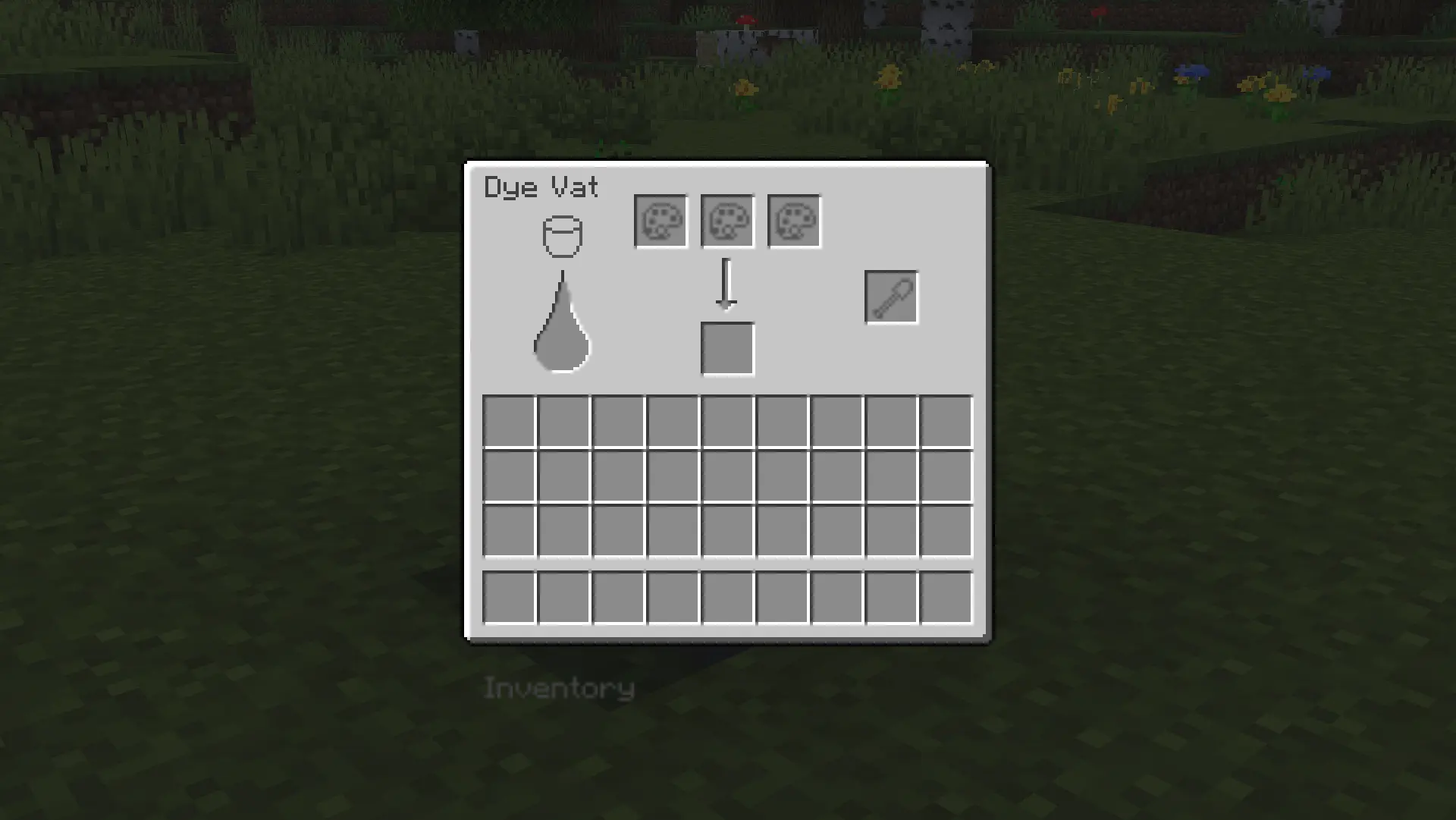
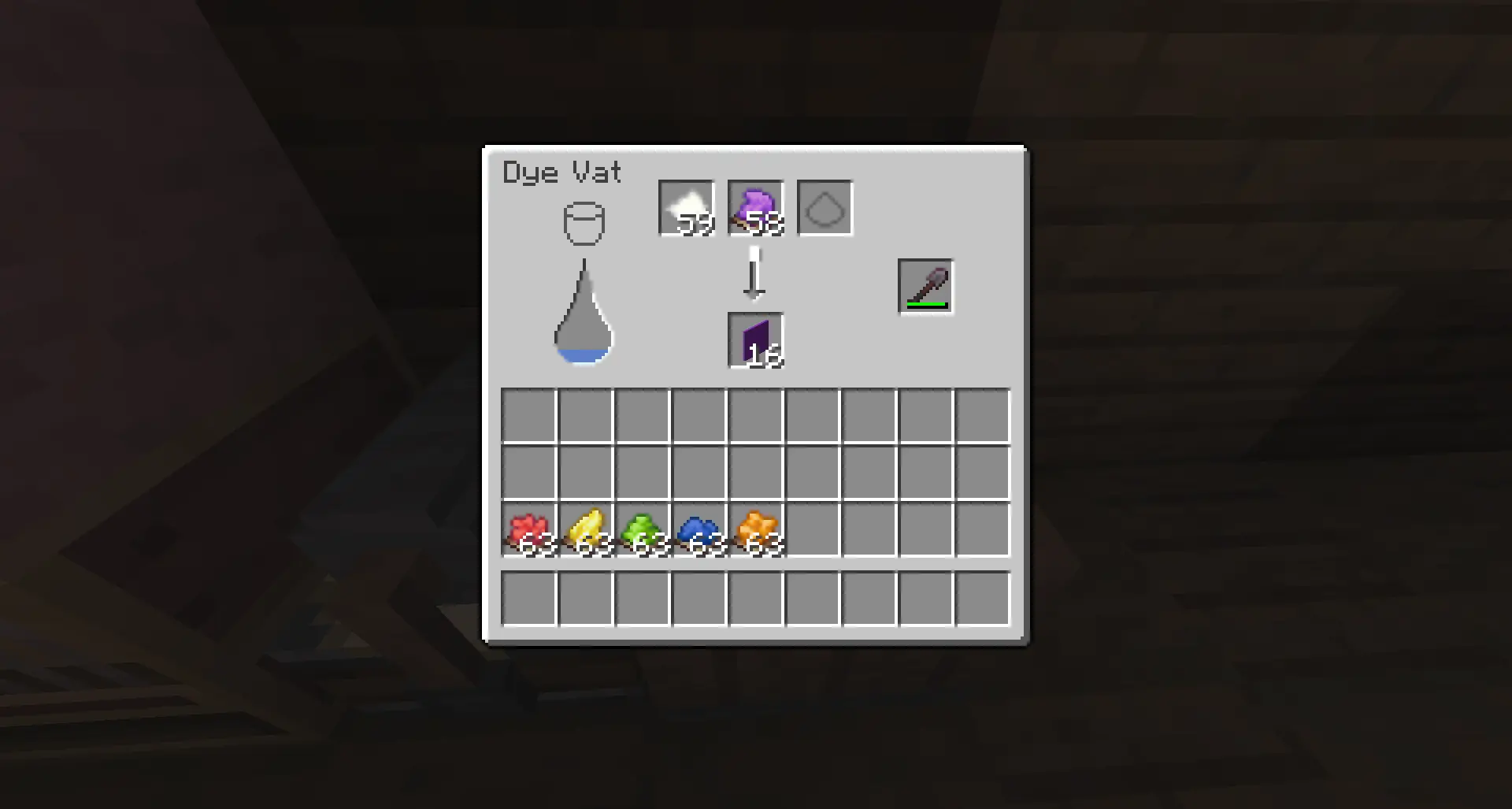
The Dye Vat is used to mix dyes and dye items. Using the Dye Vat requires 3 things to function:
- Water input
- Shovel
- 2 or more input items
Water is replenished by filling the block with a water bucket, similarly to a cauldron. A shovel can be placed in the shovel slot. Shovels lose durability as they mix, and better shovels mix faster, increasing further with efficiency.
Dye Mixing
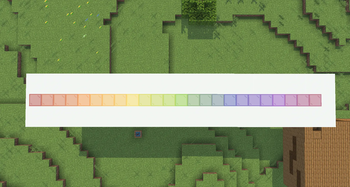
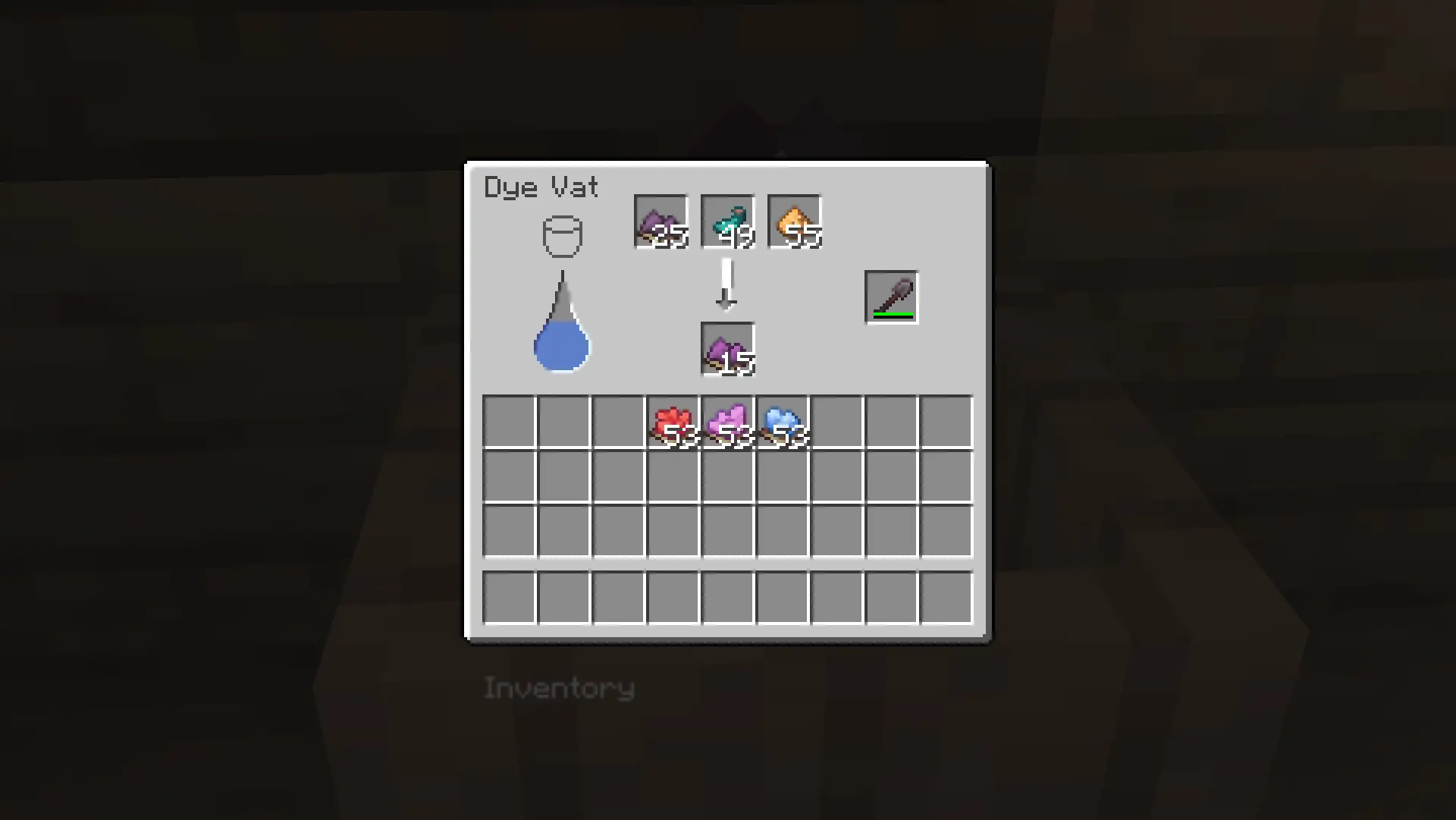
2 or more dyes can be mixed together in the vat at a time to create a unique Mixed Dye. A Mixed Dye can only have a total of 16 colors or additives put into it; any more, and it no longer accepts them.
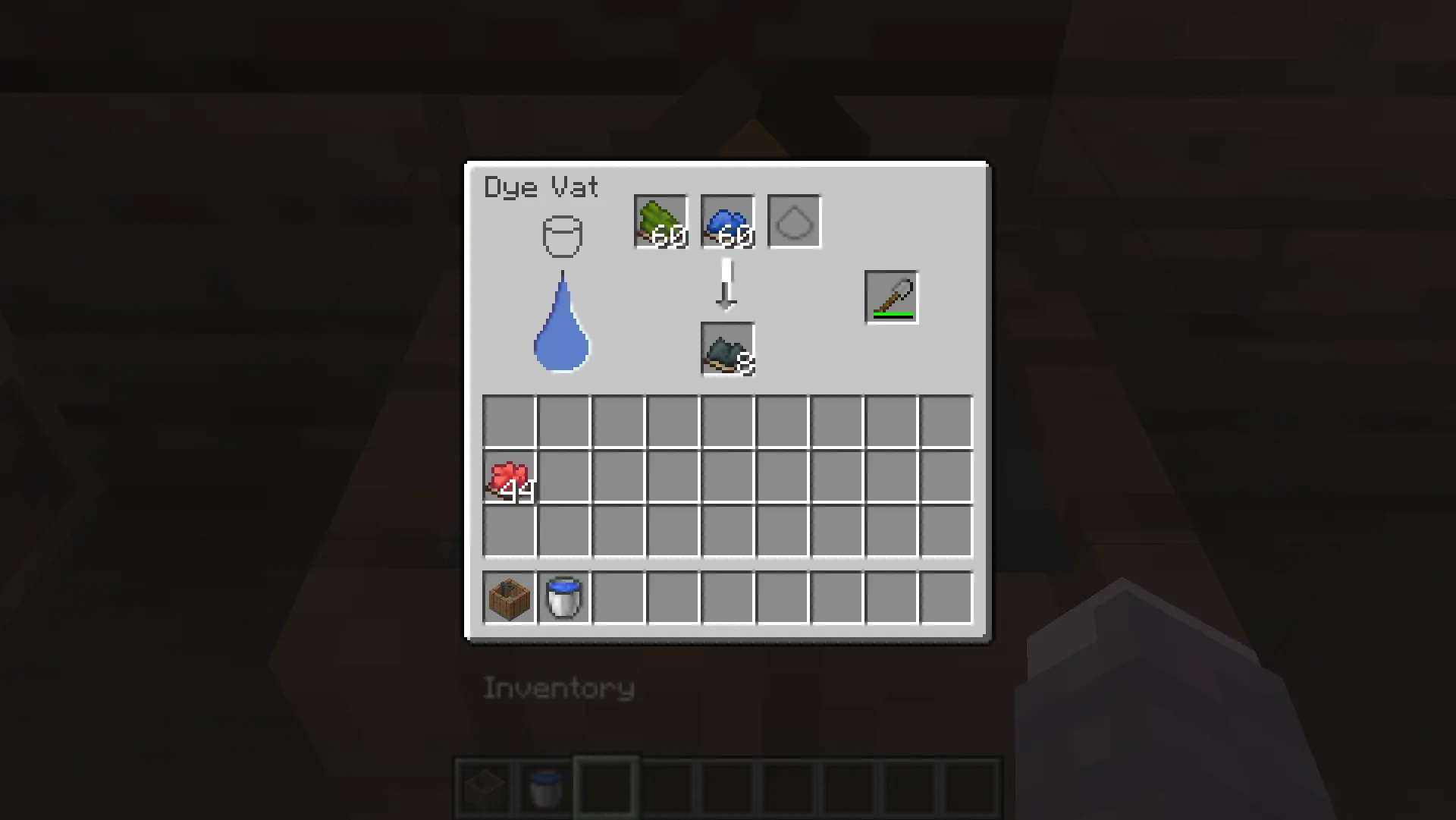
Additives are items that don't directly affect the dye's hue in the mixing process, but instead alter its brightness or saturation:
- Glowstone is used to make dyes more saturated and colorful
- Glow Ink Sacs are used to make dyes brighter without totally washing them out.
- Ink Sacs are used to make dyes darker.
- Gunpowder is used to make dyes dull and less colorful.
Item Dyeing
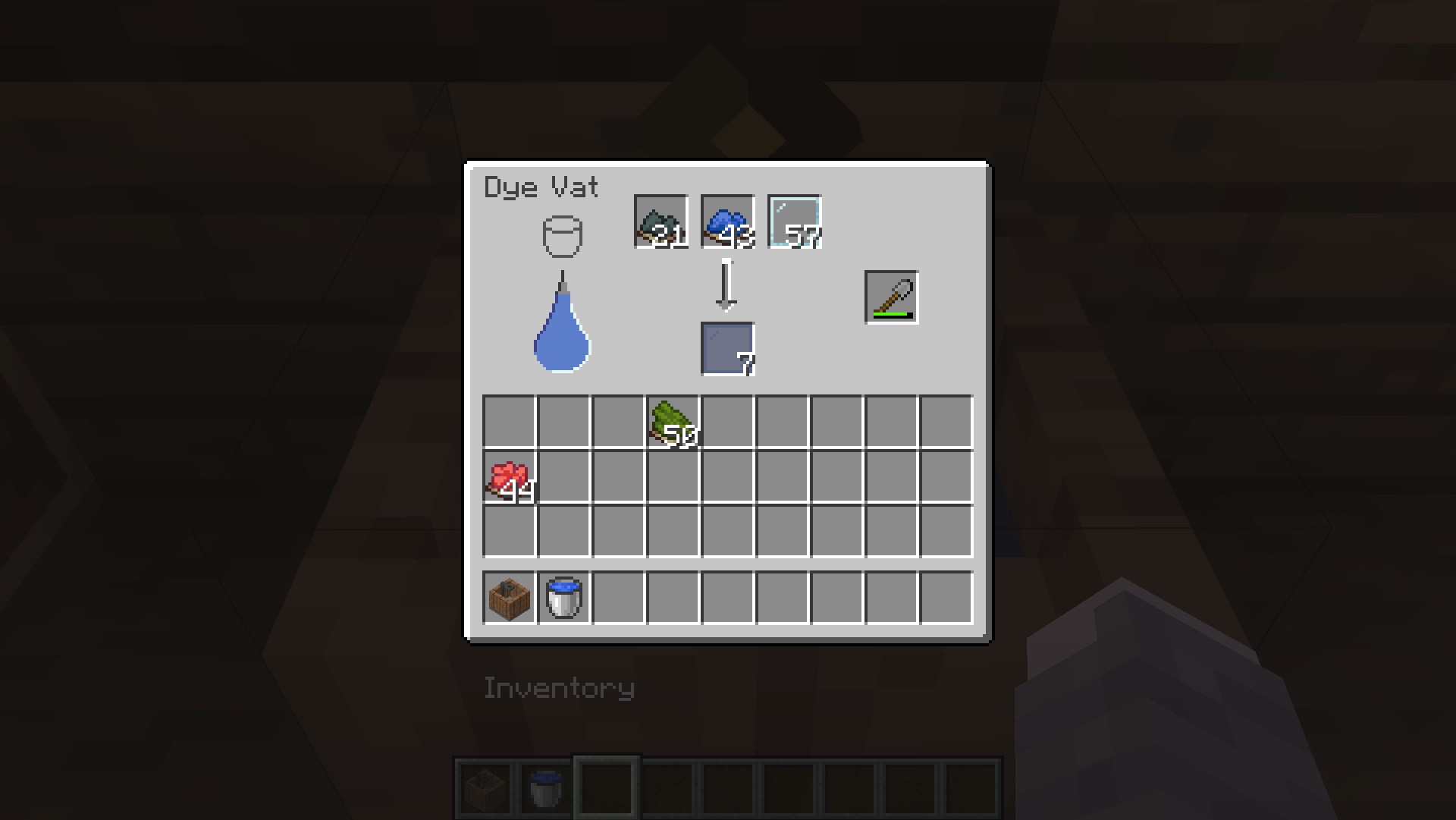
Blocks and items can also be put in the Dye Vat, and can be mixed with multiple dyes at a time. Only one type of dyeable item can be dyed at a time; any attempts will be unsuccessful. The current dyeable items are:
- Wool
- Carpets
- Concrete
- Concrete Powder
- Terracotta
- Glass / Stained Glass
- Glass Panes / Stained Glass Panes
- Banners (only affects base color when put in vat)
- Beds
- Shulker Boxes
Paint Mixing
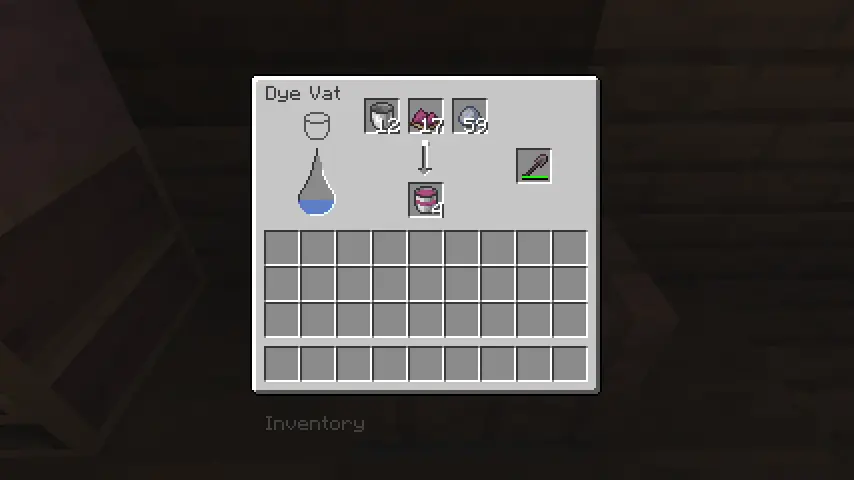
By putting any type of dye, a clay ball, and a bucket in the input of the Dye Vat, the output will result in a Paint Bucket given the pigment of your input's dye. Each Paint Bucket has 64 uses and will convert to a regular bucket once empty; Paint Buckets cannot be refilled or mixed with other paints.
Block Painting
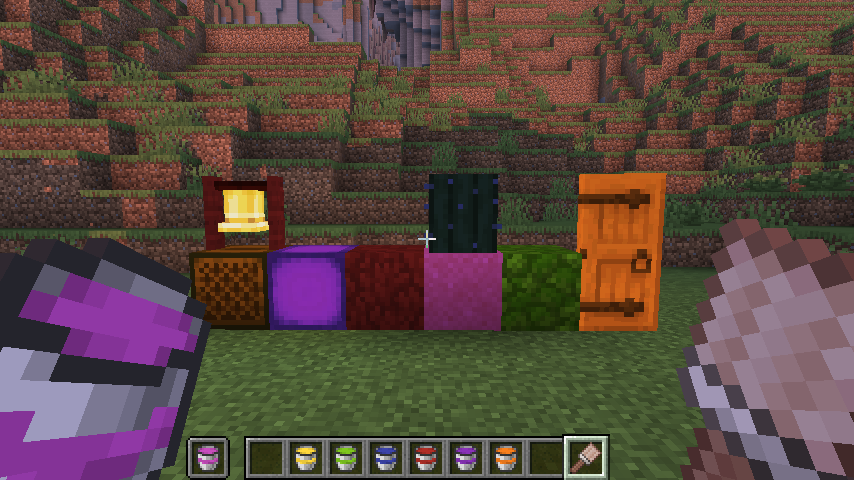
Nearly any block in the game can be painted, as long as you have a Paint Bucket and a Paintbrush. To paint a block, put the paint of your choice in your offhand and the Paintbrush in your main hand; Right-clicking will paint that block. You can use the Paint Scraper to remove paint from any painted objects.
Intense Paints
Intense Paint Buckets are a second type of paint acquired by mixing a paint bucket and 1 redstone dust in a dye vat. Intense paints entirely respect the color of the paint instead of mixing with the block's colors.
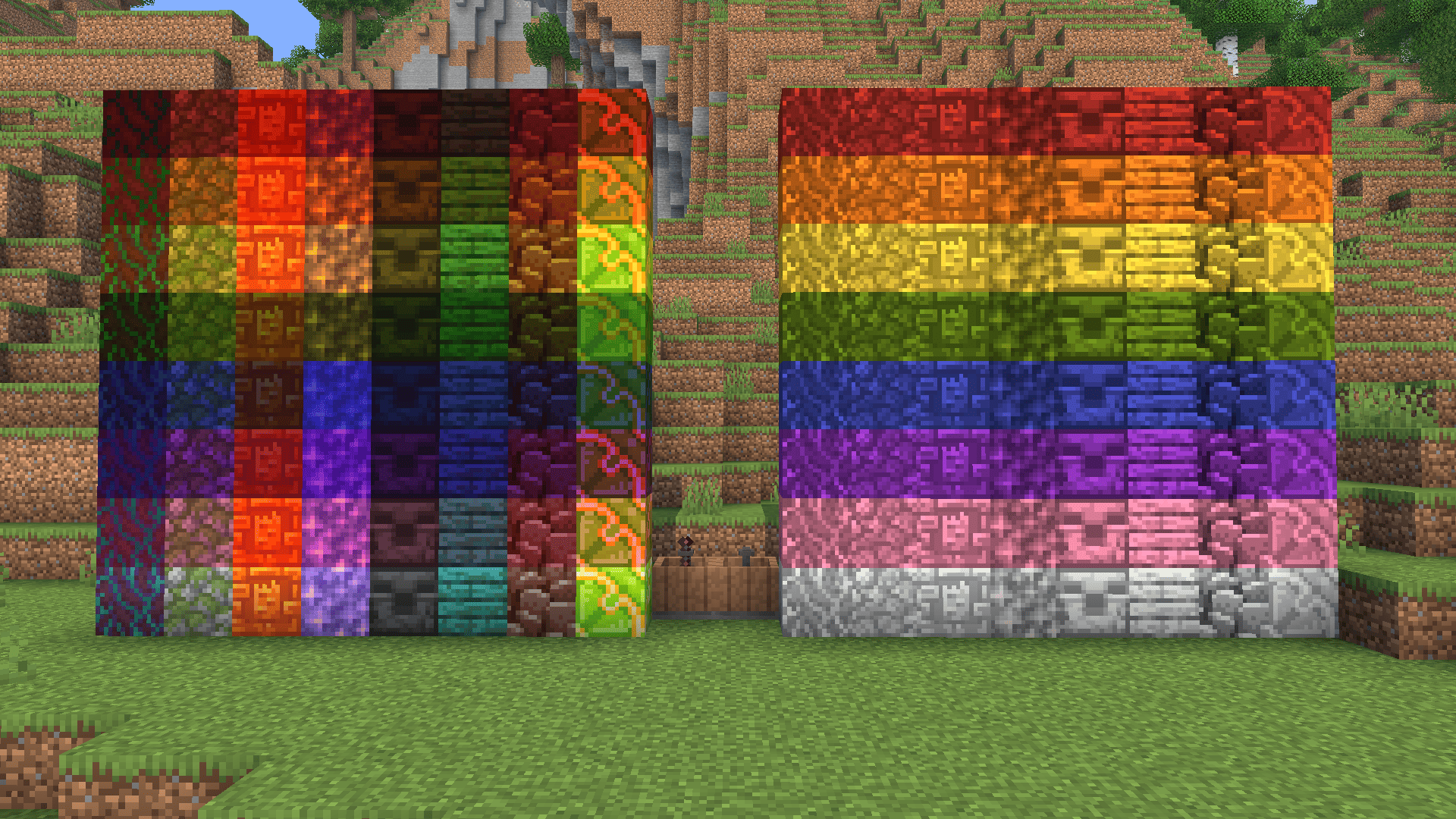
Currently, painting only supports Indigo (fabric) and Sodium renderers.
Wallpaper Crafting
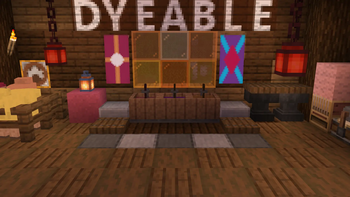
Wallpapers are placeable items that are very similar to how banners function. A base Wallpaper can be crafted by putting paper and any dye(s) in the Dye Vat, making 4 at a time per piece of paper. Transparent Wallpaper can be crafted by putting paper, glass, and any dye in the Dye Vat.
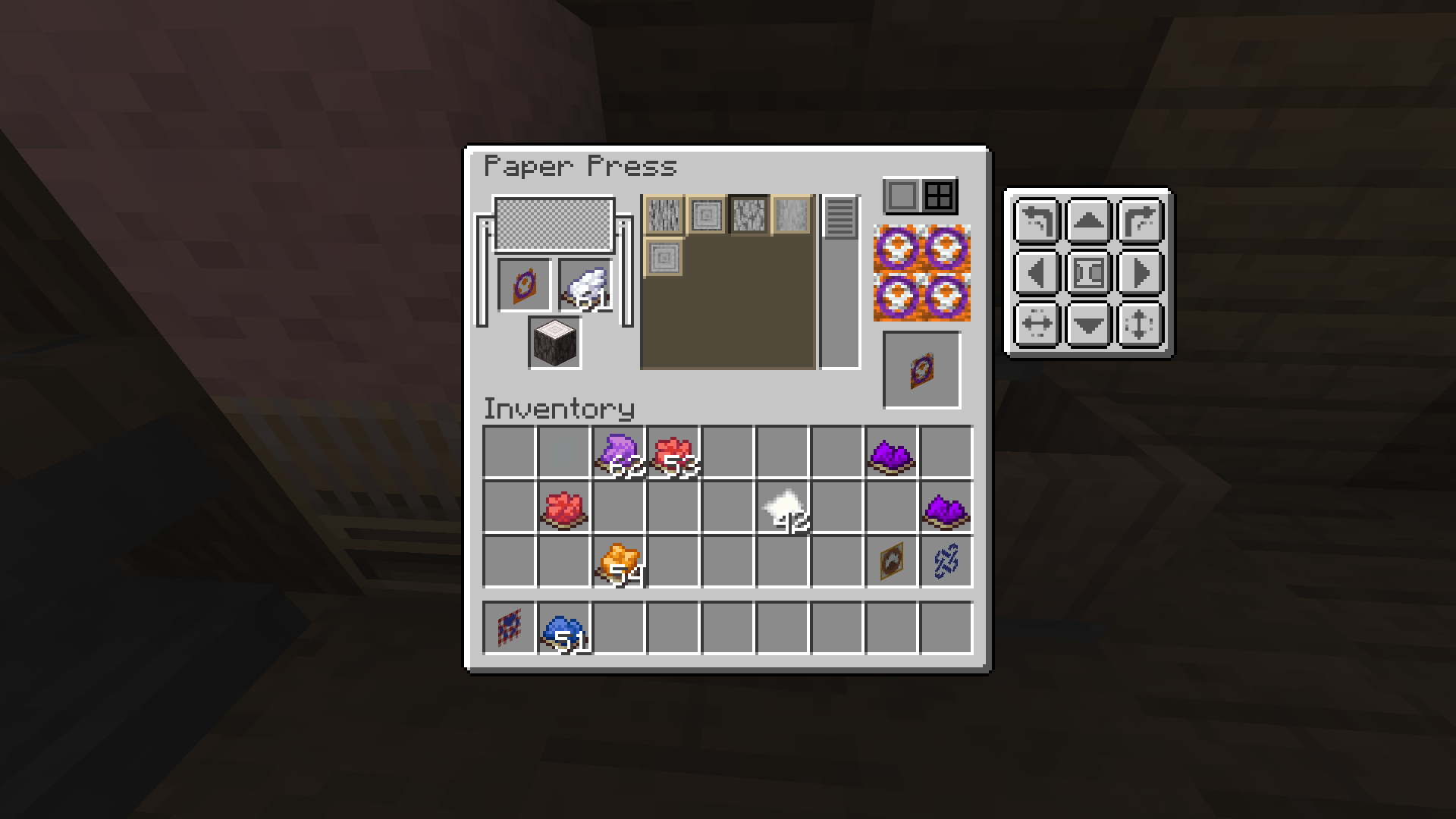
A wallpaper can be put into the Paper Press to add up to 16 patterns on its face; dyes are used to color patterns. Any pattern can be rotated in 90-degree intervals, flipped horizontally and vertically, and shifted by pixels in any direction; shifted patterns can also be wrapped around to the other side. Certain types of blocks can be put in the block slot to add an overlay.
Wallpaper Usage
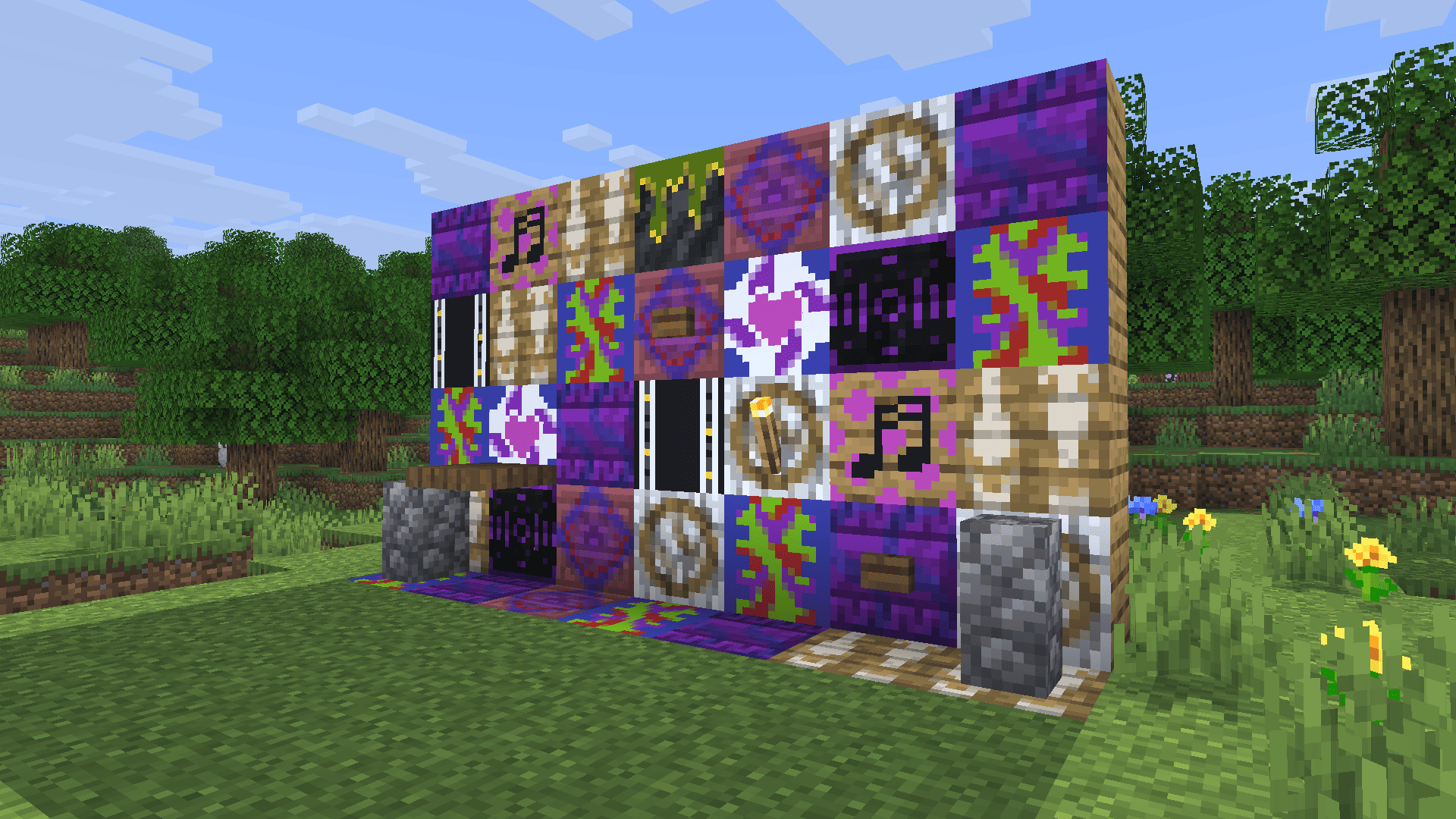
Wallpapers can be placed on any solid 16x16 face, whether it's on walls, floors, or ceilings. Wallpapers aren't actually blocks, so they don't take up a block's space, allowing for the placement of torches, fences, doors, buttons, levers, etc. on them. Wallpaper is also completely immune to water and lava.
Banner Making
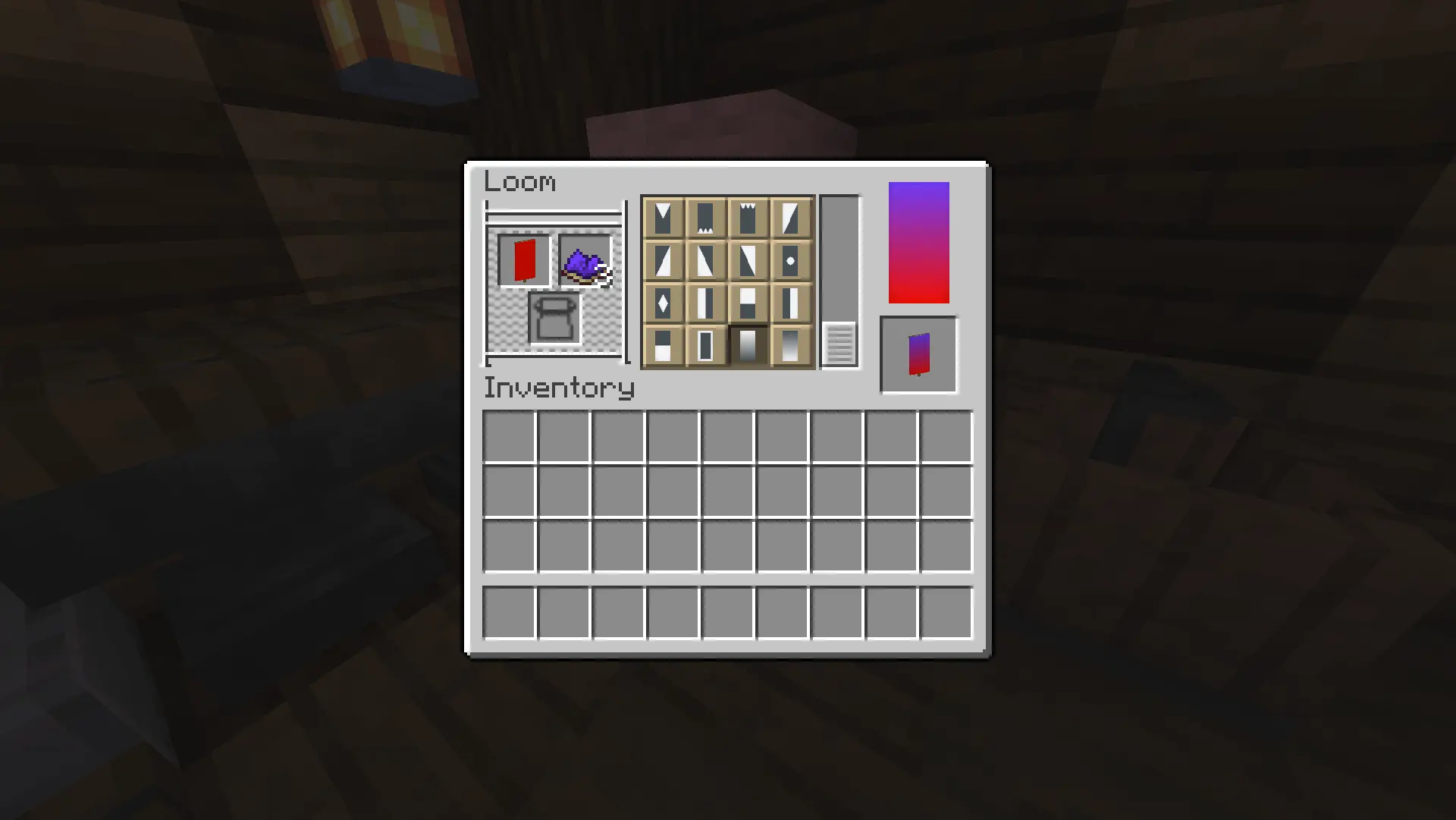
While certainly not a new feature, this mod allows Mixed Dyes to be used as a pattern color source in a Loom, increasing the original 809 quadrillion amount of possible banners to somewhere over one quinvigintillion (1 followed by 78 zeroes) banners (Note: this is mostly a guess, im not sure exactly how many of the 16,777,216 RGB colors are possible in my system, i just made a rough estimate).
Sheep Dyeing
Again, not a new feature, but mixed dyes can be used on sheep for an infinite wool source. Breeding mixed dyed sheep results in a baby with the exact mix of the wool colors of the 2 parents, no estimation.
For Modders
I have made a mod template for an easy way to add more wallpaper patterns to the mod here: https://drive.google.com/file/d/1Jl2YZBgZqonhi4Zlz1O8kZJPcQsvB5ZU/view?usp=sharing
End
I hope you find this mod useful for building, and if you encounter any bugs or have feedback, please let me know @ urixmusic on discord and other socials! Thank you.
请登录后举报
暂无评论,抢个沙发吧~