
hud mover
作者:rebot | 分类:模组
Minecraft 版本: 1.21.11
平台: fabric
标签: game-mechanics management utility
✨ Overview
HUD Mover is a Fabric client-side mod that gives you complete control over the vanilla HUD layout — without resource packs or external tools.
Move, align, lock, group, and fine-tune your HUD with a clean live editor built for real gameplay setups.
🖼 Preview
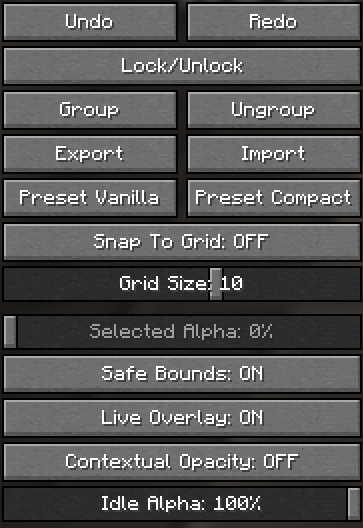
🎯 What This Mod Does
HUD Mover lets you reposition and customize vanilla HUD elements directly in-game with instant visual feedback.
Supported HUD Elements
- Hotbar
- XP Bar
- Inventory
- Health
- Armor
- Hunger
⚙ Core Features
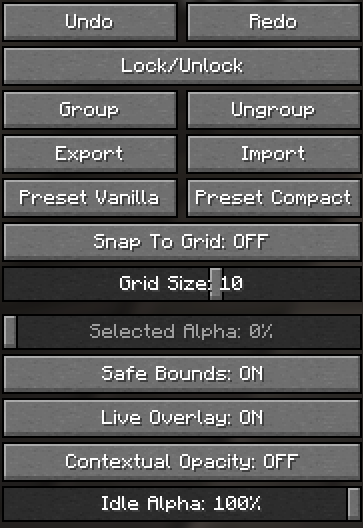
🖱 Live HUD Editor
- Drag real HUD elements in real time
- Instant visual feedback
- Save / Cancel / Reset workflow
🎯 Precision Controls
- Snap to grid
- Adjustable grid size
- Safe bounds (no off-screen mistakes)
- Alignment guides
🧩 Advanced Editing
- Multi-select movement
- Lock / Unlock elements
- Group / Ungroup
- Undo / Redo history
👁 Visibility & Overlay Tools
- Per-element alpha control
- Selected Alpha control
- Contextual opacity
- Live overlay preview toggle
💾 Layout Management
- Presets (Vanilla / Compact)
- Import / Export layout files
- Conflict detector for overlapping regions
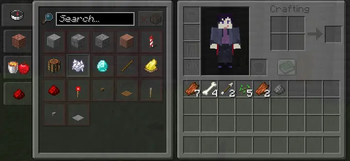
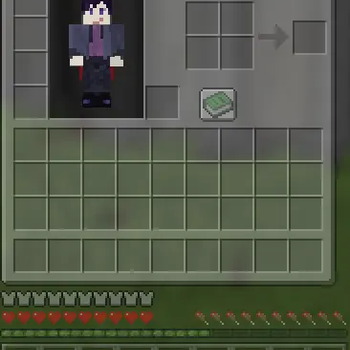
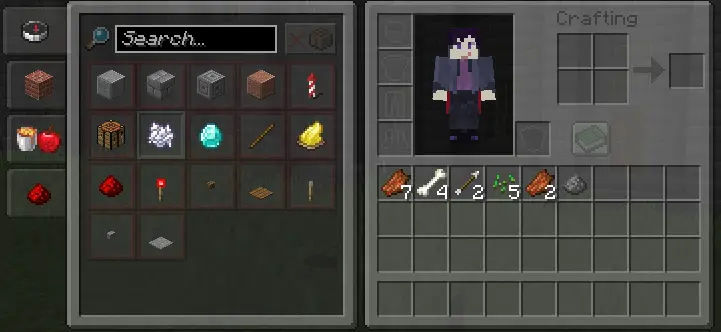
📦 Inventory Integration
- Survival & Creative inventory positioning
- Recipe book compatibility handling
🚀 Why HUD Mover?
- Keeps the vanilla look
- Built for real gameplay setups
- Perfect for ultrawide users
- Great for PvP layouts
- Stream-friendly positioning
- Accessibility-focused spacing
🧭 Quick Start
- Open the HUD editor from settings -> keybind
- Select one or more HUD elements
- Drag to position
- Use grid/snap/guides
- Save layout
- Export as backup
📊 Feature Matrix
| Category | Included |
|---|---|
| Live editor | ✅ |
| Multi-select | ✅ |
| Grid snap | ✅ |
| Alignment guides | ✅ |
| Undo / Redo | ✅ |
| Lock / Group | ✅ |
| Presets | ✅ |
| Import / Export | ✅ |
| Conflict detector | ✅ |
| Contextual opacity | ✅ |
| Safe bounds | ✅ |
| Update notice | ✅ |
🔧 Compatibility
- Minecraft:
1.21.11 - Loader: Fabric
- Environment: Client-side
No server installation required.
📝 Notes
- If your HUD breaks after updates, use Reset or apply a preset.
- Always export a backup before major layout changes.
请登录后举报
请 登录 后赞助作者。
暂无评论,抢个沙发吧~