
26.1 Panorama
作者:rebot | 分类:数据包
Minecraft 版本: 13w24a 1.6.1 1.6.2 1.6.4 1.7.2 1.7.3 1.7.4 1.7.5 1.7.6 1.7.7 1.7.8 1.7.9 1.7.10 1.8 1.8.1 1.8.2 1.8.3 1.8.4 1.8.5 1.8.6 1.8.7 1.8.8 1.8.9 1.9 1.9.1 1.9.2 1.9.3 1.9.4 1.10 1.10.1 1.10.2 1.11 1.11.1 1.11.2 1.12 1.12.1 1.12.2 1.13 1.13.1 1.13.2 1.14 1.14.1 1.14.2 1.14.3 1.14.4 1.15 1.15.1 1.15.2 1.16 1.16.1 1.16.2 1.16.3 1.16.4 1.16.5 1.17 1.17.1 1.18 1.18.1 1.18.2 1.19 1.19.1 1.19.2 22w42a 22w43a 22w44a 1.19.3 1.19.4 23w14a 23w16a 1.20 1.20.1 23w31a 23w32a 23w33a 23w35a 1.20.2-pre1 1.20.2 23w42a 23w43a 23w43b 23w44a 23w45a 23w46a 1.20.3 1.20.4 24w03a 24w03b 24w04a 24w05a 24w05b 24w06a 24w07a 24w09a 24w10a 24w11a 24w12a 24w13a 24w14potato 24w14a 1.20.5-pre1 1.20.5-pre2 1.20.5-pre3 1.20.5 1.20.6 24w18a 24w19a 24w19b 24w20a 1.21 1.21.1 24w33a 24w34a 24w35a 24w36a 24w37a 24w38a 24w39a 24w40a 1.21.2-pre1 1.21.2-pre2 1.21.2 1.21.3 24w44a 24w45a 24w46a 1.21.4 1.21.5 1.21.6 1.21.7 1.21.8 1.21.9 1.21.10 1.21.11
平台: minecraft
标签: gui tweaks
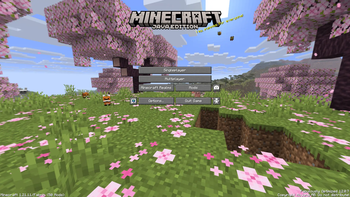
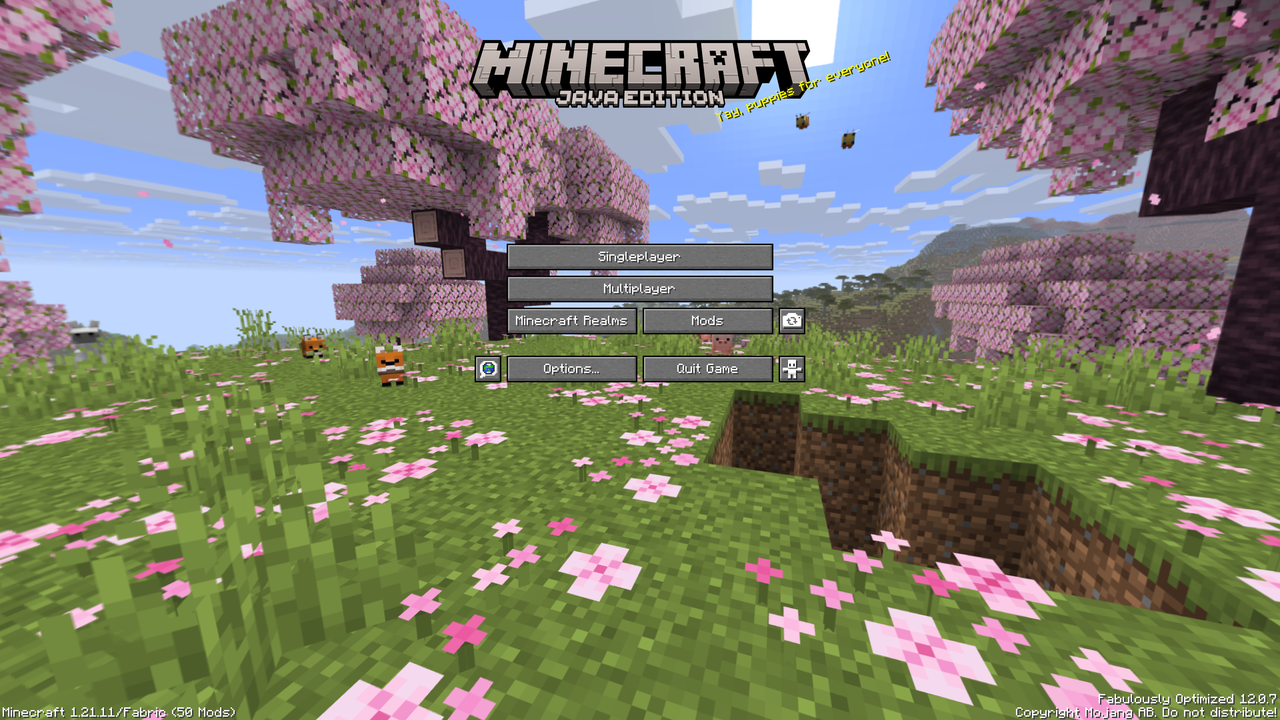
26.1 Panorama
This resource pack brings the Tiny Takeover panorama to 13w24a - 1.21.11. The panorama includes a cherry grove biome with the new baby animals like the baby wolf, cow, axolotl, sheep and more.
How to install
Prism Launcher / MultiMC (recommended)
- Open your instance settings (1.6.1 - 1.21.11)
- Go to Resource Packs, click on Download Packs and search for 26.1 Panorama
- Select the resource pack and click on Review and confirm
- Launch your instance and locate the resource packs, it should now be listed
Minecraft Launcher
- Download the resource pack
- Open the folder to where the resource pack was downloaded and copy the file (
26.1 Panorama.zip) - Open Minecraft, locate the Resource Packs (Options > Resource Packs) and click on Open Pack Folder or something similar
- Paste the file into the resource pack directory
- Go back to Minecraft and the resource pack should be listed, if not press Done and click Resource Packs again
请登录后举报
请 登录 后赞助作者。
暂无评论,抢个沙发吧~