
ForgematicaPrinter
作者:rebot | 分类:模组
Minecraft 版本: 1.20.4
平台: neoforge
标签: utility
Forgematica Printer
Litematica Printer unofficial (Neo)Forge port.
This extension adds printing functionality for Forgematica. Printer
allows players to build big structures more quickly by automatically placing the correct blocks around you.
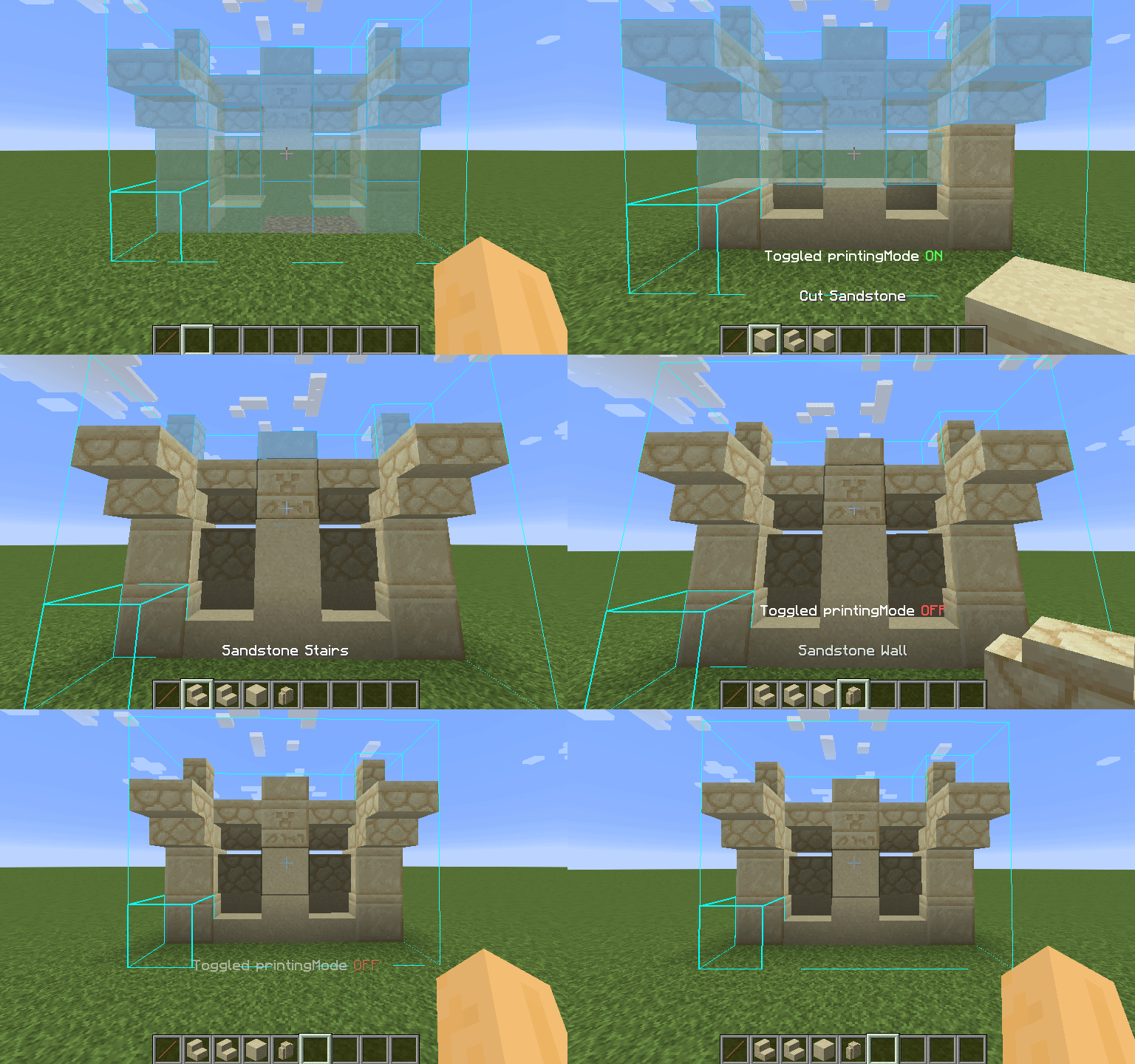
How To Use
Using the printer is straightforward: You can toggle the feature by pressing CAPS_LOCK by default. To configure
variables such as
printing speed and range, open Forgematica's settings by pressing M + C and navigate to "Generic" tab. Printer's
configuration can be
found at the bottom of the page. You can also rebind the printing toggle under "Hotkeys" tab. Holding down V by
default will also
print regardless if the printer is toggled on or off.
List of blacklisted blocks
These blocks have not been implemented yet for various reasons and the printer will skip them instead of placing them wrong. If any other blocks are placed incorrectly, try to lower the printing speed. If certain block is still placed incorrectly, you can create an issue.
- Grindstones
- Skulls placed on the ground
- Signs
- Glow lichen and vines
- Entities, including item frames and armor stands
SERVER USAGE NOTE:
Please be aware, using this mod on a server may be against the rules and could get you banned!
请登录后举报
请 登录 后赞助作者。
暂无评论,抢个沙发吧~