
MusicPlayerMod
作者:rebot | 分类:模组
Minecraft 版本: 1.21.4 1.21.5 1.21.6 1.21.7 1.21.8 1.21.9 1.21.10 1.21.11
平台: fabric
标签: game-mechanics social utility
Music Player Mod (HUD)
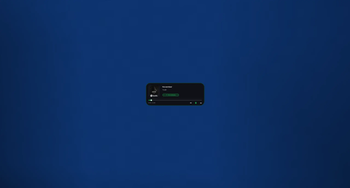
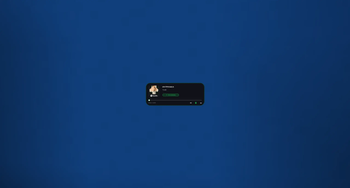
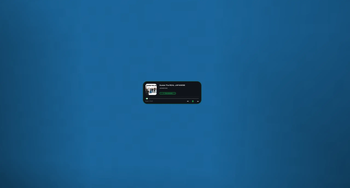
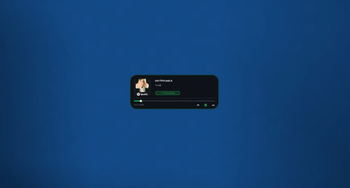
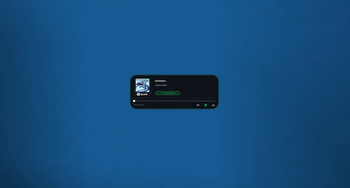
A sleek, modern music player overlay for Minecraft that displays your currently playing media from Spotify, YouTube Music, and other Windows media sources directly in-game.
✨ Features
- Real-time Media Display - Shows current song title, artist, album art, and playback progress
- Beautiful UI - Glassmorphism design with smooth animations, blur effects, and rounded corners
- Customizable Position - Drag the HUD anywhere on screen while chat is open
- Size Modes - Toggle between small and big display sizes
- Non-intrusive - Transparent overlay that doesn't pause your game
- Windows Media Integration - Works with any media player that uses Windows Media API (Spotify, YouTube Music, Apple Music, etc.)
- Smart Animations - Smooth progress bar transitions and playback state indicators
? How to Use
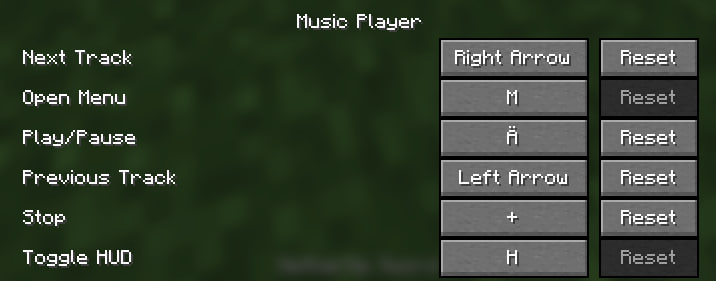
- Press M (default keybind) to open the settings menu
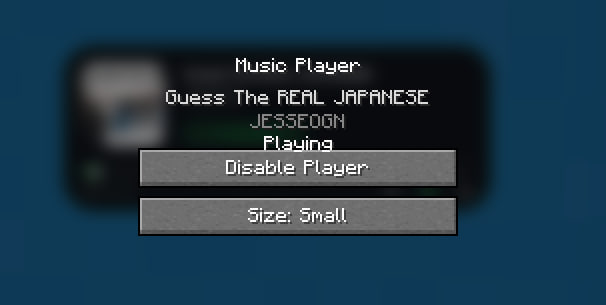
- Click "Enable Player" to activate the HUD
- Open chat and click and drag the HUD to reposition it
- Toggle between small/big sizes in the settings menu
- The HUD automatically updates with your currently playing media
? Design Features
- Frosted glass background with dynamic blur
- Smooth progress bar with animated thumb indicator
- "Now Playing" badge with pulse animation
- Dynamic accent colors - Green when playing, gray when paused
- Ambient glow effect around the panel
- Album art display with automatic cropping and fallback icon
? Requirements
- Fabric Loader
- Minecraft 1.21
- Windows OS (for media integration)
- Fabric API (if required by dependencies)
? Configuration
- Position: Drag while chat is open
- Size: Toggle in settings menu (M key)
- Enable/Disable: Settings menu or keybind
? Notes
- This mod only displays media information and does not control playback
- It reads from Windows Media API to show what's currently playing on your system
- The HUD is draggable only when chat is open to prevent accidental movement during gameplay
- Position and settings are automatically saved when changed
? Known Limitations
- Windows only - Media integration requires Windows Media API
- Display only - Cannot control playback (play/pause/skip)
- Media information depends on what the media player reports to Windows
? Tips
- If the HUD doesn't show media, make sure your media player is running and playing something
- The album art may take a moment to load when switching songs
- Long song titles will be automatically trimmed with "…"
Enjoy your music while playing Minecraft! ?
请登录后举报
暂无评论,抢个沙发吧~