
Mobcrafter
作者:rebot | 分类:模组
Minecraft 版本: 1.20.1
平台: forge


Turn your block creations into controllable units
Build structures, capture them, and command them like an RTS army in Minecraft.
What is MobCrafter?
MobCrafter is a Forge mod that lets you
turn block-built structures into a single controllable unit entity.
Instead of spawning mobs, you create units yourself using blocks —
then capture, summon, and command them in the world.
You can:
- Build any structure using vanilla blocks
- Capture it as unit data
- Summon it as a living entity
- Control it using commands and tools
No modeling tools. No external editors. Just building.
Unit Sharing Portal
MobCrafter includes no pre-made units by default.
Instead, units are shared through the official portal:
👉 https://mobcrafter.net/
and
https://www.patreon.com/c/omro500?vanity=user
You can:
- Download community-made unit JSON files
- Reuse or modify units for your own worlds
- Share your creations with others
Unit files are loaded from: config/mob_crafter/units/
New units can be added at runtime without restarting.
In multiplayer, server-side units are synced to all clients.
MobCrafter is under active development.
Features, balance, and performance may evolve over time.
How to Use
MobCrafter lets you turn block-built structures into RTS-like units.
No modeling tools required — just build, capture, and summon.
1. Build a Structure
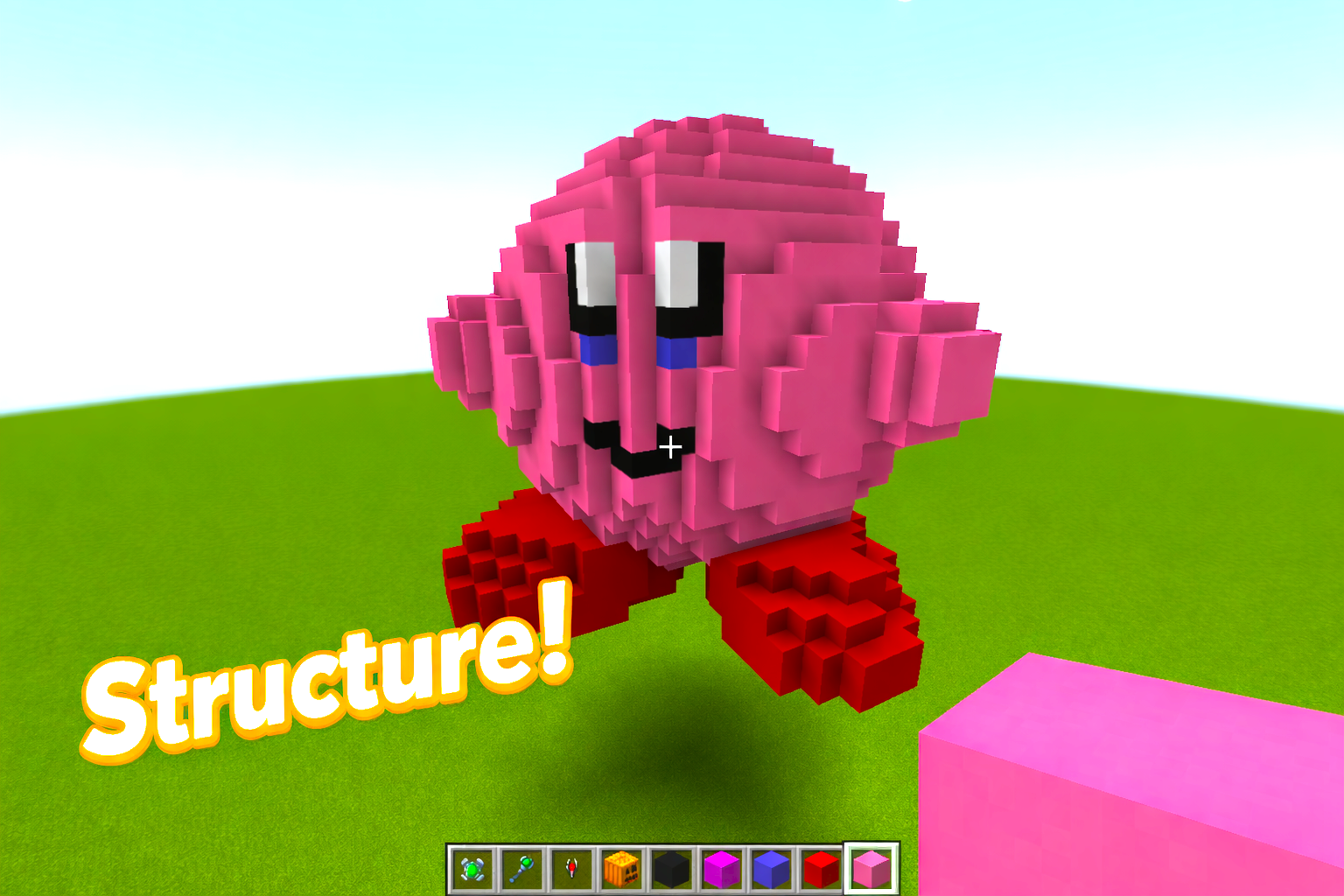
Build any structure you like using normal Minecraft blocks.
The shape, size, and design are entirely up to you.
2. Place a Bone Block
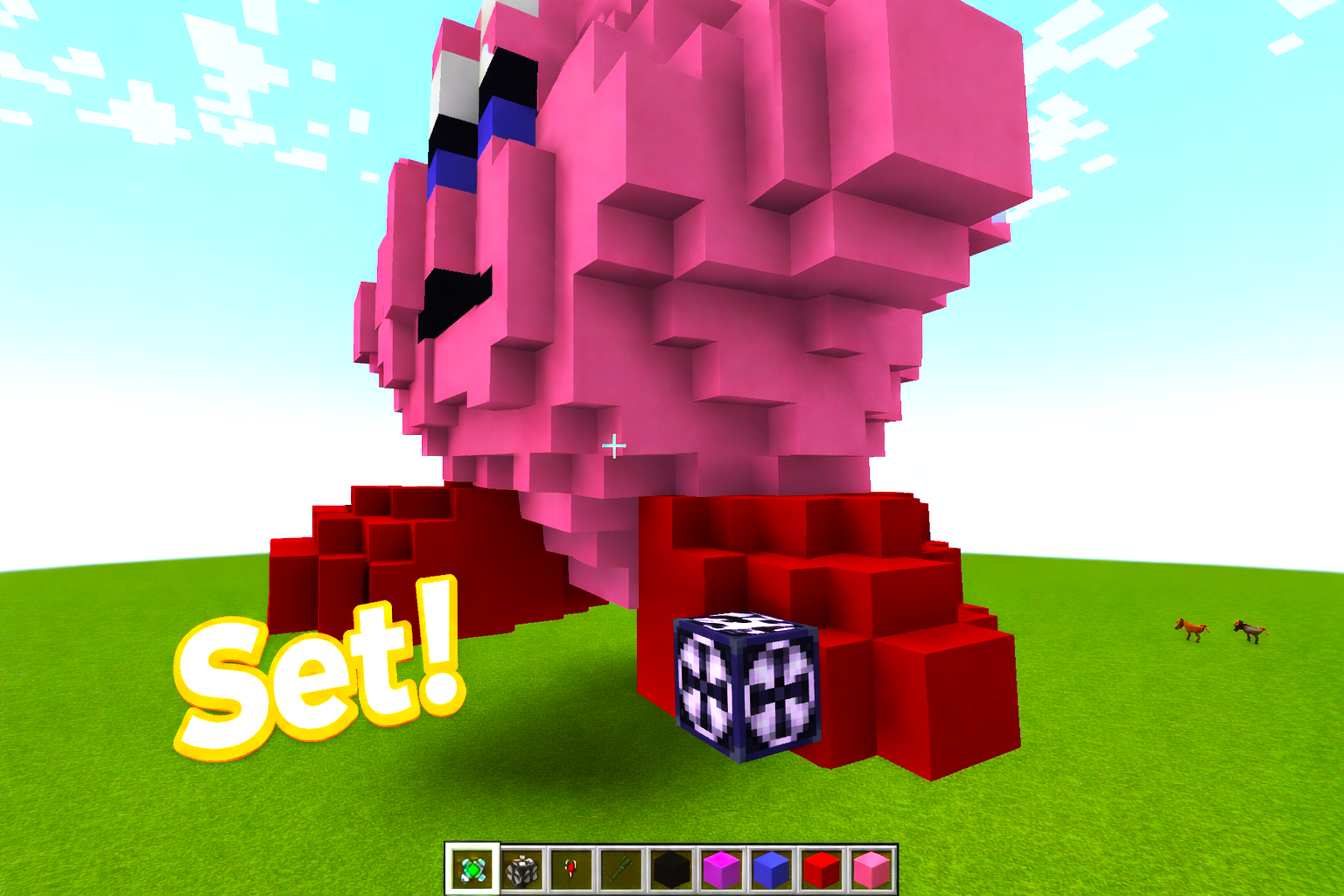
Attach a Bone Block to your structure.
This block acts as the core / pivot of the unit and is required for capture.
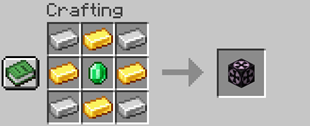
3. Capture the Structure
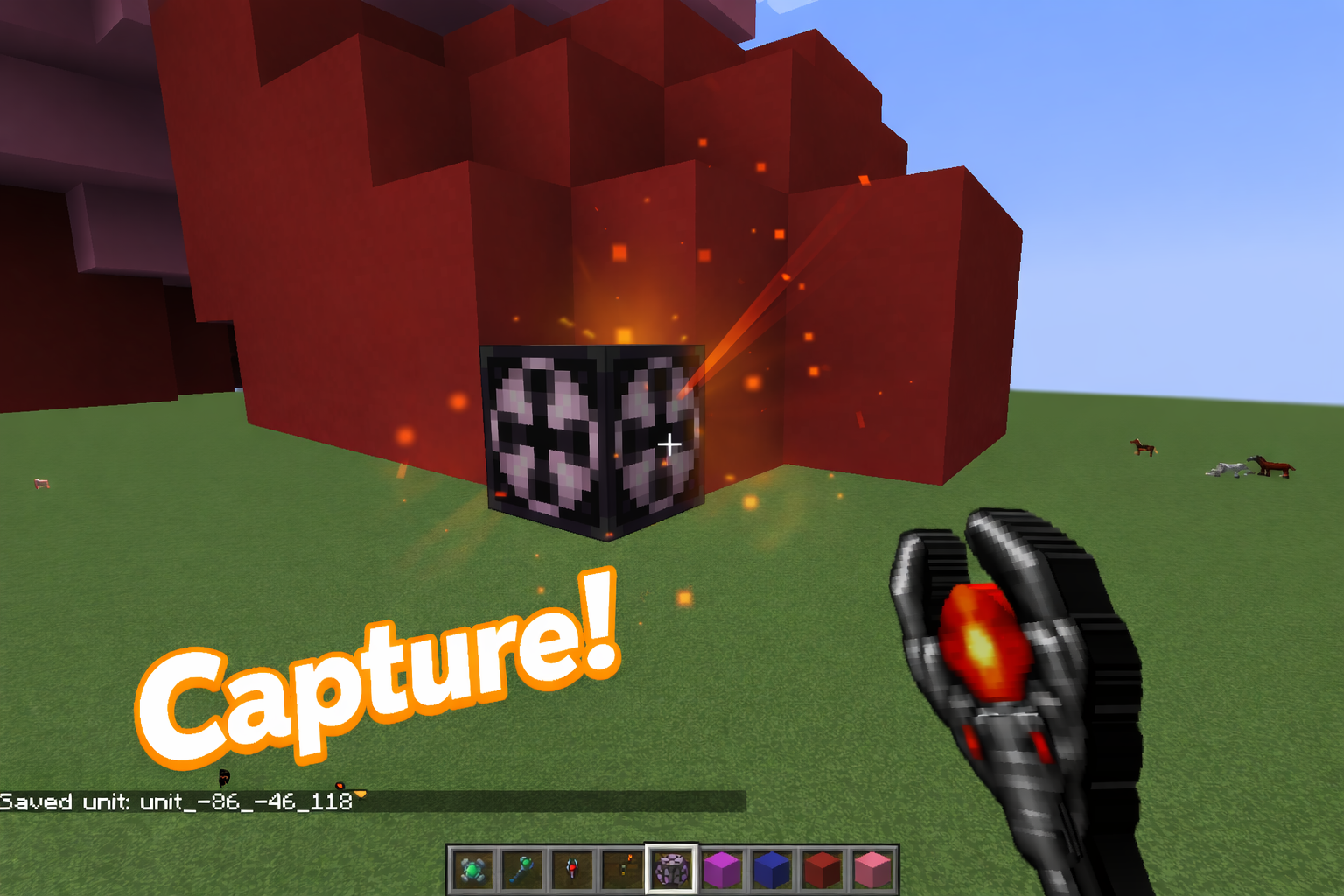
Use the Capture Tool on the Bone Block.
The entire connected structure will be saved as unit data.
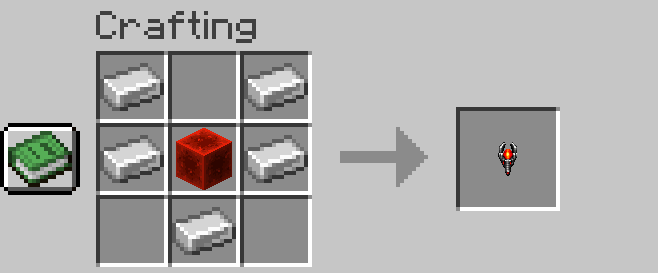
Capturing does not destroy the original structure.
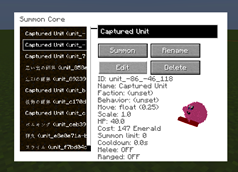
4. Summon the Unit
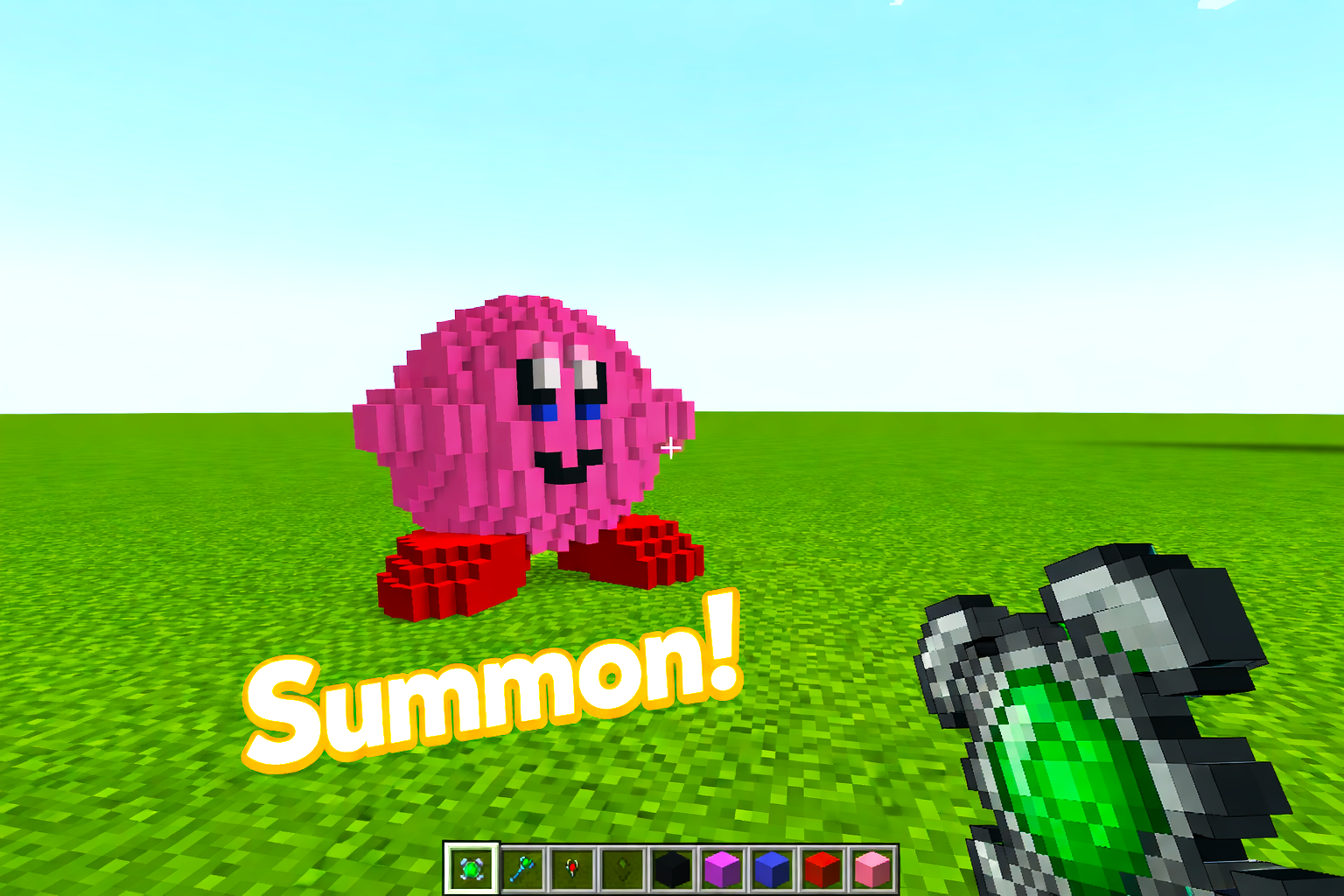
Once captured, the structure can be summoned as a unit.
Consider it a living entity you can control.
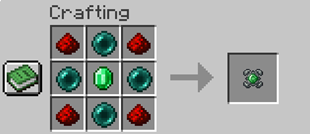
Unit Control Tools
MobCrafter provides tools for commanding your units.
Commander Wand (Area Command)
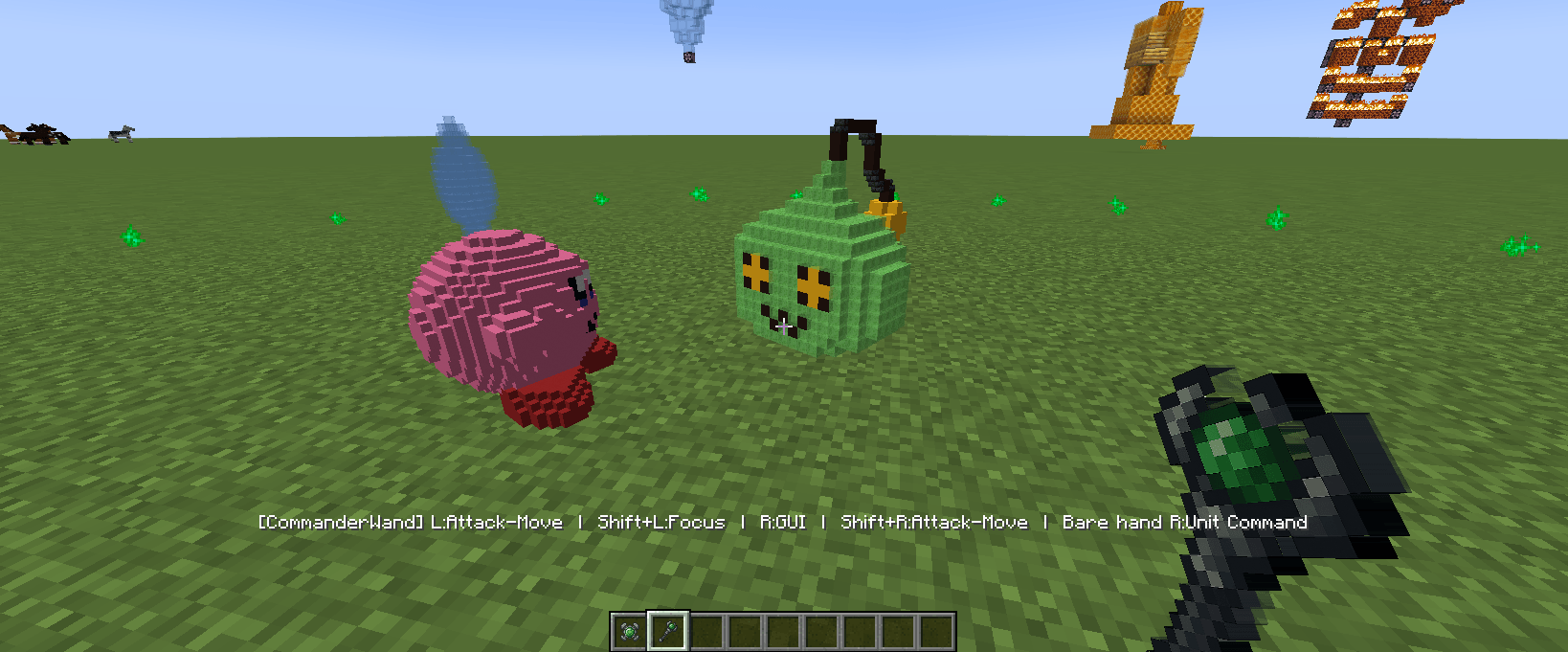
- Controls multiple nearby units
- Right-click: open command menu
- Left-click: give attack direction
- Commands include: Follow, Guard, Patrol, Hold, Retreat
Units inside your command range will respond together.
Marshal Wand (Squad Control)
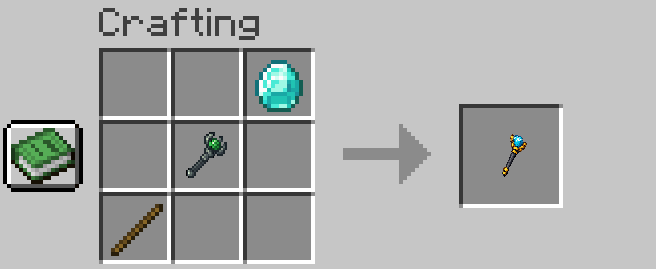
- Assign units into squads
- Units in the same squad move and act together
- Useful for managing formations and organization
Commander Wand = issuing orders
Marshal Wand = structuring your army
Editing & Customization (Optional)
MobCrafter works without any editing,
but offers deeper customization if you want.
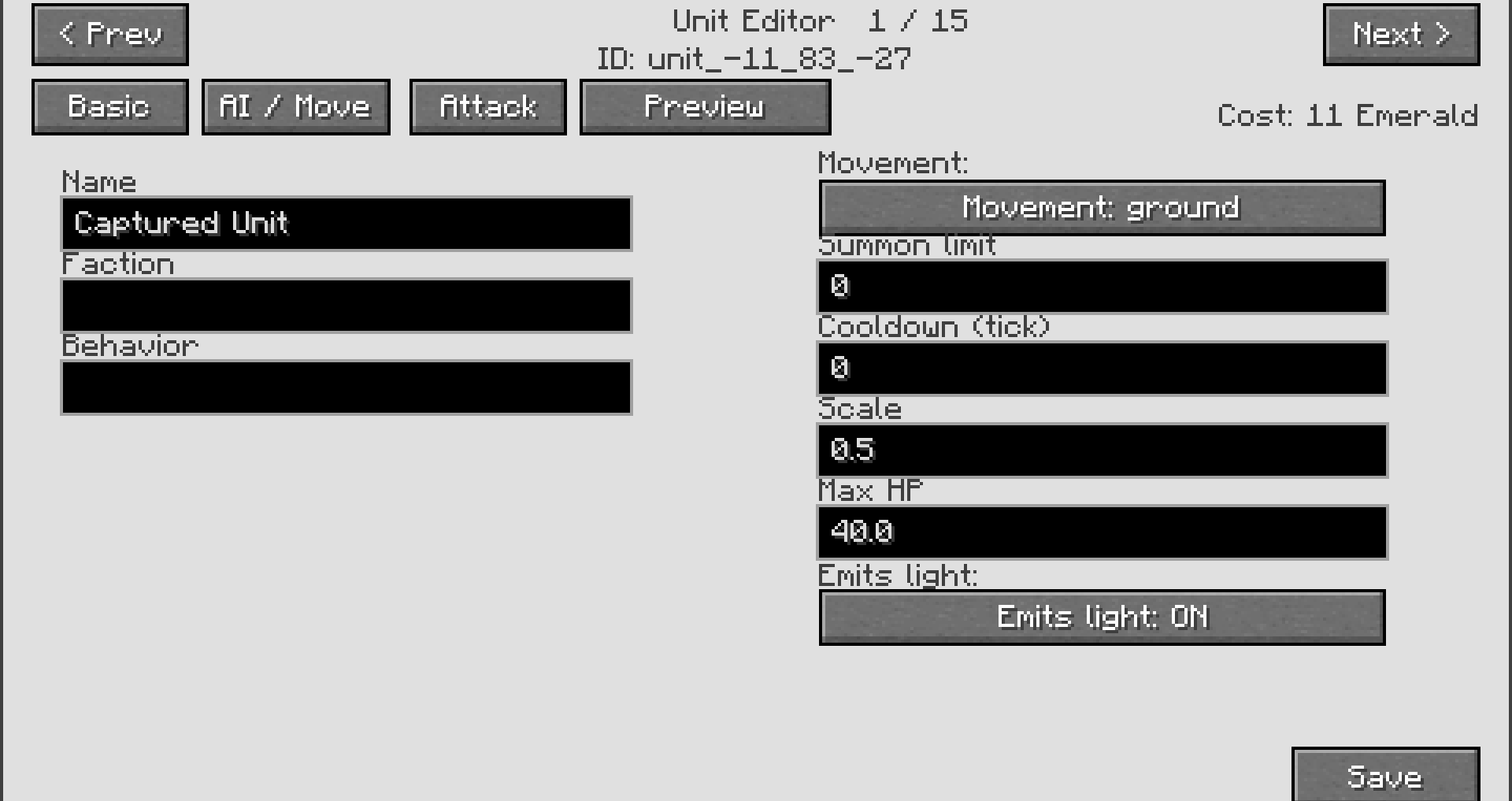
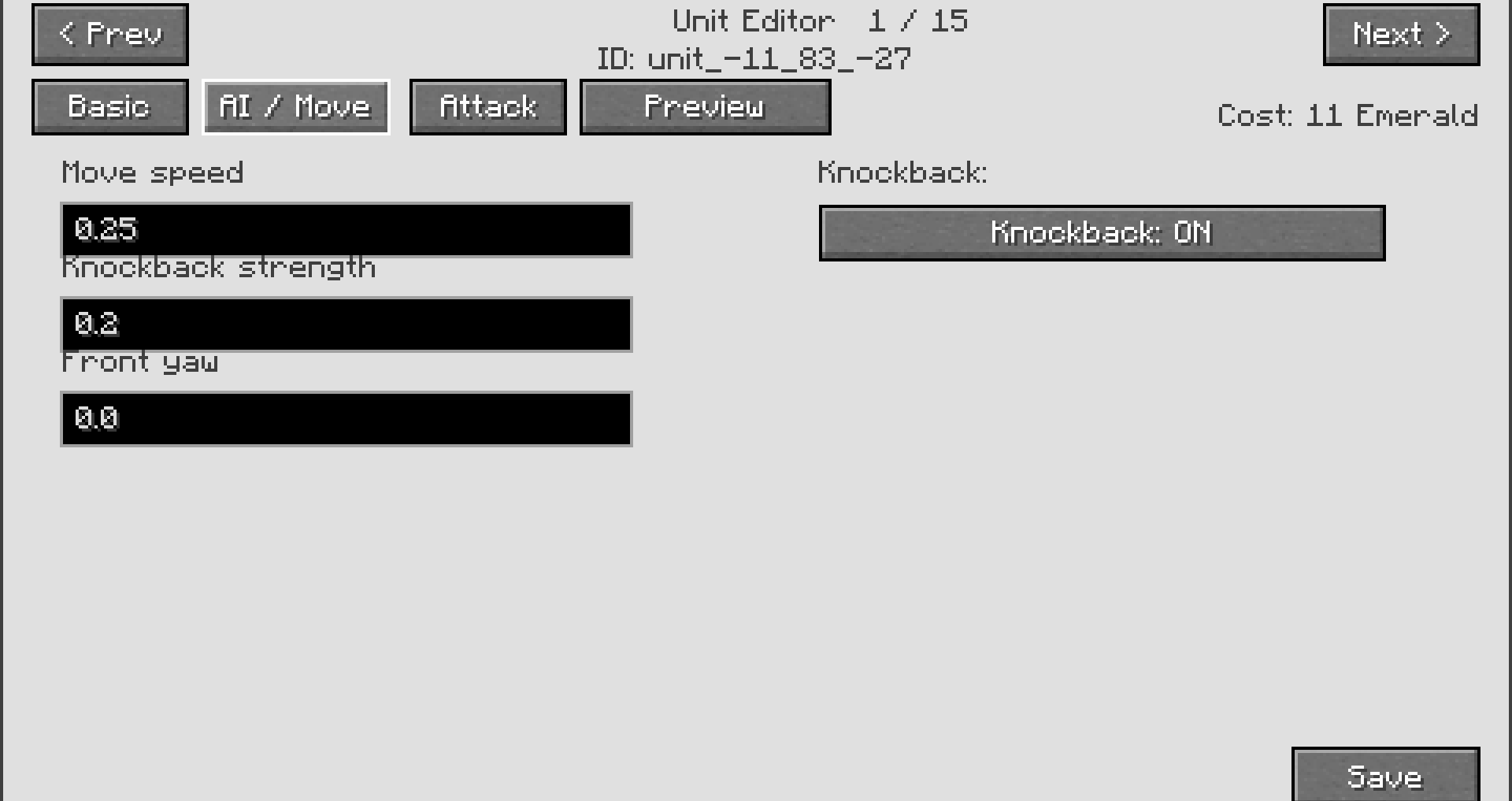
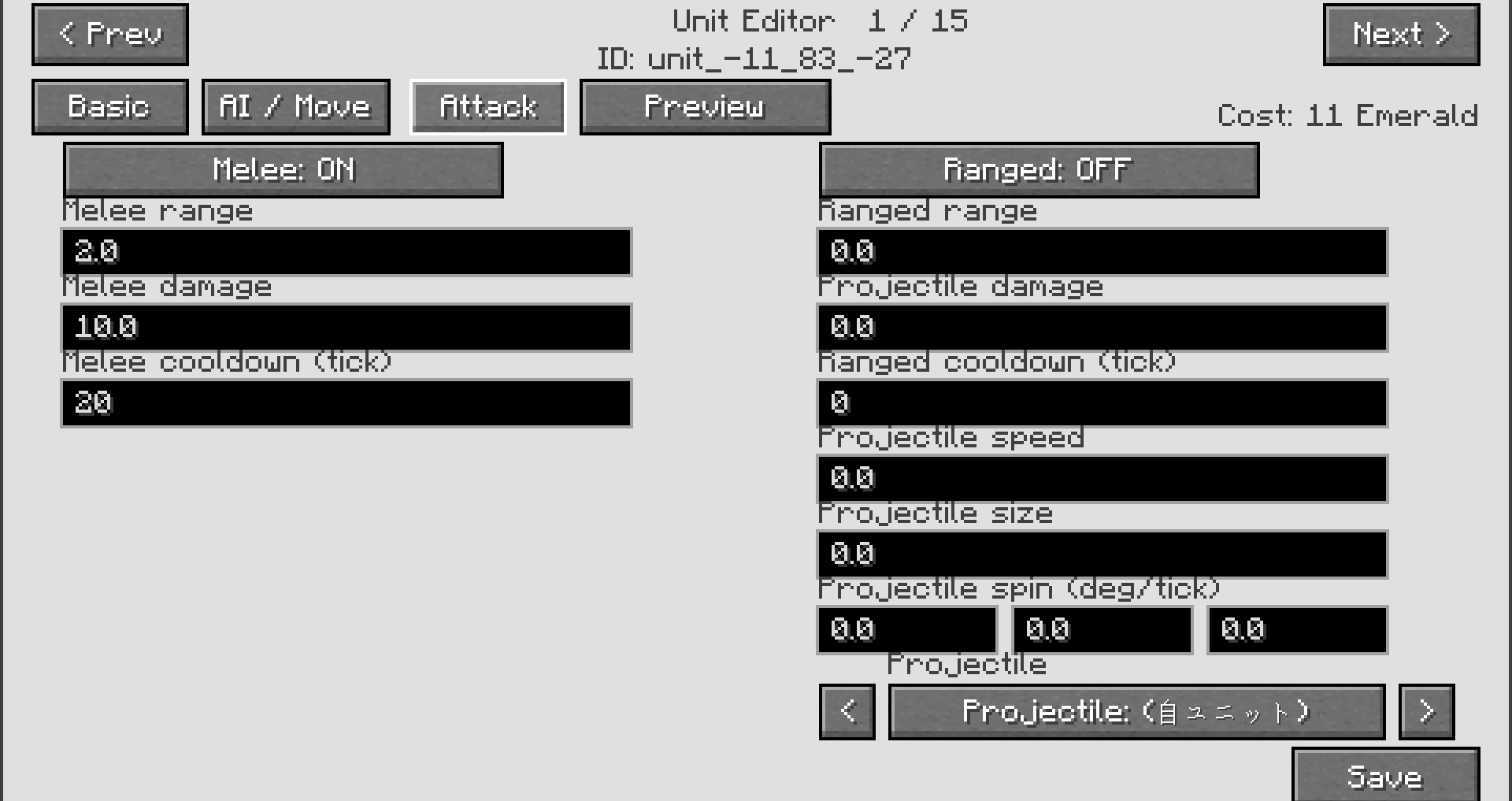
In-Game Editing (GUI)
- Rename units
- Adjust behavior
- Modify basic combat values
Advanced Editing (JSON)
Each unit is stored as a JSON file.
You can edit:
- Stats (health, attack, cost, etc.)
- Behavior parameters
- Custom balancing
JSON editing is optional.
You can enjoy MobCrafter without touching any files.
Tips
- Simple shapes work best for beginners
- Large structures are supported
- Captured structures are not destroyed
- Experiment freely and creatively
Summary
Build → Set → Capture → Summon
MobCrafter turns your imagination into playable units.
Create your own army — from blocks.
Supported Version
- Minecraft Forge 1.20.1
请登录后举报
请 登录 后赞助作者。
暂无评论,抢个沙发吧~