
AllTheMasks - By StefanJ2
作者:rebot | 分类:数据包
Minecraft 版本: 1.18 1.18.1 1.18.2 1.19 1.19.1 1.19.2 1.19.3 1.19.4 1.20 1.20.1 1.20.2 23w42a 23w43a 23w43b 23w44a 23w45a 23w46a 1.20.3 1.20.4 24w03a 24w03b 24w04a 24w05a 24w05b 24w06a 24w07a 24w09a 24w10a 24w11a 24w12a 24w13a 24w14potato 24w14a 1.20.5-pre1 1.20.5-pre2 1.20.5-pre3 1.20.5 1.20.6 24w18a 24w19a 24w19b 24w20a 1.21 1.21.1 24w33a 24w34a 24w35a 24w36a 24w37a 24w38a 24w39a 24w40a 1.21.2-pre1 1.21.2-pre2 1.21.2 1.21.3 24w44a 24w45a 24w46a 1.21.4 1.21.5 1.21.6 1.21.7 1.21.8 1.21.9 1.21.10 1.21.11 26.1 26.1.1 26.1.2 26.2
平台: minecraft
标签: 16x equipment vanilla-like
AllTheMasks is more fun with friends.
Get your own server with the discount code below.

AllTheMasks
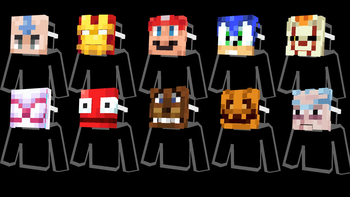
AllTheMasks is a Resource Pack + Datapack that adds a huge collection of wearable masks, without any required mods.
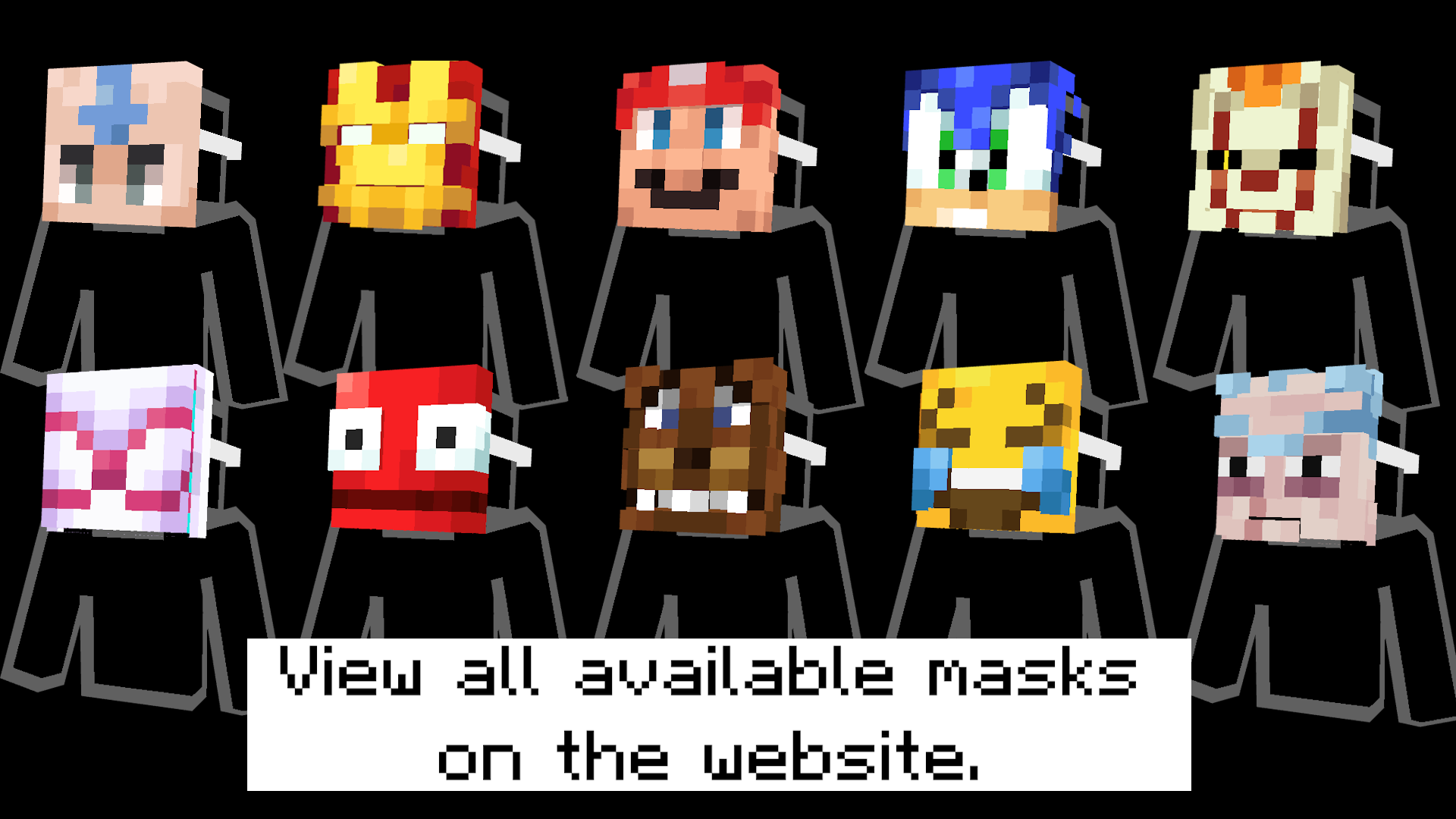
- A complete list of all available masks can be found on the website.
- The datapack can be downloaded here.
- Can be used with Optifine/Cit mods instead of datapack.
Features
- ? Over 100 unique masks
- ? Fully vanilla
- ? Multiplayer compatible
- ? Switch each mask between two wearable positions (Datapack exclusive)
Getting Masks
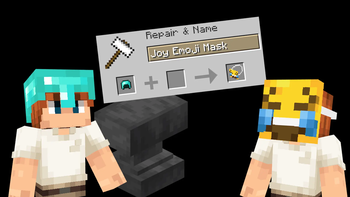
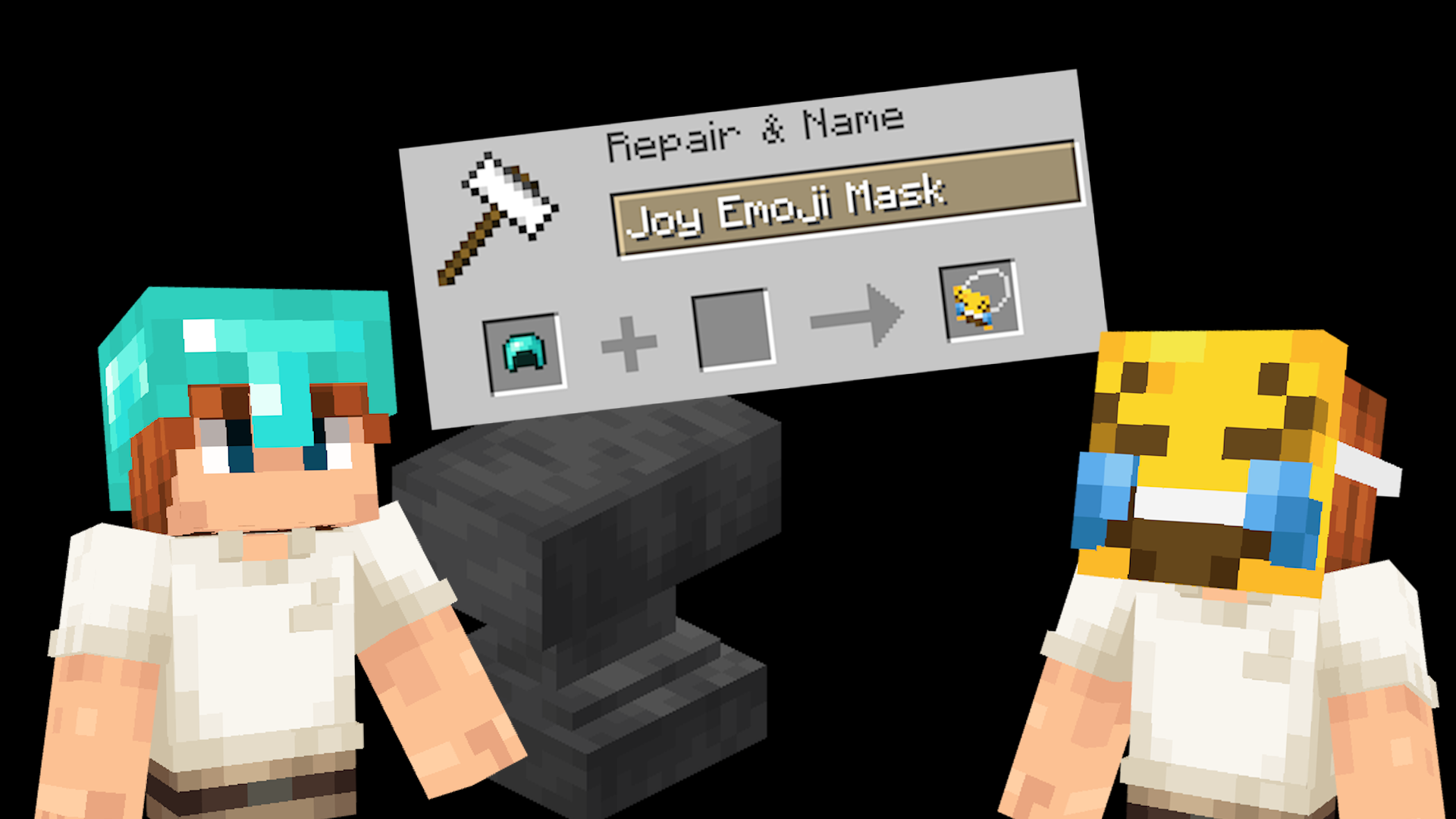
Masks are obtained by renaming any helmet in an anvil. Rename it to the name of any supported mask.
A complete list of all available masks can be found on the website.
Switching mask position
Every mask can be worn in two different ways:
- In front of your face, like actually wearing it.
- On top of your head, like holding the mask up.
Simply press your Sneak + Sprint keys (Shift + Control by default) to switch between these two positions.
Installation
Both the Resource Pack and Datapack are required.
- Place the Resource Pack in your
resourcepacksfolder. - Place the Datapack in your world's
datapacksfolder. - Load the world and run
/reloadif necessary.
Multiplayer
For multiplayer, only the server needs the datapack installed, while every player must use the matching resource pack.
All Masks
A complete list of all available masks can be found on the website.
Non-vanilla
The resource pack also works without the datapack when using CIT mods such as OptiFine. However, the Sneak + Sprint switching feature is only available when using the datapack.
Help
Need help? Join the Discord server.
请登录后举报
暂无评论,抢个沙发吧~