
Screenshot Studio
作者:rebot | 分类:模组
Minecraft 版本: 26.2
平台: fabric
标签: management technology utility
Screenshot Studio
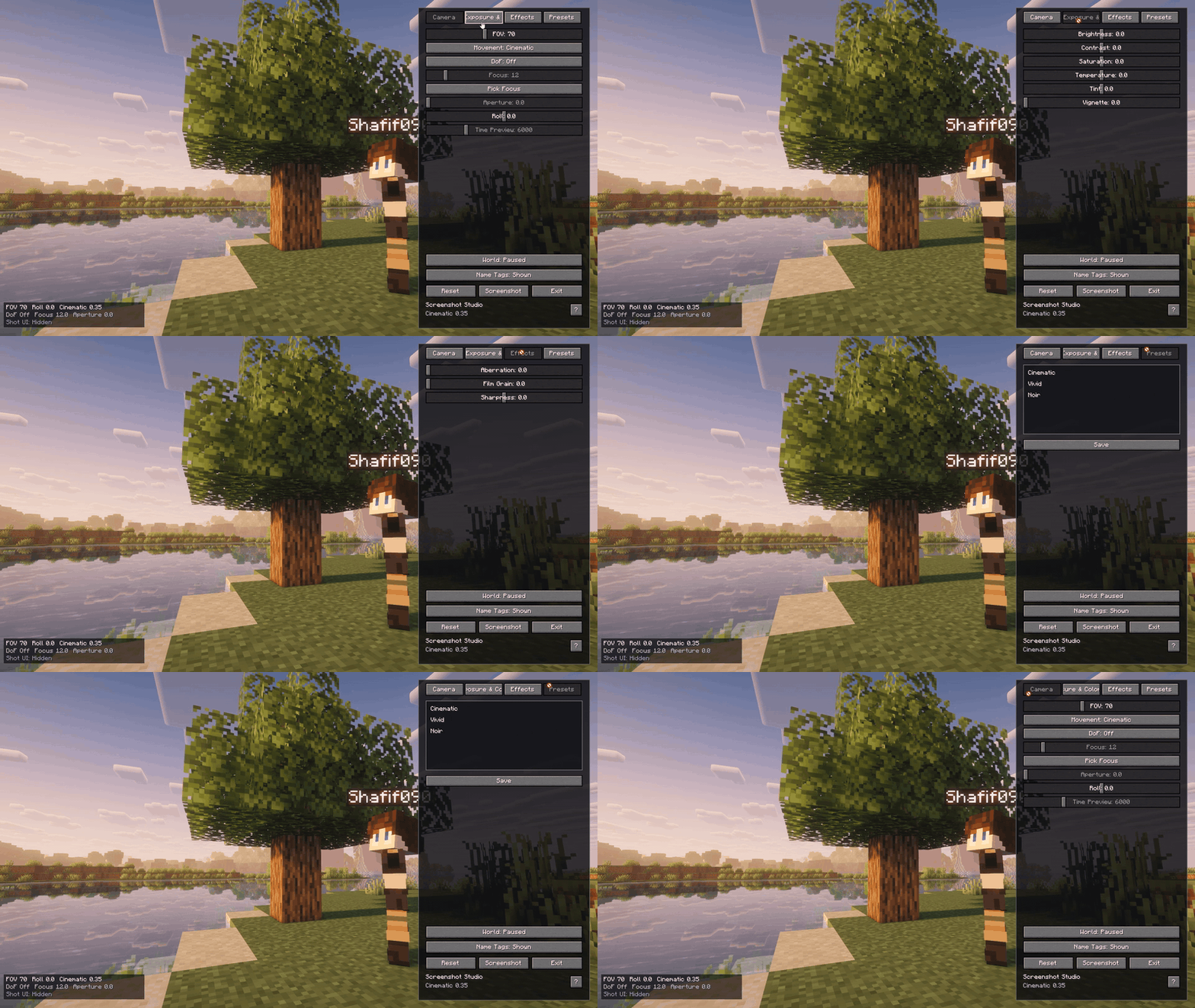
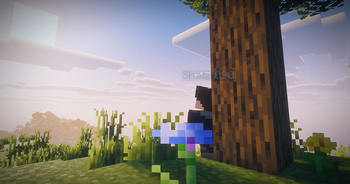
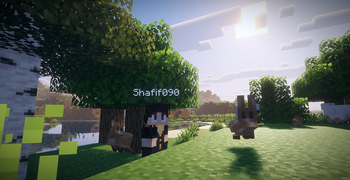
Screenshot Studio is a client-side Fabric mod that turns Minecraft into a cinematic camera studio for capturing high-quality, cinematic screenshots. Capture screenshots with full camera control, visual effects, and presets.
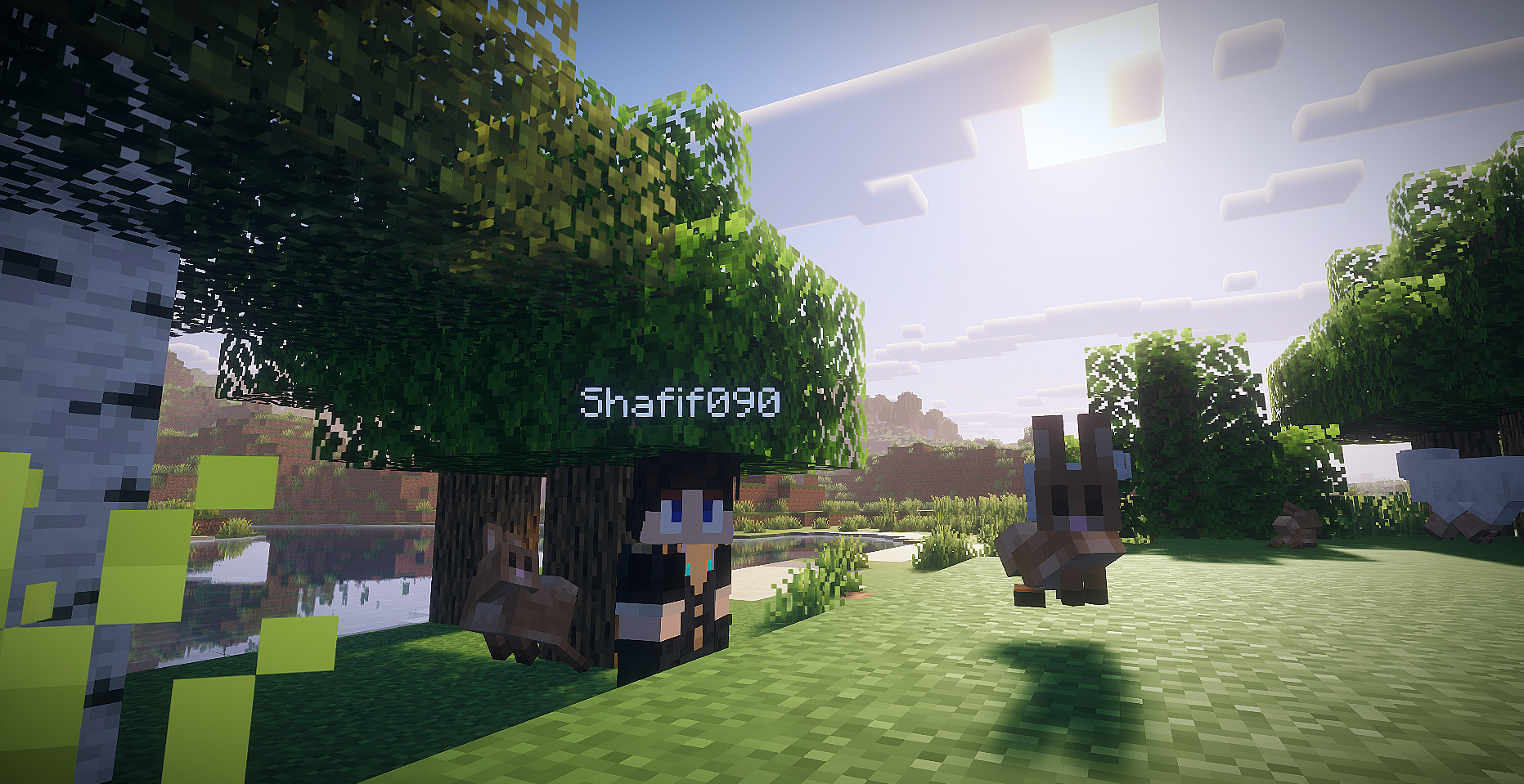
Shader: Complementary Reimagined
[USE SHADER FOR BEST RESULTS!]
Features
- Toggleable photo mode with default
F9keybind. - Singleplayer opens paused by default, with a photo mode button to switch the world between paused and running.
- Multiplayer and LAN-published worlds keep running because the server cannot be paused client-side.
- Detached free camera with precision, cinematic, and scouting movement modes.
- WASD horizontal camera movement, Space/Shift vertical movement, Ctrl boost, Q/E roll, mouse drag look, mouse-wheel FOV, and Alt+scroll speed control.
- Hidden vanilla HUD and first-person hand while photo mode is active.
- Screenshot flash without capturing the photo mode panel.
- Right-side photo panel with camera, color, effects, preset tabs, reset, screenshot, and help controls.
- Help popup with the important photo mode keybinds.
- Toast notification button for opening the saved screenshot.
- Built-in presets: Cinematic, Vivid, Noir.
- Custom presets saved as JSON under
.minecraft/config/screenshotstudio/presets/. - Screenshot panel button using Minecraft's current screenshot API through a small abstraction.
- Shader resources for color grading, vignette, chromatic aberration, grain, and DoF fallback math.
Keybinds
F9: Toggle photo mode.H: Hide or show the photo panel while photo mode is open.W/A/S/D: Move the detached camera horizontally.Space/Shift: Move camera up / down.Ctrl: Boost camera movement.Q/E: Roll camera.Mouse drag: Look around while dragging outside the panel.Mouse wheel: Adjust FOV while scrolling outside the panel.Alt + mouse wheel: Adjust camera movement speed.F: Pick depth-of-field focus from the current target.Middle click: Pick depth-of-field focus while clicking outside the panel.M: Cycle movement mode.- Optional screenshot keybind is registered but disabled by default in
config/screenshotstudio.json.
Screenshots and Videos

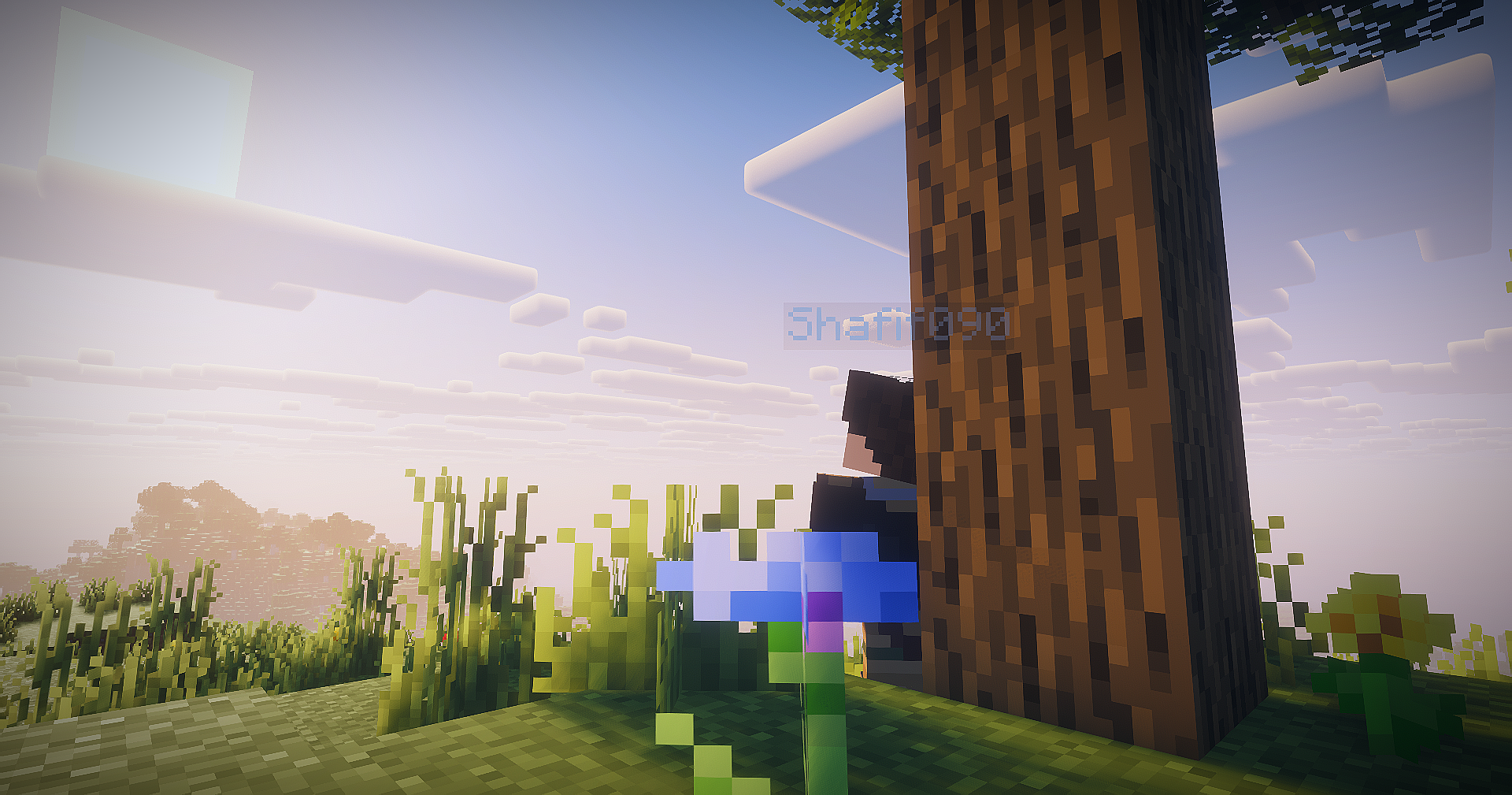
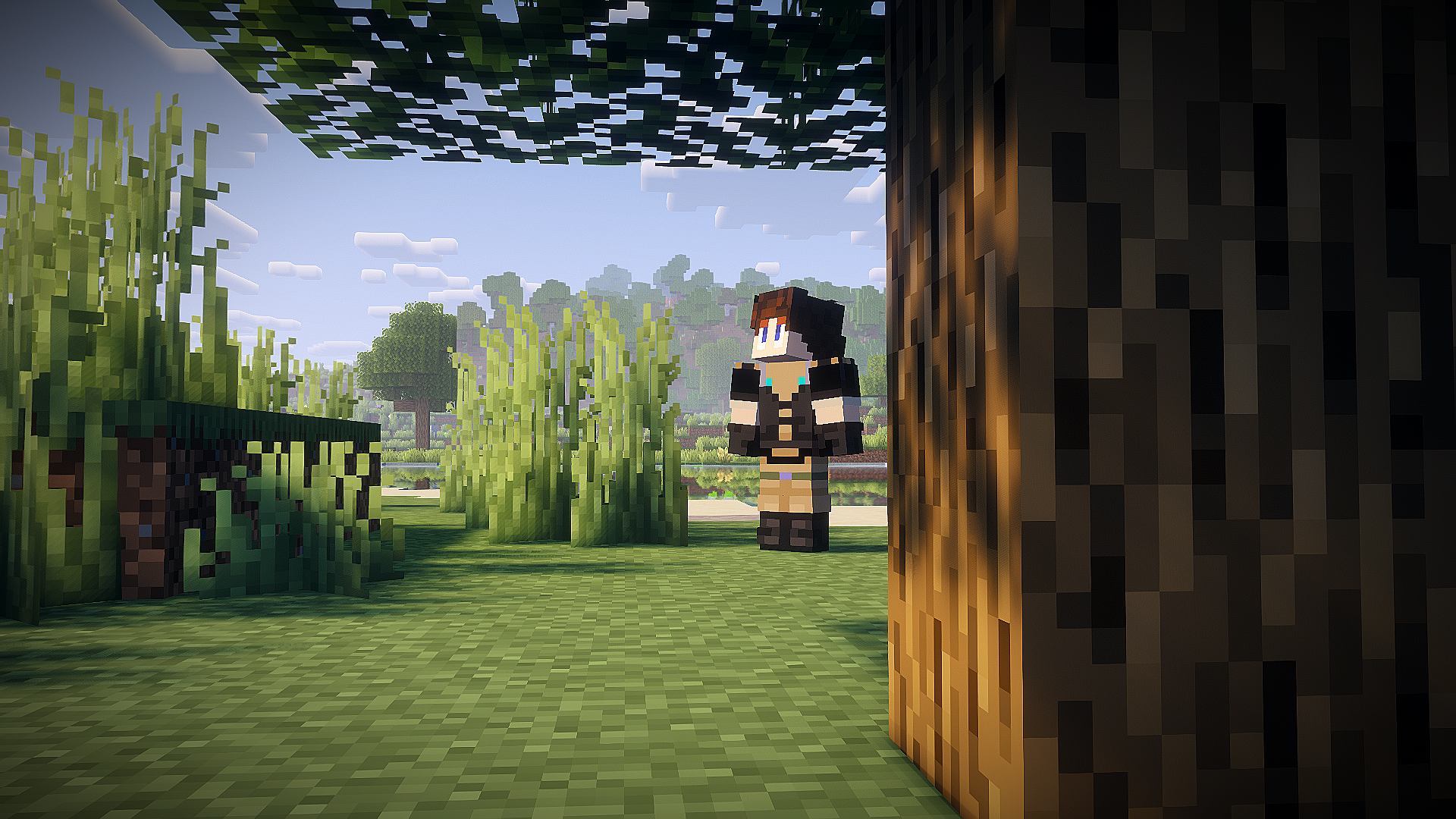
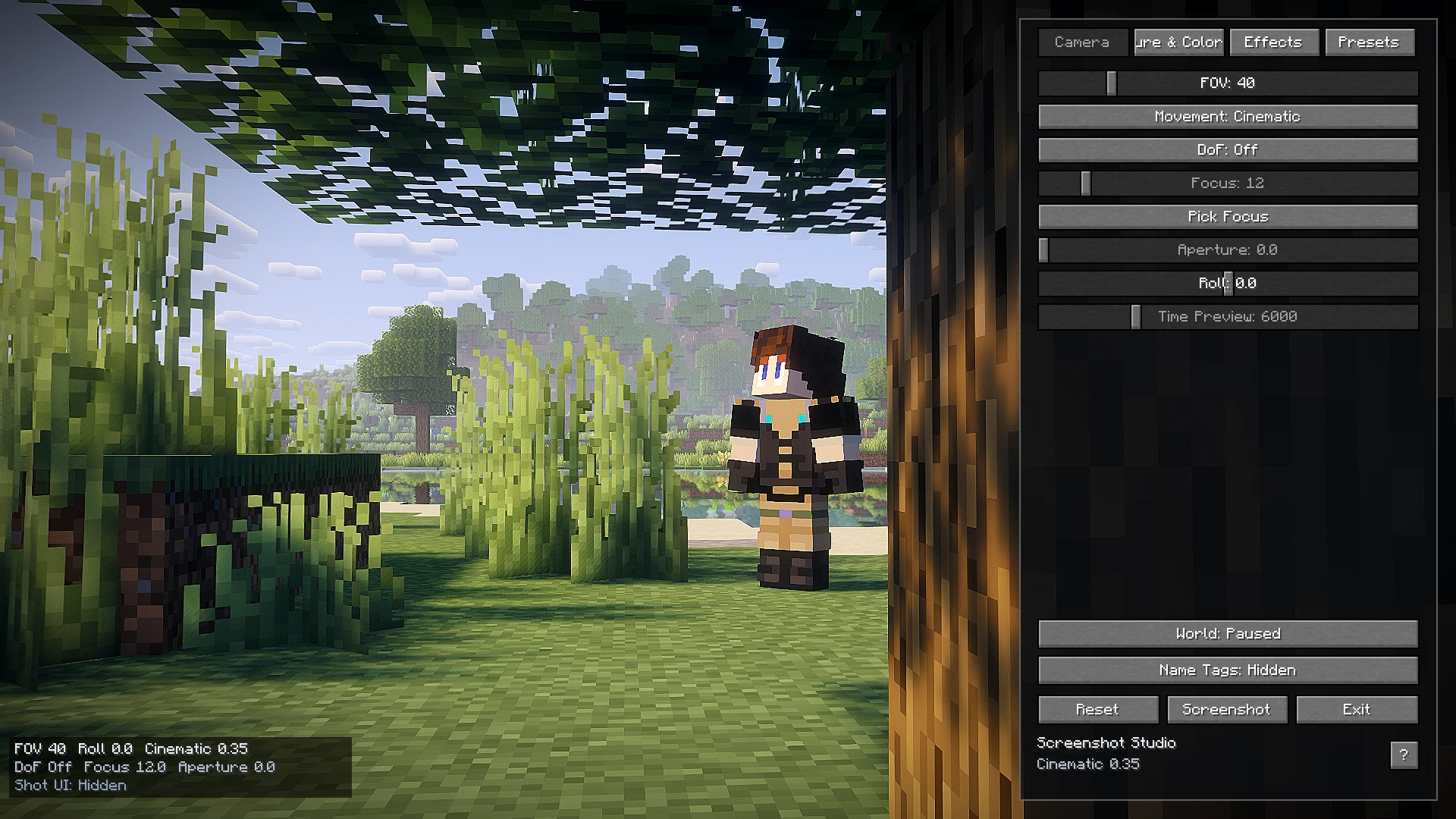
Known Limitations
- Multiplayer freecam is client-side. Server chunk loading is still limited by the chunks the server sends around the real player.
- Minecraft
26.1.2moved GUI rendering toGuiGraphicsExtractor, so post effects are implemented with a safe overlay fallback by default. The GLSL resources are present for a future renderer-specific pipeline hook. - Depth of field uses a screen-space center blur fallback because stable depth-buffer access is not exposed safely here.
- The time-of-day slider is disabled gracefully; visual-only sky time needs a version-specific renderer hook.
- Mouse look is drag-based while the UI screen is open, which keeps multiplayer input from being sent accidentally.
请登录后举报
请 登录 后赞助作者。
暂无评论,抢个沙发吧~