
Elvenide Structures
作者:rebot | 分类:模组
Minecraft 版本: 1.21.4 1.21.5 1.21.6 1.21.7 1.21.8
平台: paper
标签: decoration technology transportation

 \
\
Features
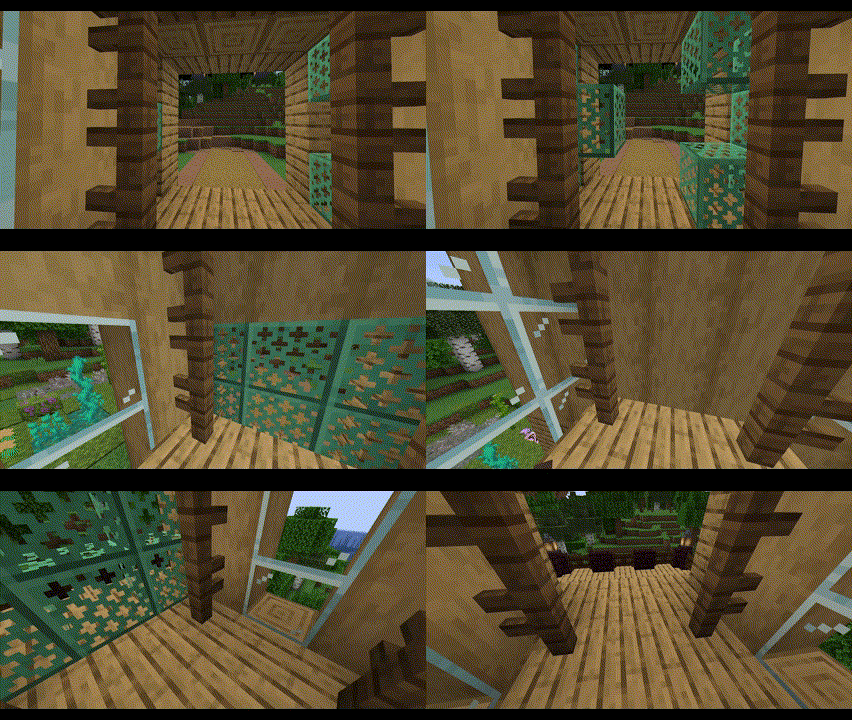
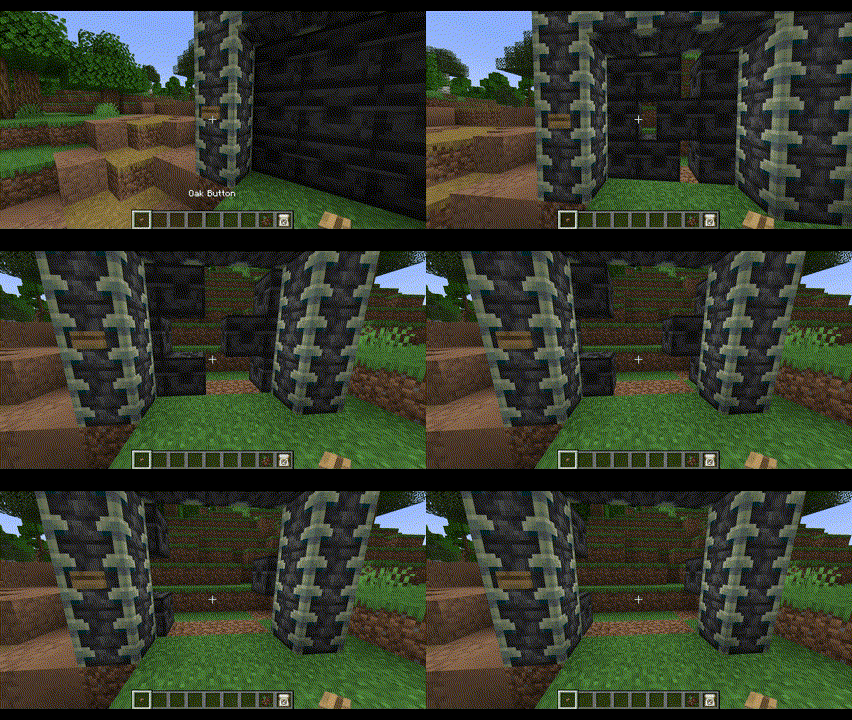
- Smoothly animated elevators and sliding doors
- No resource packs or mods necessary!
- Elevators can lift several players and mobs
- Elevators support up to 2 auto-detected floors
- Elevators can be started by simply walking inside them
- Elevators can be called by any nearby buttons, levers, etc
- Doors can be opened/closed by any nearby buttons, levers, etc
- Two adjacent doors become double doors that move simultaneously
- Doors and elevators near each other can be auto-connected
- Easily setup doors and elevators using a familiar selection tool system
Get Started
- Download the plugin into your
pluginsfolder - Start your server
- Use the
/estructurescommand to create and manage your structures
Commands and Permissions
All commands can also use the alias /estruct.
/estructures door- Setup a moving door.
- Permission:
elvenidestructures.commands.door
/estructures door delete- Delete an existing door.
- Permission:
elvenidestructures.commands.door.delete
/estructures elevator create- Setup a moving elevator.
- Permission:
elvenidestructures.commands.elevator.create
/estructures elevator run- Run an existing elevator, ignoring cooldowns.
- Permission:
elvenidestructures.commands.elevator.run
/estructures elevator delete- Delete an existing elevator.
- Permission:
elvenidestructures.commands.elevator.delete
/estructures reload- Reload the configs for the world you are currently in.
- Permission:
elvenidestructures.commands.reload
Configuration
Once you setup a structure (elevators/doors), an elvenide_structures folder will appear within the world you created the structure in. Inside that folder, there is a thoroughly documented config.yml file that will allow you to configure a couple of useful properties.
请登录后举报
请 登录 后赞助作者。
暂无评论,抢个沙发吧~