CC SmartCard
作者:rebot | 分类:模组
Minecraft 版本: 1.21.1
平台: neoforge
标签: technology utility
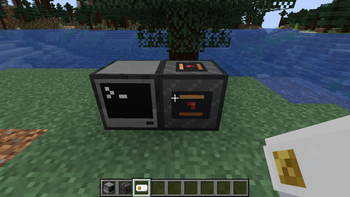
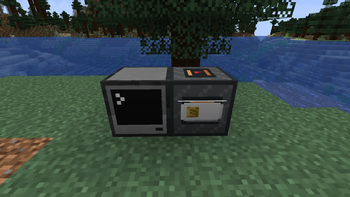
CC SmartCard
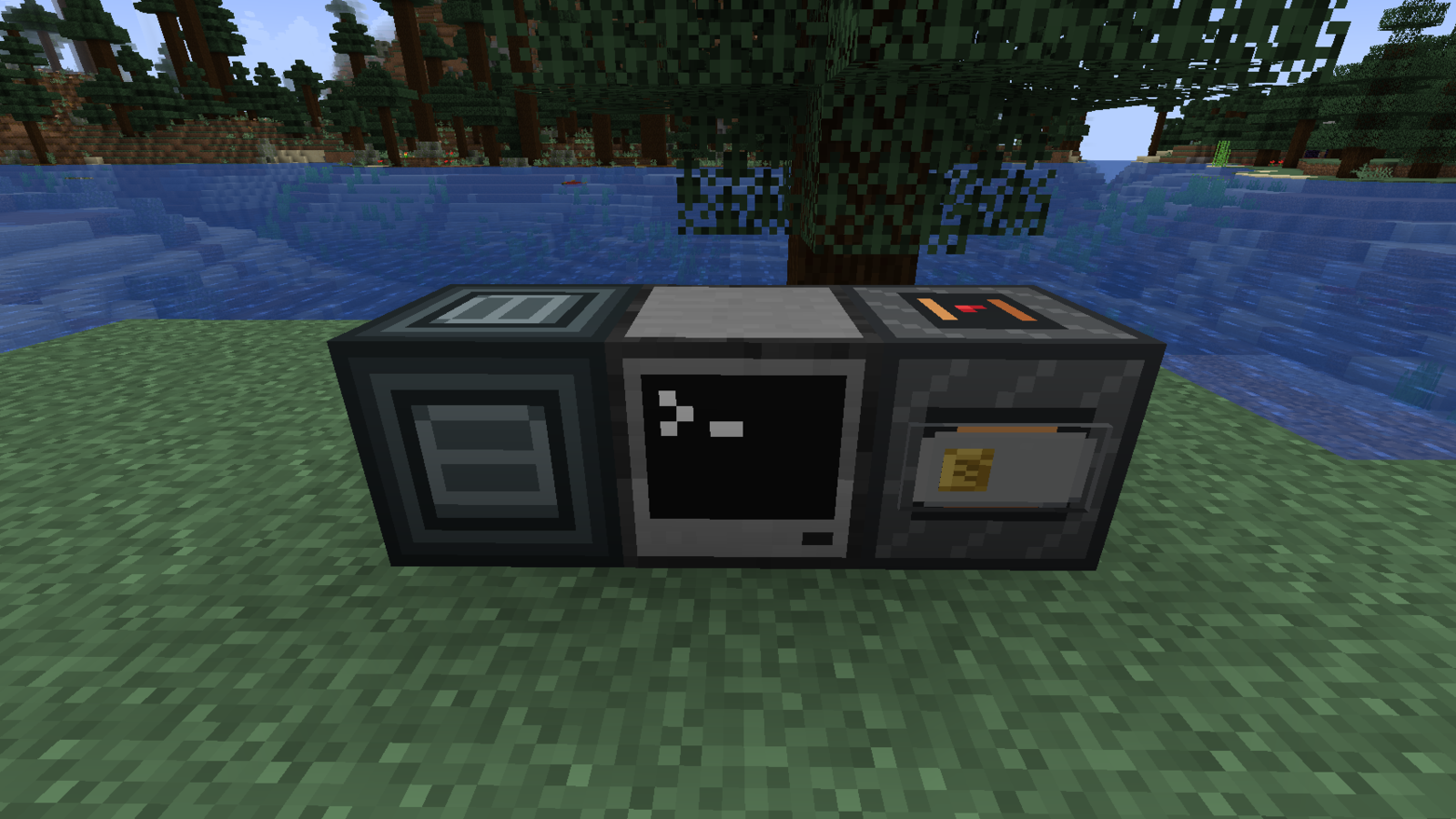
Programmable Smart Cards, identity scanners, passage sensors, and access gates for CC: Tweaked.
Unlike a CC disk, whose holder can freely read and write its shared storage, a Smart Card is written only once when issued. Its contents cannot then be read directly or arbitrarily changed; it can only run commands defined at issuance, giving it a different security boundary and usage model.
It is designed for ComputerCraft-style access cards, identity checks, tickets, tokens, banking systems, and other builds that need more than a plain item ID.
Smart Cards
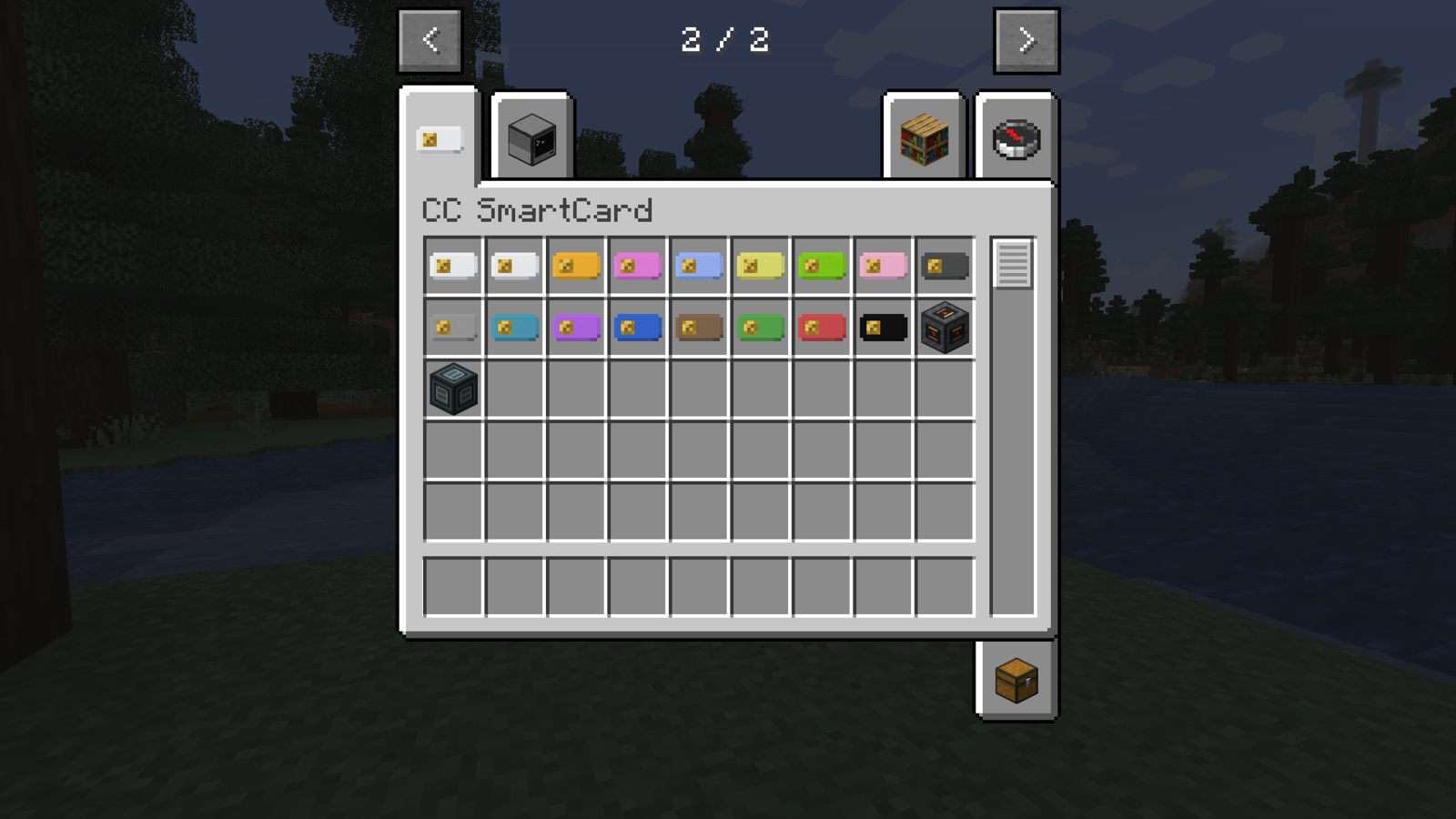
- Give each card a public ID and optional label.
- Dye cards without changing their identity, program, or stored files.
- Issue a card from one Lua source string or a directory of files.
- Keep the issued program and its storage private from the normal reader API.
- Run card programs independently from the calling computer.
Issued cards cannot be erased or reissued through the supported reader API.
Smart Card Reader
Place the reader beside a CC: Tweaked computer or connect it through a wired modem. Insert or remove a card by right-clicking any face of the reader.
The smart_card_reader peripheral can inspect public card metadata, issue a blank card, call commands on an issued card, and emit insertion or removal events.
local reader = peripheral.find("smart_card_reader")
assert(reader, "No Smart Card Reader found")

local message, cardId = reader.call("ping")
print(message, cardId)
Fingerprint Scanner
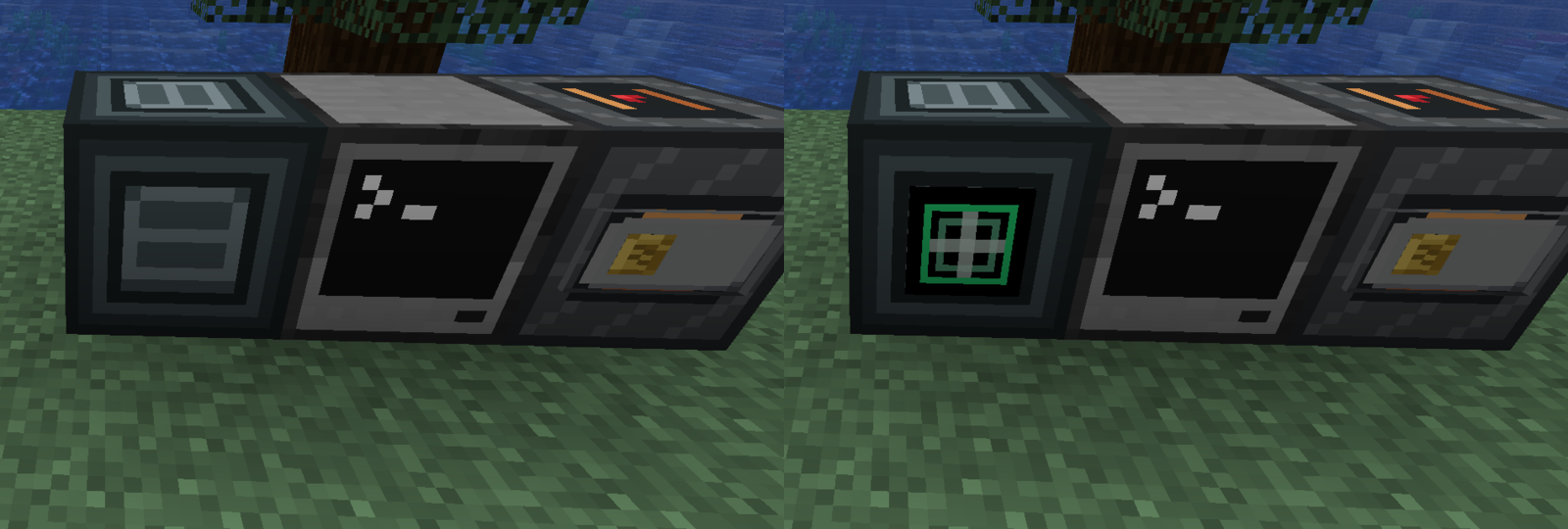
The fingerprint_scanner peripheral waits for a player to right-click the scanner, briefly lights its scanned face, and returns the player's stable UUID together with their current profile name.
local scanner = peripheral.find("fingerprint_scanner")
local player = assert(scanner.scan())
print(player.name, player.uuid)
Access Gates and Passage Sensors
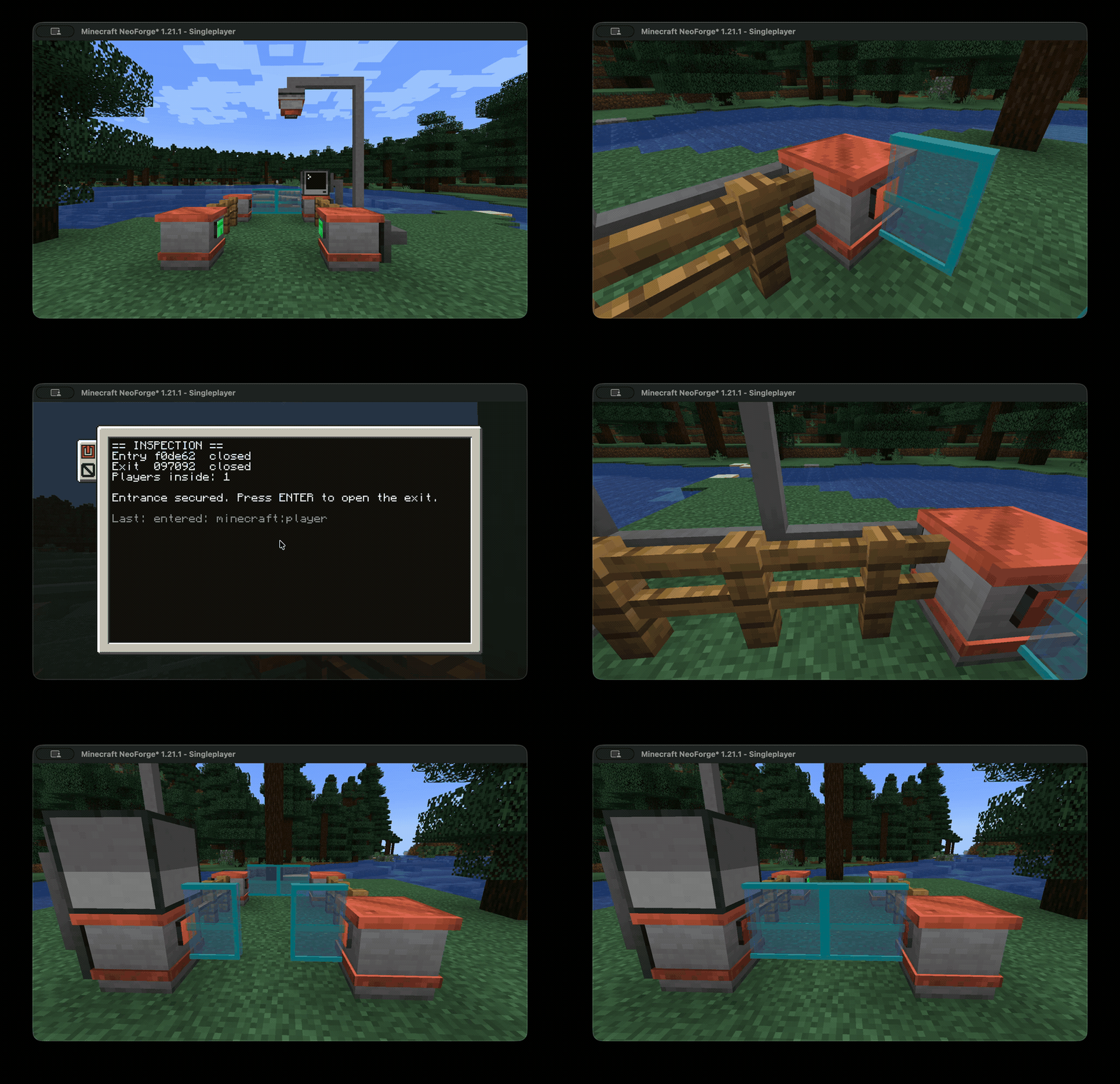
Build automated border-control lanes, secure vestibules, station barriers, or any other two-stage passage. The demonstration uses two independent Access Gates and one Passage Sensor: the entrance starts open, closes after one player enters, the inside computer authorises the exit, and the lane resets after the player leaves.
Place two Gate Cabinets facing each other across a one- or two-block gap to form one animated access_gate peripheral. Both cabinets control the same logical gate.
- Glass leaves open or close asynchronously over 10 game ticks.
- Obstructed leaves automatically reverse and reopen.
- Cabinet lights show red for closed, amber for movement or faults, and green for open.
- Gates ignore redstone and cannot be moved by direct player interaction.
- When the final attached computer disconnects, the gate waits one second and fails open.
- Gate state changes and obstructions are available as ComputerCraft events.
Two gates remain independent: your Lua program decides how authentication works and whether only one gate may be open. This makes the blocks useful beyond a single hard-coded border-control workflow.
Mount a passage_sensor above the controlled space to receive anonymous observations for players, creatures, vehicles, items, and other entities. Its detection cuboid is configurable from Lua, up to 256 blocks within eight blocks of the sensor. Programs can query a snapshot with getEntities() or react to entry, exit, and reset events. Lua chooses what counts as a traveller; the sensor never exposes player UUIDs, names, equipment, inventories, or NBT.
How Cards Work
- Craft a Smart Card and Smart Card Reader.
- Connect the reader to a CC: Tweaked computer.
- Insert a blank card and issue its Lua program once.
- Insert the issued card into other readers and call commands such as
authorize,validate,claim, orredeem.
Card programs receive their own file storage and may use familiar ComputerCraft APIs. Secure random bytes are also available inside the card runtime for programs that need nonces or secret material.
Build Ideas
- Bank cards and shop terminals
- Room keys and access badges
- Train tickets and event passes
- Parcel pickup tokens
- Loyalty and coupon cards
- Two-factor systems combining a Smart Card with a live fingerprint scan
- Automated border-control lanes and two-gate interlocked passages
- Prison, bank, warehouse, and station access gates
Crafting
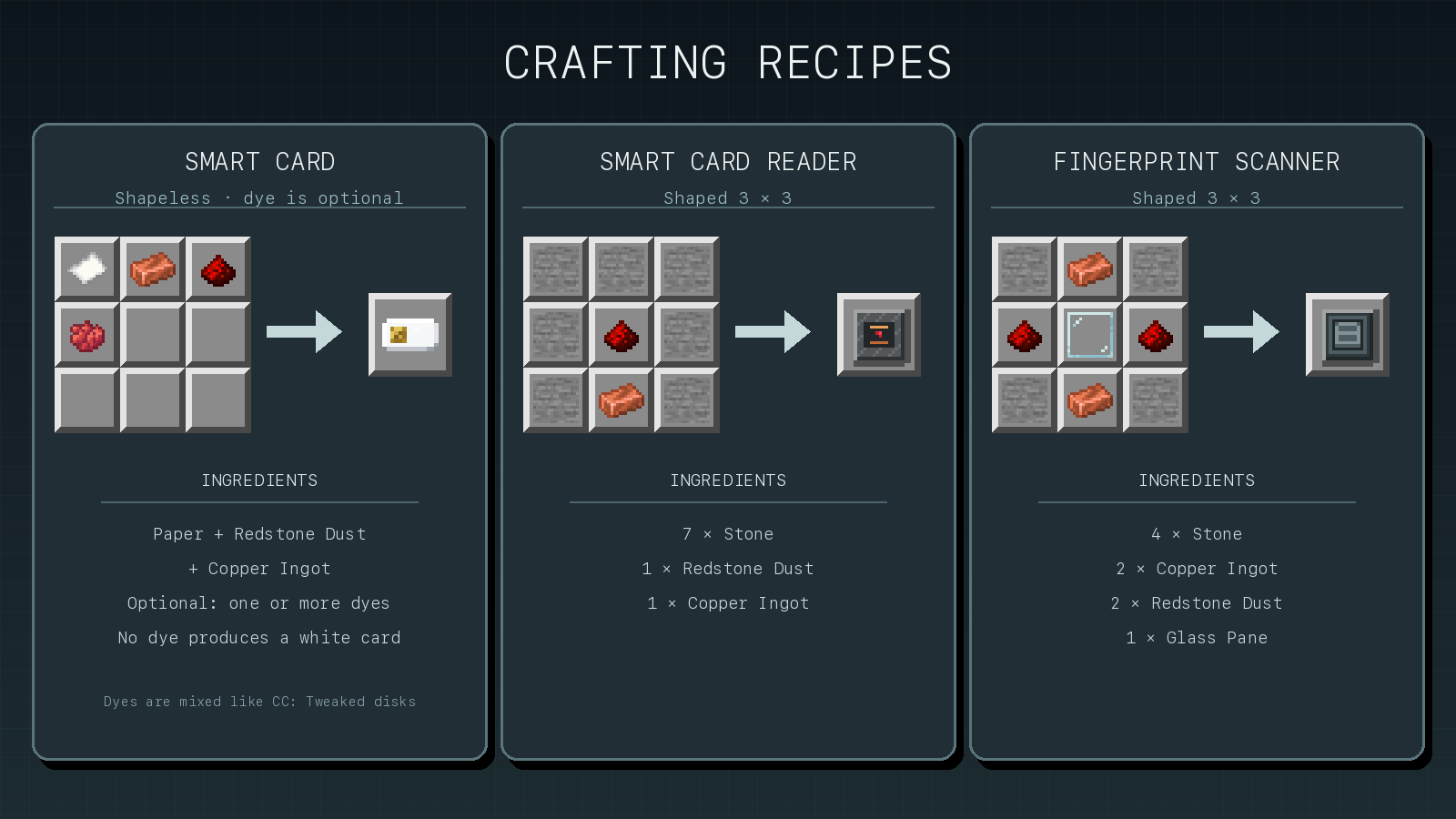
The image covers the original card and identity blocks. Gate Cabinet and Passage Sensor recipes are included in the text reference below.
Text recipe reference ### Smart Card Shapeless: Paper, Redstone Dust, Copper Ingot, and optional dyes. ### Smart Card Reader ```text ### #R# #C# ``` - `#` = Stone - `R` = Redstone Dust - `C` = Copper Ingot ### Fingerprint Scanner ```text SCS RGR SCS ``` - `S` = Stone - `C` = Copper Ingot - `R` = Redstone Dust - `G` = Glass Pane ### Gate Cabinets (makes 2) ```text SGS PRP SCS ``` - `S` = Stone - `G` = Glass Pane - `P` = Piston - `R` = Redstone Dust - `C` = Copper Ingot ### Passage Sensor ```text CGC ROR SSS ``` - `S` = Stone - `C` = Copper Ingot - `G` = Glass Pane - `R` = Redstone Dust - `O` = ObserverRequirements
- Minecraft 1.21.1
- NeoForge 21.1.235 or newer in the 21.1 line
- CC: Tweaked 1.120.0 or newer
- Java 21
Install CC SmartCard on the server. Multiplayer clients should also install it so its blocks, items, models, and translations are available.
Documentation
The full README and API reference covers issuing, reader events, every peripheral method, the card runtime API, file layout, and complete examples.
Card privacy is a gameplay boundary, not formal protection against server administrators or other out-of-game access.
请登录后举报
暂无评论,抢个沙发吧~