GUI Overhaul
作者:rebot | 分类:数据包
Minecraft 版本: 1.21.6 1.21.7 1.21.8 1.21.9 1.21.10 1.21.11 26.1 26.1.1 26.1.2 26.2
平台: minecraft
标签: gui simplistic vanilla-like
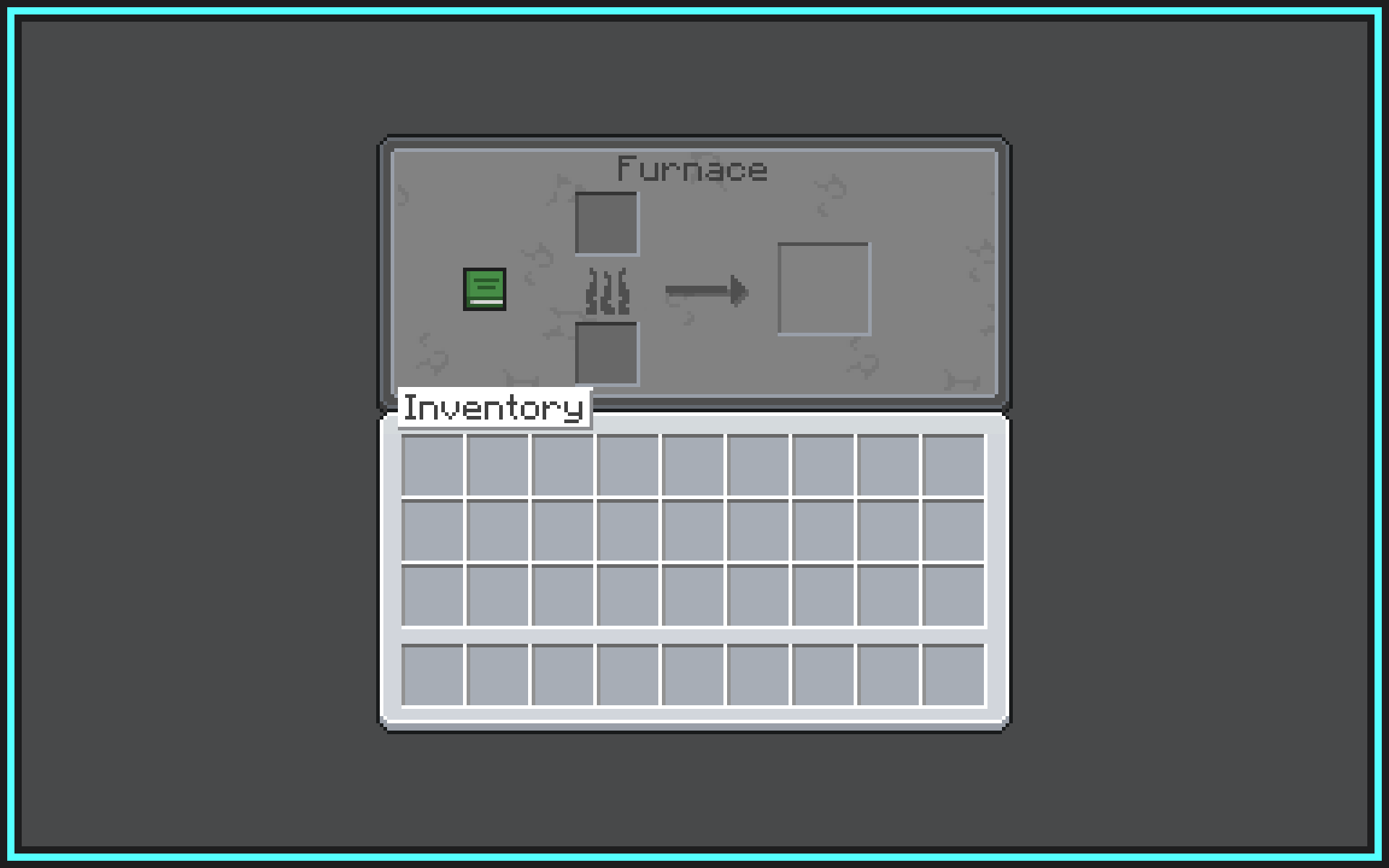
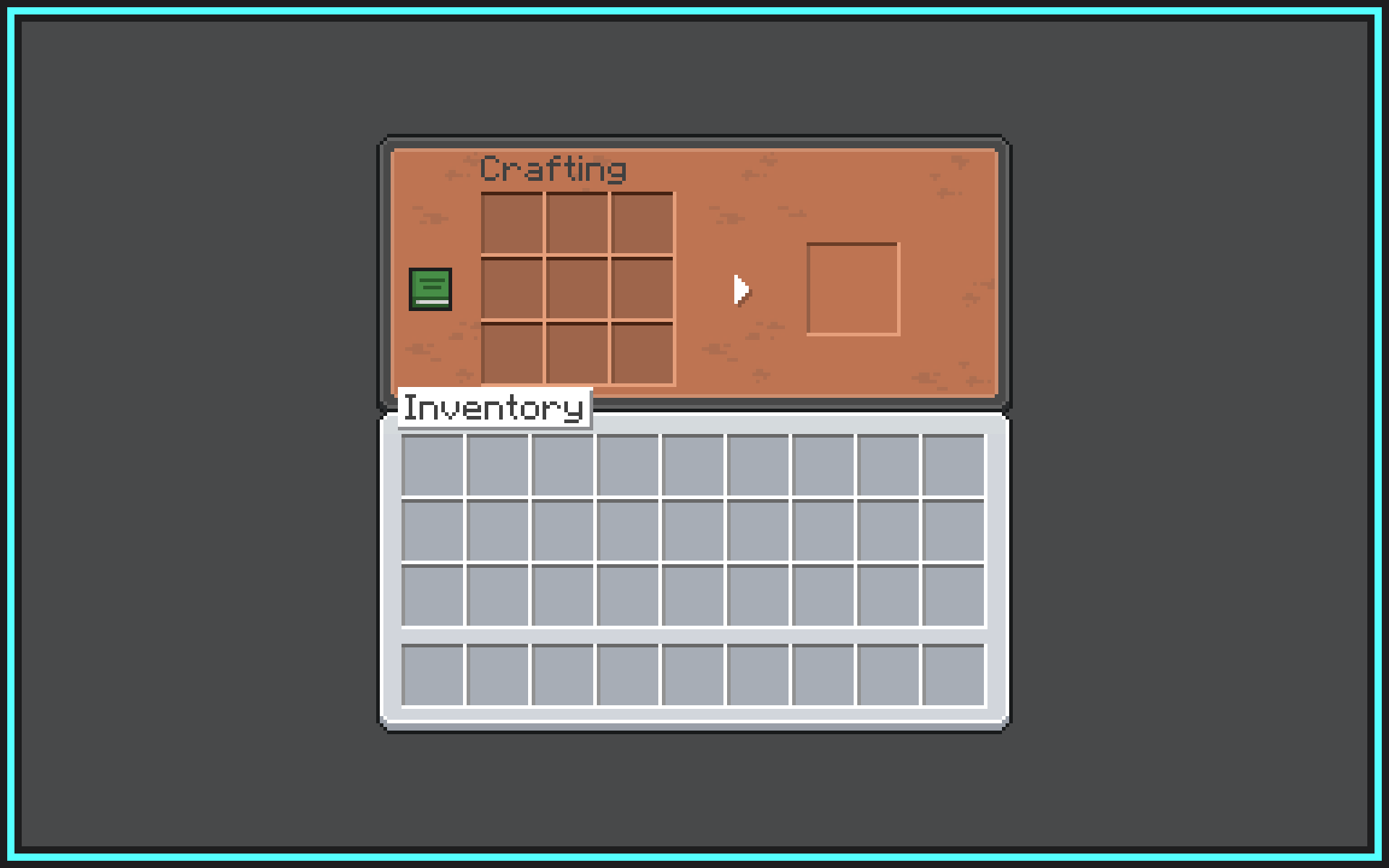


Version 26.1 of the resource pack is here!
? Latest version: 26.1

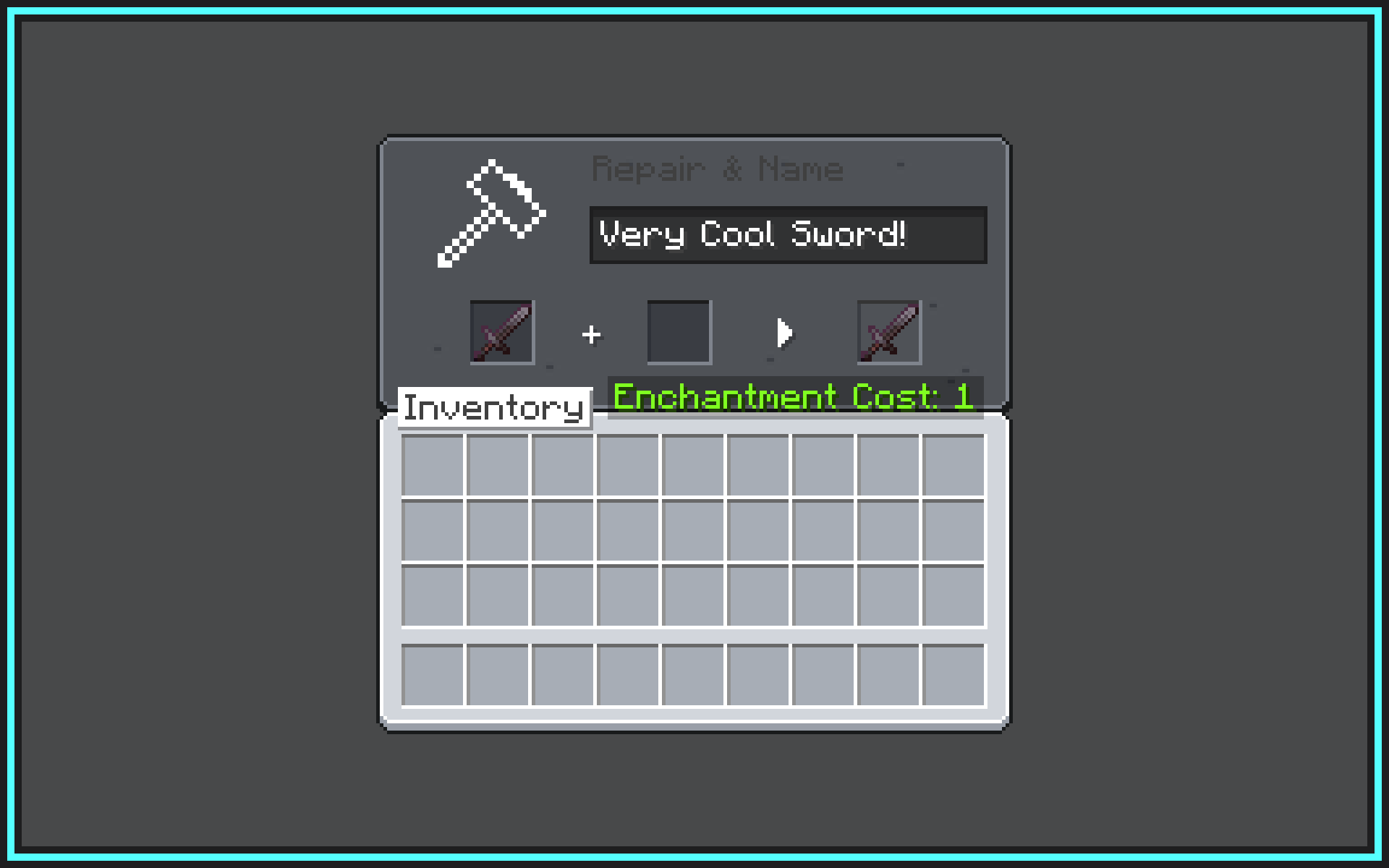
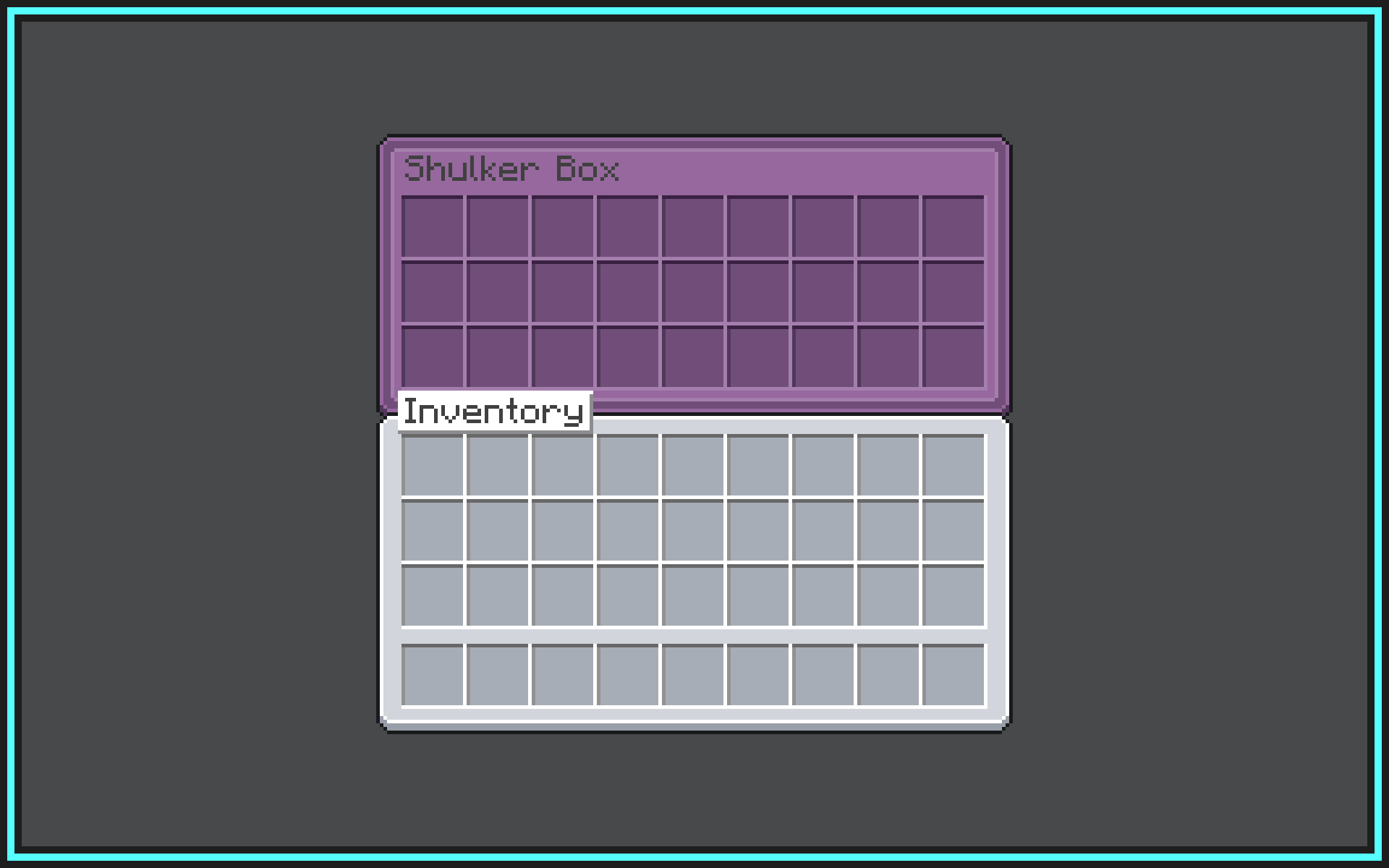
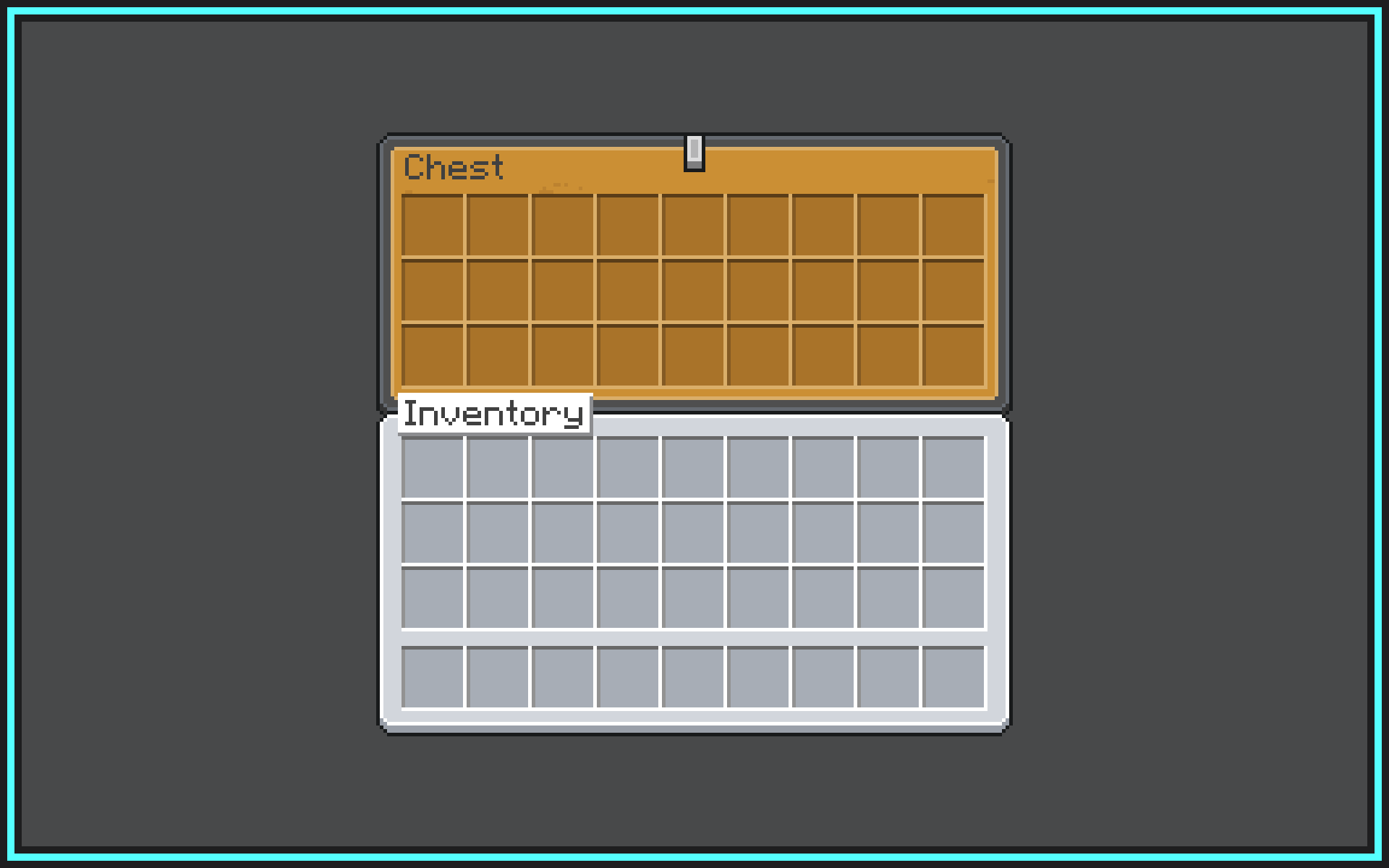
Welcome to GUI Overhaul! This is a resource pack that overhauls the colors and appearance of all buttons and inventory screens, making Java Edition's GUIs more in parity with Bedrock Edition while keeping the the classic default style.
This pack comes with 2 color modes: Default and Dark, supports custom inventory screens likes barrel, ender chest and shulker boxes by using OptiGUI (most recommended) or Optifine.

? Currently supported versions: 1.20.2 → 26.2.
?️ Currently supported mods: 13.
- AppleSkin
- Axiom
- Cherished Worlds
- Cloth Config API
- Distant Horizons
- Fabric Mod Loader
- Icons
- Iris Shaders
- Jade
- Just Enough Items
- Mod Menu
- No Chat Reports
- Optifine
- OptiGUI
- ReplayMod
- Shulker Box Tooltip [*NEW]
- Sodium
- Traveler's Backpack (latest)
- Voice Chat
Q&A section:
How can I download this resource pack? Follow these steps to download and install this resource pack correctly: --- ### 1️⃣ Download the resource pack - Go to **Version**. - Select the version that matches the Minecraft version you are currently using. - Check the version number and the name below it to choose: - The latest compatible version - Your preferred variant (Default / Dark mode) - Click **Download**. What you should get is a `.zip` file. Do **not** extract it. --- ### 2️⃣ Install the Resource Pack Locate the downloaded `.zip` file and move it into your `resourcepacks` folder using one of the methods below: > ### From Minecraft (Recommended) > 1. Open Minecraft. > 2. Go to **Options → Resource Packs** → **Open Pack Folder**. > ### Windows > 1. Press `Ctrl + R` to open Run. > 2. Go to `%appdata%/Roaming/.minecraft/resourcepack`. > ### macOS > 1. Open Finder, press `Cmd + Shift + G`. > 2. Go to `~/Library/Application Support/minecraft/resourcepacks`. > ### Linux > 1. Open your file manager. > 2. Go to `~/.minecraft/resourcepacks`. Once the `resourcepacks` folder opens, drag and drop the downloaded `.zip` file into it. --- ### 3️⃣ Select the resource pack Once you're done the resource pack should appears in the **Available** section, select the resource pack and apply!Made with ? by itsquasi.
请登录后举报
暂无评论,抢个沙发吧~