
Drag Things
作者:rebot | 分类:模组
Minecraft 版本: 1.21.1
平台: fabric
标签: cursed game-mechanics technology
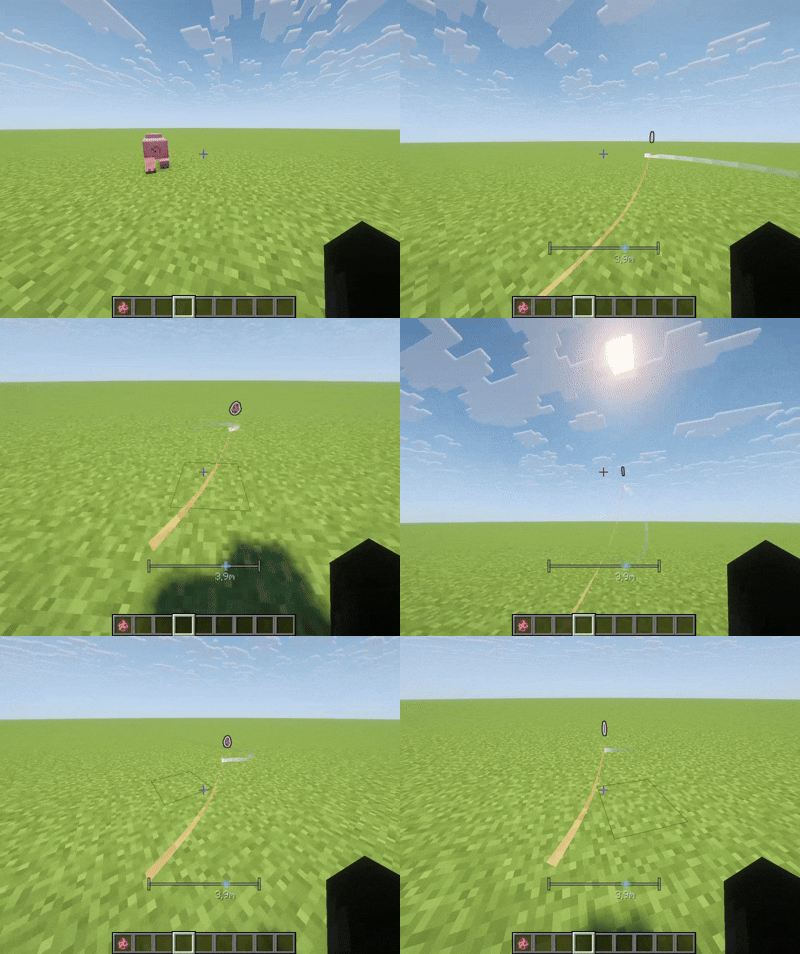
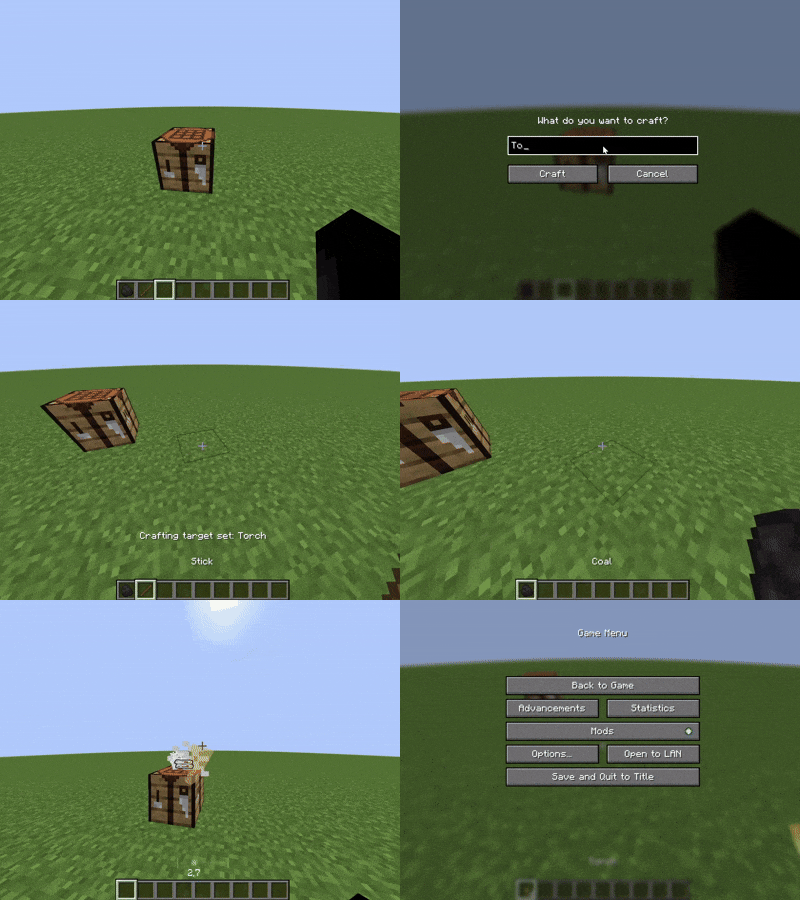
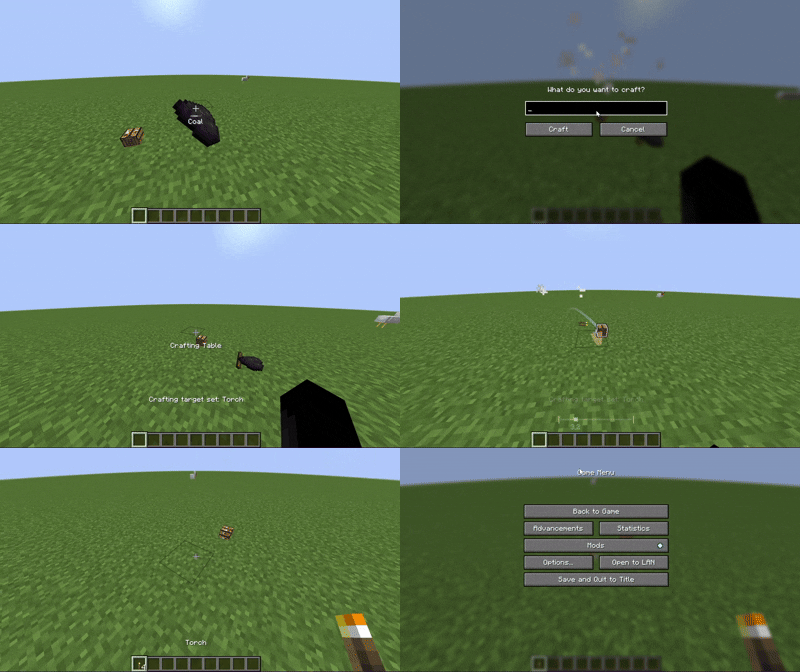
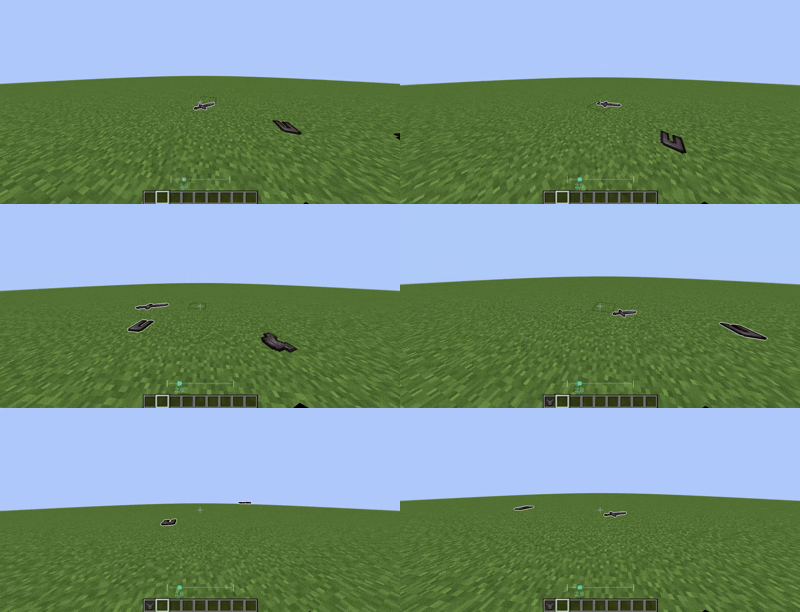


ABOUT
One thing I've always liked in games like Half-Life, R.E.P.O, Dead Rails, and A Dusty Trip is how you can grab and move objects naturally. It's a small feature, but it makes interacting with the world feel much more engaging.
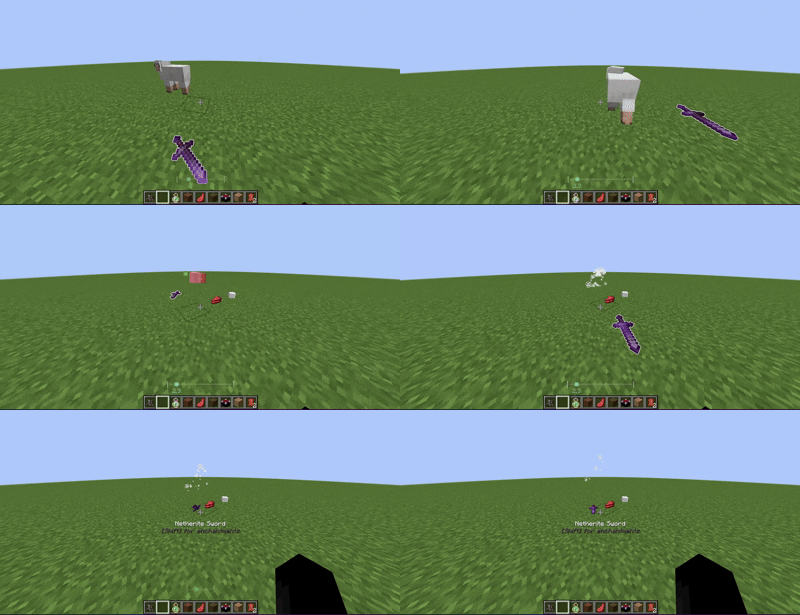
Drag Things adds a similar mechanic to Minecraft, allowing you to grab and drag dropped items with your mouse while keeping the gameplay simple and lightweight.


Main Features
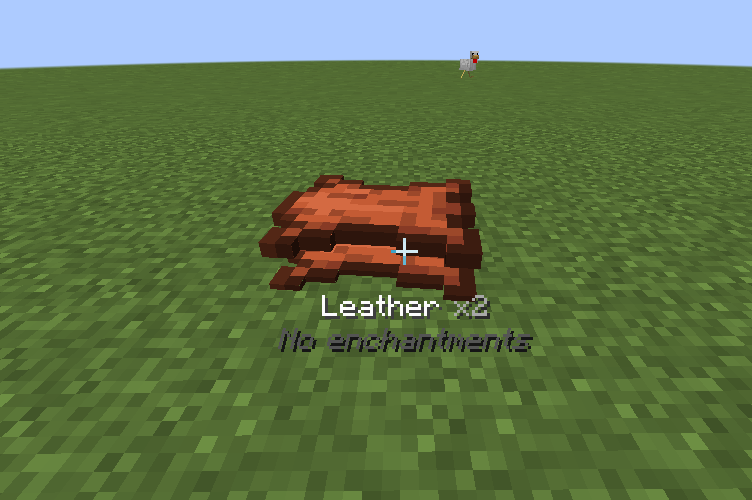
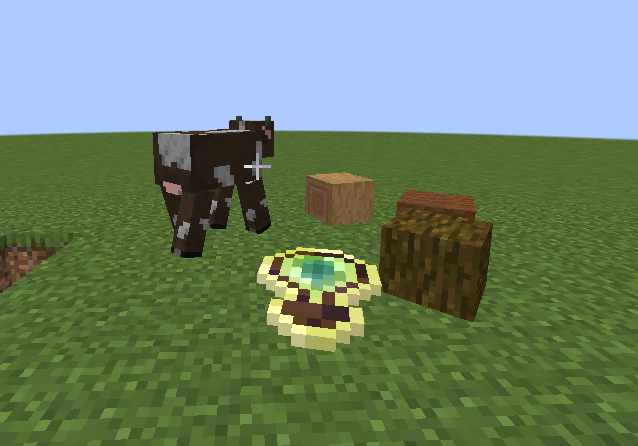
- Interactive Dragging: Hold Right Click to grab dropped items or blocks, then move them by looking around.
- Throwing: Flick your mouse and release Right Click to throw an item. The throwing force depends on your movement.
- Weight System: Different items have different weights. Heavy objects like anvils move more slowly, while lighter items are easier to handle. Item weights can be customized through Cloth Config.
- Multi-Drag: Chain up to 8 items together and move them as a group.
- Block Placement: Drag a placeable block onto a surface, then release to place it directly into the world.
Automated Rituals & Block Functions
- Storage: Drop items near storage blocks (such as Chests or Barrels) to deposit them automatically.
- Crafting: Bring a Crafting Table near nearby items to craft automatically. (Currently supports shapeless recipes only.)
- Enchanting: Place an Enchanting Table near Lapis Lazuli, an enchantable item, and XP orbs. The table collects nearby XP and enchants the item. A HUD displays the stored XP.
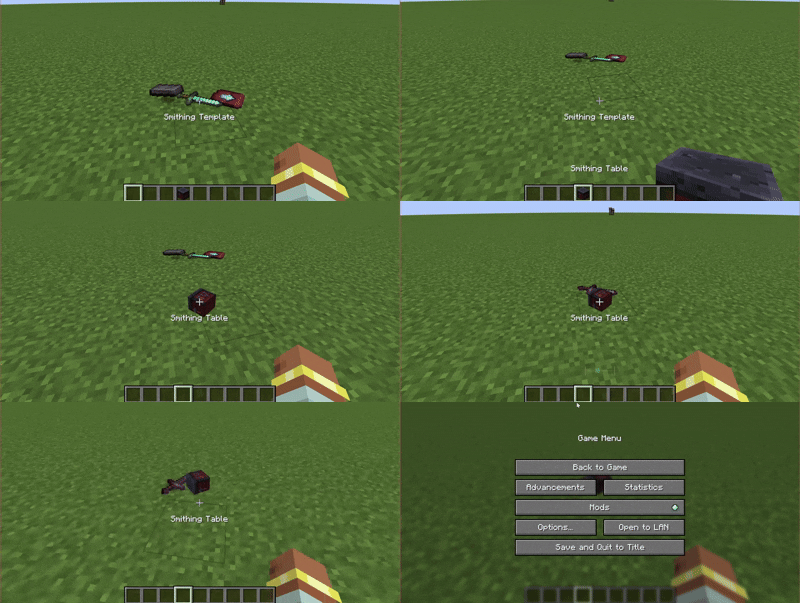
- Smithing: Bring a Smithing Table near the required template, base item, and addition item to perform smithing automatically.
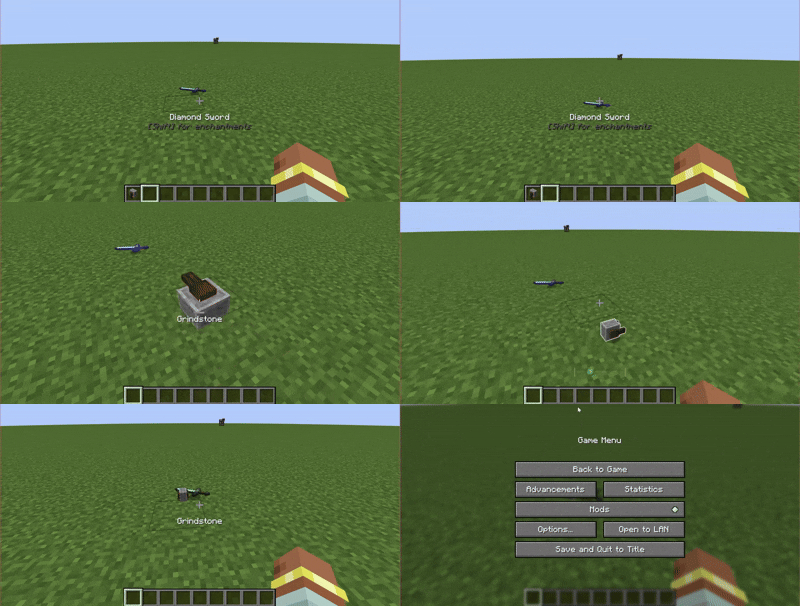
- Grindstone: Repair two matching items, or remove enchantments from a single enchanted item while returning experience.
Tool & Weapon Interactions
-
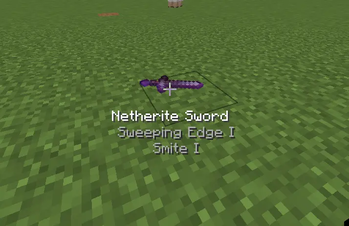
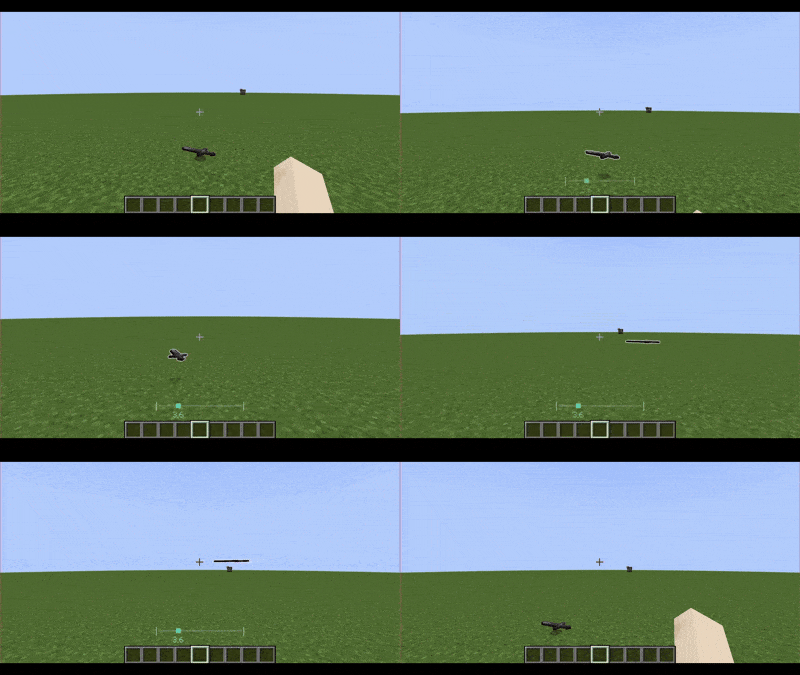
Weapon Damage: Swing Swords, Axes, or Tridents by dragging them. Faster swings deal more damage.
-
World Interaction: Drag tools over blocks to interact with them. Hold Shift for secondary actions.
- Hoe: Till farmland
- Shovel: Create dirt paths
- Axe: Strip logs
- Pickaxe: Mine blocks progressively (mining progress resets after about 2 seconds of inactivity)
Supports both Fortune and Silk Touch.


- Pick Up & Move: Look at a dropped item, then hold Right Click to grab it. Move your camera to drag it around.
- Throw: Flick your camera and release Right Click to throw the item. The faster you move, the farther it goes.
- Chain Items (Multi-Drag): While dragging an item, look at another item and press G (default keybind, configurable in Controls) to chain them together. You can chain up to 8 items.
- Place Blocks: Drag a placeable block onto a solid surface, then release Right Click to place it.
If you're not sure how something works, take a look at the videos in the Gallery section.
Note: A few videos are a little outdated and may not include the newest features.


To run Drag Things smoothly, please ensure you have the following mods installed:
- Fabric API: Core dependency. The mod will not launch without it.
- Cloth Config API: Required to load and save your custom configuration (like item weights).
- Mod Menu: (Highly Recommended) Allows you to open the configuration screen directly in-game to rebind keys and adjust settings.
You can definitely have other things to improve the visual:
- Smooth Glowing Resource Pack: Enhances Minecraft's default glowing outline effect, making chained or targeted items look much cleaner and smoother.
- Item Physic Lite: (Highly Recommended) Adds realistic 3D physics to dropped items, making the dragging experience feel even more immersive.


Known Issues
- OptiFine Compatibility: Using OptiFine (OptiFabric) may cause rendering glitches or visual desynchronization while dragging items. For the best compatibility, consider using Sodium and Iris instead.
- Network Latency: On multiplayer servers with high ping, dragged items may appear to stutter due to network latency.
- Mod Compatibility: Mods that significantly change item physics or inventory behaviour may not work correctly alongside Drag Things.
Found a bug that's not listed here? Feel free to open an issue on my GitHub page

Credits
This project includes code and assets copied and adapted from Visuality by PinkGoosik, used under the MIT License.
See LICENSE-THIRD_PARTY.md for details.
请登录后举报
请 登录 后赞助作者。
暂无评论,抢个沙发吧~