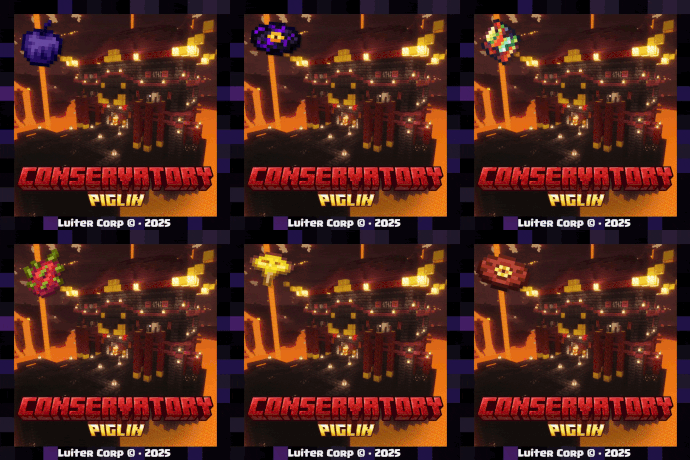
Piglin Conservatory v3.0
作者:rebot | 分类:模组
Minecraft 版本: 1.21.11
平台: fabric forge neoforge quilt
标签: adventure mobs worldgen


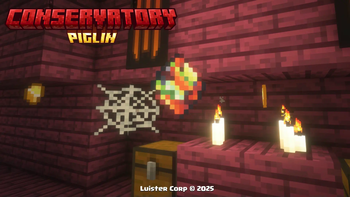
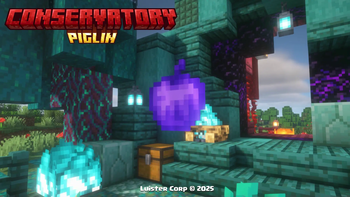
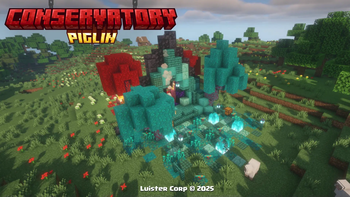
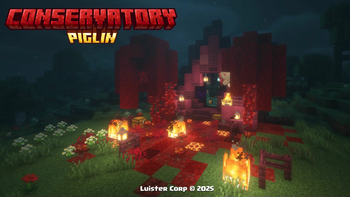
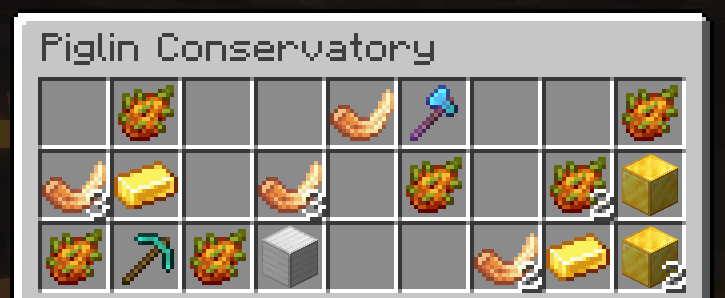
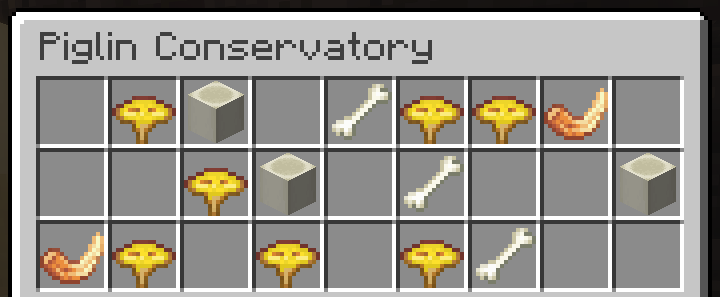
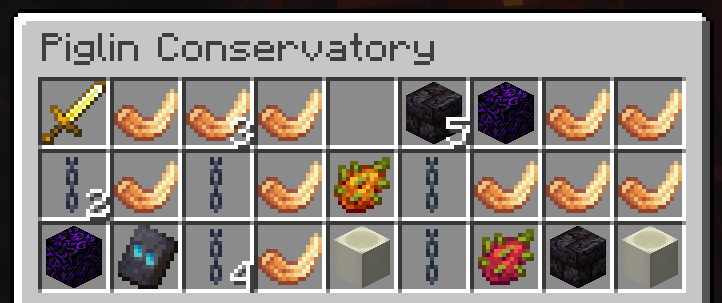
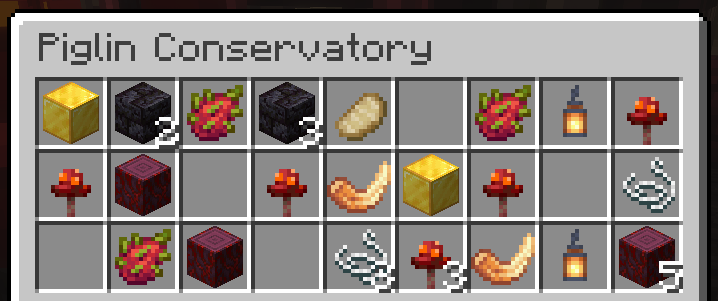
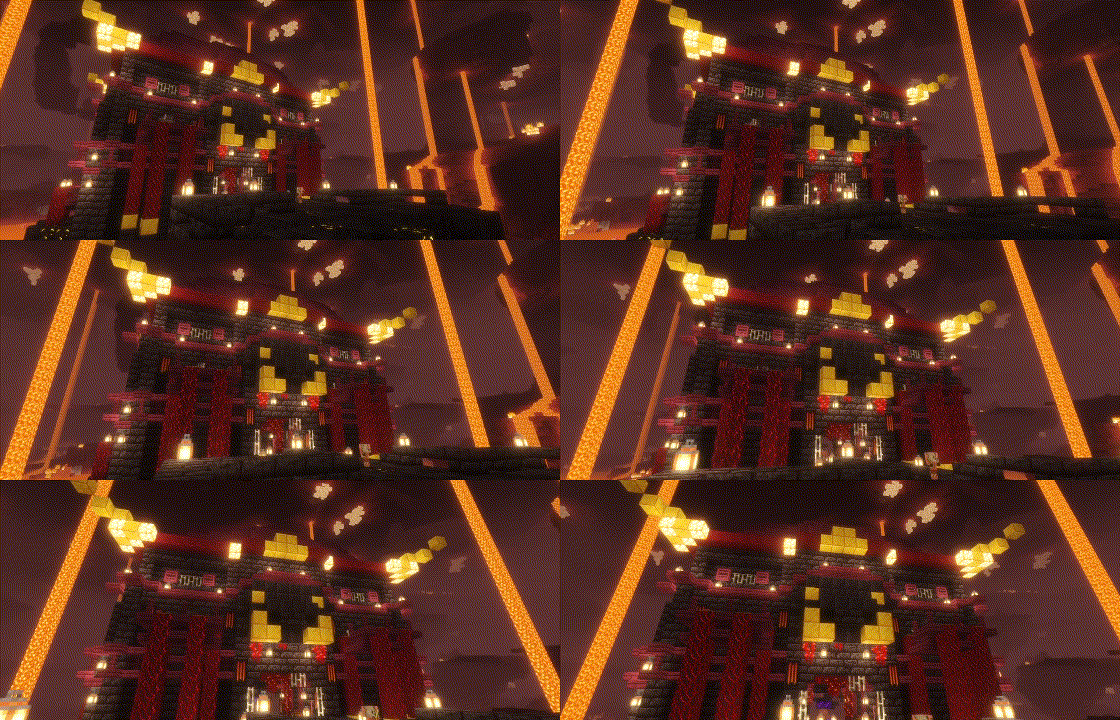
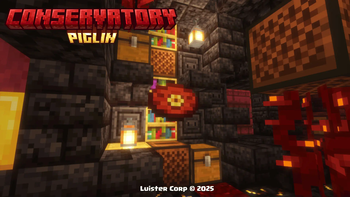
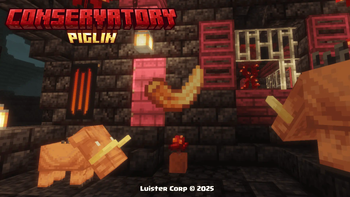
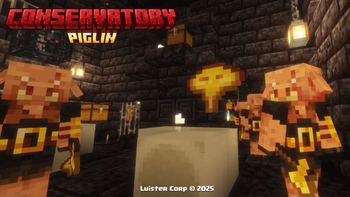
Piglin Conservatory v3.0
The DataPack adds Piglin Conservatory, a structure to the Nether along with a new Obsidian Apple, Dragon Fruit, Toxic Mushrooms, Hoglins' Fossils, Corrupted Emerald and a New Music Discs! 🔥
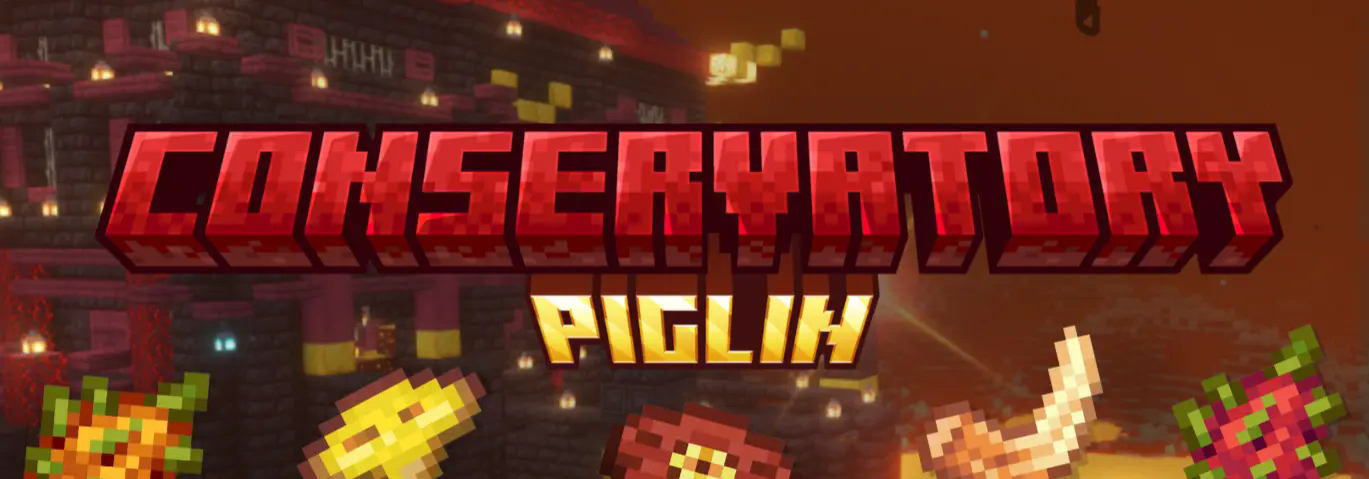
LuisterCorp © - 2025
Notas📝 (Notes)
- Piglin Conservatory is translated into both English - Spanish - Deutsch and more📇
- Piglin Conservatory is compatible with versions 1.21 to 1.21.11🏷️
- Piglin Conservatory adds new Nether and Overworld (structures) to world generation🌐
- Piglin Conservatory is compatible with any generation Datapack in the World
- Use Headphone for a better experience 🎧
Descripción 🎼 (Description)
Have fun in a totally new experience in the vanilla Nether, we added a new dragon fruit along with its golden version, along with different secrets inside it plus 3 structures one in the Nether and one in the Overworld, thus bringing a unique and entertaining feature to Minecraft🌎
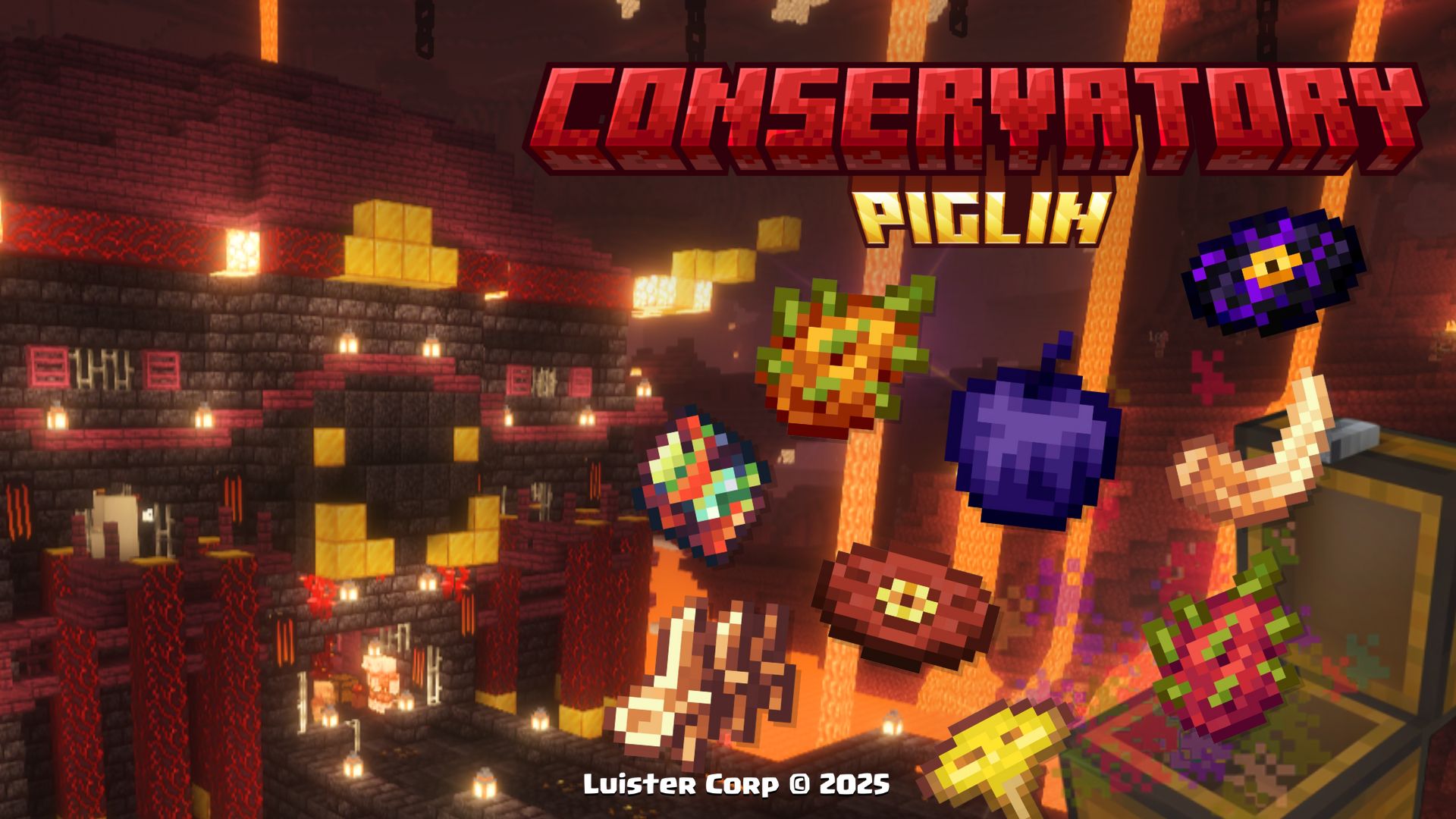
With this Datapack, exploration becomes more exciting, and below we will show every detail
New's Structures 🗺️ (Nuevas Estructuras)
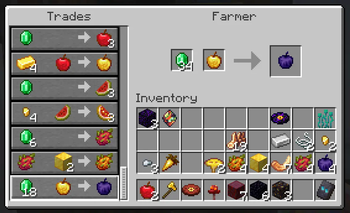
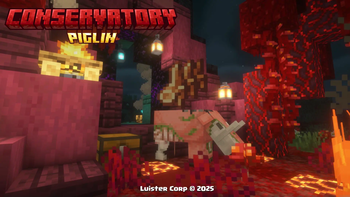
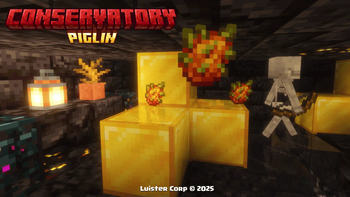
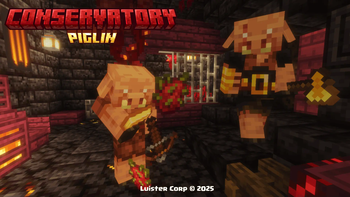
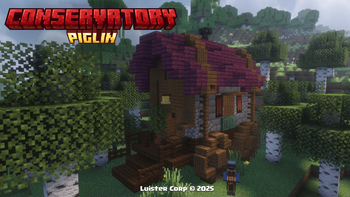
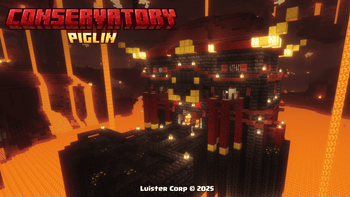
Piglin Conservatory **Piglin Conservatory** can be generated at heights near the lava from +32 to +48 blocks high every 500 blocks from each other. **The Piglin Conservatory**, is generated in all **Nether biomes (except Basalt Deltas)**, if you want to locate it by **commands use:** `` /locate structure luistercorp:piglin_conservatory ``  **Promotional Image:** 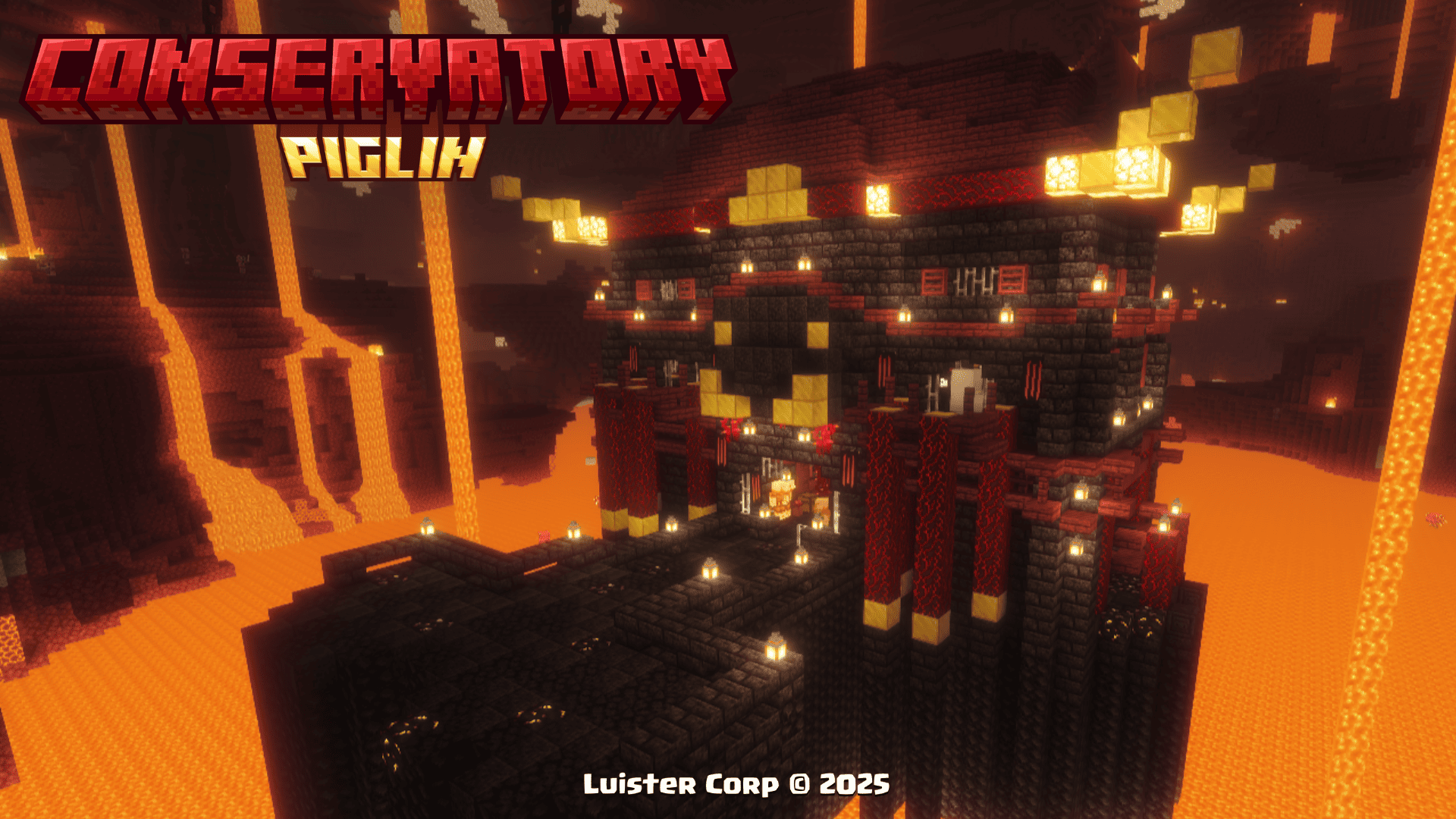  **Biome Generation List:** > [ "minecraft:soul_sand_valley", "minecraft:crimson_forest", "minecraft:warped_forest", "minecraft:nether_wastes" ], Traveling Wagon The **Traveling Wagon** can be spawned in the Overworld alongside a **Custom Fruit Vendor Villager** with unique sales you won't want to miss, the structure also features its own loot table and a variety of fruits and vegetables from all over Minecraft. **The Traveling Wagon**, is generated in all **biomes with hardwood forests**, if you want to locate it by **commands use:** `` /locate structure luistercorp:traveling_wagon ``  **Promotional Image:** 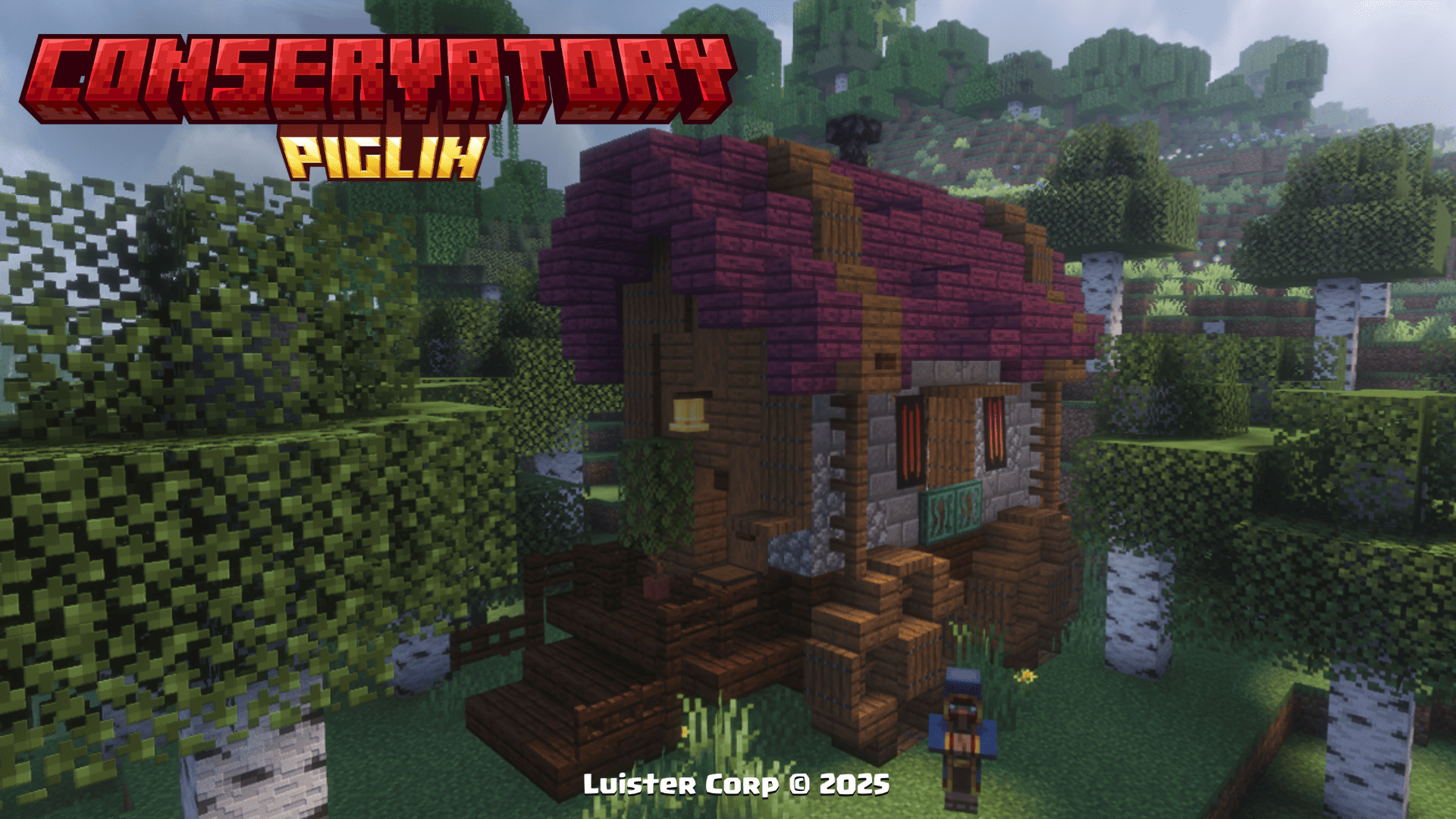  **Merchandise for Sale:** 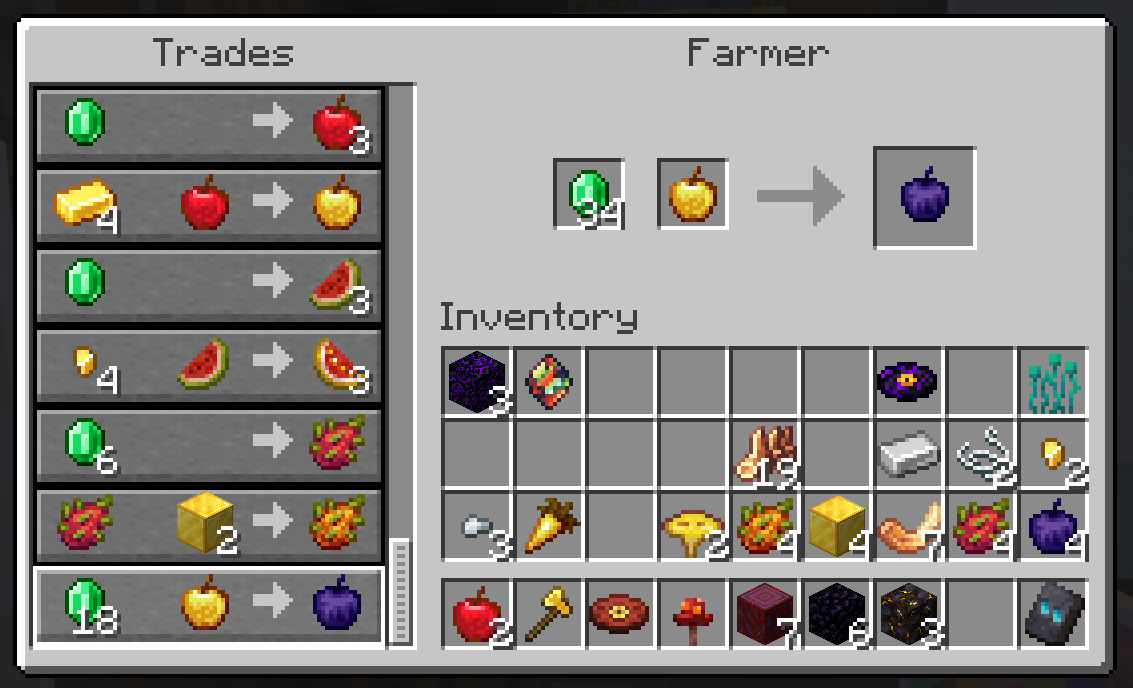  **Biome Generation List:** > [ "minecraft:snowy_taiga", ], Nether Portal Ruins The **Nether Portal Ruins** can be generated in the **Overworld** along with their own Loot Table and a variety of **New Items** added in this Datapack from **Hoglin Fossils, Obsidian Apples and a new Music Disc** The **Nether Portal Ruins** are spawned in all plains biomes within 2'500 to 3'750 blocks of each other, if you want to locate them by **commands use:** `` /locate structure luistercorp:portal_ruins ``  **Promotional Image:** 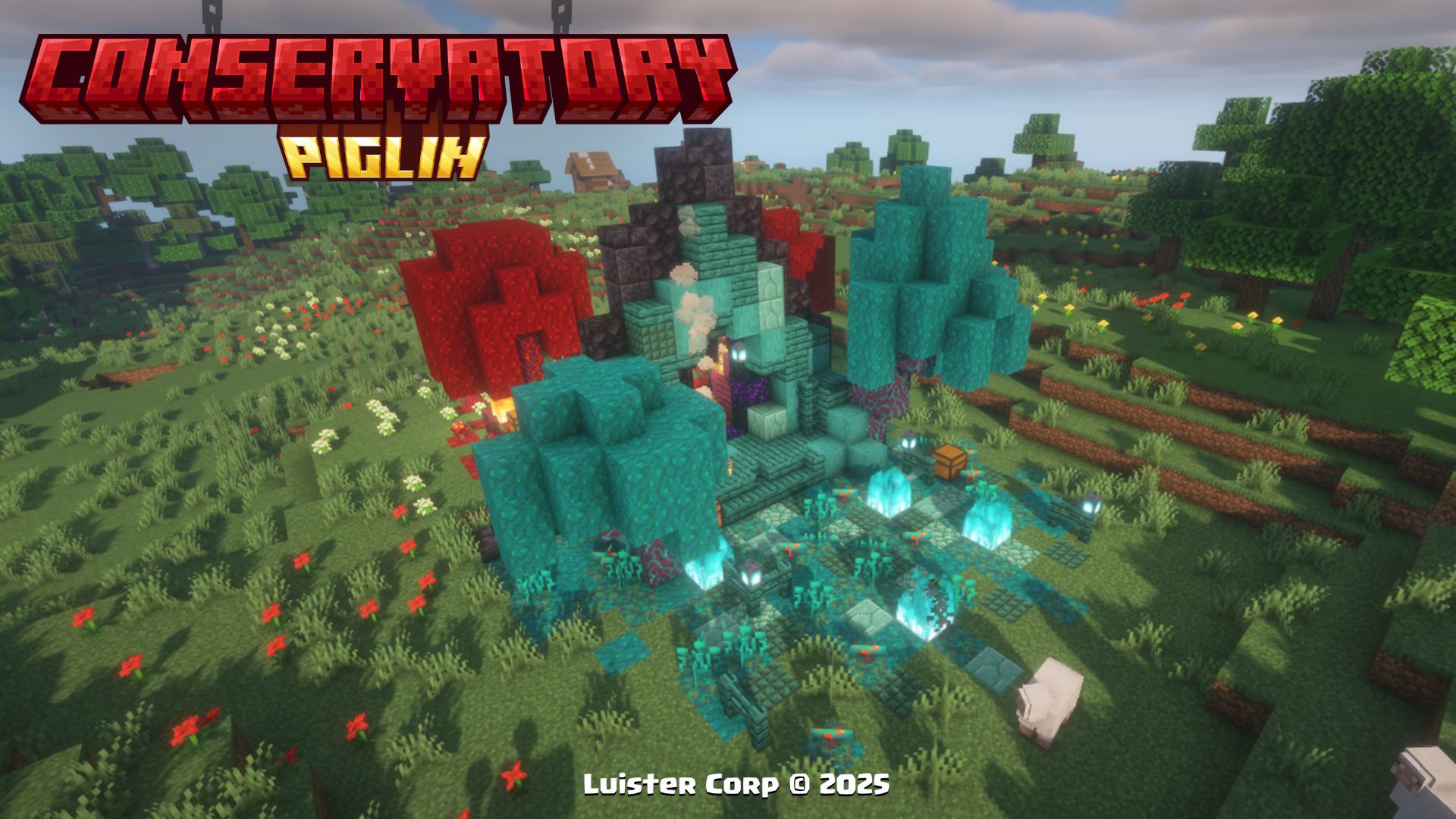  **Biome Generation List:** > [ "minecraft:plains", "minecraft:forest", ], Cherry Nether Portal The **Cherry Nether Portal** can be generated in the **Cherry Grove** along with their own **Loot Table and a new Music Disc** The **Nether Portal Ruins** are spawned in all plains biomes within 5'000 to 7'500 blocks of each other, if you want to locate them by **commands use:** `` /locate structure luistercorp:cherry_nether_portal ``  **Promotional Image:**   **Biome Generation List:** > [ "minecraft:cherry_grove", ],More Soon...
New's Items ✨ (Nuevos Items)
Corrupted Emerald To get the **Corrupted Emerald**, you will have to climb to the top of the **Piglin Conservatory** in the Nether to get its unique effect.  **Promotional Image:** 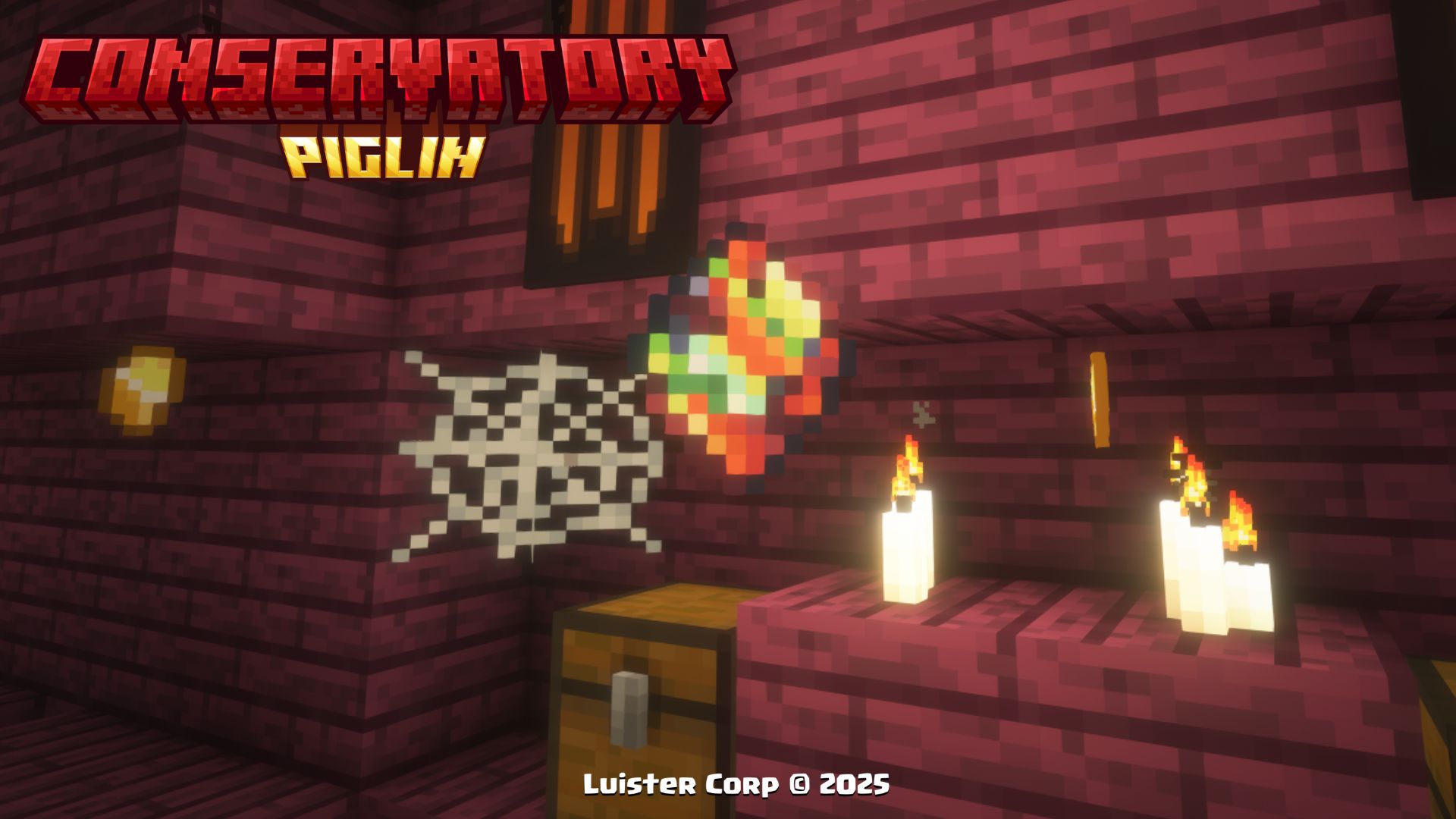  **Effects to be Used:** - **As long as you have the item in your hand (main or secondary), you will have the Hero of the Village effect** - **When you change the item or release it, the effect is automatically removed** Dragon Fruit To get **Dragon Fruit**, you will have to **trade with the Piglins** in the Nether or **find it in Traveling Wagons** and/or the **Piglin Conservatory.**  **Promotional Image:** 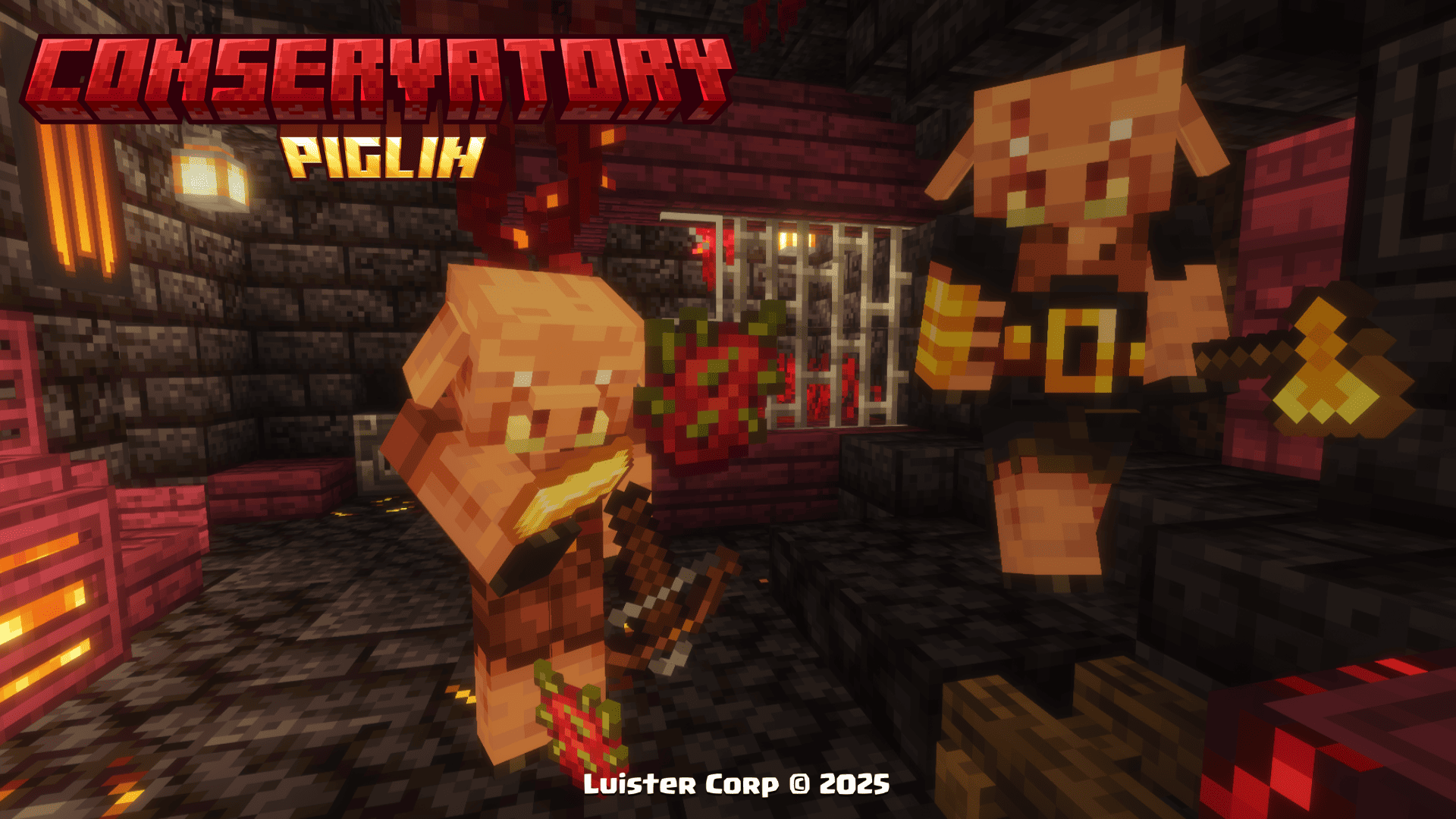  **Effects to be consumed:** > minecraft:regeneration (00:03 duration) minecraft:fire_resistance (01:10 duration) Golden Dragon Fruit To get **Golden Dragon Fruit**, you will have to find the treasure rooms inside the **Piglin Conservatory**  **Promotional Image:**   **Effects to be consumed:** > minecraft:regeneration (00:05 duration) minecraft:absorption (02:00 duration) minecraft:fire_resistance (02:30 duration) Obsidian Apple To get the **Obsidian Apple**, you can find them in the chests of the **Nether Portal Ruins** or by buying them from the fruit merchant villager in the **Traveling Wagon**.  **Promotional Image:** 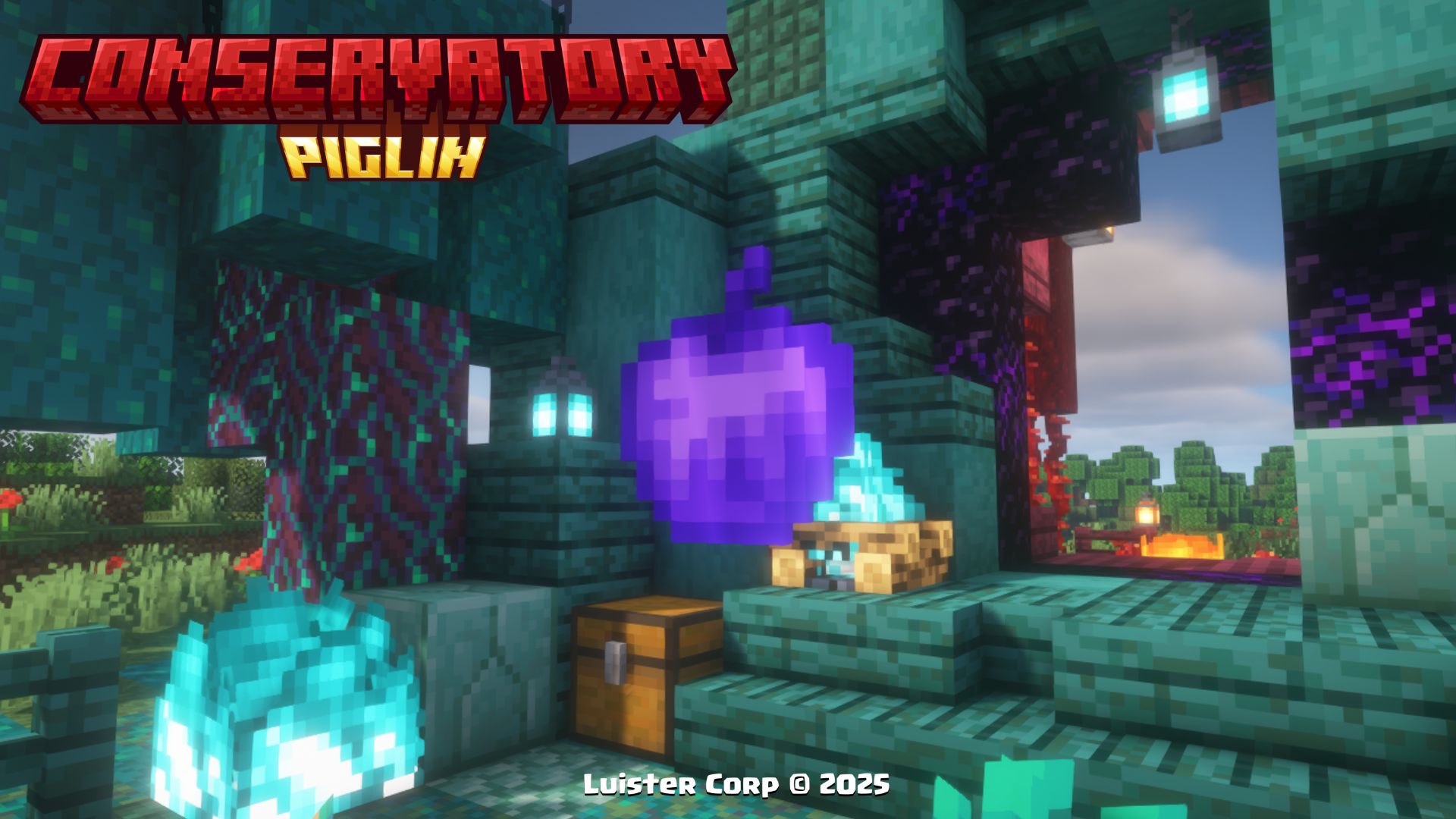  **Effects to be consumed:** > minecraft:regeneration (00:10 duration) minecraft:fire_resistance (01:40 duration) minecraft:absorption (02:00 duration) minecraft:resistance (01:40 duration) clear @p wither effect Toxic Mushroom To get **Toxic Mushroom**, you will have to battle in the room of bones and harmful experiments inside the **Piglin Conservatory**.  **Promotional Image:** 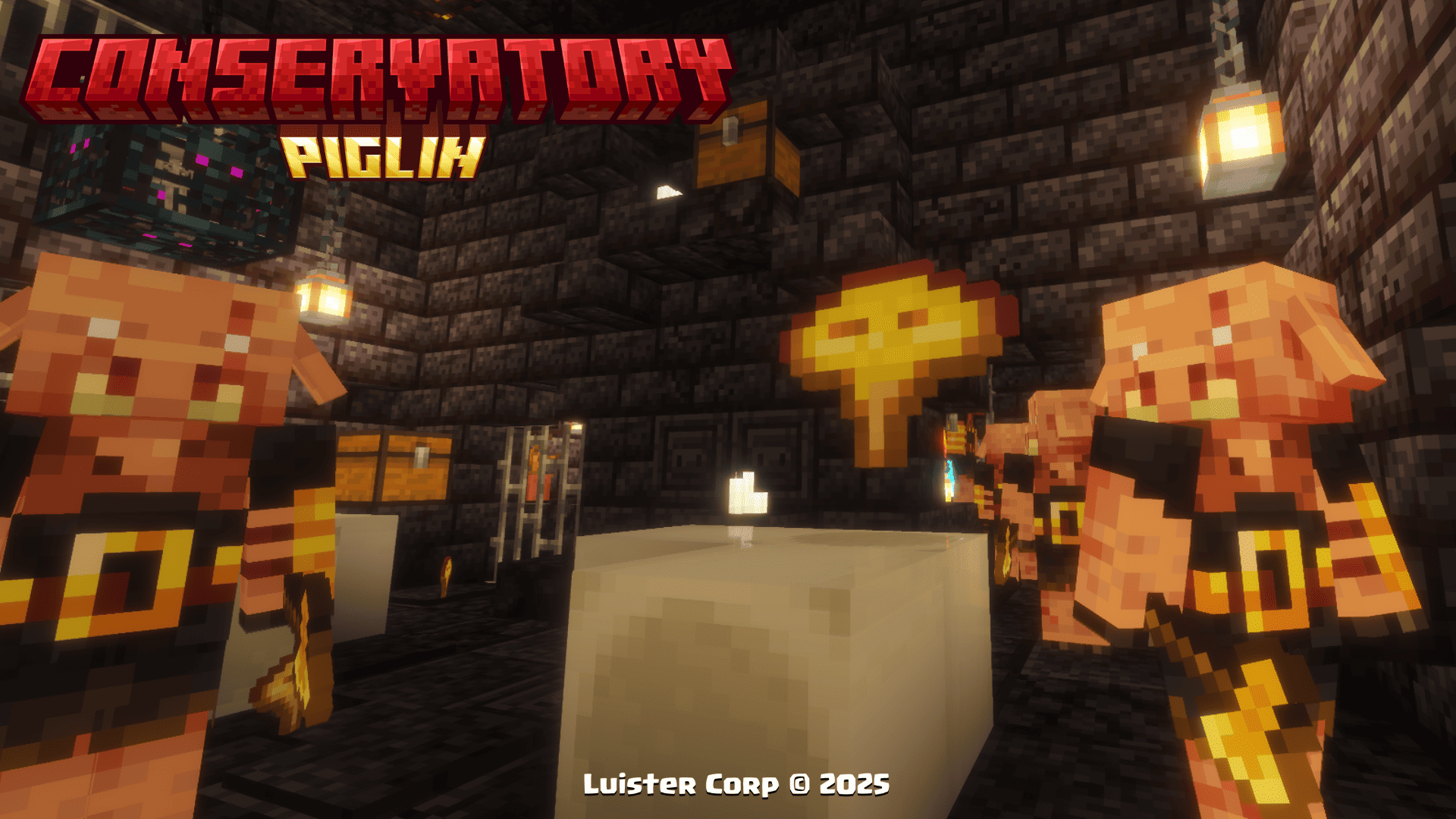  **Effects to be consumed:** > minecraft:poison (00:10 duration) Hoglin Tooth To get **Hoglin's Tooth**, it is one of the most common resources in any room within **Piglin Conservatory**.  **Promotional Image:** 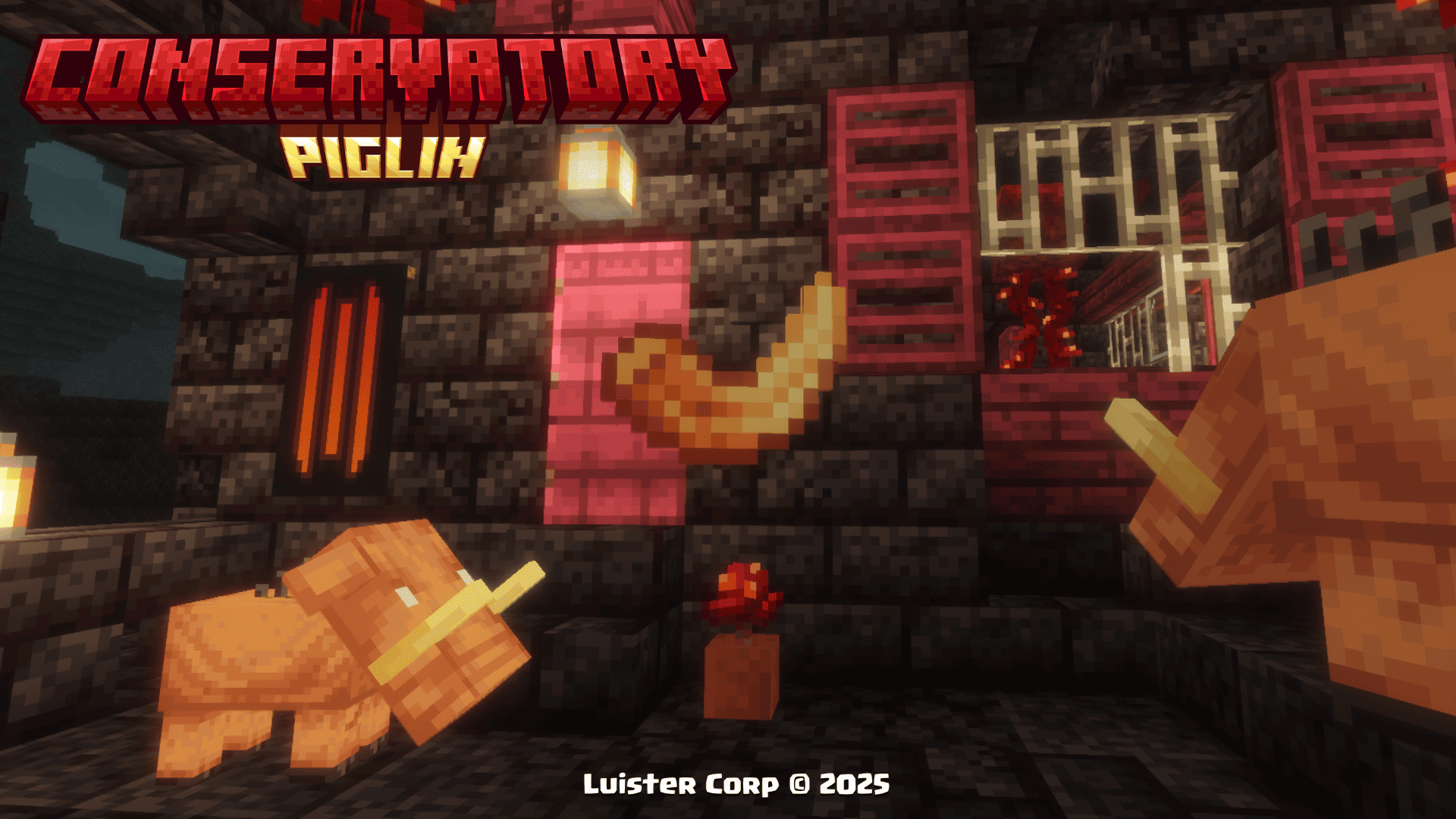  **Not consumable** Hoglin Fossil To get the **Hoglin Fossils**, it is one of the most common resources in the chests of the **Nether Portal Ruins**.  **Promotional Image:** 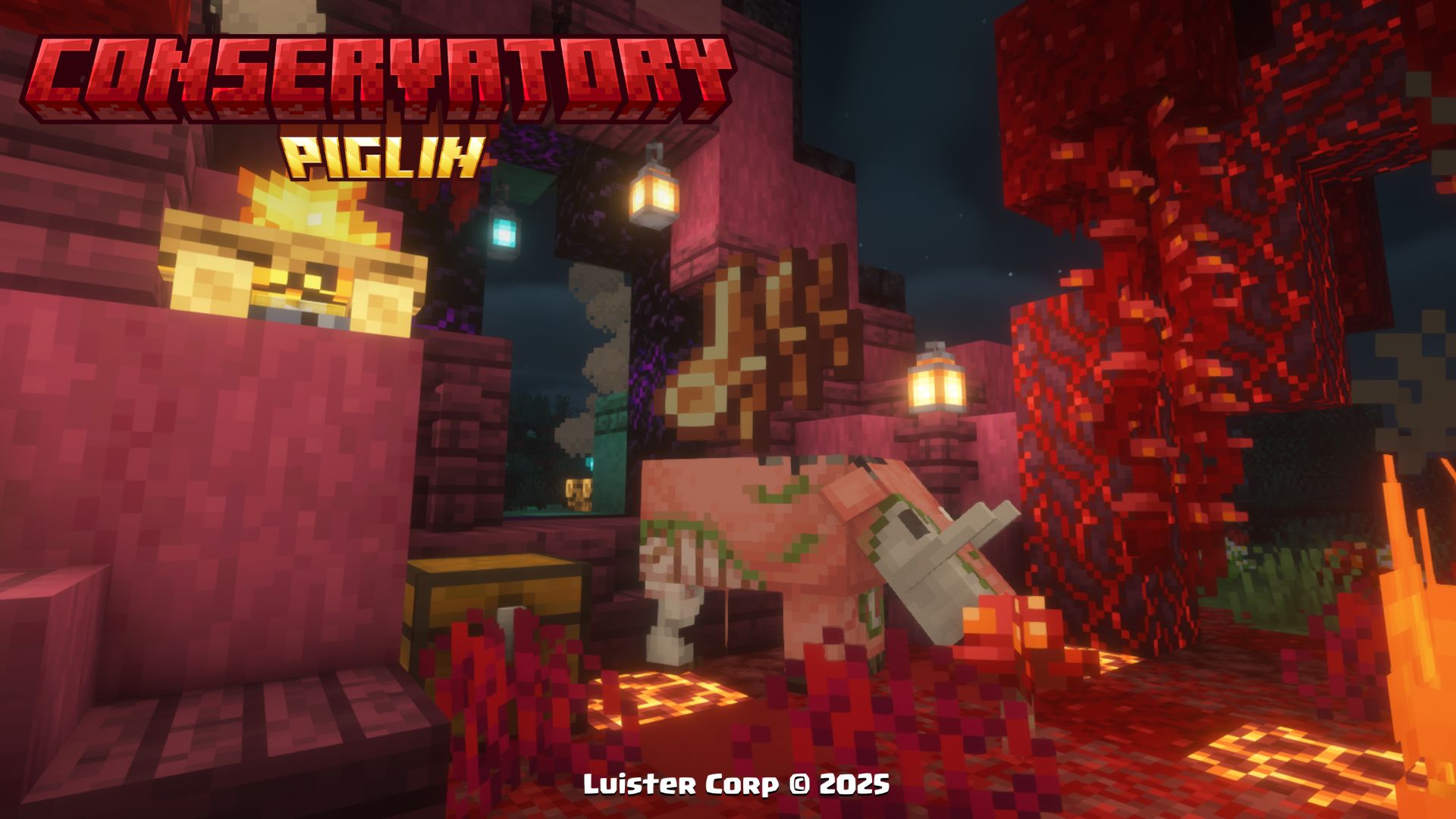  **Not consumable**More Soon...
Music Discs 🥏 (Discos de Música)
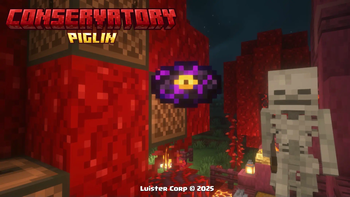
Psylla - In Bonfires Green [NCS Release] **🎨Diseño (Design):** 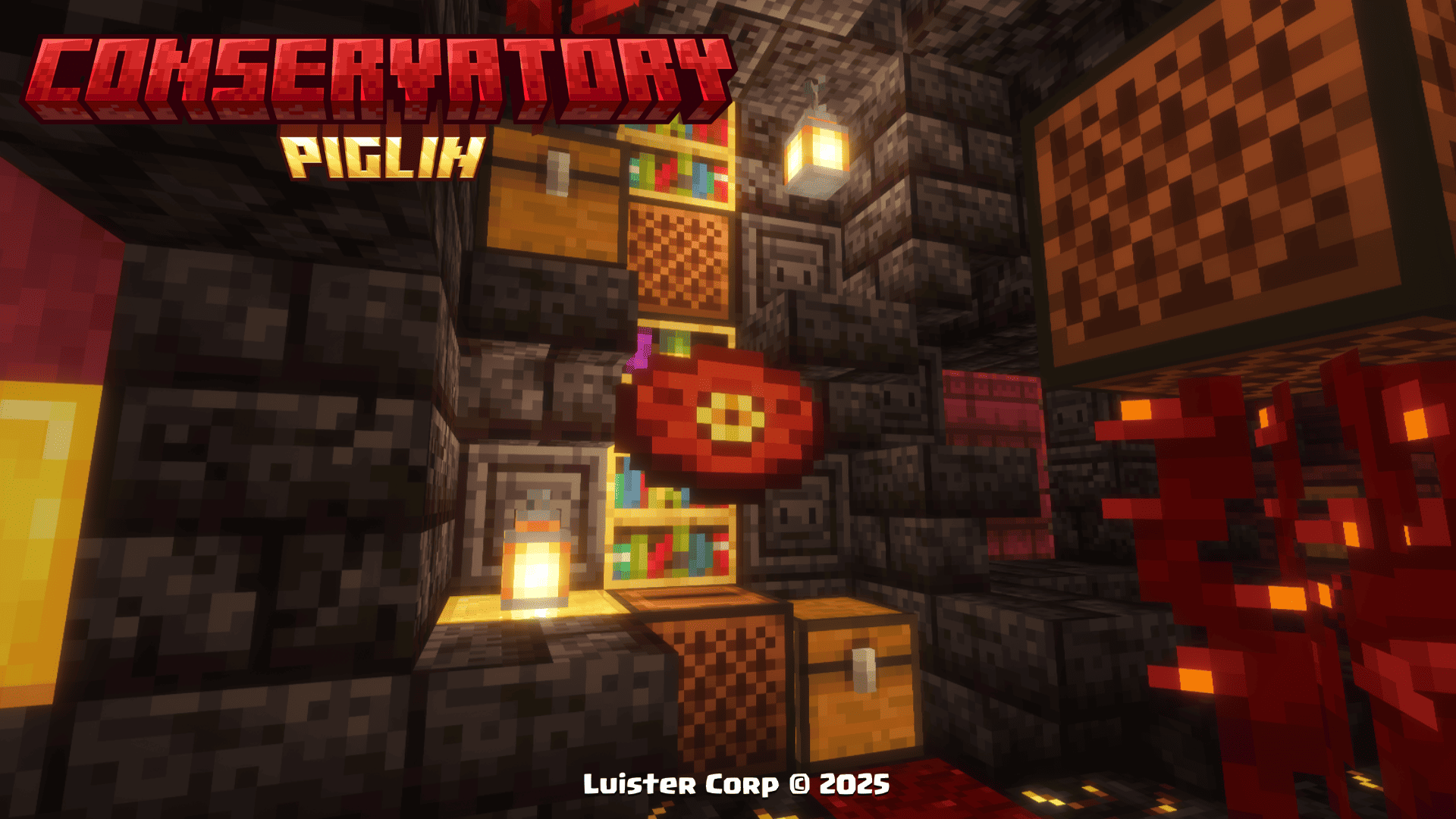 **◽Encontrable (Find It)** **💠Música y Artista (Music and Artist):** > [In Bonfires Green](https://ncs.io/IBG) > By: [Psylla](https://www.instagram.com/psyllamusic/) > More: [SoundCloud](https://soundcloud.com/psyllamusic) - [Spotify](https://open.spotify.com/intl-es/artist/0glz26CRdAXpDqL31326C8) - [Bandcamp](https://psylla.bandcamp.com/) - [Twitter](https://x.com/psyllamusic) Clarx - Zig Zag [NCS Release] **🎨Diseño (Design):** 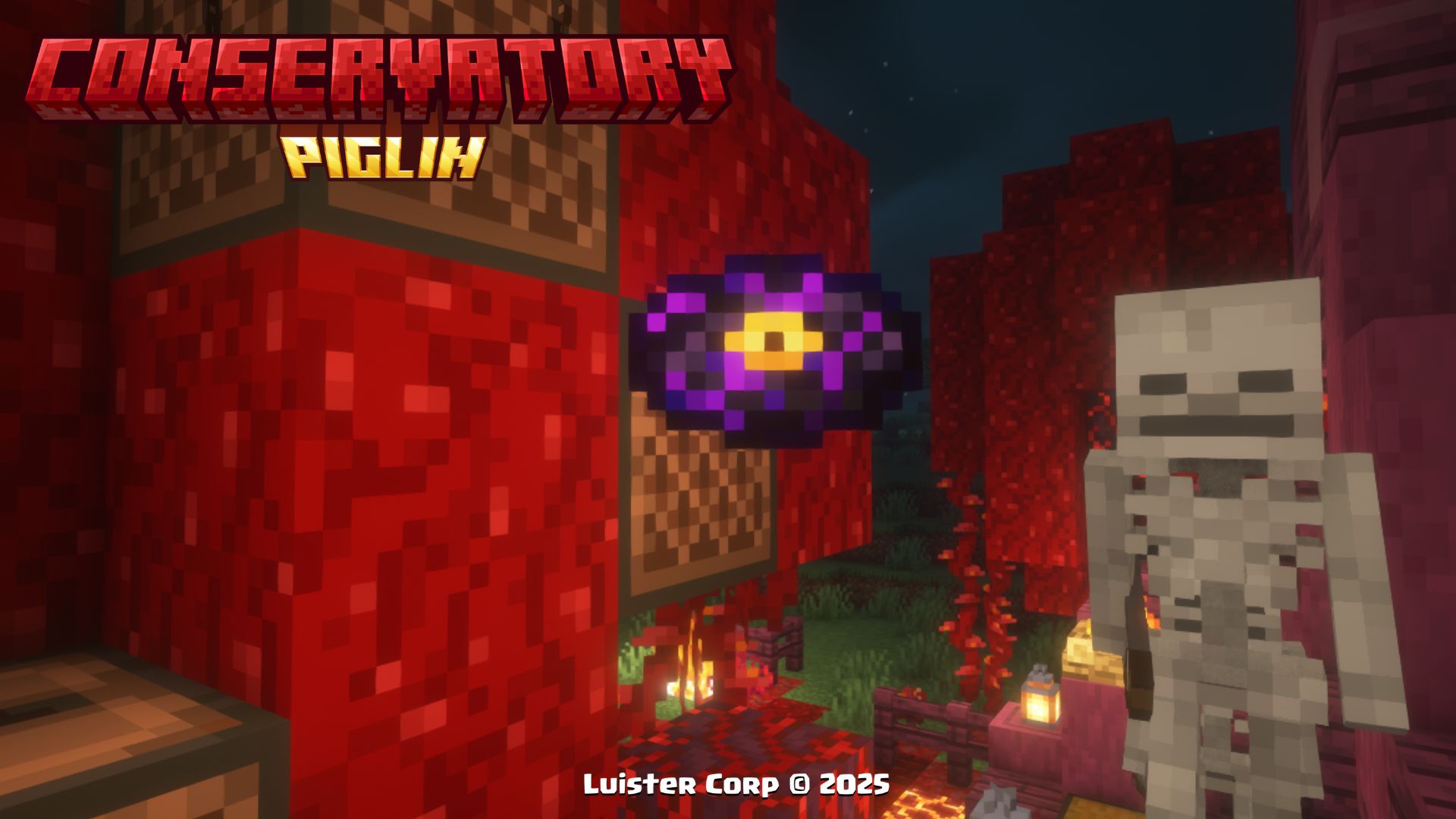 **◽Encontrable (Find It)** **💠Música y Artista (Music and Artist):** > [Zig Zag](https://ncs.io/ZigZag) > By: [Clarx](https://www.instagram.com/clarxmusic/) > More: [SoundCloud](https://soundcloud.com/clarxmusic) - [FaceBook](https://www.facebook.com/clarxmusic) - [YouTube](https://www.youtube.com/@clarxmusic) - [Twitter](https://x.com/clarxmusic) Ramzoid - Electron [NCS Release] **🎨Diseño (Design):**  **◽Encontrable (Find It)** **💠Música y Artista (Music and Artist):** > [Electron](https://ncs.io/electron) > By: [Ramzoid](https://open.spotify.com/intl-es/artist/2Ci3Sflo2BfC77wTwn2hbH) > More: [SoundCloud](https://soundcloud.com/ramzoid) - [Twitter](https://x.com/ramzoidmusic) - [YouTube](https://www.youtube.com/ramzoidmusic) - [Instagram](https://www.instagram.com/ramzoid) - [Tumblr](https://ramzoid.tumblr.com/)More Soon...
New Advancements 🏆 (Nuevos Logros)
When you get any of the new items and discs or find any of the new structures of this Datapack, you will get a new section of perzonalized advancements with references to different movies🎬, series📺 and videogames 🕹...
◾Image:

These 12 Advancements, are obtained by finding a Dragon Fruit, finding the Traveling Wagon and getting Hoglin's Fossils, and the newly added discs 💿.
Procesos de Instalación 💾 (Installation Processes)
Below we invite you to review the correct installation process of our Data Package in the following categories 💥
Singleplayer - Un Jugador ### Pasos Para Instalar DataPack (Steps to Install DataPack): 1. **Abrir Minecraft (Open Minecraft)** Inicia el juego (start the game). 2. **Crea un Nuevo Mundo (Create a New World)** Vaya a "Más" y haga clic en **"Paquetes de Datos".** (go to “More” and click on **"Datapacks”**). 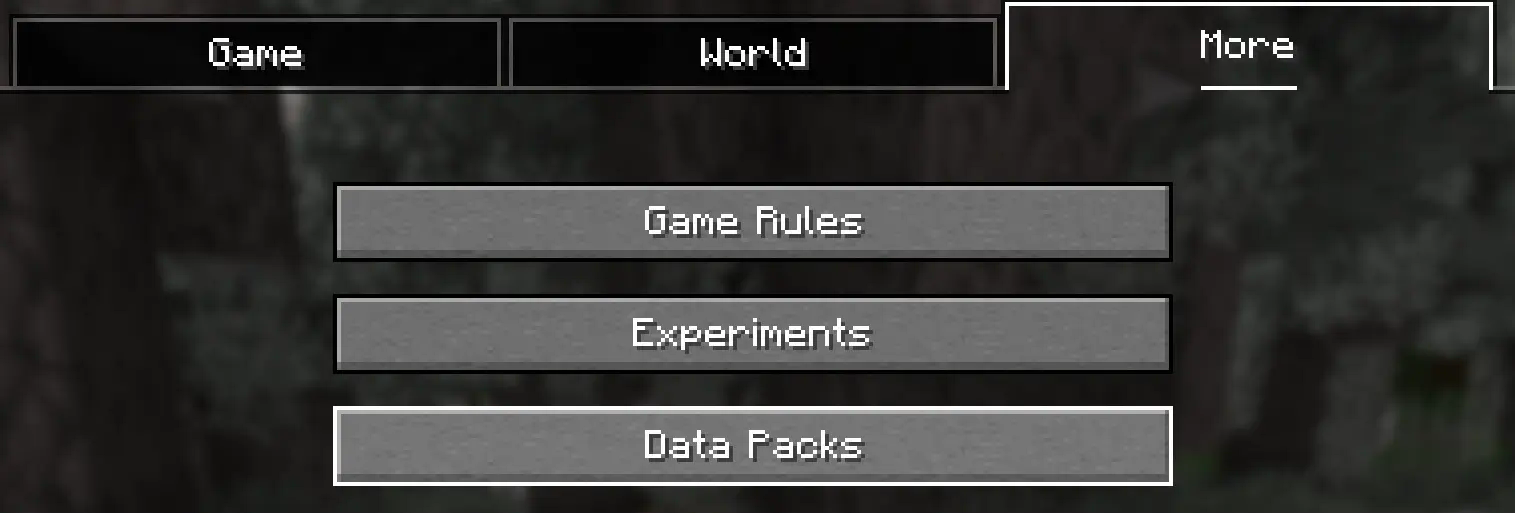 3. **Añadir el Datapack (Add Datapack)** Arrastre el Paquete de Datos (un archivo `` .zip `` o directorio) a la ventana de Minecraft. 📟 (Drag the Data Package (a `` .zip `` or directory) to the Minecraft window).  Aparecerá una pantalla de confirmación. Haga clic en **"Confirmar".** 📟 (A confirmation screen will appear. Click on **"Confirm ”**). 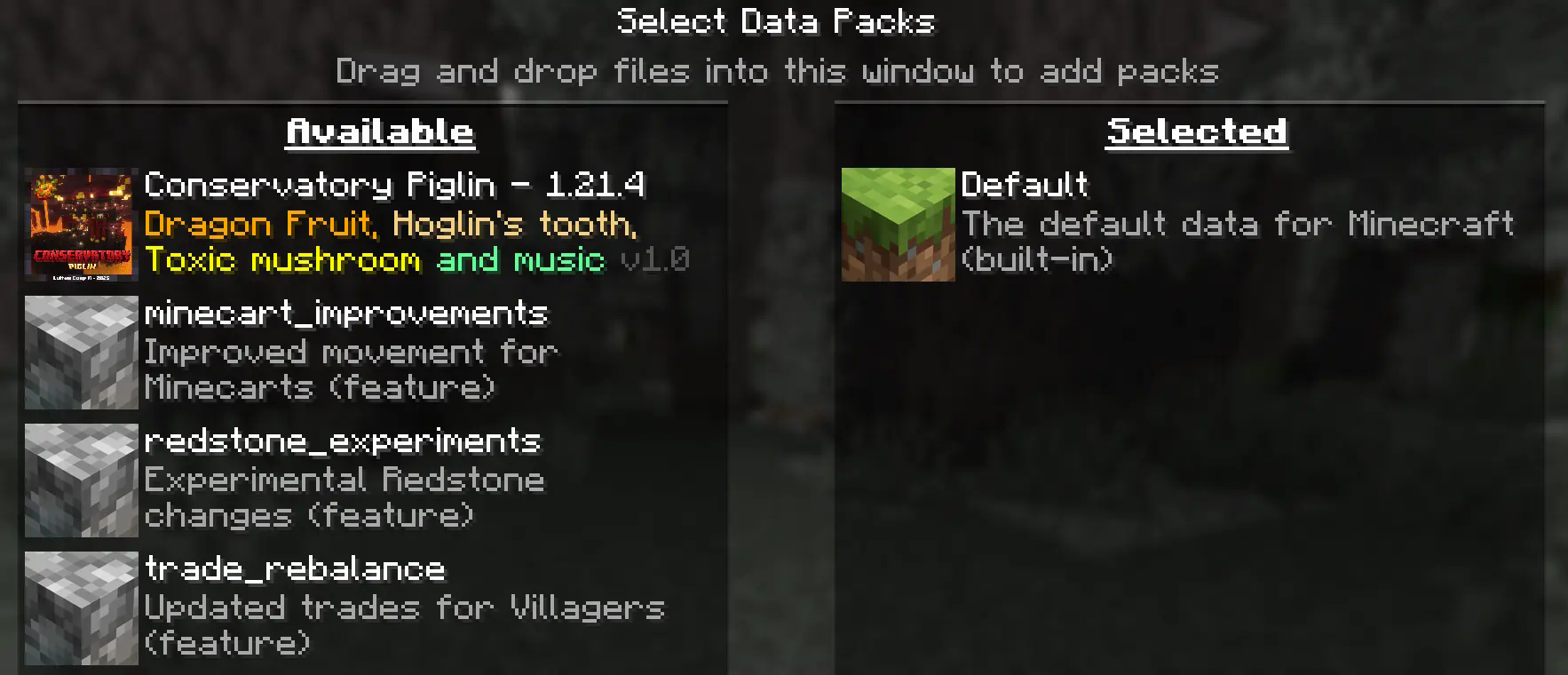 4. **Activar el DataPack (Activate the DataPack)** Mueva el **Paquete de Datos** al lado derecho de la pantalla haciendo **clic** en el triángulo de su ícono (visible al pasar el cursor sobre él). 📟 Move the **Datapack** to the right side of the screen by **clicking** on its triangle icon (visible when hovering over it). 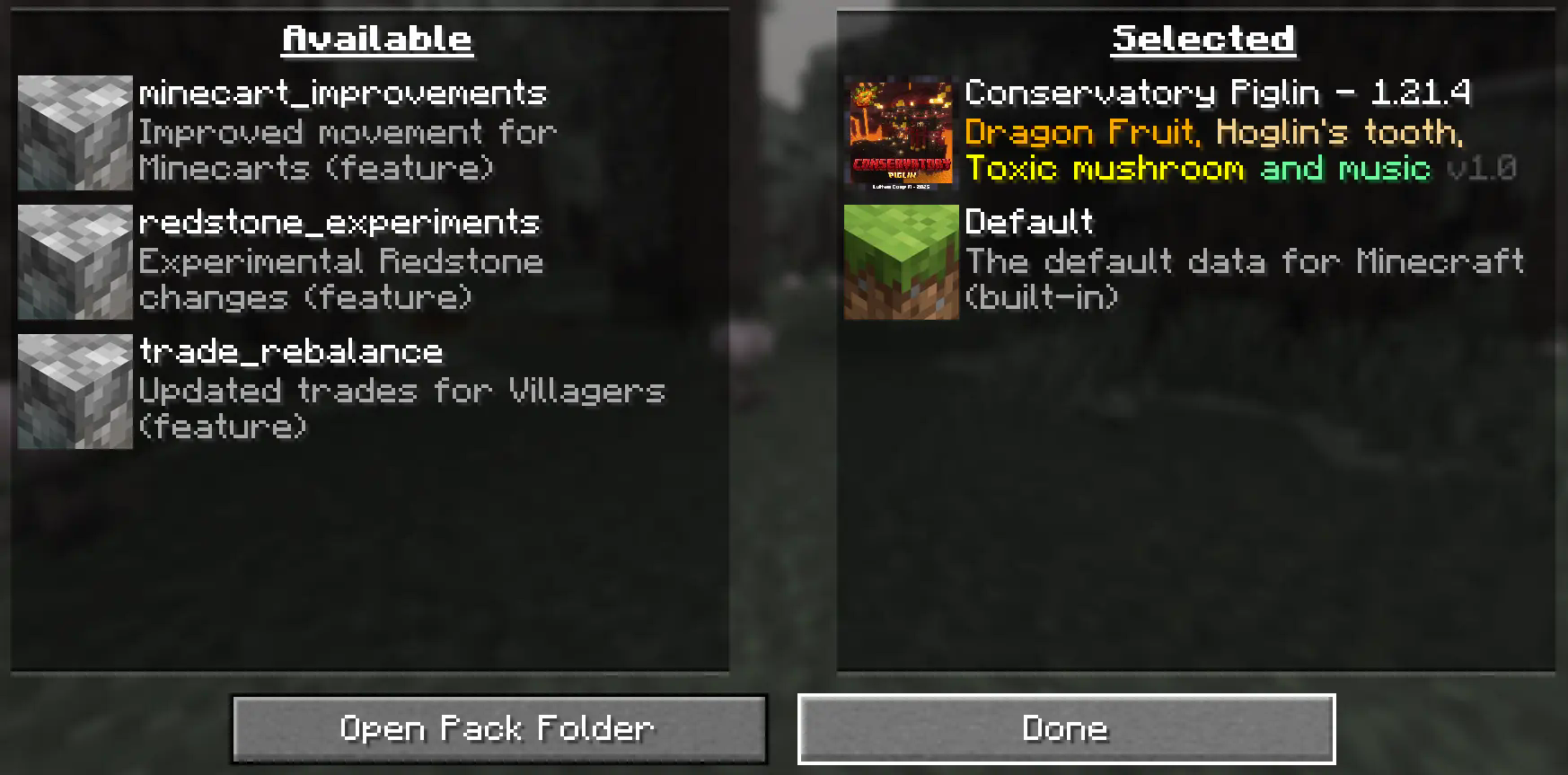 5. **Creación del Mundo Nuevo (Creation of the New World)** Haz clic en **"Hecho"** en la parte inferior de la pantalla. 📟 (Click **"Done ”** at the bottom of the screen).  Continúa creando tu mundo y haz clic en **"Crear nuevo mundo".** 📟 (Continue creating your world and click on **"Create new world ”**). ### ⚠️ IMPORTANTE - IMPORTANT⚠️ Se generará un aviso al momento de crear un **mundo nuevo**, ya que son **características experimentales**, cualquier tipo de error puede ser comunicado a nuestro **[Discord Oficial](https://discord.gg/Zj43yM8eac)** 📟 A warning will be generated when creating a **new world**, since these are **experimental features**, any kind of error can be communicated to our **[Discord Oficial](https://discord.gg/Zj43yM8eac)** 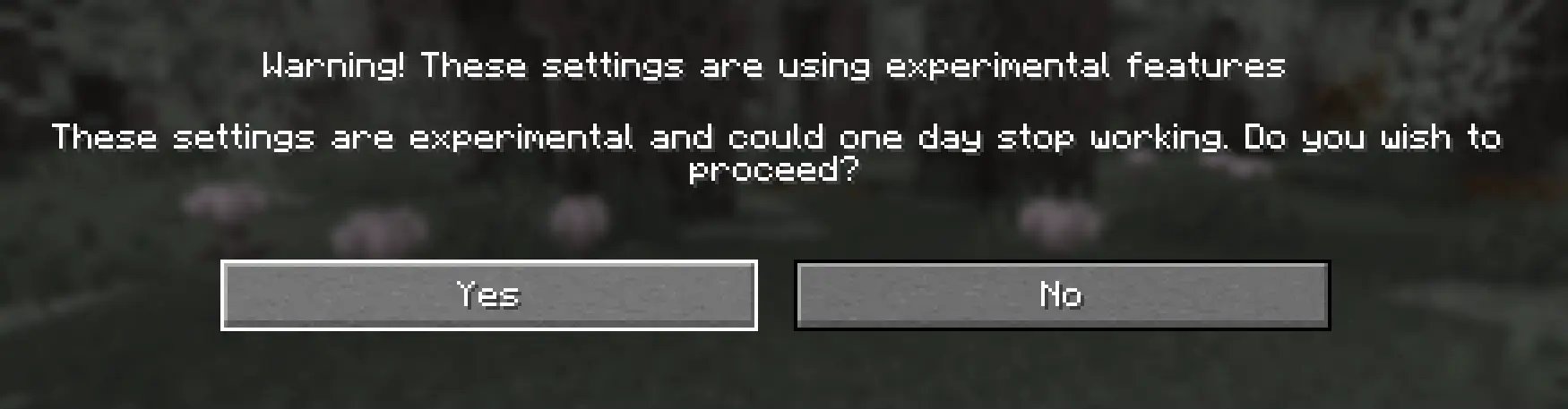 Continue dandole al boton **Sí** y disfrute de su Aventura :) 📟 Continue clicking the **Yes** button and enjoy your adventure :) Multiplayer - Multijugador ### Pasos Para Instalar DataPack (Steps to Install DataPack): 1. **Abrir la carpeta de tu servidor (Open the folder on your server)** Navega hasta la carpeta de tu servidor y luego abre la **carpeta del mundo** en el que deseas instalar el **Paquete de Datos** (predeterminado: `` world ``). Navigate to your server folder and then open the **world folder** in which you want to install the **Datapacks** (default: `` world ``). 2. **Agrega el DataPack (Add the DataPack)** El **Paquete de Datos** debe ser un archivo `` .zip ``.file. Coloca el **Paquete de Datos** en una carpeta llamada `` datapacks `` dentro de la carpeta **world.** The **DataPack** must be a `` .zip `` file. Place the **DataPack** in a folder named `` datapacks `` inside the **world** folder. 3. **Vuelve a cargar el servidor (reload the server)** Escribe `` /reload `` desde la consola o como operador de nivel 3, si el servidor estaba ejecutándose durante la instalación. Type `` /reload `` from the console or as a level 3 operator, if the server was running during installation. ### ⚠️ IMPORTANTE - IMPORTANT⚠️ Se generará un aviso al momento de crear un **mundo nuevo**, ya que son **características experimentales**, cualquier tipo de error puede ser comunicado a nuestro **[Discord Oficial](https://discord.gg/Zj43yM8eac)** 📟 A warning will be generated when creating a **new world**, since these are **experimental features**, any kind of error can be communicated to our **[Discord Oficial](https://discord.gg/Zj43yM8eac)**LuisterCorp Projects:
 <img src="https://i.ibb.co/fY5TL11S/Logos-Earthblade-1.png" alt="Logos-Earthblade-1" border="0"> <img src="https://i.ibb.co/xtrv5BGY/Ender-Cat-Logo.jpg" alt="Ender-Cat-Logo" border="0">
  <img src="https://i.ibb.co/MDdbdrdS/Logo-Monasterio-Cherry.png" alt="Logo-Monasterio-Cherry" border="0"> <img src="https://i.ibb.co/gZnNGjS6/Ice-Pillager-Castle.jpg" alt="Ice-Pillager-Castle" border="0">
  <img src="https://i.ibb.co/JWVXQ8Lr/Mangrove-Mansion-Logo-Nuevo.jpg" alt="Mangrove Mansion Logo Nuevo" border="0"> <img src="https://i.ibb.co/MxVmqjdN/Bamboo-Temple-Logo.jpg" alt="Bamboo-Temple-Logo" border="0"> <img src="https://i.ibb.co/p6H5SRW6/Badland-Temple-logo.png" alt="Badland-Temple-logo" border="0">
  <img src="https://i.ibb.co/HpHXcJxF/Badland-Village-Logo.png" alt="Badland-Village-Logo" border="0">


 <img src="https://i.ibb.co/LzyRzgXY/Cooper-Golem-Logo.gif" alt="Cooper-Golem-Logo" border="0">
  <img src="https://i.ibb.co/1GzNL8Kp/Happy-Logo.png" alt="Happy-Logo" border="0"> <img src="https://i.ibb.co/7t9CZngk/Logo-Savanna.png" alt="Logo-Savanna" border="0"> <img src="https://i.ibb.co/vCK4q4mZ/Fallen-Logs-Logos-1-1.png" alt="Fallen-Logs-Logos-1-1" border="0"> <img src="https://i.ibb.co/k6xCpvW0/Warped-Fallen-Fungus.png" alt="Warped-Fallen-Fungus" border="0">
  <img src="https://i.ibb.co/Y4Pg3T88/Water-Well-s-Update-PNG.png" alt="Water-Well-s-Update-PNG" border="0">


Advancements Projects:
<img src="https://i.ibb.co/dSr68WJ/Wood-Advancements-Logo.jpg" alt="Wood-Advancements-Logo" border="0"> <img src="https://i.ibb.co/5hHHc5Pc/ezgif-com-resize-6.gif" alt="ezgif-com-resize-6" border="0"> 


Towerinator Projects:


 <img src="https://i.ibb.co/6c4WW2PC/Abandoned-Ruined-Tower-Logo.jpg" alt="Abandoned-Ruined-Tower-Logo" border="0"> <img src="https://i.ibb.co/hxWZ9Xzv/Sandstone-Tower-Logo.jpg" alt="Sandstone-Tower-Logo" border="0">


Sponsored by Bisecthosting 💌

请登录后举报
请 登录 后赞助作者。
暂无评论,抢个沙发吧~