
Portals & Dimensions
作者:rebot | 分类:模组
Minecraft 版本: 26.1 26.1.1 26.1.2
平台: fabric
标签: adventure worldgen
Portals & Dimensions
Create fully customizable portals linked to procedurally generated dimensions — all from an intuitive in-game GUI.
Features
Custom Portals
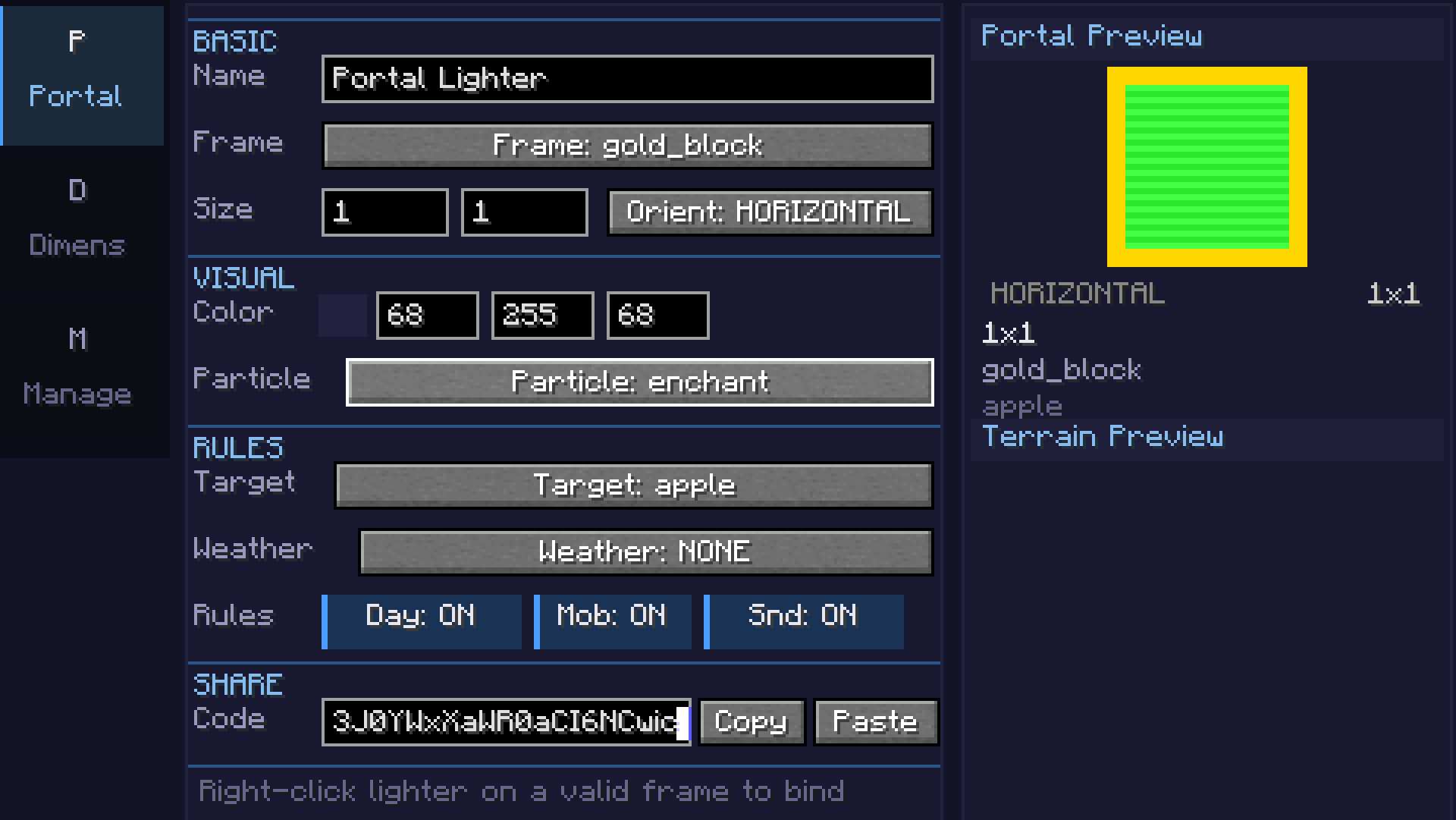
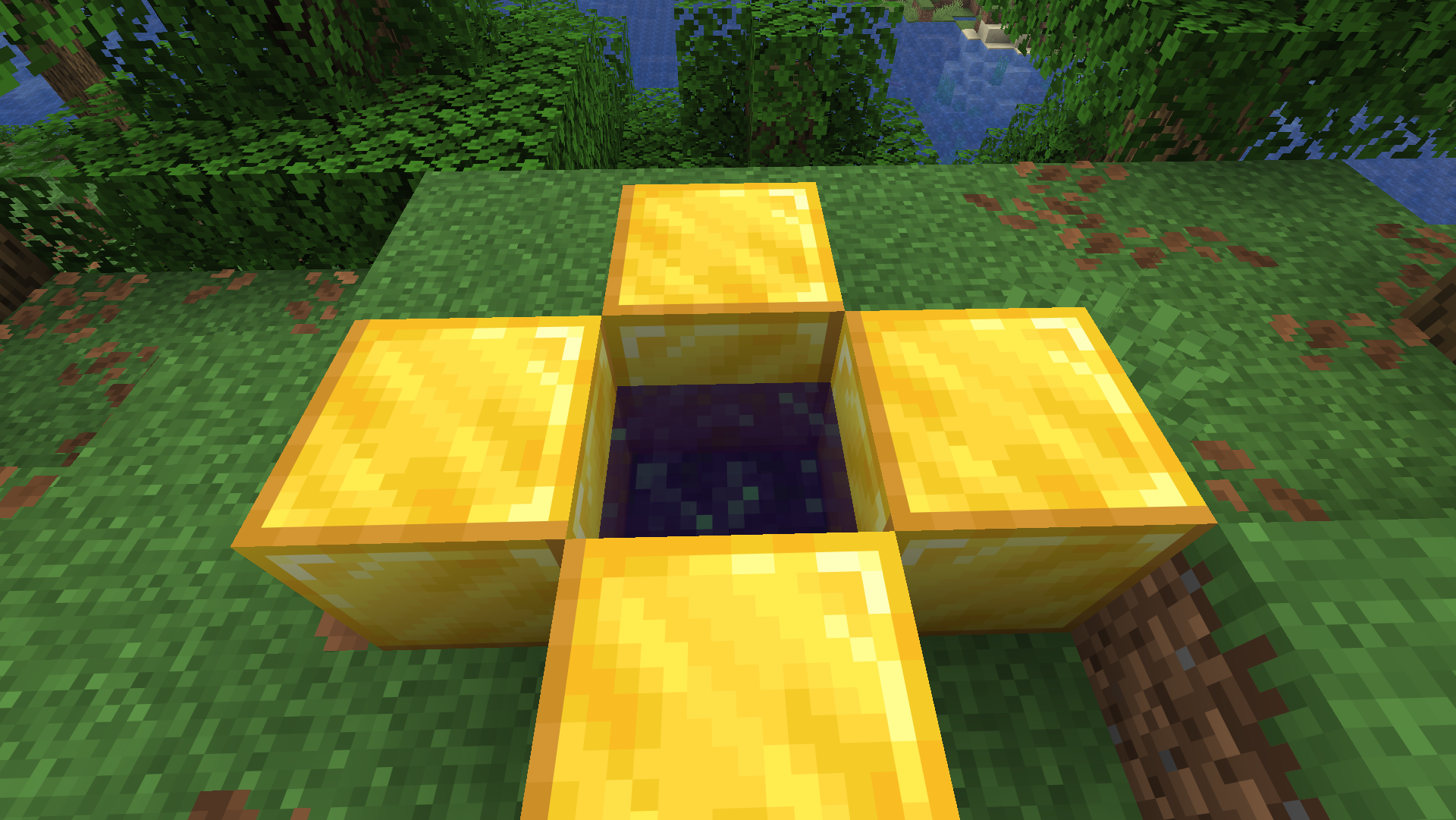
- Build portal frames from any solid block (obsidian, diamond, gold, etc.)
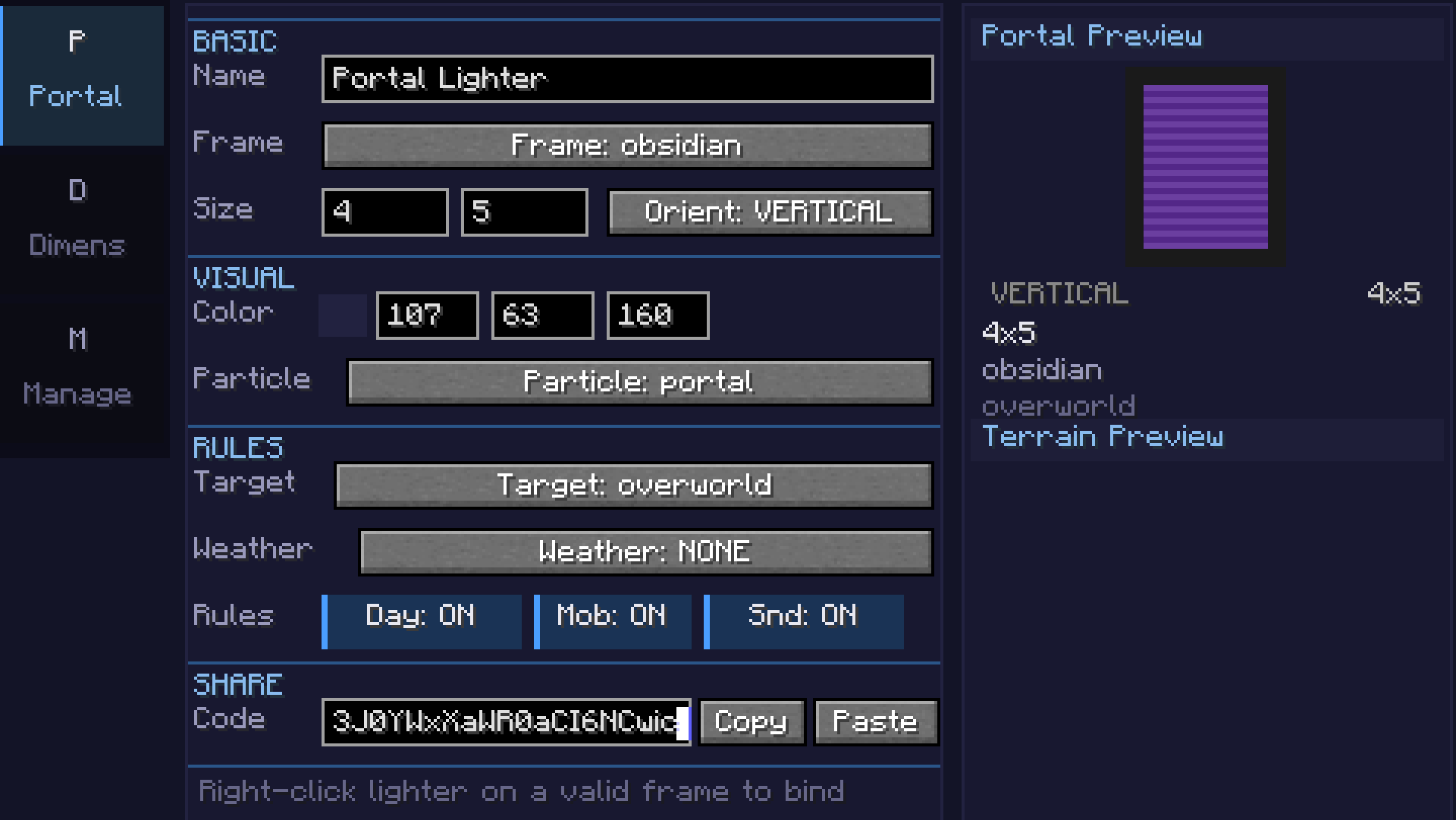
- Adjustable portal size (width x height)
- Configurable 24-bit portal color with live preview
- Horizontal and vertical portal orientations
- Color picker with palette, recent colors, and RGB input
Custom Dimensions
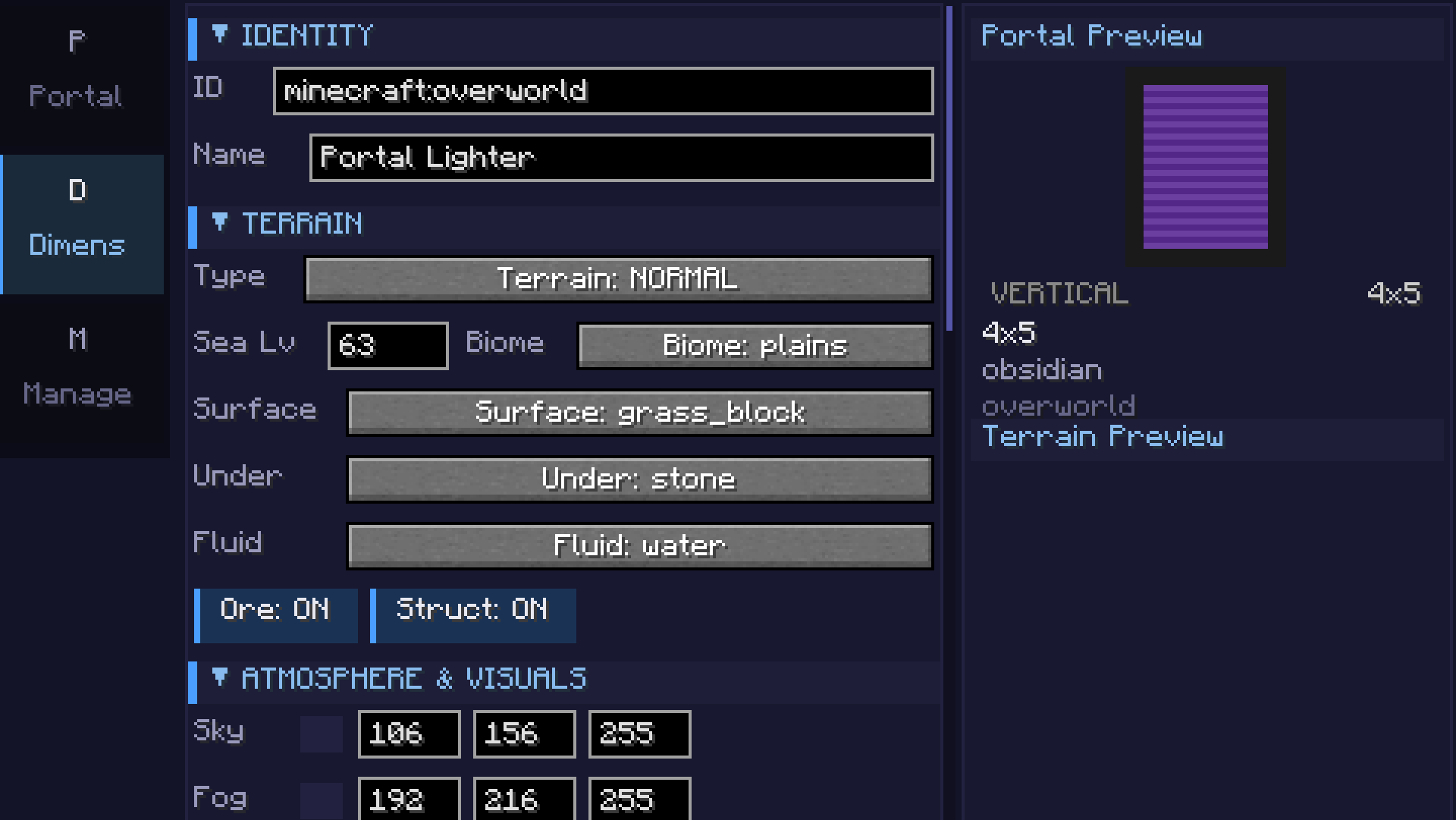
- 7 terrain types: Void, Flat, Normal, Amplified, Nether, End, and Math formula
- Math terrain: Define terrain with
sin,cos,noise,perlin,fbm, and custom expressions - supports 2D heightmap and full 3D density - Coordinate scale slider for terrain stretch/compression
- Smooth terrain toggle for natural-looking slopes
- Configurable sea level, surface/underground/fluid blocks
- Cave generation with adjustable density
- Ore generation (coal, iron, copper, gold, redstone, diamond, lapis)
- Structure generation (villages, temples, etc.) - toggleable
- Mixed biome support with Perlin-noise-based transitions
Atmosphere
- Sky, fog, ambient light, water, and cloud color customization
- Fog density control
- Skylight, ceiling, and ultrawarm dimension properties
- Light level override (0-15)
- Configurable ambient particles (portal, end rod, soul fire, lava, etc.)
Game Rules (per-dimension)
- Day/night cycle & fixed time
- Mob spawning, natural spawning, PvP, fall damage, fire spread
- Keep inventory, bed works, respawn allowed
- Weather lock (clear, rain, thunder)
- Gravity multiplier
Commands
/pdims list— List all configured custom dimensions/pdims tp <dimension>— Teleport to a custom dimension/pdims info <dimension>— View dimension configuration details/pdims reload— Reload dimension configs from file
Screenshots
Math Formula Terrain
| Category | Example | Description |
|---|---|---|
| 2D Basic | sin(x/10)*cos(z/10)*20 + 50 |
Rolling hills |
| 2D Intermediate | noise(x/20,z/20)*30 + 60 |
Smooth noise terrain |
| 2D Advanced | fbm(x/40,z/40,4,2,0.5)*40 + 50 |
Fractal mountains |
| 3D | fbm(x/30,y/15,z/30,3,2,0.5) > 0.5 |
Floating islands / caves |
| Beginner | abs(x/10) + abs(z/10) * 2 + 40 |
Valley |
Available functions: sin, cos, tan, abs, sqrt, pow, min, max, mod, floor, ceil, round, noise(x,z), perlin(x,y,z), fbm(x,y,z,octaves,lacunarity,gain), if(cond, a, b), random(x,z), dist(x,z), gauss(x,z), mix(a,b,t), remap(v, inLo, inHi, outLo, outHi)
Requirements
- Minecraft 26.1.x
- Fabric Loader 0.18.5+
- Fabric API 0.145.3+
Getting Started
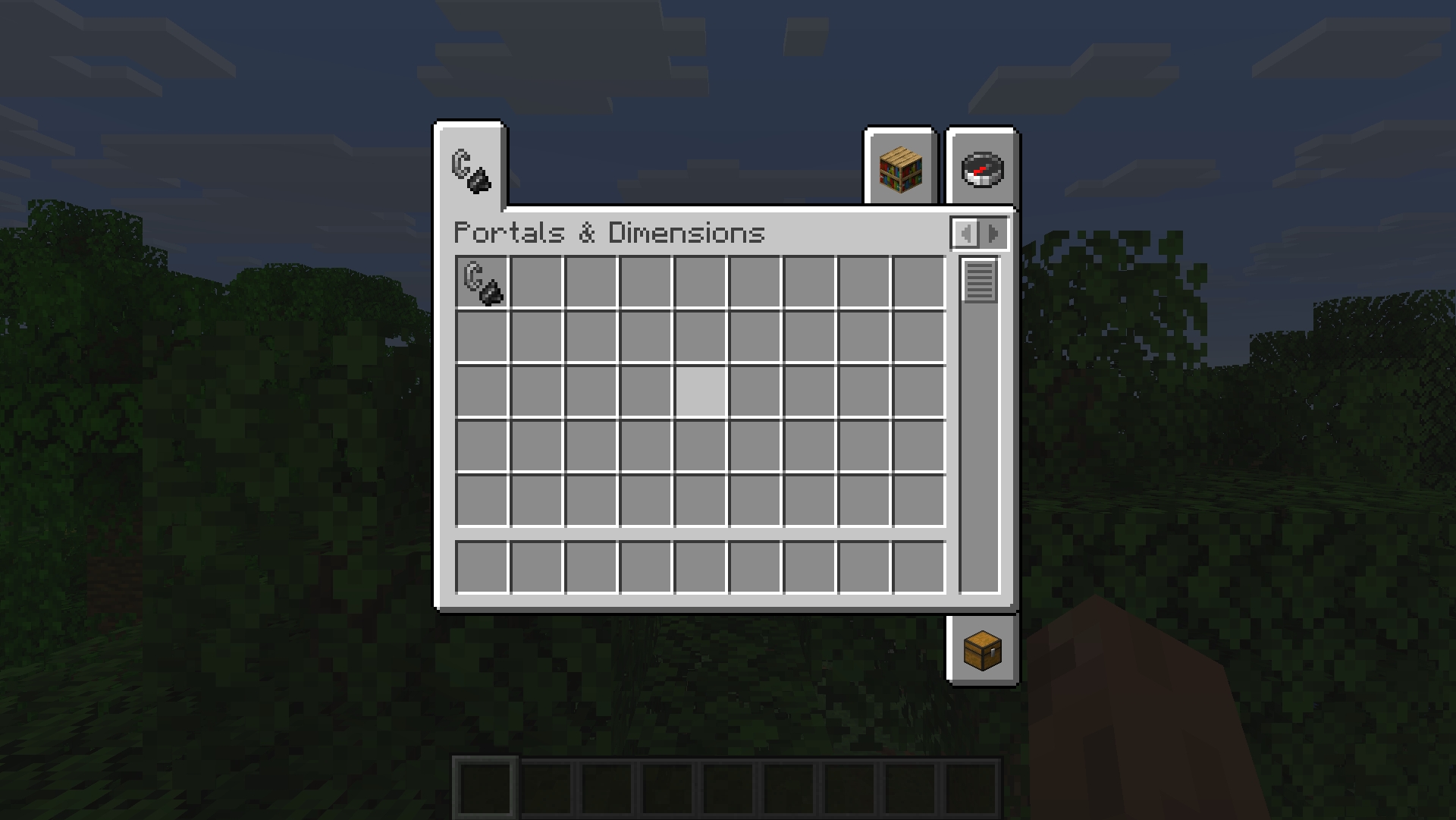
- Craft or get the Portals & Dimensions lighter (creative tab or
/give) - Right-click to open the configuration GUI
- Portals tab: Set frame block, portal color, and size
- Dimension tab: Configure terrain type, formula, biome, colors, and game rules
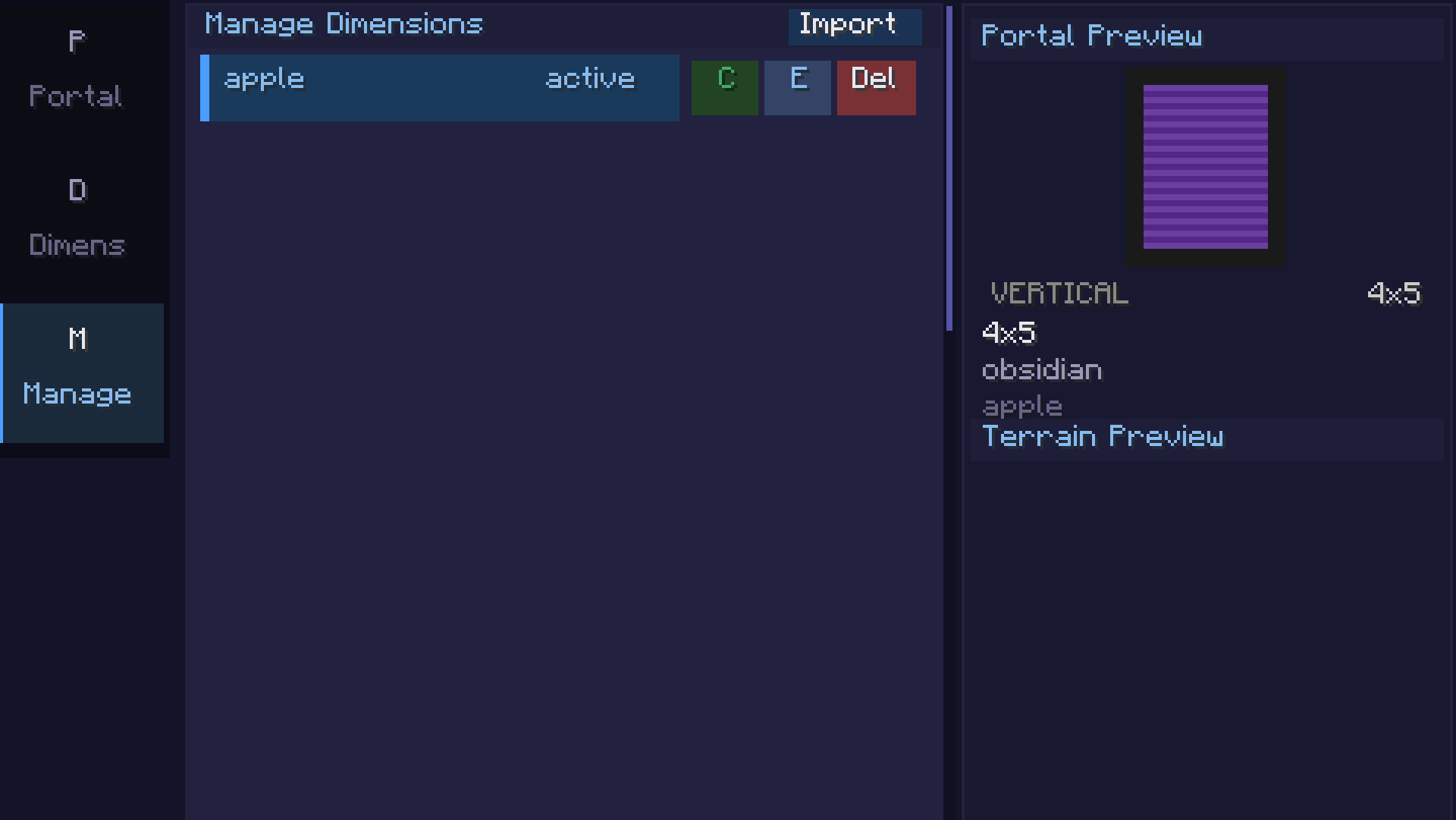
- Manage tab: Save, clone, export, or import dimension configs
- Light a portal frame with the configured lighter to create a linked portal
请登录后举报
请 登录 后赞助作者。
暂无评论,抢个沙发吧~